![[KNA004] ART VIEW](https://cdn.linksharehub.com/ocp/?u=https%3A%2F%2Fl5.fancapitalize.com%2Fimages%2F2025%2F12%2F2ee2c74bbf0d8ac3b1db0ba82f112943.jpg&t=webp)
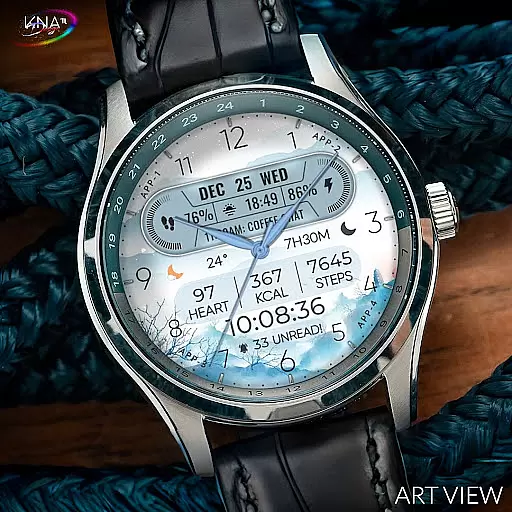
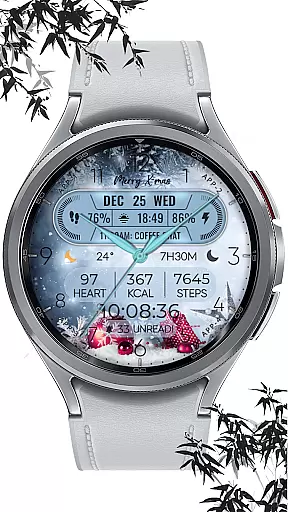
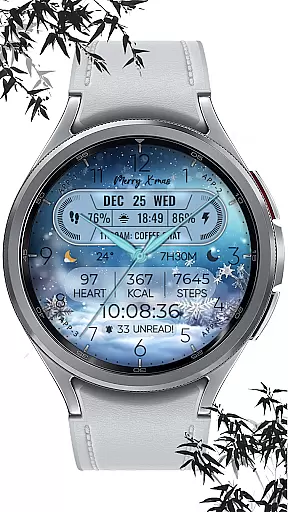
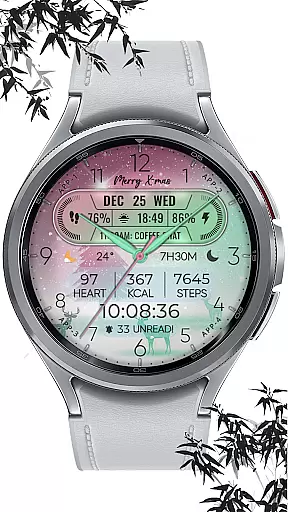
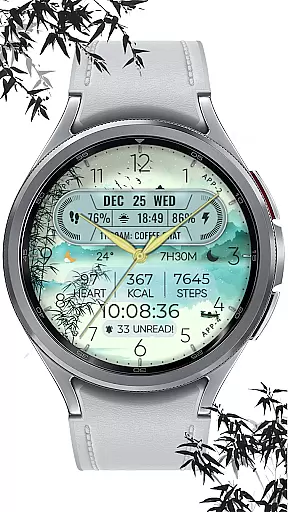
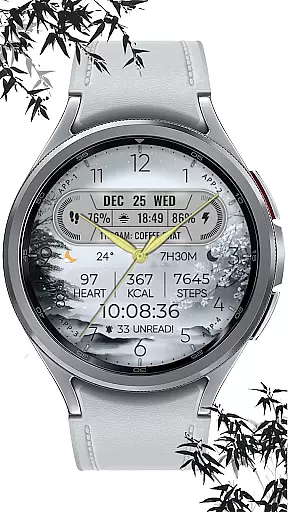
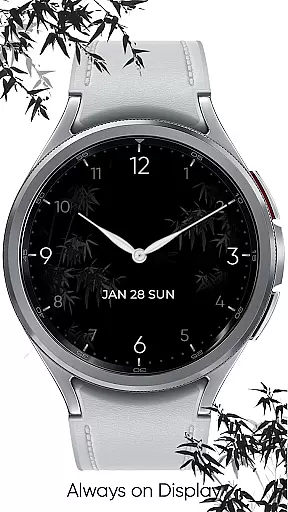
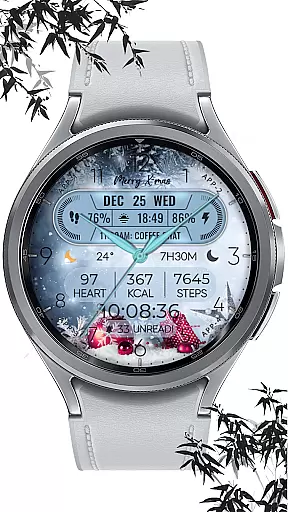
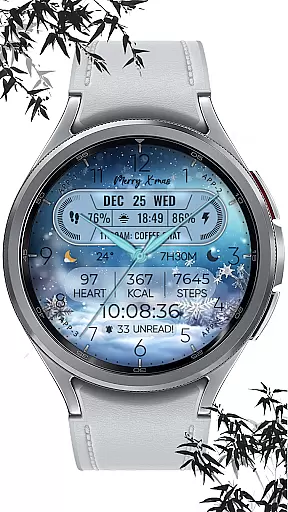
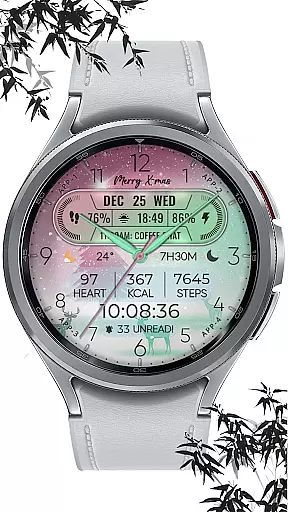
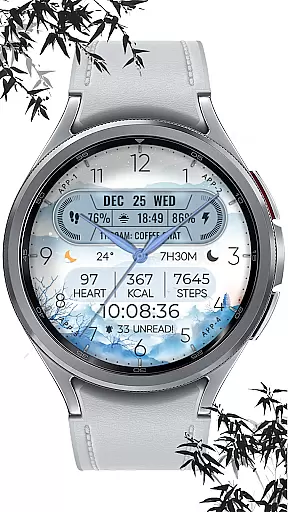
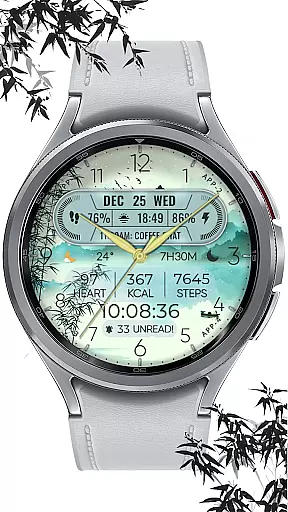
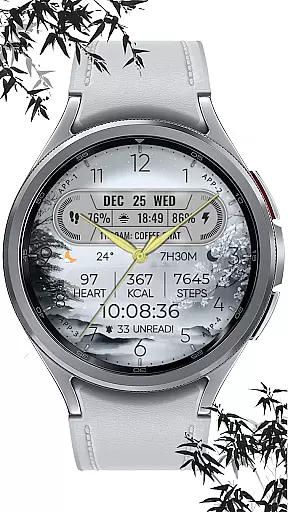
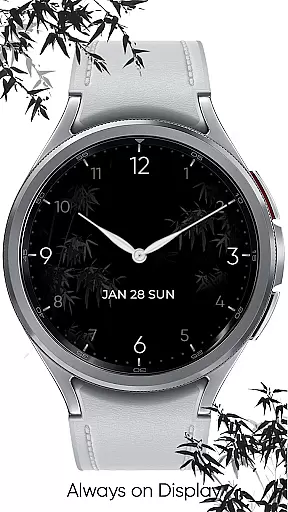
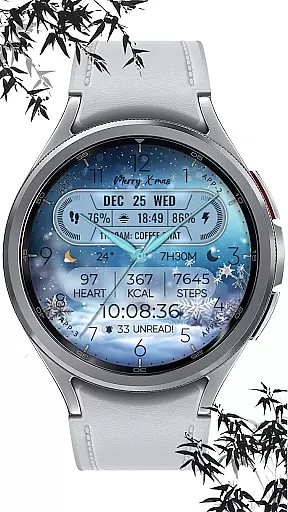
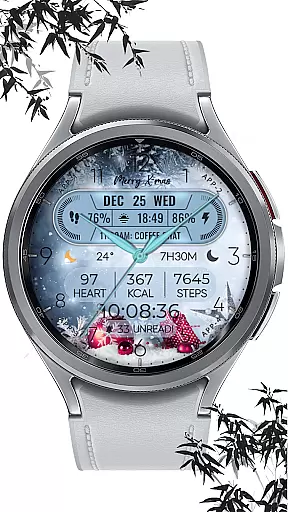
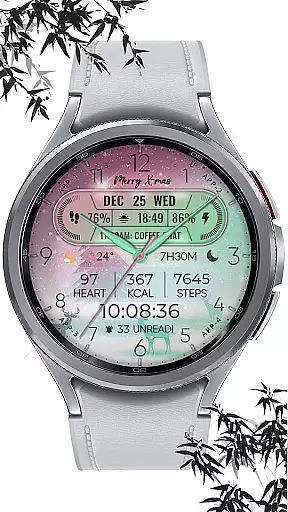
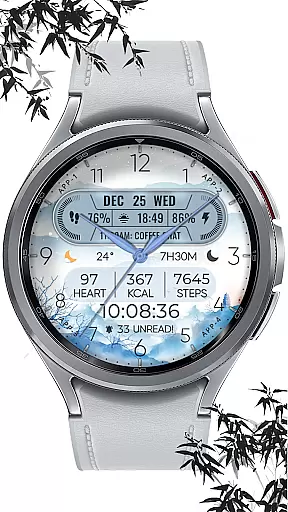
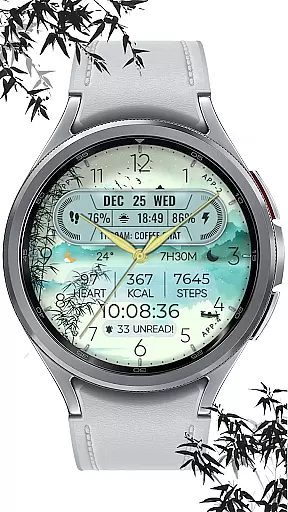
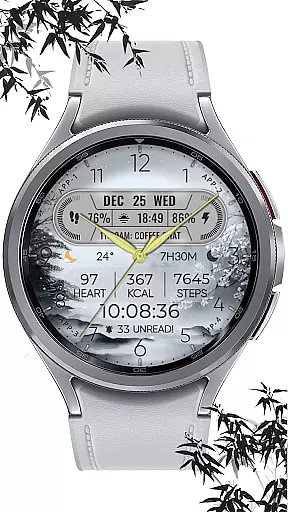
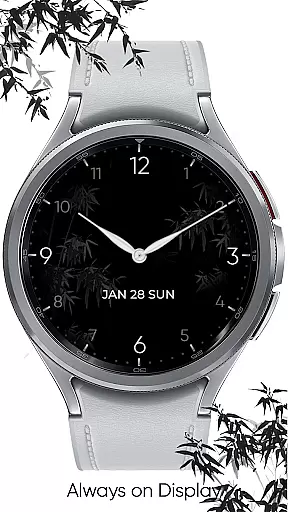
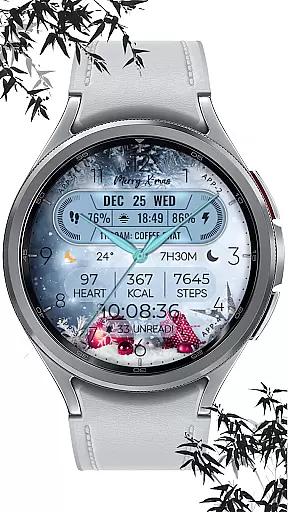
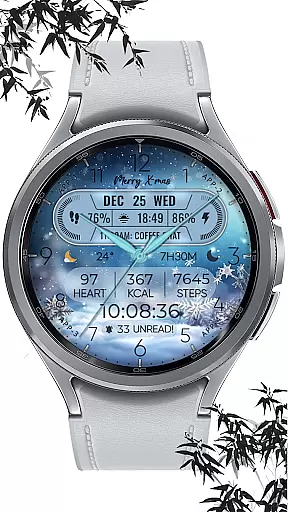
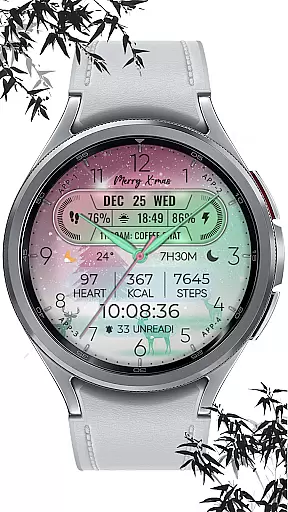
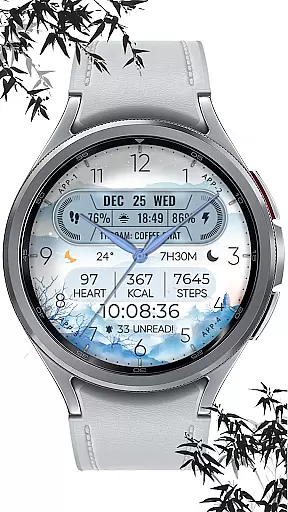
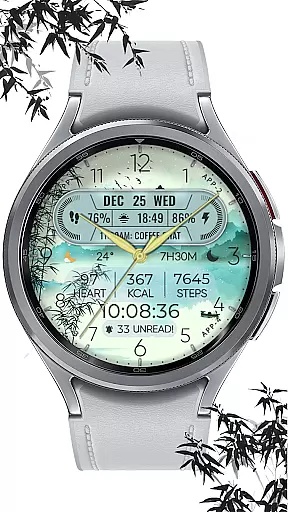
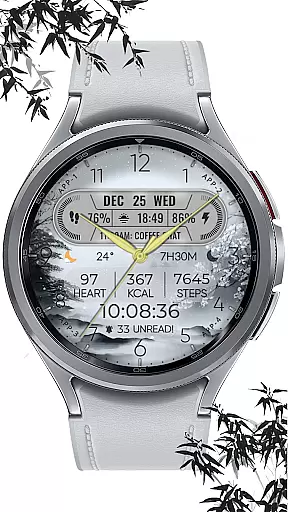
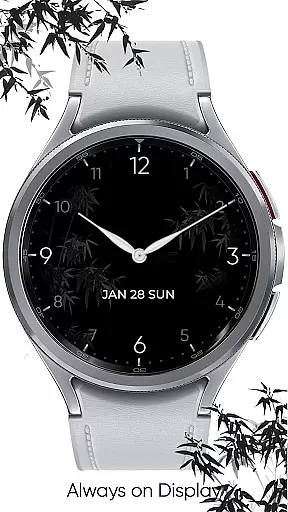
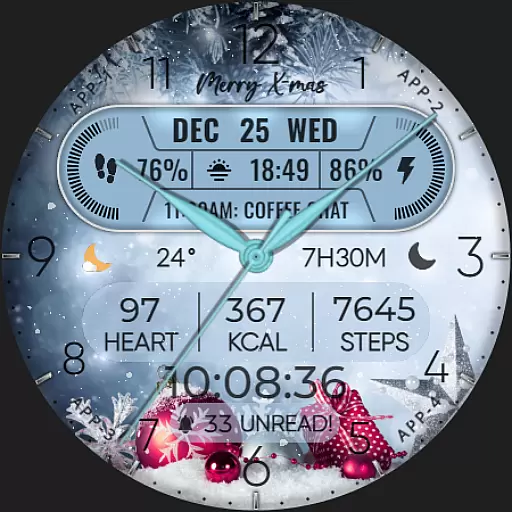
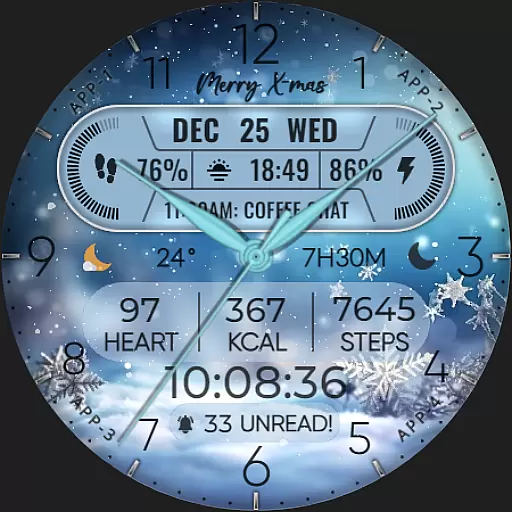
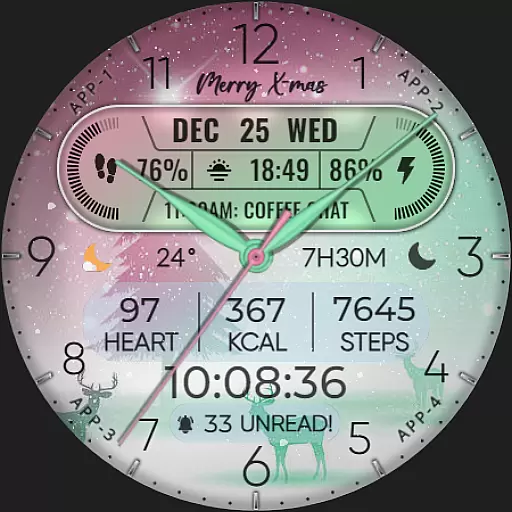
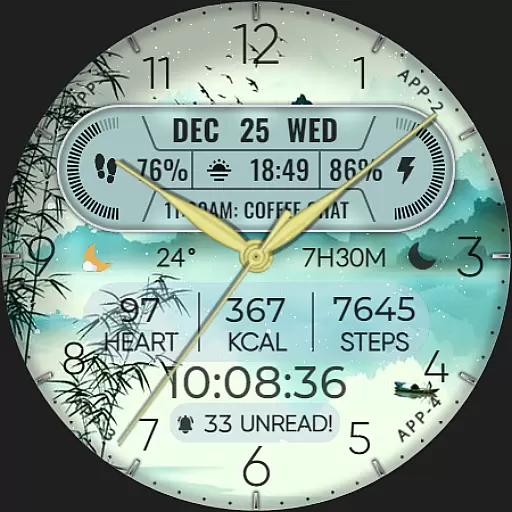
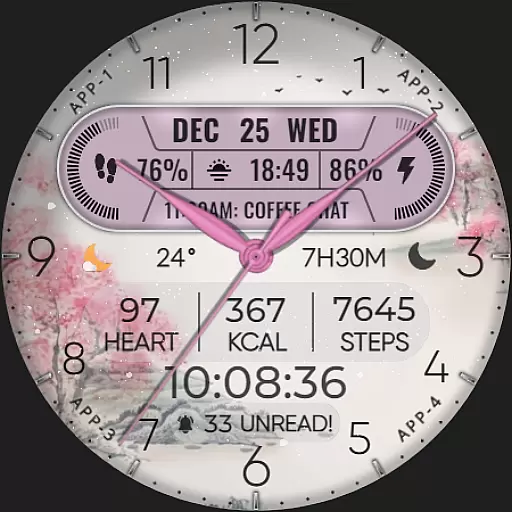
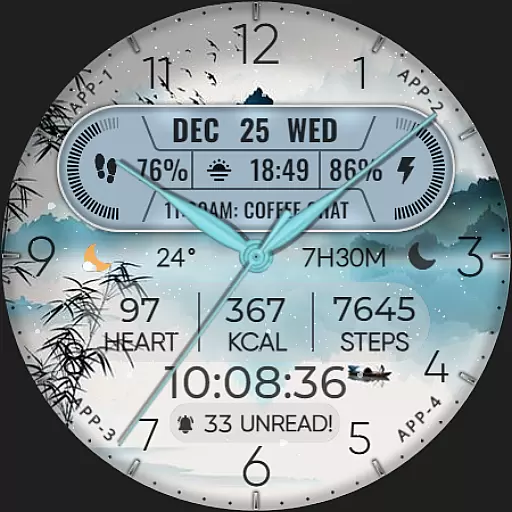
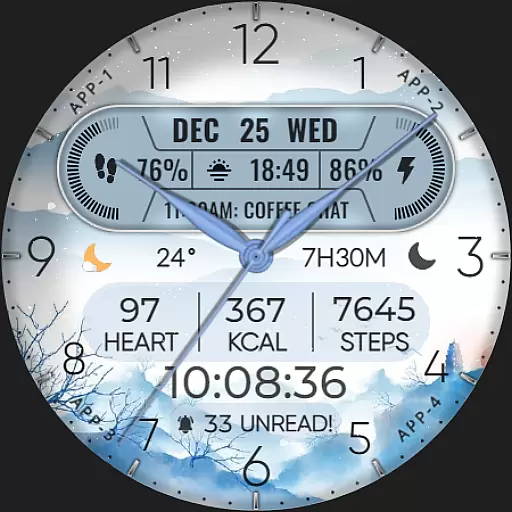
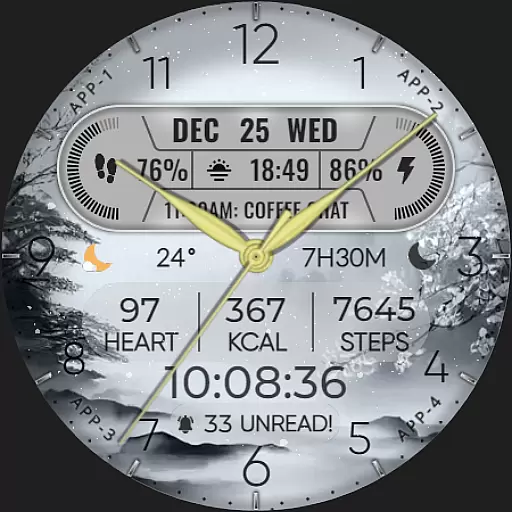
ART VIEW is a feature-rich watch face designed specifically for Wear OS devices, offering users a customizable and visually appealing experience. Compatible with API level 30+ devices including Google Pixel and Galaxy Watch series, this app transforms your smartwatch into a personalized timepiece.
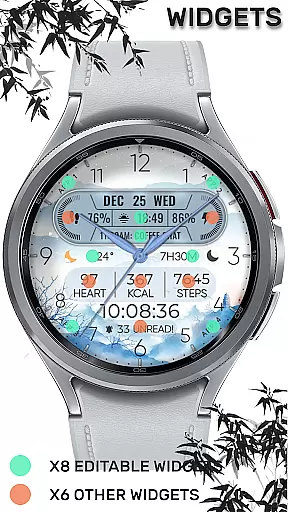
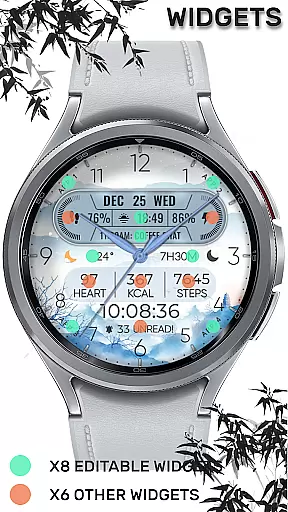
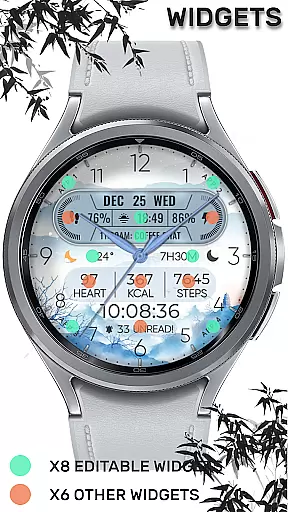
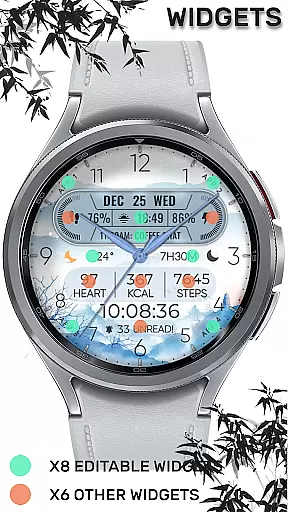
The watch face features hybrid styles with date, day of week, and month displays. It includes 8 editable complications and offers 10 color and style variations to suit different preferences. Users can track essential metrics like steps count, heart rate, battery level, and even receive notifications for unread messages and upcoming events.
This application is particularly useful for individuals who value both functionality and aesthetics in their wearable devices. The customizable complications allow users to display weather information, world clock, sunrise/sunset times, and other relevant data, making it a versatile tool for daily use.
ART VIEW stands out with its comprehensive feature set tailored for Wear OS users. The application provides an impressive array of customization options, including 8 editable complications that can display various data points such as steps count, heart rate, battery level, next event details, unread message count, and sunrise/sunset times.
One of the key innovations is the inclusion of 10 distinct color and style combinations, allowing users to personalize their watch face according to their preferences. The hybrid design incorporates traditional watch elements with modern digital features, creating a unique visual experience.
Additionally, the application includes a special snow falling animation for X-max festival, adding a festive touch to the user interface. The customization process is straightforward - users can simply touch and hold the display, then tap on the customize option to modify their watch face settings. This combination of functionality and personalization makes ART VIEW a compelling choice for Wear OS users.
When it comes to designing watch faces for Wear OS devices, having access to a comprehensive set of creative tools is essential. The [KNA004] ART VIEW watch face offers an impressive suite of features that cater to both amateur designers and seasoned artists alike.
This application provides users with hybrid styles, enabling them to switch between analog and digital aesthetics seamlessly. With the ability to display the date, day of the week, and month, users can customize their timepieces to show the most relevant information to their daily lives.
One of the standout aspects of this app is its support for up to eight editable complications. These allow for an array of personalized data points such as steps count, heart rate, battery level, next event, unread messages, sunrise and sunset times, and calories burned. This versatility ensures that users can tailor their watch faces to their specific needs and preferences.
In addition to these practical features, the app also includes ten different colors and styles, giving users the freedom to express their individuality through their wearable technology. Whether you're looking to match your outfit or mood, the customization options are plentiful.
The true mark of a superior design application is its canvas and format flexibility, allowing creators to bring their visions to life without constraints. The [KNA004] ART VIEW watch face excels in this area by providing a dynamic platform for personalization on Wear OS devices.
Before diving into customization, it's important to ensure device compatibility. This watch face supports devices with API level 30 and above, including Google Pixel watches and Galaxy Watch series from version 4 onwards, among other Wear OS models. Always verify that your smartwatch aligns with these specifications before proceeding.
Once installed, setting up the watch face is intuitive. Users simply touch and hold the display and tap on the customize option to begin their design journey. It's crucial to note that after installation, the watch face doesn't apply automatically; users must manually select it on their watchu2019s screen to activate their new design.
For those seeking further personalization, the app allows modification of complications with various data types. Options like weather updates, world clocks, and barometric pressure readings transform the watch face into a functional piece of art. While some features may vary in availability depending on the watch model, the core experience remains robust and engaging.
Highly customizable
Wide device compatibility
Multiple complication options
Vibrant color choices
Festive animations included
Limited to Wear OS
Requires latest Android
Some features restricted
No automatic application
Complex setup process

Easy 3D drawing design maker & creator. Model designing, Sculpting. Create&paint
 4.00
4.00
AI Face Swap, Video Effects Editor, Realtime Morph, Funny Video FX,AI Filters
3.70
Logo Generator powered by AI: Create stunning logos effortlessly!
4.70
800+ Drawing, Painting Lessons App to Practice, Sketch & Paint Art.
4.30
Art of Combination Wear OS Watch Faces
3.30
Art of Combination Wear OS Watch faces (for Wear OS 5+ devices)
3.90
Sketch and paint on your device with the feel and freedom of drawing on paper
4.00
Create amazing pictures and unleash your creative genius with AR Drawing Sketch
4.40
All-in-One art, logo & collage maker. Design photos and edit video backgrounds
4.80
See Color, Paint Color
4.90
Digital, Abstract, Classic - all types of color wheels in one app!
4.60
Turn your drawings into flipbook-style animations with simple creative tools
4.60
Get an overview over all your embroidery threads, projects and more.
4.60
Draw anime & manga drawing, art with templates to create stunning picture!
4.50
The perfect place to start sketching! Use Sketchbook to draw and paint sketches.
4.50
Video AI: Revolutionize Your Content Creation with Advanced Video Generation
4.50
Text to Image, Image to Video & AI Chat
4.20
Unleash the artist in you with our AR drawing and tracing tool for photo drawing
4.10
Design your dream room with AI. Get decor ideas & plan home interiors
3.90


User Reviews