
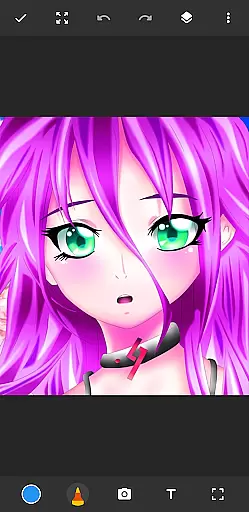
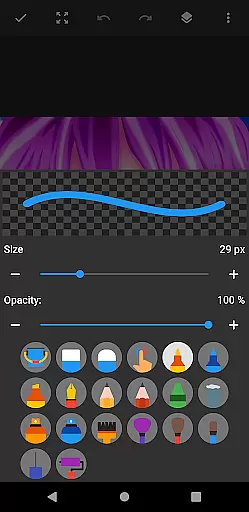
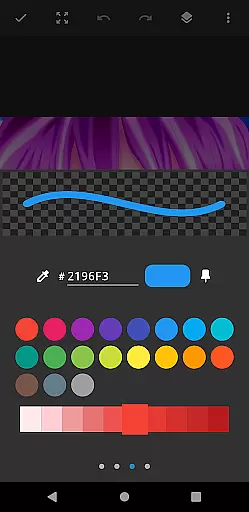
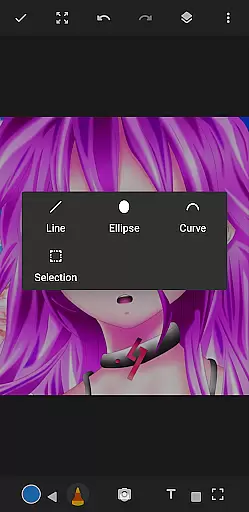
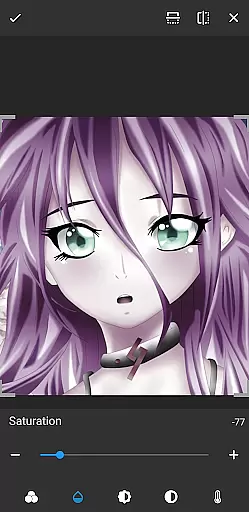
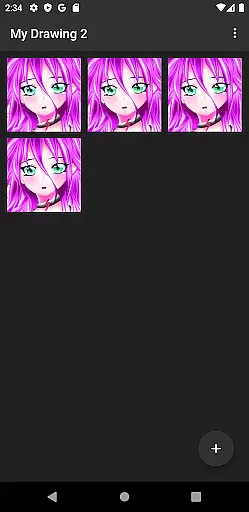
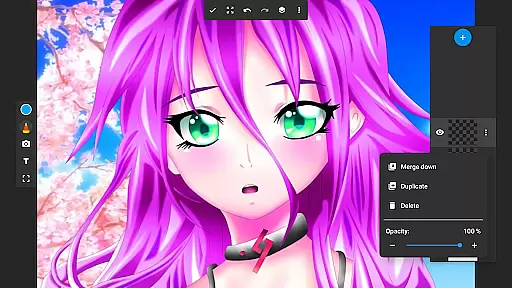
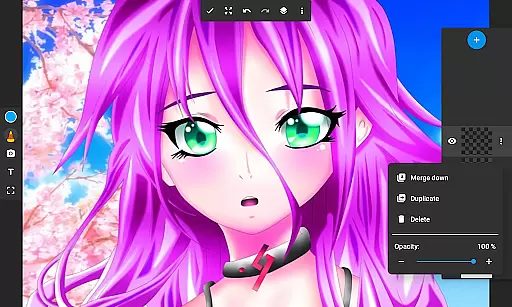
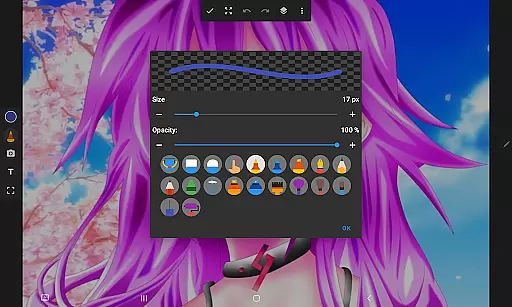
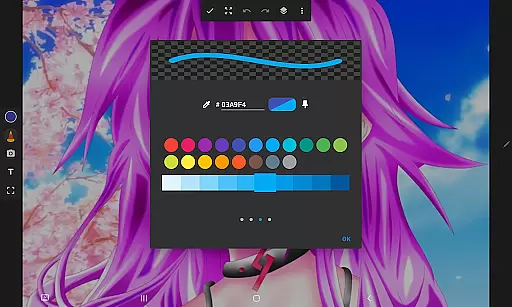
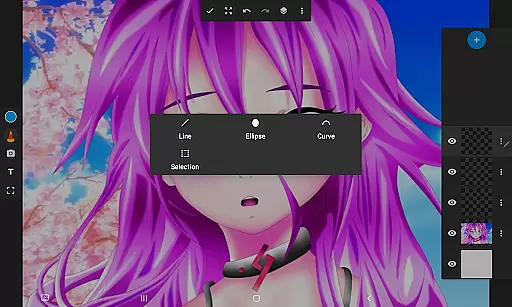
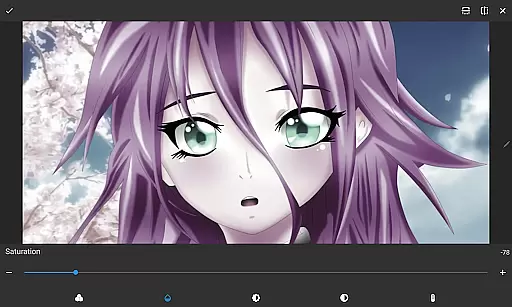
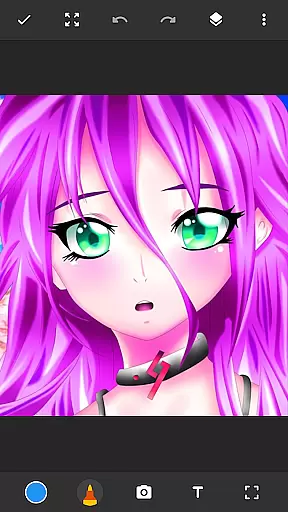
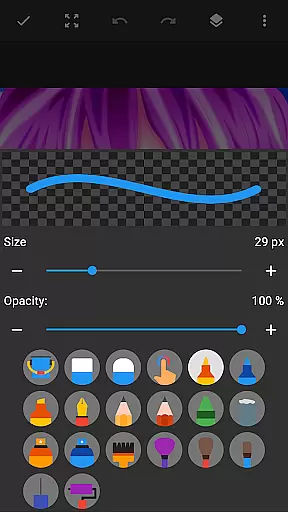
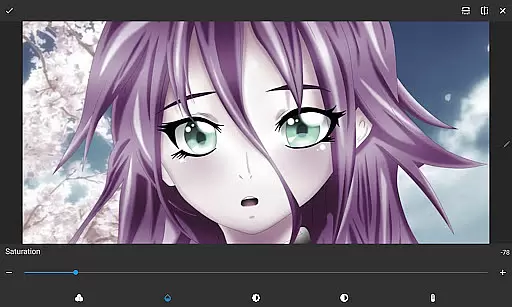
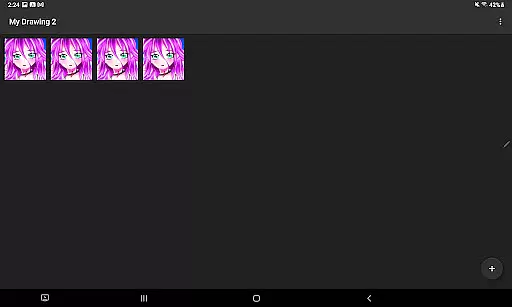
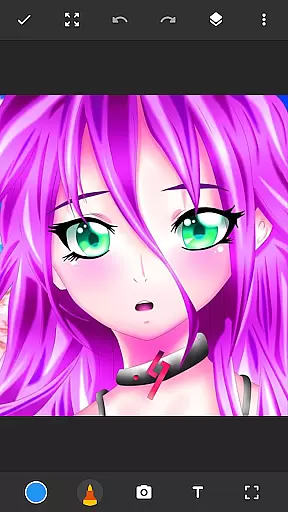
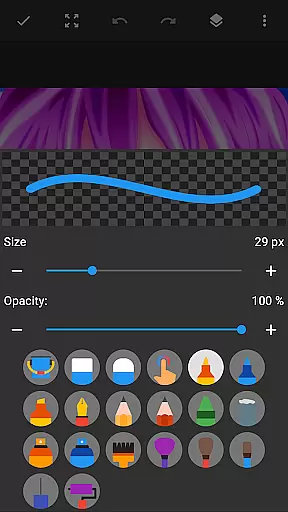
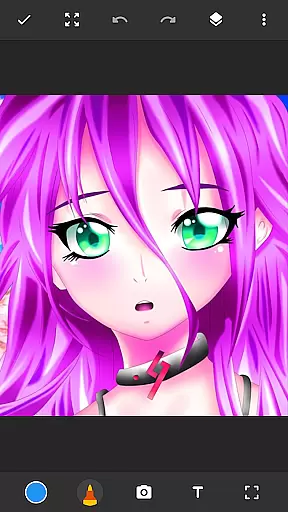
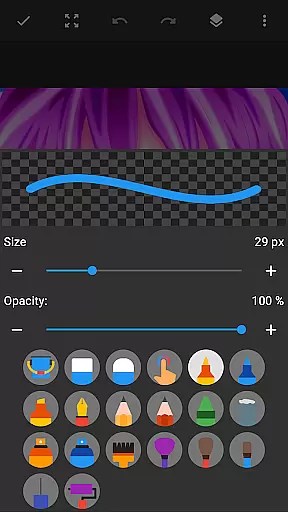
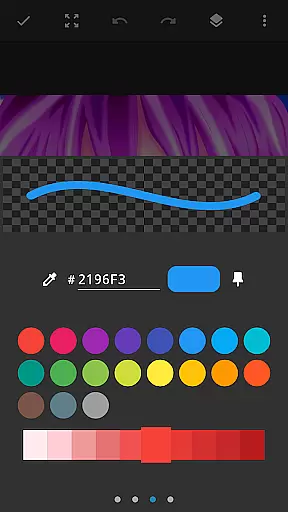
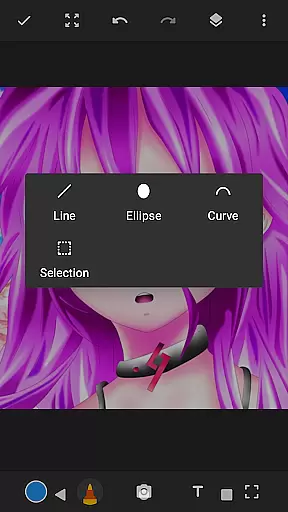
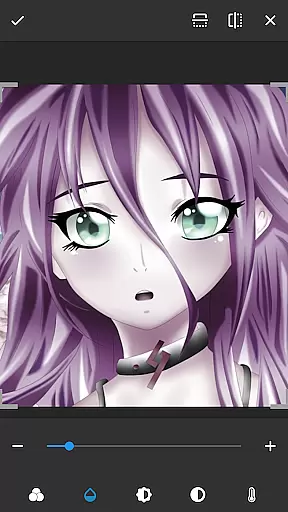
Drawing Pad Lite is a versatile digital art application designed for both beginners and experienced artists. This app provides an intuitive platform to create sketches, drawings, and vibrant digital artwork with ease. Featuring a wide array of brushstrokes, pencil tools, and customizable options, it allows users to express their creativity without limitations.
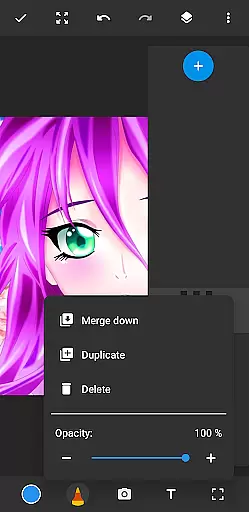
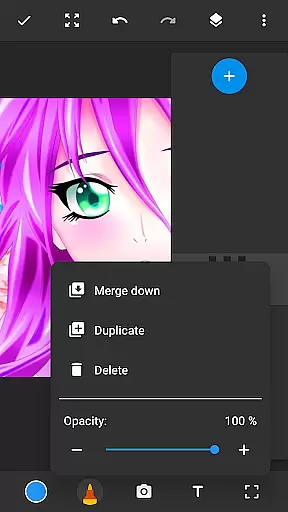
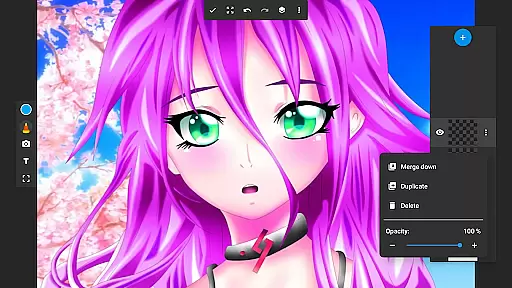
One of the standout features of Drawing Pad Lite is its layer functionality, which enables artists to organize their work efficiently and experiment with different ideas. Whether you're sketching independently or drawing on photos, this app offers all the essential tools to bring your artistic vision to life. Its user-friendly interface ensures that even those new to digital art can quickly adapt and start creating.
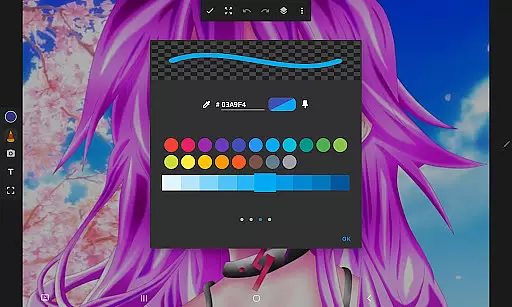
The app is perfect for anyone looking to explore their artistic potential, from casual doodlers to professional artists. With Drawing Pad Lite, users can save their work in layers, apply vibrant colors, and refine their creations using advanced editing options. This makes it an ideal tool for designing detailed illustrations, anime coloring, manga, and more.
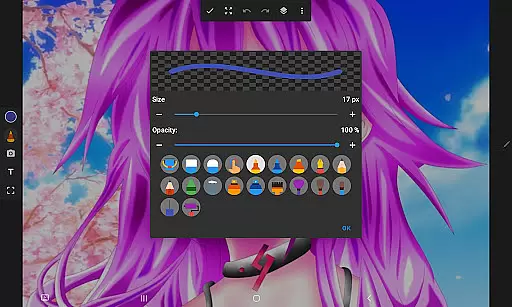
Drawing Pad Lite stands out due to its comprehensive set of features tailored for digital artists. The app includes various brush types, sizes, and styles, giving users complete control over their strokes. These brush tools are complemented by pencils, pens, and markers, allowing for diverse artistic expressions.
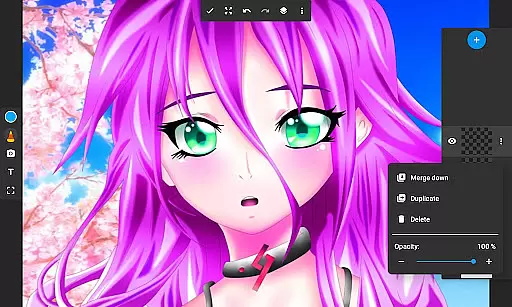
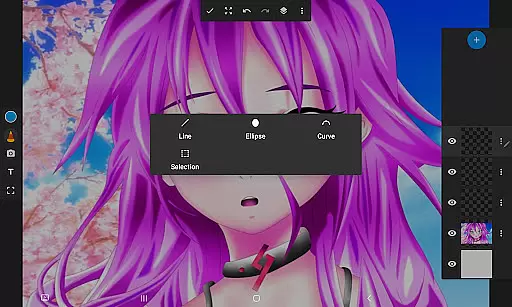
A key feature is the layer option, which revolutionizes how users manage complex artworks. Artists can create multiple layers, rearrange them, and adjust opacity to achieve desired effects. This flexibility is crucial for organizing sketches and experimenting with different design elements without affecting the entire piece.
In addition to its robust drawing capabilities, Drawing Pad Lite supports photo editing, enabling users to draw directly on images. The app also emphasizes ease of use, ensuring that even beginners can navigate its functions effortlessly. With these powerful tools at their disposal, users can produce professional-quality digital art right from their mobile devices.
In the realm of digital art, having a comprehensive set of creative tools is essential for artists to fully express their visions. Sketchbook Lite - Artbook rises to the occasion by offering an extensive array of brushstrokes, pencil types, pens, and markers.
Each tool within this drawing app provides various sizes and styles, ensuring that artists have complete control over their creations. Whether it's fine lines or bold strokes, users can achieve their desired effects with precision.
The inclusion of layers further enhances the creative process, allowing artists to organize their sketches and experiment with different ideas without compromising their original work. This feature supports complex artwork development and refinement.
With these robust options at their disposal, artists can refine their digital masterpieces until they reach perfection, making Sketchbook Lite - Artbook an indispensable companion for both budding and experienced artists alike.
A versatile canvas is crucial for artists who wish to explore different formats and dimensions in their digital art. Sketchbook Lite - Artbook understands this need and offers a flexible canvas that adapts to various artistic requirements.
Artists can draw on photos, creating mixed media pieces that blend photography with digital painting techniques. This feature opens up new avenues for creativity and allows for unique expressions that transcend traditional art forms.
Moreover, the ability to doodle freely on a customizable canvas means that users are not constrained by physical limitations. They can expand their canvas as needed, which is particularly beneficial when working on detailed or large-scale projects.
This level of canvas and format flexibility ensures that whether users are sketching quick doodles or crafting intricate digital artworks, Sketchbook Lite - Artbook accommodates all creative impulses with ease.
User-friendly interface
Wide range of brushes
Layer support for complex designs
Vibrant color options
Photo drawing capability
Limited free features
Occasional lag
Ads in free version
Advanced tools require payment
Learning curve for beginners

Discover Cartoon Dream : Unleash Your Creativity with CuttingEdge AI
 4.50
4.50
Vidu is an AI video generator made for creators and aspiring makers.
3.30
Photo blender app to create overlay photos & double exposure.
4.40
Design unique, funny and adorable cat stickers that reflect your own style!
3.80
Photo editor for art, avatars, filters & fun transformations.
4.60
Experience next-gen icons with a modern liquid glass look.
3.60
Beauty Camera - Selfie Camera is the ultimate beauty camera and selfie app
4.30
Create Logos, Tattoos, AI Art & more with our AI Photo Generator & Design Editor
4.20
Just trace a projected picture on paper and color! Draw & Paint with AR drawing
4.40
Draw beautiful mandala's very easily
4.60
Image/ Text to Video Generator
4.40
Create stylish invitation cards using templates for weddings, birthdays & RSVP.
4.20
Text to Image, Image to Video & AI Chat
4.20
Floor Plan Creator lets you create, edit and share floor plans.
4.00
Paint with oils and sketch with natural tools on a realistic virtual canvas.
3.80
Meet the magic aı 3d photo generator and smart AI video generator app.
3.20
Pose and morph realistic male and female models! 3D poser app
3.00
Download now for a stylish and functional timepiece
4.2
A luxurious gold watch face for an elegant and refined look.
4.4


User Reviews