
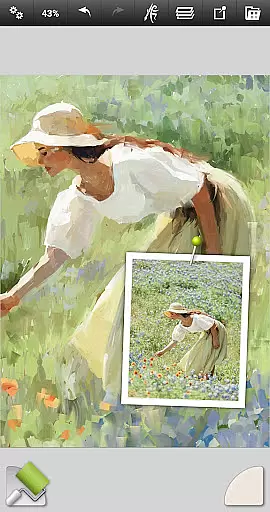
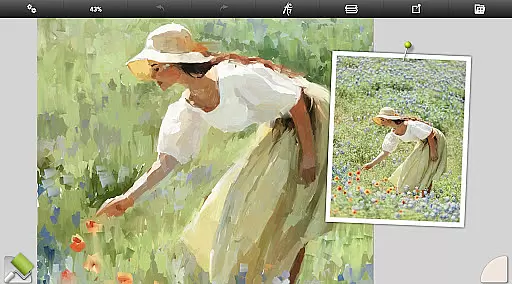
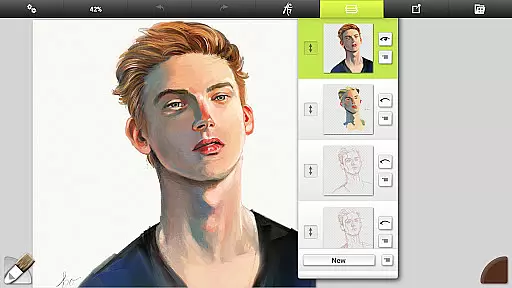
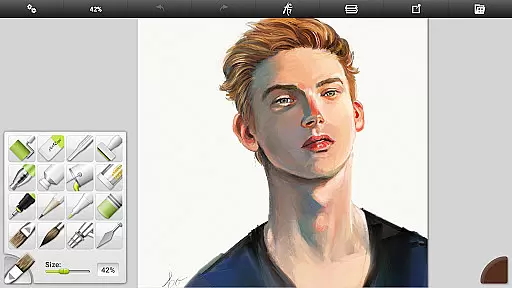
ArtRage Vitae Mobile Painting is a premium natural painting application designed for artists seeking realistic digital art tools. The app offers an impressive range of features that mimic traditional art mediums, allowing users to blend oil paints, sketch with pencils, and create watercolor gradients on a virtual canvas.
With support for canvas sizes up to 4096px x 4096px and tool sizes up to 500%, ArtRage Vitae provides professional-grade options such as layers, blend modes, and custom presets. Whether you're a beginner or a professional artist, this app helps unlock creativity by combining intuitive digital utilities with lifelike painting tools.
The app's ability to integrate with Android sharing systems makes it easy to showcase your artwork. Additionally, its compatibility with desktop versions of ArtRage ensures a seamless experience across devices, making it ideal for both casual and advanced artistic projects.
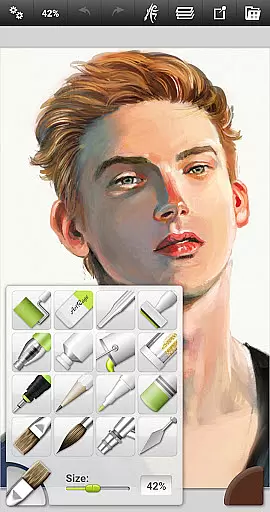
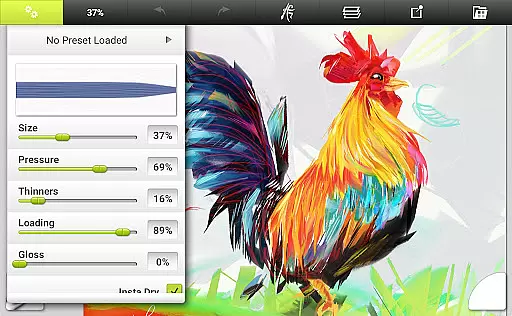
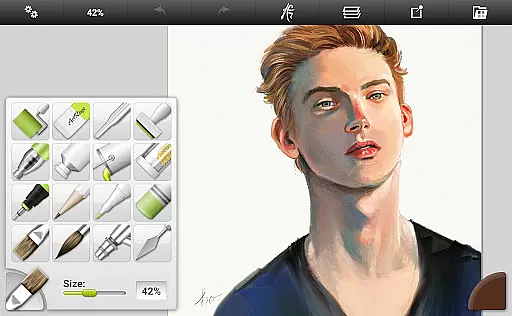
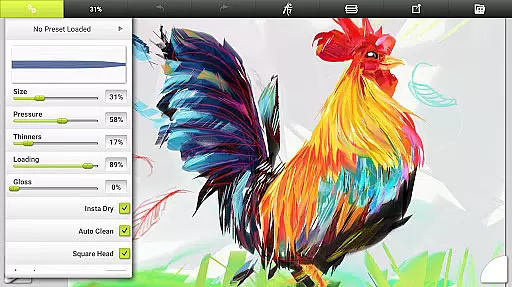
ArtRage Vitae stands out with its diverse set of 16 tools, each offering countless variations through presets and settings. From natural painting tools like the Oil Brush and Watercolor to sketching tools such as Pencils and Pastels, every instrument reacts like its real-world counterpart, providing an authentic artistic experience.
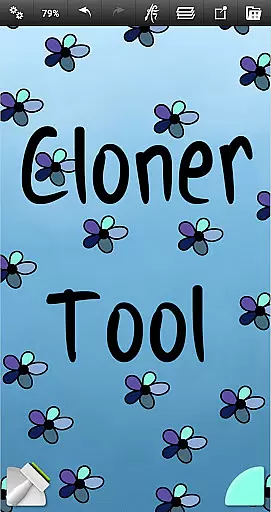
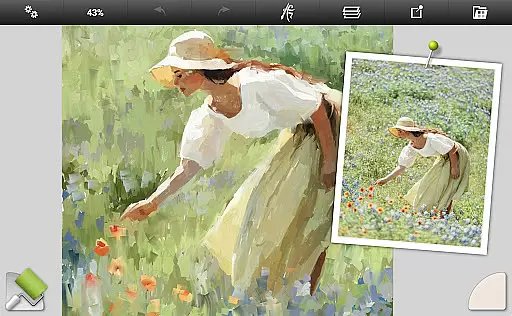
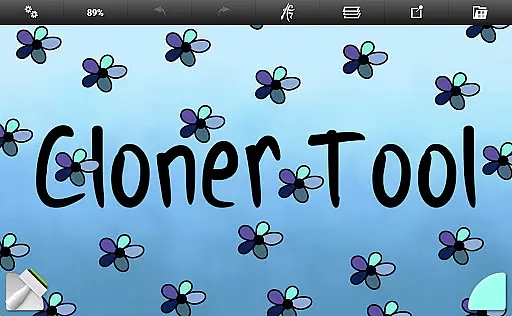
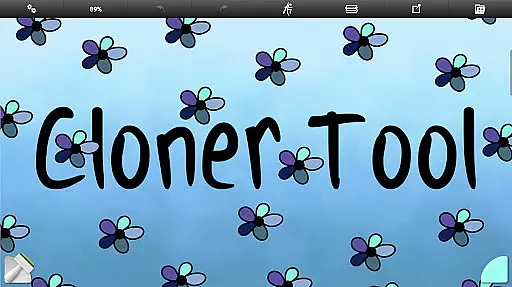
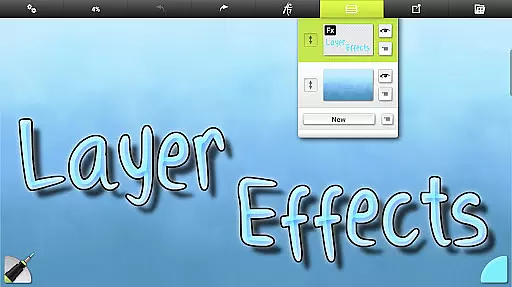
Beyond traditional tools, the app includes advanced utilities like Layers, Blend Modes, and Tracing Images, empowering users to refine their work with precision. Special effects tools such as the Cloner and Glitter Tube add unique creative possibilities, while customizable canvas textures enhance realism.
Additional highlights include unlimited undo/redo functionality, multi-touch canvas manipulation, and stylus-only mode for enhanced control. With built-in file management and script recording capabilities, ArtRage Vitae ensures a comprehensive and flexible digital art experience tailored to various skill levels.
In the realm of digital art, having a comprehensive set of creative tools is paramount. ArtRage Vitae Mobile Painting excels in this area by offering 16 diverse tools with countless variations through presets and settings. These include natural painting tools like the Oil Brush, Watercolor, Palette Knife, Paint roller, and Paint tube, which mimic real-world counterparts.
For those inclined towards sketching and drawing, the app provides an Airbrush, Ink Pen, Felt Pen, Pencil, Wax or Chalk Pastel, and an Eraser. Each tool's settings are designed to reflect natural properties such as paint thickness or pencil softness, enhancing the authenticity of the artistic experience. Additionally, utility tools like Flood Fill and Color Sampler, along with special effect tools such as the Cloner and Glitter Tube, expand the creative possibilities.
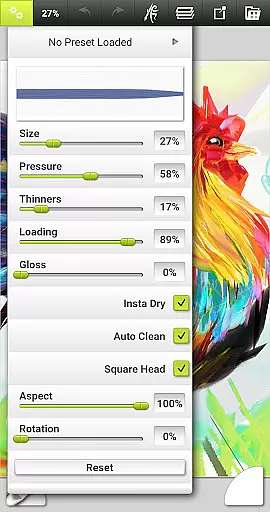
ArtRage Vitae stands out by allowing artists to store their favorite settings as custom presets, thus streamlining their workflow and personalizing their toolkit. The inclusion of canvas texture adjustments further enriches the painting process, making it not just a painting app but a complete artistu2019s studio on your mobile device.
The flexibility of canvas and format options can greatly influence an artist's creative process. ArtRage Vitae Mobile Painting addresses this need by providing a maximum canvas size of 4096px x 4096px across all devices, ensuring that artists are not constrained by size limitations while creating their masterpieces.
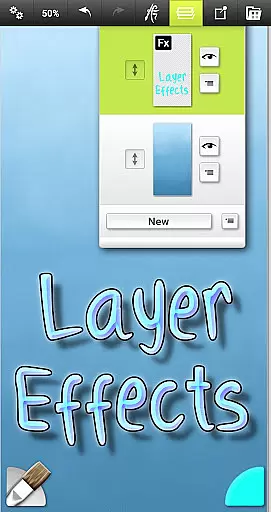
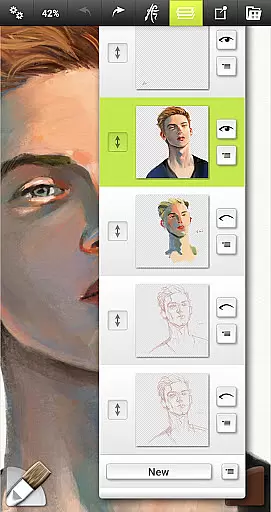
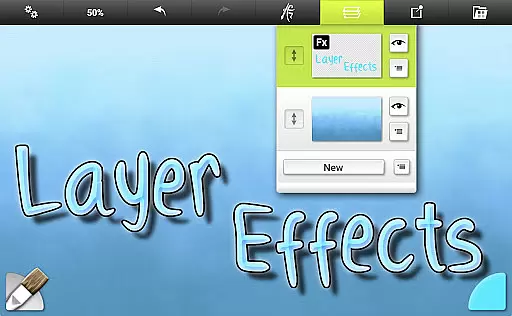
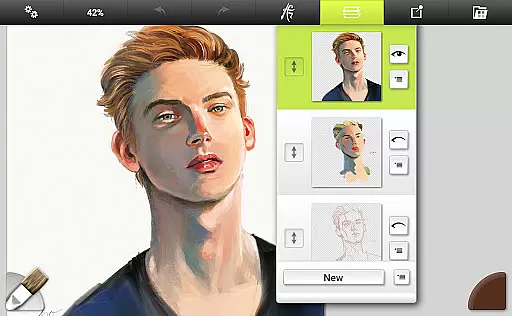
With support for layers and industry-standard Layer Blend Modes, users can experiment with complex compositions and add depth to their artwork through highlights, shadows, and 3D effects on individual layers. This layer functionality extends to exporting and merging, giving artists control over their final output.
Moreover, the app facilitates file management within its own gallery system, allowing paintings to be exported and shared as JPG or PNG files via Android's sharing system. Compatibility with desktop versions of ArtRage ensures seamless transitions between devices, while script recording of paintings enables playback on desktops for further refinement or presentation purposes.
Realistic painting tools
Extensive layer options
User-friendly interface
High canvas resolution
Cross-device compatibility
Paid premium app
Steep learning curve
Storage access required
Limited free resources
No offline licensing

Learn how to draw with step-by-step tutorials, fun lessons & multiplayer drawing
 4.70
4.70
AI Assistant, powered by ChatGPT GPT-4 & GPT-4o. Your intelligent companion.
3.50
Logo Generator powered by AI: Create stunning logos effortlessly!
4.70
Beauty Camera - Selfie Camera is the ultimate beauty camera and selfie app
4.30
Just trace a projected picture on paper and color! Draw & Paint with AR drawing
4.40
AI Tattoo Generator: Create Tattoo Designs & Get Ideas! Ink & Stencil Maker
4.50
An intuitive, high-performance painting app that lets you focus on creating
4.40
Multiplayer Drawing game, Coloring, Painting・Sketch, Handwriting・Paint, draw
4.30
All-in-One art, logo & collage maker. Design photos and edit video backgrounds
4.80
Image resizer to resize, crop, rotate, flip, change dpi photo or picture in bulk
4.60
Castle is social media for creating and playing games!
4.60
Get an overview over all your embroidery threads, projects and more.
4.60
Remove Background, Magic Eraser, Photo Enhancer, Story Templates, Collage Maker
4.30
Sketch, plan, take notes and illustrate on an infinite canvas.
4.20
Unleash Your Creativity with Draw Cartoon - AR Drawing App
4.10
Sketch and paint on your device with the feel and freedom of drawing on paper
4.00
Create sweet, cool and unique couple avatars easily, in just a few steps!
3.40
Art of Combination Wear OS Watch Faces
3.30
Create trending AI photos & videos with powerful effects and 3D styles.
3.20


User Reviews