
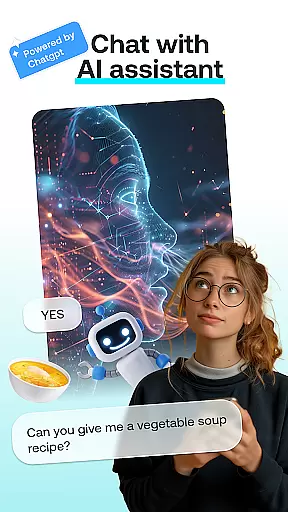
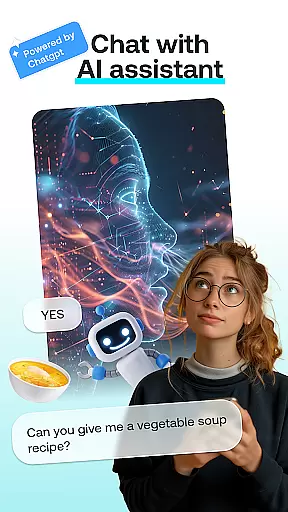
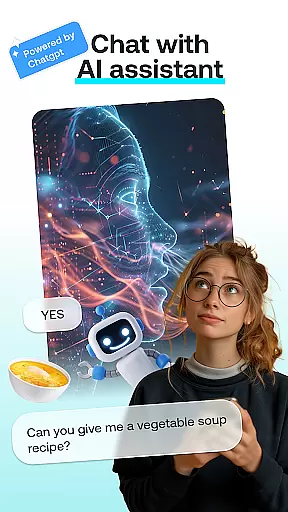
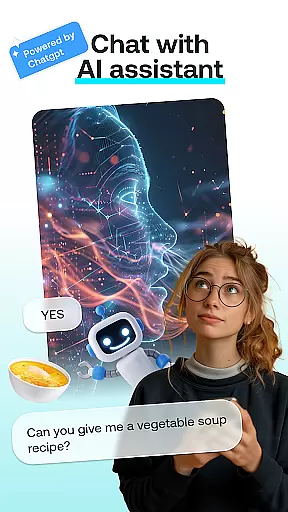
AI Chat: Chatbot Assistant is an innovative app that brings together the best of AI-driven conversations and creative tools in one place. Designed for both fun and productivity, this app allows users to engage with advanced AI chat modules powered by ChatGPT GPT-4 & GPT-4o, create artistic transformations, and design personalized content effortlessly.
The app offers a variety of features including intelligent conversations, face swapping, cartoon effects, portrait creation, and AI-generated paintings. Whether you're looking to have insightful discussions, transform photos into whimsical art, or craft unique portraits, AI Chat has something for everyone. Its intuitive interface ensures that users can easily navigate through different modules and achieve professional-quality results without any prior experience.
Perfect for AI enthusiasts, social media lovers, and creative professionals, AI Chat: Chatbot Assistant helps users express their creativity while simplifying complex tasks. From generating hilarious face swaps to producing stunning artistic renditions, this app provides endless possibilities for entertainment and personal expression.
AI Chat: Chatbot Assistant stands out with its diverse range of powerful features designed to cater to various user needs. The AI Chat module enables users to engage in meaningful conversations, seek advice, or find creative inspiration through interactions with cutting-edge AI technology powered by ChatGPT GPT-4 & GPT-4o.
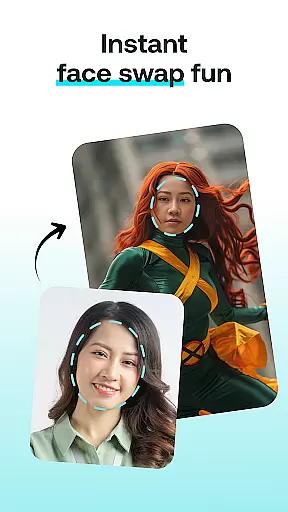
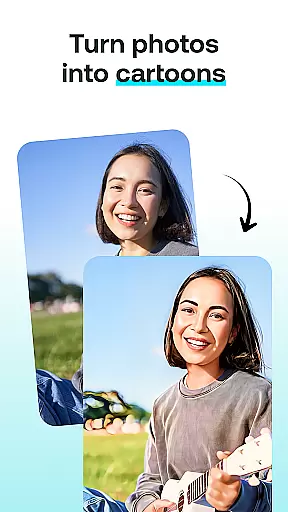
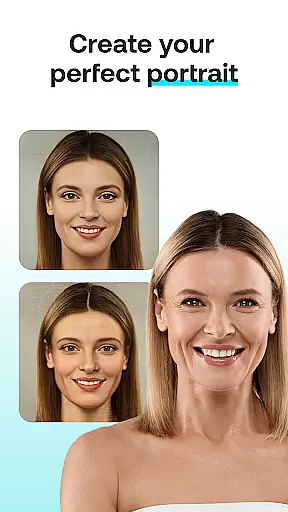
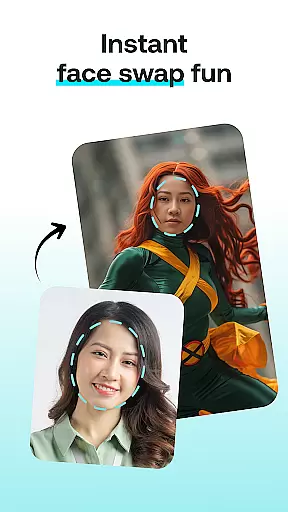
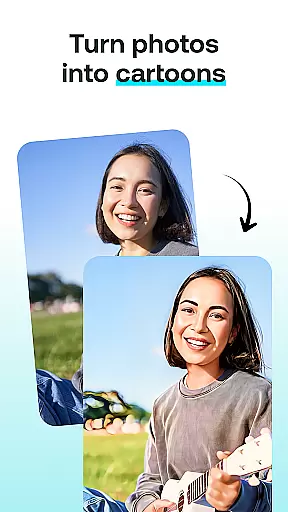
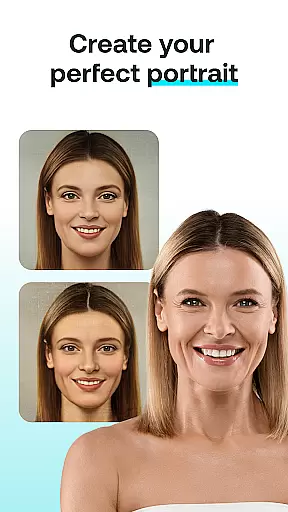
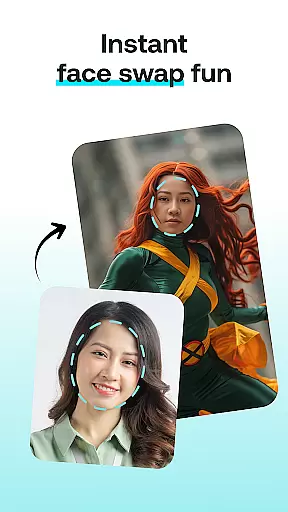
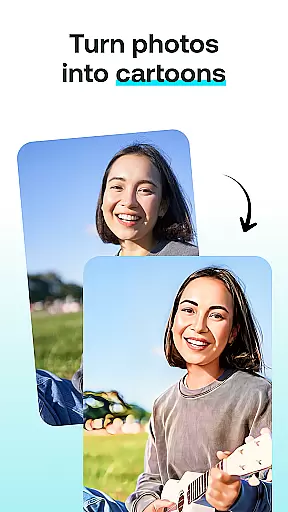
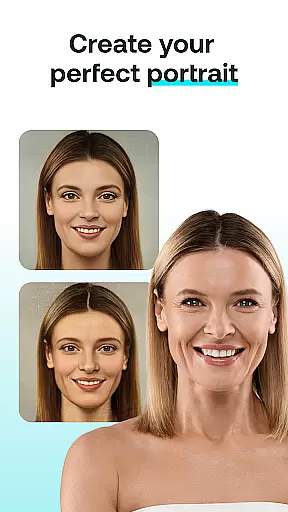
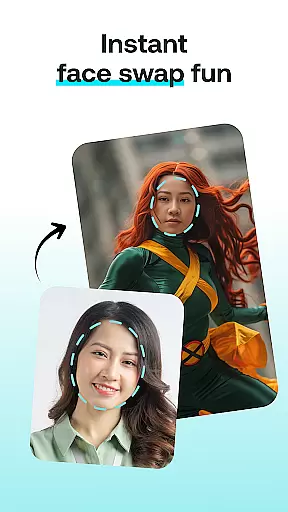
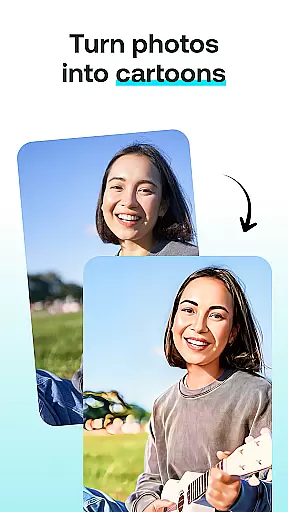
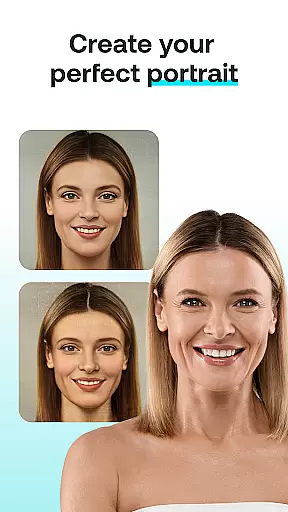
In addition to conversational capabilities, the app includes creative tools like Face Swap, which lets users swap faces with friends or celebrities to create entertaining images. The Cartoon Effect feature transforms ordinary photos into whimsical cartoon-like representations, while Portrait Maker helps design realistic or abstract portraits with ease. For those who love painting, the AI Paintings tool visualizes thoughts as beautiful artworks.
Each feature is crafted to ensure simplicity and efficiency, making it accessible even for beginners. With just a few clicks—selecting a module, uploading a photo, or entering text—users can generate impressive results tailored to their preferences. This versatility makes AI Chat: Chatbot Assistant an ideal choice for unleashing creativity across multiple formats.
In the realm of digital creativity, having a comprehensive suite of tools is essential. AI Chat: Chatbot Assistant offers an impressive array of features that cater to various creative needs. From engaging in intelligent conversations with the AI Chat module to transforming photos into cartoon characters using the Cartoon Effect, this app ensures you have everything required for your artistic endeavors.
The app's Face Swap and Portrait Maker modules further enhance its creative toolkit. With Face Swap, users can generate entertaining images by swapping faces with friends or celebrities, while Portrait Maker allows for crafting stunning and personalized portraits effortlessly. These features collectively provide a complete package for users looking to explore their creativity through different mediums.
By integrating advanced AI technology powered by ChatGPT GPT-4 & GPT-4o, AI Chat ensures high-quality results across all its creative tools. This technological backbone not only enhances the user experience but also guarantees professional-grade outputs, whether you're designing unique portraits or experimenting with whimsical photo effects.
Ultimately, the diverse and robust set of creative tools in AI Chat empowers users to unleash their imagination without limitations. Whether you're an artist seeking new forms of expression or someone who enjoys casual creative exploration, this app provides the resources needed to bring your ideas to life effectively and enjoyably.
Flexibility in canvas and format options is crucial for any art and design application, allowing users to tailor their creations precisely as envisioned. AI Chat: Chatbot Assistant excels in this aspect by offering versatile canvas settings and multiple format compatibilities. Users can adjust dimensions and resolutions to suit specific project requirements, ensuring optimal quality and presentation.
The app supports a wide range of file formats, enabling seamless import and export capabilities. Whether working on digital paintings, photo transformations, or portrait designs, users can save and share their work in formats that best fit their intended useu2014be it for social media, print, or personal archives. This adaptability enhances workflow efficiency and broadens creative possibilities.
Moreover, AI Chat's intuitive interface makes it easy to switch between different canvas sizes and formats. The straightforward controls ensure that even those new to digital art can navigate and utilize these features effectively. Such user-friendly design principles help maintain focus on creativity rather than technical constraints.
By prioritizing canvas and format flexibility, AI Chat: Chatbot Assistant caters to both amateur enthusiasts and professional artists alike. This commitment to versatility ensures that every user can achieve their desired artistic outcomes with precision and ease, making the app a valuable asset in any creative toolkit.
User-friendly interface
Advanced AI chat capabilities
Versatile creative tools
High-quality output
Fun and engaging features
Limited free usage
Requires internet connection
Premium features locked behind subscription
Occasional slow processing
Some features may need improvement

Floor Plan Creator lets you create, edit and share floor plans.
 4.00
4.00
Logo Generator powered by AI: Create stunning logos effortlessly!
4.70
Your Essential Color Theory Guide: Red, Yellow, Blue (RYB)
4.5
Digital, Abstract, Classic - all types of color wheels in one app!
4.60
Draw Trace image sketch by, AR art projector app, Easy to trace any image.
4.50
Turn your drawings into flipbook-style animations with simple creative tools
4.60
Explore future self face age filter & remove background image for a unique look.
3.50
How to draw anime step by step for beginner easily by AR drawing sketch & paint.
3.60
AI-powered photo & video creation—fast, fun, and effortless with Quick Actions
4.60
Create stunning art with AI.
4.80
Draw on screen: FP sDraw is a simple and lightweight drawing app
4.70
Novices can also easily complete diamond painting masters
4.70
Draw glowing spinners, relax, and spin your creative art
4.60
Unleash your drawing and painting potential
4.50
Customizable Outlined Fonts. Watch Face Format. Battery friendly Digital Clock.
4.20
Create Logos, Tattoos, AI Art & more with our AI Photo Generator & Design Editor
4.20
Unleash the artist in you with our AR drawing and tracing tool for photo drawing
4.10
AR Anime Drawing: How to draw anime with AR drawing & sketching apps!
4.00
Art of Combination Wear OS Watch Faces
4.1


User Reviews