
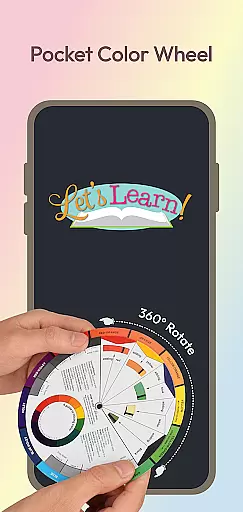
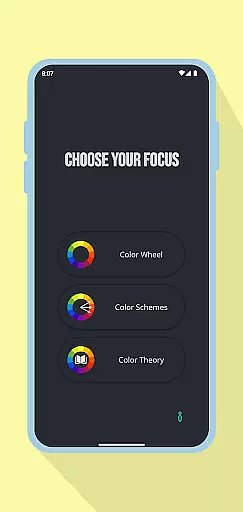
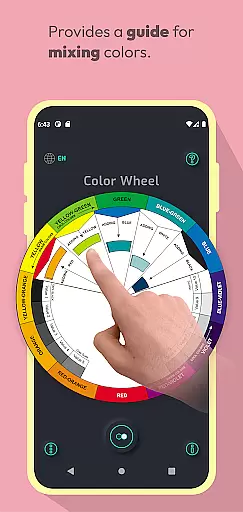
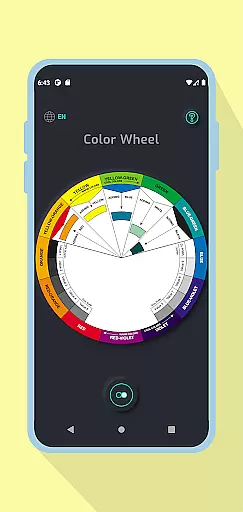
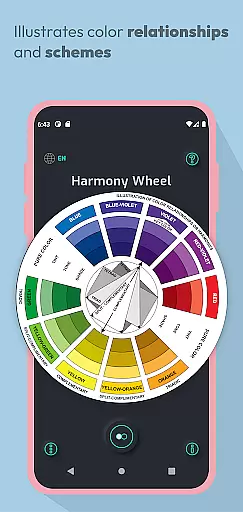
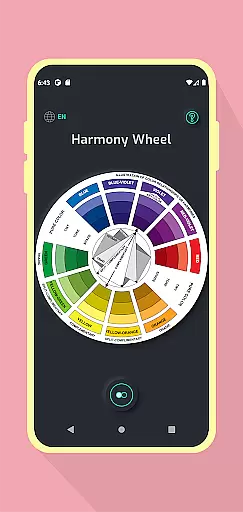
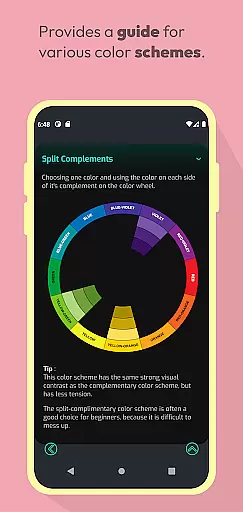
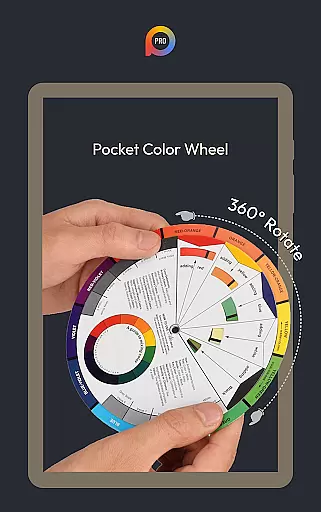
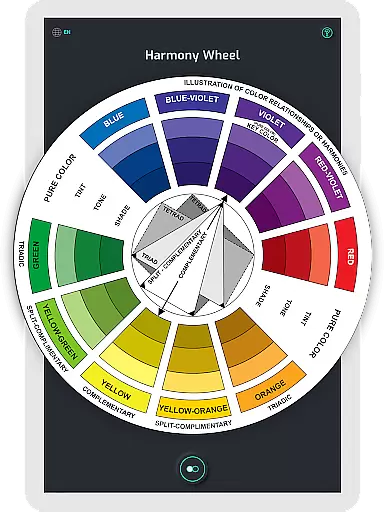
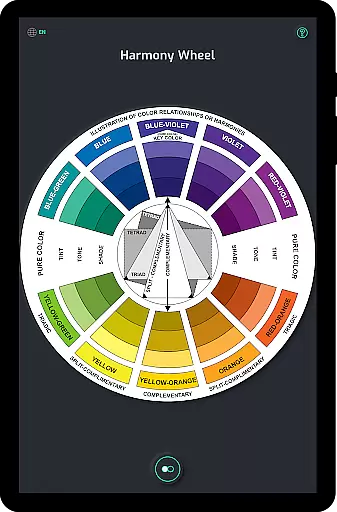
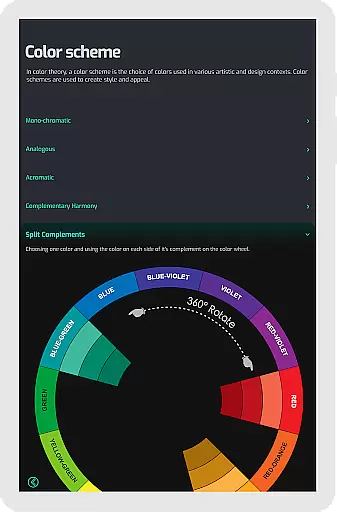
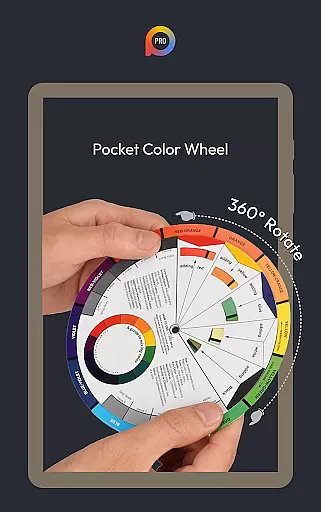
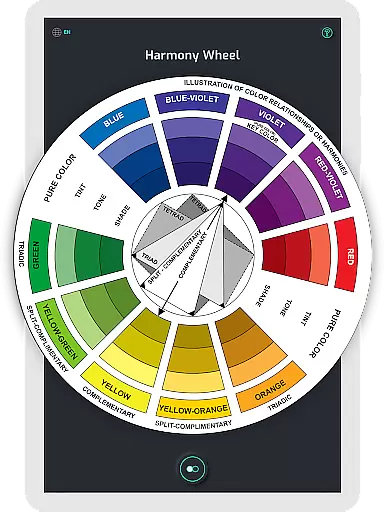
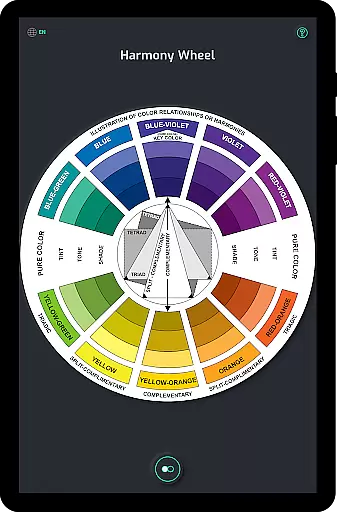
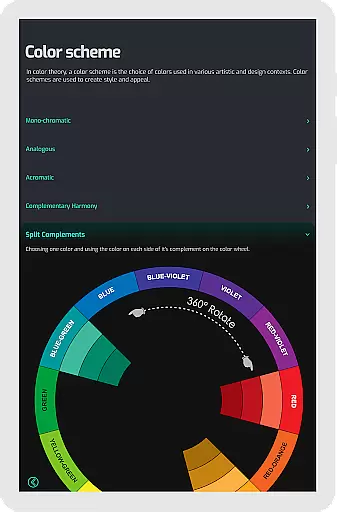
Pocket Color Wheel Pro is an essential reference tool for mastering colour theory on the go. Designed for students, artists, and designers, this app simplifies colour mixing, relationships, and harmonies, offering a comprehensive visual guide in the palm of your hand. With its interactive features, users can explore various colour schemes such as monochromatic, analogous, complementary, split-complementary, triadic, and tetradic.
One standout feature of the Pro version is the option to choose between 12 or 18 color wheel schemes, allowing for more nuanced exploration of hues and blends. This makes it perfect for both learning and professional design work. Additionally, the app provides offline access, ensuring that all functionalities are available seamlessly without an active internet connection. Whether you're traveling, in remote areas, or simply looking to save data, Pocket Color Wheel Pro ensures a smooth experience anytime, anywhere.
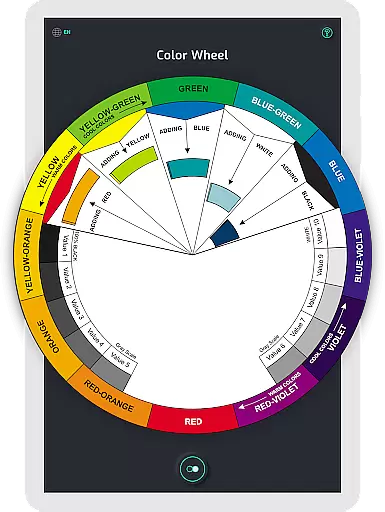
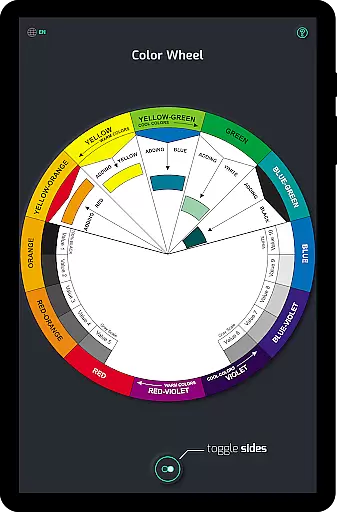
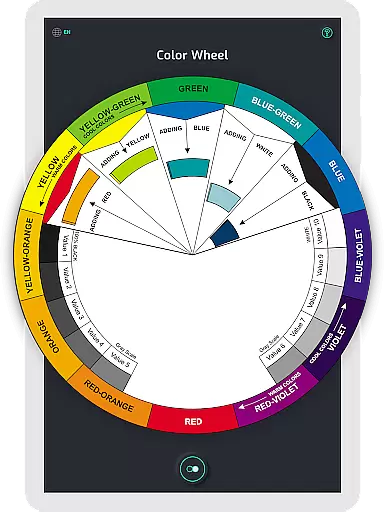
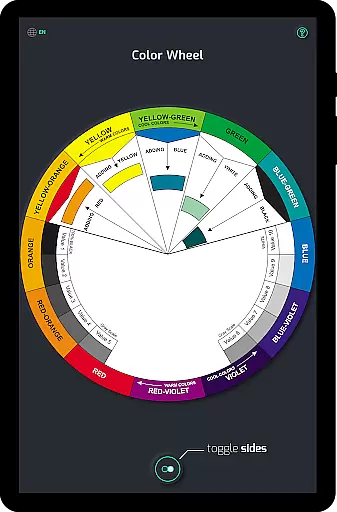
Pocket Color Wheel Pro offers a rich set of features designed to enhance your understanding and application of colour theory. The app includes an interactive Colour Wheel where users can rotate the wheel to explore colour relationships and discover harmonious combinations like complementary, triadic, and analogous colours. This hands-on approach makes colour mixing intuitive and straightforward.
The Pro version stands out with advanced tools such as the Color Schemes Tool, which allows users to create complex colour schemes easily. Whether you need monochromatic, analogous, complementary, split-complementary, triadic, or tetradic schemes, the app covers it all. Additionally, the inclusion of tone and shade variations helps users understand tints and shades with clear examples. A grey scale and common terms section further enriches the user's knowledge, making Pocket Color Wheel Pro an indispensable companion for creative projects.
In the realm of digital art and design, having a comprehensive set of creative tools is paramount. Pocket Color Wheel Pro offers an extensive suite of features that cater to students, artists, and designers alike. The app includes an advanced Color Schemes Tool, which allows users to choose between 12 or 18 color wheel options, opening up a world of hues and blends for more vibrant designs.
Additionally, the app simplifies the process of colour mixing and understanding relationships through its Interactive Colour Wheel. Users can rotate the wheel to explore complementary, triadic, and analogous colours, making it easier to discover harmonious combinations. This hands-on approach not only aids in learning but also enhances the creative workflow by providing instant visual feedback on colour choices.
The inclusion of Tone & Shade Variations along with a Grey Scale ensures that users have access to clear examples of tints, tones, and shades, as well as neutral tones. These resources are crucial for mastering colour theory and applying it effectively in various projects. With all these features available offline, Pocket Color Wheel Pro guarantees uninterrupted creativity, no matter where you are.
Flexibility in canvas and format options is essential for accommodating different project requirements and personal preferences. Pocket Color Wheel Pro addresses this need by offering versatile design capabilities that adapt to the user's unique style. Whether working on intricate designs or simple colour explorations, the app provides complete colour schemes that enable crafting visually stunning creations effortlessly.
Moreover, the app supports a wide range of colour-related tasks without requiring an active internet connection. This means that whether you're traveling, in remote areas, or looking to conserve data, you can still access all features seamlessly. Such freedom empowers artists and designers to work on their projects anytime, anywhere, without worrying about connectivity issues.
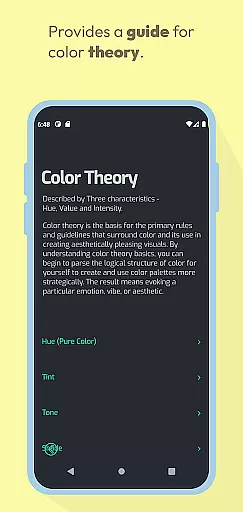
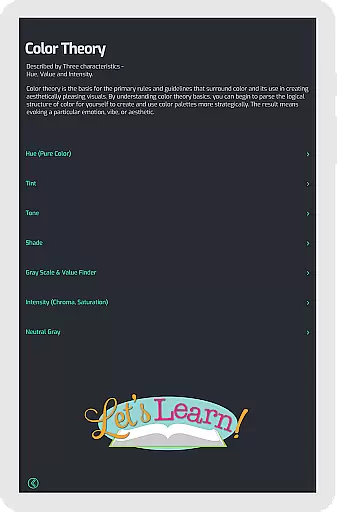
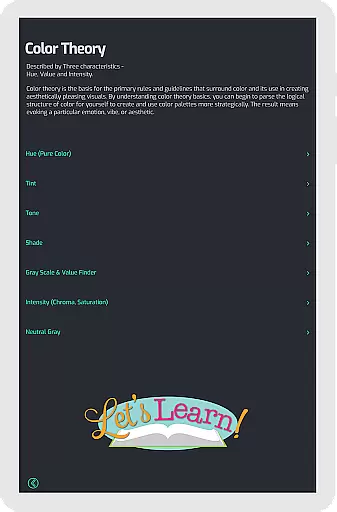
Pocket Color Wheel Pro stands out by integrating common terms and easy-to-understand definitions directly into the interface. This educational aspect enriches the user experience, allowing individuals to deepen their understanding of colour theory while they work. By combining practical tools with learning resources, the app becomes an indispensable companion for anyone involved in creative pursuits.
Comprehensive color schemes
Offline functionality
Interactive color wheel
Tone and shade variations
User-friendly interface
Limited free version
Advanced features locked
Requires purchase for full access
No collaborative tools
Basic UI design

Custom Character Creator & PFP Maker!
 4.20
4.20
AI Assistant, powered by ChatGPT GPT-4 & GPT-4o. Your intelligent companion.
3.50
See Color, Paint Color
4.90
Nano Banana AI Image Generator, Anime Filter, AI Portrait, AI Photo Generator
4.30
Novices can also easily complete diamond painting masters
4.70
Powerful home decoration & house design that allows you to design dream home.
3.80
Your homescreen as an elegant glass with customized blur, lighting, and visuals.
3.70
Retouch photos. Create or edit images. Endless capabilities.
2.70
Multiplayer Drawing game, Coloring, Painting・Sketch, Handwriting・Paint, draw
4.30
Photo stitcher for automatically screenshot stitching into a long screenshot
4.70
Draw anime & manga drawing, art with templates to create stunning picture!
4.50
AI Tattoo Generator: Create Tattoo Designs & Get Ideas! Ink & Stencil Maker
4.50
800+ Drawing, Painting Lessons App to Practice, Sketch & Paint Art.
4.30
Digital Drawing: Draw & Paint
4.10
AI Face Swap, Video Effects Editor, Realtime Morph, Funny Video FX,AI Filters
3.70
AI Art Generator transforms your words into AI generated art & paintings.
3.70
Experience next-gen icons with a modern liquid glass look.
3.60
Meet the magic aı 3d photo generator and smart AI video generator app.
3.20
Transform photos into amazing monochrome dither art with professional algorithms
4.5


User Reviews