
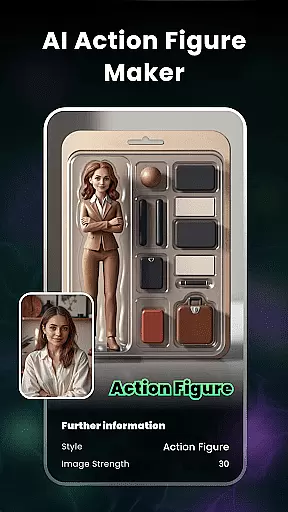
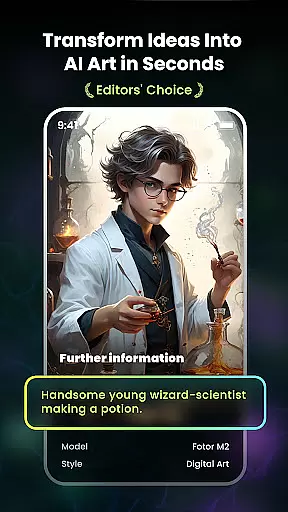
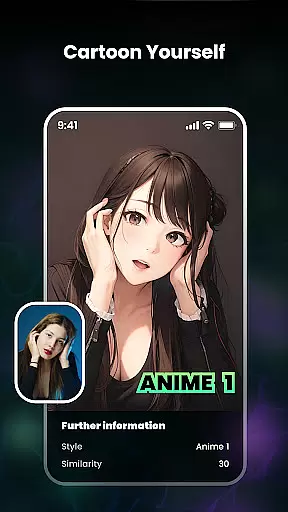
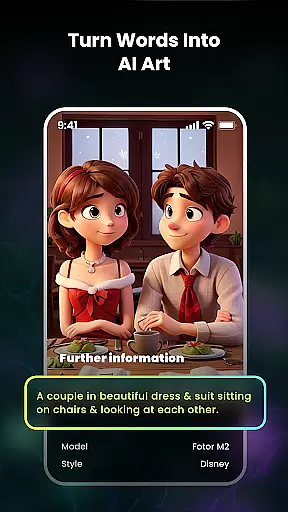
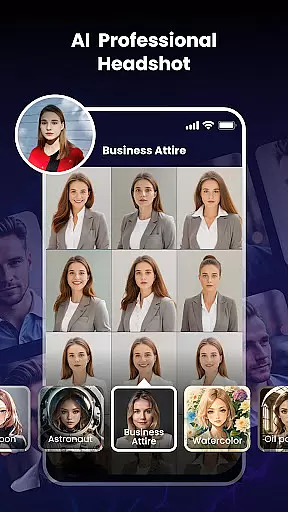
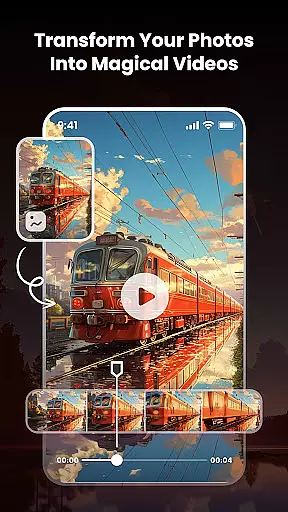
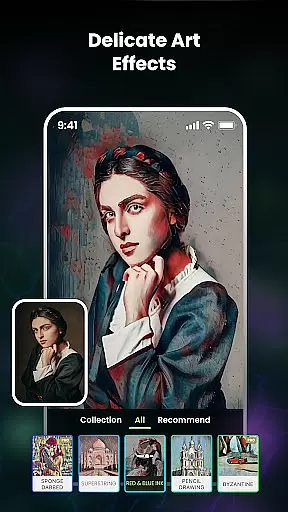
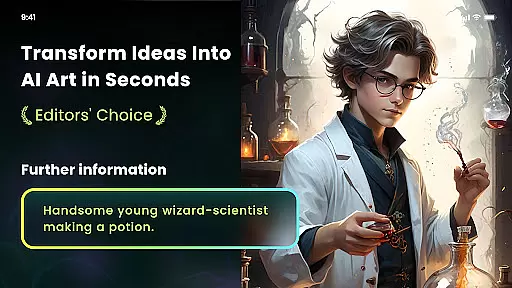
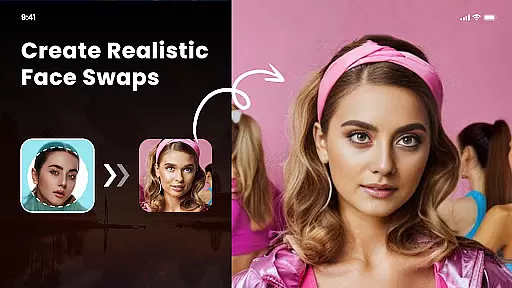
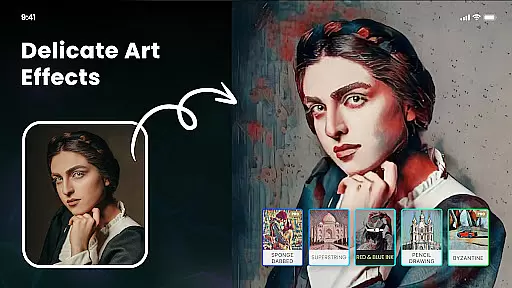
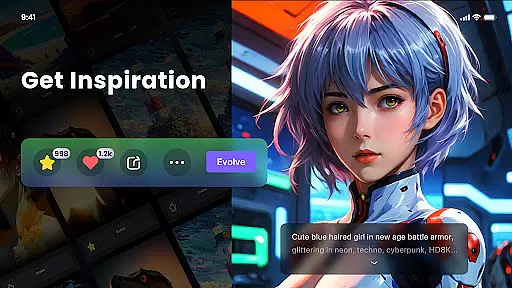
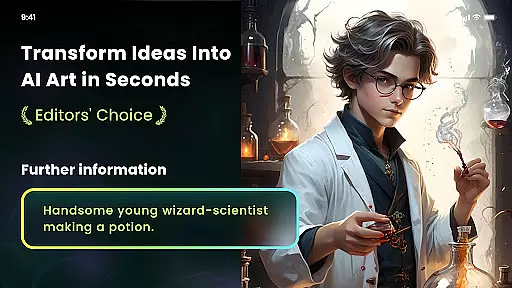
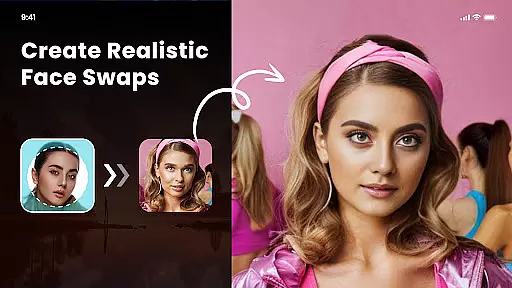
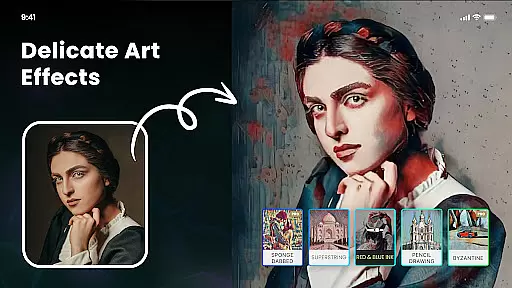
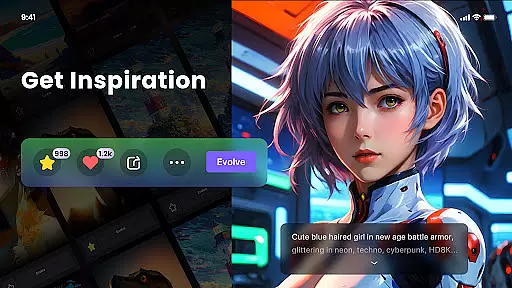
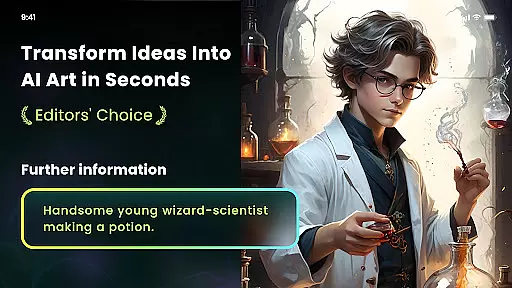
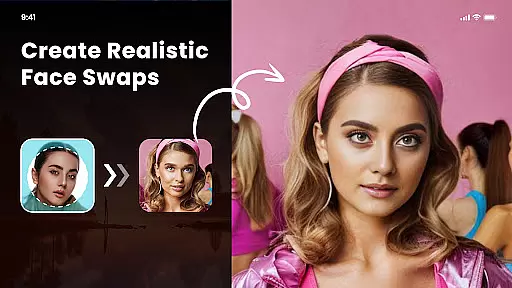
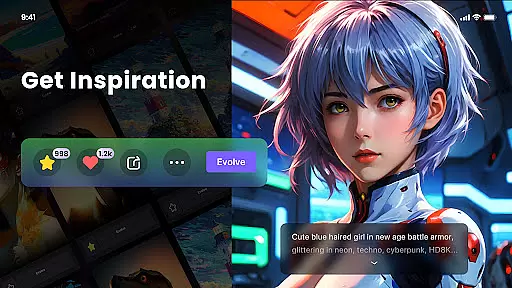
Nano Banana AI Image is a cutting-edge app in the Art & Design category, enabling users to create stunning visuals effortlessly. This app leverages advanced AI technology, including Gemini 2.5 Flash Image AI, to generate sharp and context-aware images from both text and image prompts. Whether you're looking to transform photos into anime art, create unique paintings, or apply artistic filters, Nano Banana offers a versatile platform for all your creative needs.
The app provides multiple features such as Photo Cartoonizer, AI Art From Text, and Multiple Artistic Style Filters. These tools allow users to turn their ideas into reality with just a few clicks. Additionally, the app supports high-definition image exports and even allows users to mint their AI-generated artwork into NFTs. With its user-friendly interface and powerful capabilities, Nano Banana is perfect for artists, designers, and anyone interested in digital art.
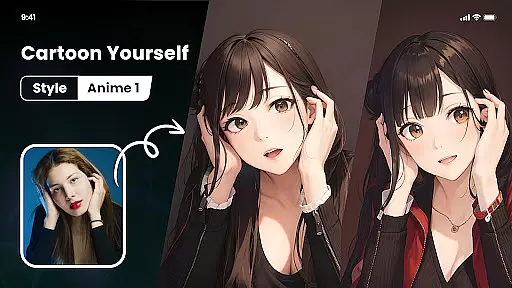
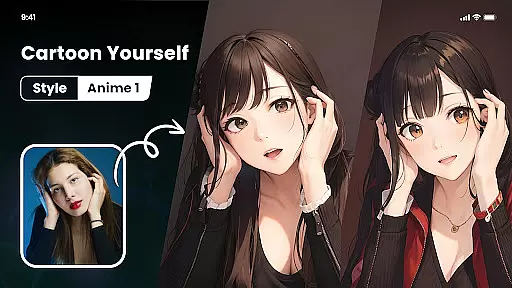
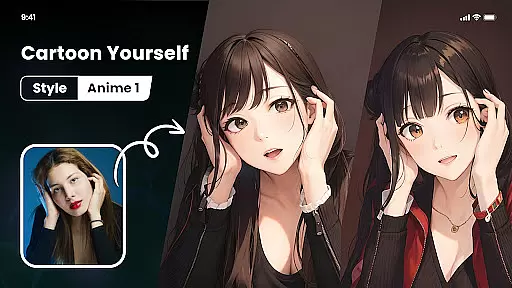
Nano Banana AI Image stands out due to its rich set of features tailored for creativity and ease of use. One of the key highlights is the Photo Cartoonizer, which transforms any uploaded photo into a cartoon avatar instantly. This feature is not limited to portraits; it works seamlessly with pets, landscapes, food, and more, making it versatile for various artistic projects.
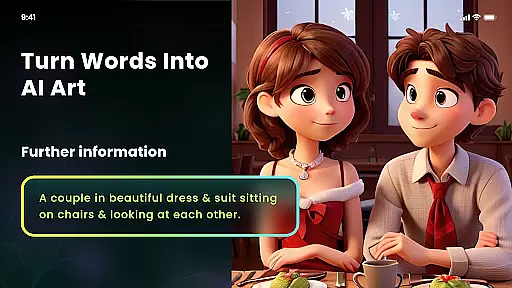
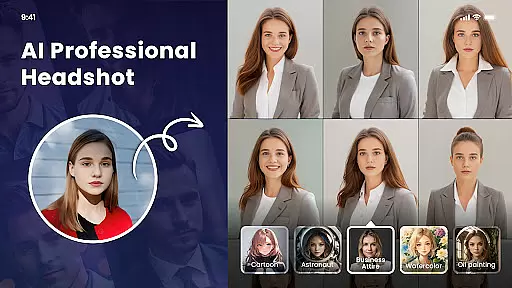
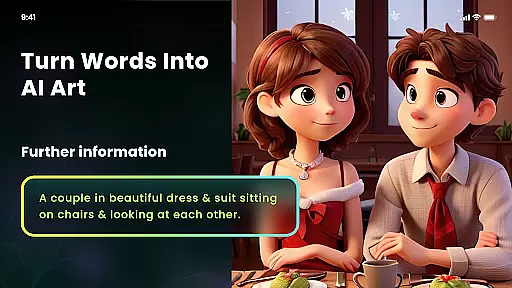
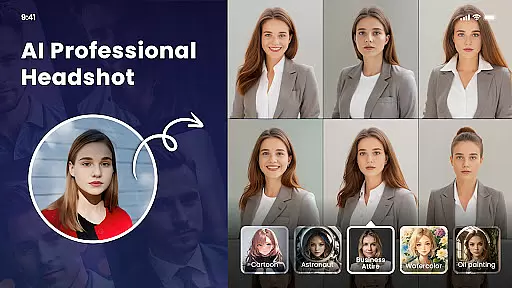
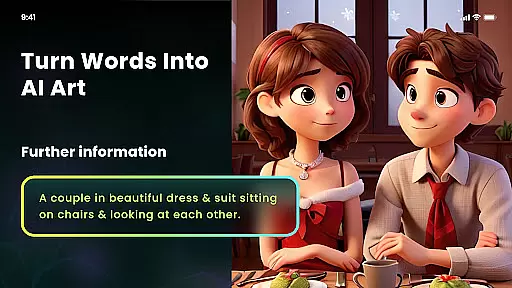
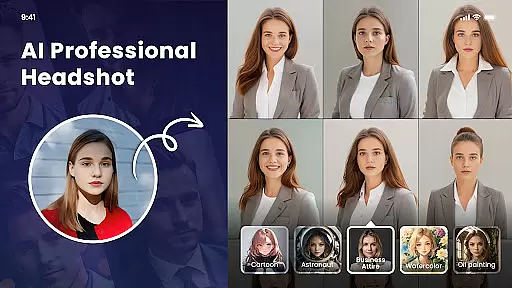
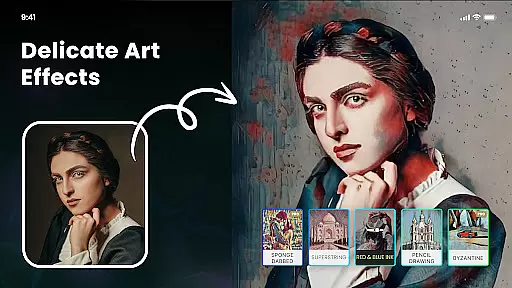
Another remarkable feature is the AI Art From Text functionality, where users can input text prompts to generate unique artworks in seconds. The app offers numerous artistic styles like cyberpunk, anime, surrealism, and oil painting, allowing users to explore different creative avenues. Moreover, the Multiple Artistic Style Filters provide options such as impressionism, Van Gogh, ukiyo-e, and sketch, ensuring that every piece of art is distinctive and personalized.
For those interested in NFTs, Nano Banana includes an option to mint AI-generated artwork into NFTs easily. The app also features AI Cutout, which allows one-click background changes and transparent image generation. With support for high-definition prints and easy adjustments, Nano Banana ensures that users can bring their creative visions to life without any hassle.
In the realm of digital artistry, Nano Banana AI Image emerges as a comprehensive suite for creators. This application leverages advanced AI to provide an extensive array of creative tools that cater to both novices and professionals. With features like Photo Cartoonizer, Japanese Anime Filter, and Big Painteru2019s AI art filters, users can transform ordinary images into extraordinary artworks reminiscent of styles from renowned artists such as Van Gogh and Monet.
The app's versatility is further enhanced by its text-to-image generation capabilities, allowing users to conjure up visuals simply by describing their concepts in words. Whether it's cyberpunk or surrealism, Nano Banana ensures precision in translating these ideas into tangible art pieces. Additionally, the inclusion of multiple artistic style filters offers unparalleled customization options, enabling users to explore various genres including impressionism and ukiyo-e with ease.
Moreover, Nano Banana supports high-definition image exports, empowering artists to bring their digital creations into the physical world. The ability to mint NFTs adds another layer of value, making this platform not just a canvas but also a marketplace for unique encrypted artworks. By providing robust photo editing functions alongside innovative blockchain integration, Nano Banana stands out as a complete creative solution within the Art & Design category.
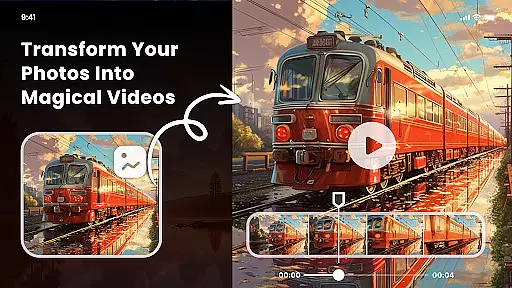
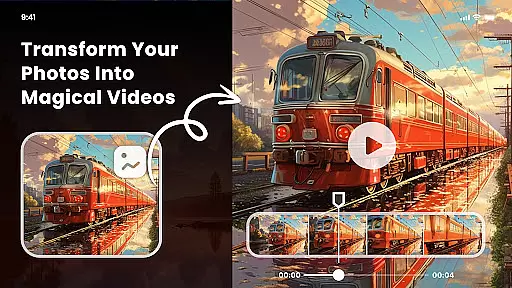
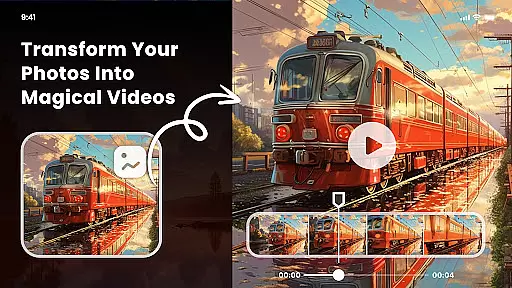
Nano Banana AI Image redefines canvas and format flexibility by offering dynamic solutions tailored to diverse artistic needs. Users are no longer confined by traditional constraints; instead, they enjoy the freedom to experiment with different formats through cutting-edge AI-driven transformations. From converting selfies into cartoon avatars using Photo Cartoonizer to applying intricate Japanese Anime Filters, every feature is designed to adapt seamlessly across various image typesu2014be it portraits, landscapes, or even food photography.
Beyond static adjustments, Nano Banana introduces AI Cutout functionality which revolutionizes how backgrounds are managed. With one-click operations, users can effortlessly eliminate unwanted elements, generate transparent backgrounds, or swap out backdrops entirely. This level of control extends to solid color replacements and custom album selections, ensuring that each composition aligns perfectly with the creator's vision without compromising on quality or detail.
Furthermore, Nano Banana guarantees output excellence with support for 8-megapixel HD prints. Artists can confidently print their masterpieces on mediums ranging from T-shirts to wallpapers knowing that clarity and vibrancy will remain intact. Such adaptability not only enhances user experience but also broadens the scope of creative expression, positioning Nano Banana at the forefront of flexible design platforms in todayu2019s digital landscape.
User-friendly interface
Advanced AI technology
Versatile artistic styles
High-definition image export
NFT minting capability
Subscription fees required
Limited free features
Automatic renewal by default
Dependent on internet connection
Learning curve for new users

Premium version of Shimeji-ee app with no ads & no limit active shimeji
 4.3
4.3
Learn how to draw with step-by-step tutorials, fun lessons & multiplayer drawing
4.70
Create sweet, cool and unique couple avatars easily, in just a few steps!
3.40
AI Art Generator transforms your words into AI generated art & paintings.
3.70
Unleash the artist in you with our AR drawing and tracing tool for photo drawing
4.10
Photo stitcher for automatically screenshot stitching into a long screenshot
4.70
Everything you need to create hand drawn animation, anywhere you go!
4.40
Create and Design Custom Logos in Seconds with AI-Powered Tools!
4.40
Kling AI is an image and video generation and editing studio powered by AI.
4.50
Make your phone cooler and have a fantastic experience
4.80
Create color palette from Image, RGB & RYB Color wheel harmonies, Color Scheme
4.50
The perfect place to start sketching! Use Sketchbook to draw and paint sketches.
4.50
Custom Character Creator & PFP Maker!
4.20
Create stylish invitation cards using templates for weddings, birthdays & RSVP.
4.20
Sketch and paint on your device with the feel and freedom of drawing on paper
4.00
Powerful home decoration & house design that allows you to design dream home.
3.80
Sketch, trace and master AR drawing with awesome anime art!
3.30
Meet the magic aı 3d photo generator and smart AI video generator app.
3.20
Android 14 style widgets and wallpapers app.
4.3


User Reviews