
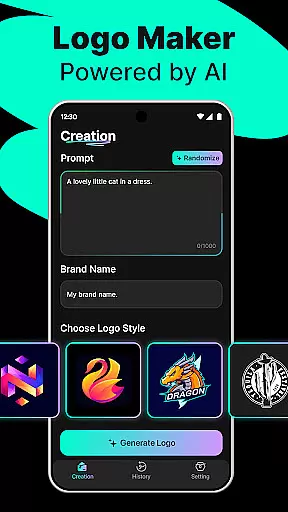
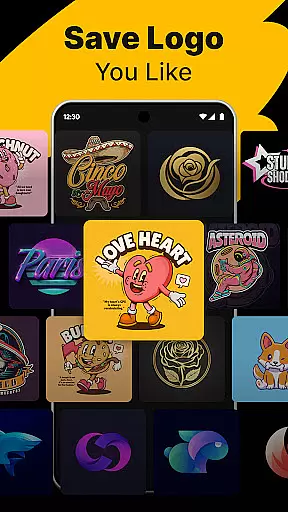
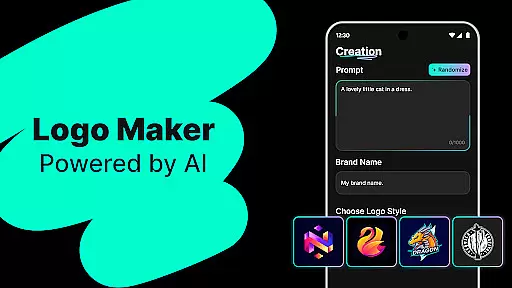
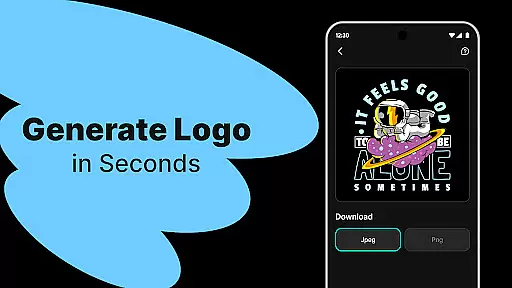
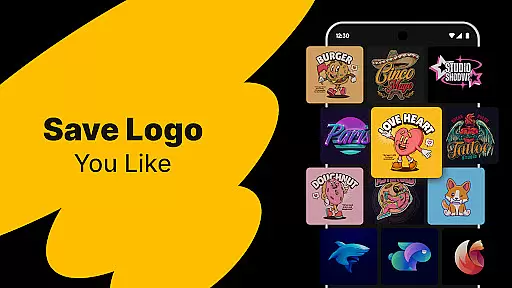
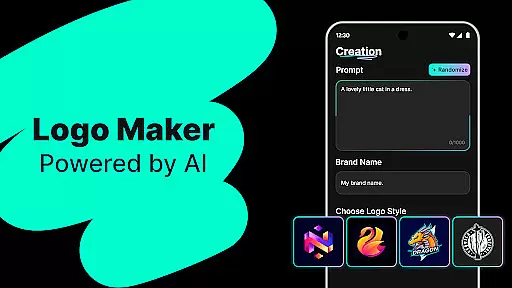
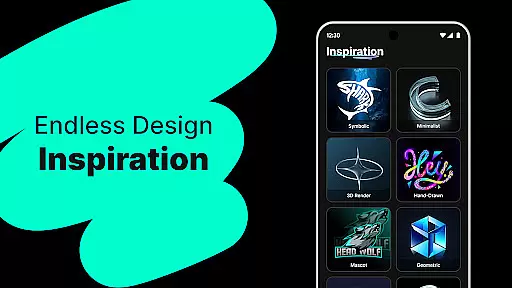
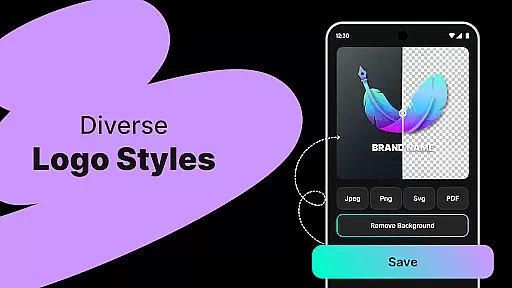
Logo Maker is an AI-powered logo design tool that enables users to create professional logos effortlessly. Designed for entrepreneurs, small businesses, and creators, it eliminates the need for advanced design skills by generating unique logo designs based on user input. Simply describe your brand vision, and the app will provide multiple customizable options instantly.
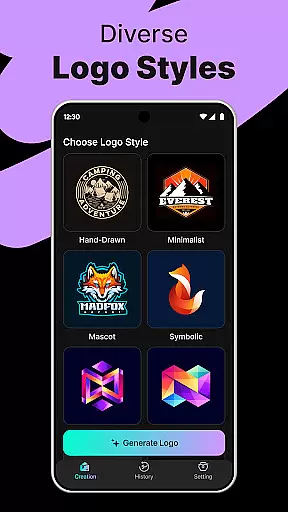
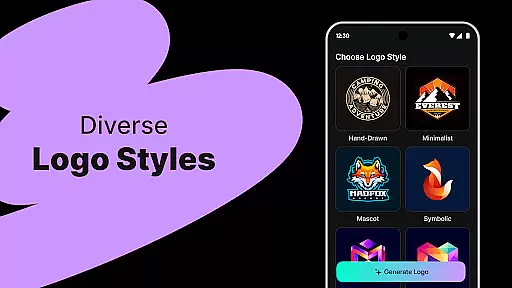
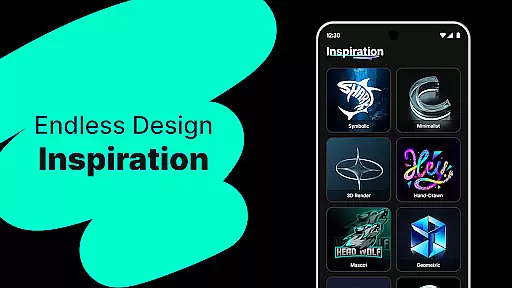
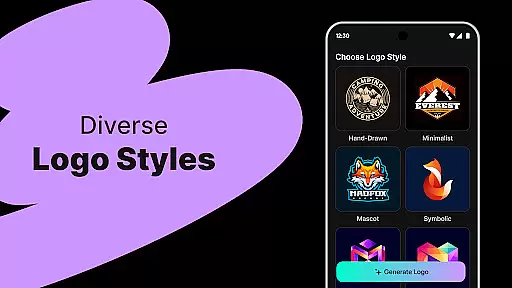
The app offers a variety of templates catering to different styles such as modern, minimalist, vintage, and hand-drawn. Users can export high-quality logos in formats like PNG and JPG, suitable for websites, business cards, social media, and print. Its intuitive drag-and-drop editor ensures ease of use, making it accessible even for non-designers.
Whether you're a startup looking to establish a strong brand presence or a content creator needing logos for platforms like YouTube and Instagram, Logo Maker provides a fast, budget-friendly solution without compromising on quality.
Logo Maker stands out with its AI-driven logo generation feature, which creates multiple unique designs based on simple inputs like brand name and keywords. This innovative approach saves time and effort compared to traditional design methods. The app also includes hundreds of customizable templates, allowing users to refine their logos according to specific preferences.
A key highlight is the user-friendly editor, which supports drag-and-drop functionality for easy customization. No prior design experience is required, as the interface is crafted to be intuitive and straightforward. Additionally, the app supports high-quality exports in various formats, ensuring versatility across digital and print media.
Logo Maker caters to diverse needs, from startups and freelancers to event organizers and content creators. With lightning-fast generation times and budget-friendly pricing, it delivers premium-quality results at a fraction of the cost of hiring professional designers.
When it comes to designing a professional logo, having access to comprehensive creative tools is essential. Logo Maker offers an extensive suite of features that cater to both beginners and experienced designers. The AI-powered logo generation allows users to input their brand name and keywords, instantly receiving multiple unique logo concepts.
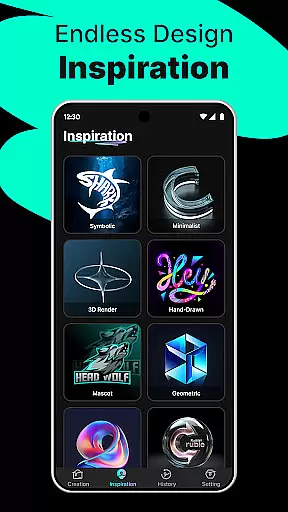
The platform doesn't stop there; it provides hundreds of customizable templates covering various styles such as modern, minimalist, vintage, and hand-drawn designs. This ensures that no matter the brand identity you're aiming for, there's a template that fits your vision. Additionally, the user-friendly editor enables effortless customization through simple drag-and-drop actions, making design accessible without prior experience.
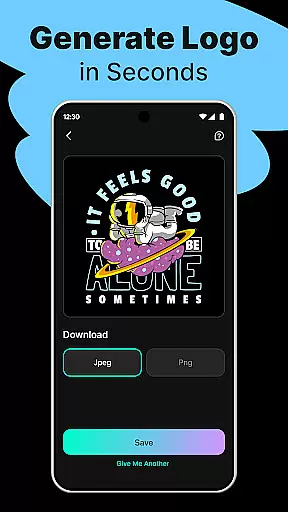
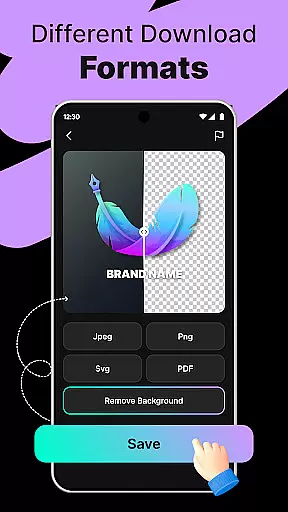
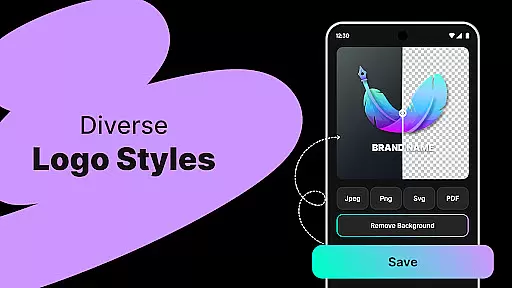
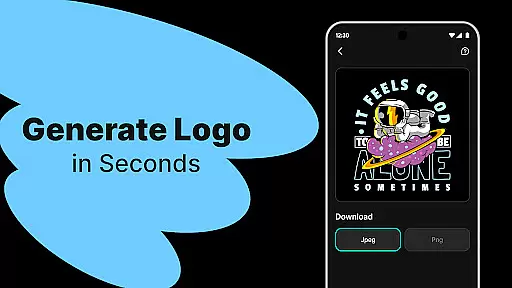
For those seeking high-quality results, Logo Maker supports exporting logos in PNG and JPG formats suitable for websites, business cards, social media profiles, and print materials. These versatile export options ensure that your final design maintains its integrity across different mediums.
Ultimately, this complete set of creative tools empowers entrepreneurs, small businesses, freelancers, and content creators to produce stunning logos efficiently and affordably. By eliminating the need for expensive design fees while delivering premium quality outputs, Logo Maker stands out as an indispensable asset in bringing brands to life.
Flexibility in canvas size and format options is crucial for creating logos that fit various applications seamlessly. With Logo Maker, users enjoy unparalleled adaptability when crafting their designs. Whether it's for digital platforms like websites or social media profiles or physical items such as business cards and promotional materials, the tool ensures optimal performance across all mediums.
One standout feature is the ability to download logos in multiple formats including PNG and JPG. These formats support a wide range of use cases from online display to high-resolution printing needs. Moreover, each exported file retains crispness and clarity regardless of where it will be usedu2014be it on a small icon or large banner.
Logo Maker also excels by offering scalable vector graphics which means resizing does not compromise image quality. This scalability proves invaluable especially when adapting logos for diverse marketing collateral over time. Users can rest assured knowing their designs remain sharp and professional-looking at any dimension required.
In summary, with its robust support for varied canvas sizes and flexible format choices, Logo Maker equips designers with everything needed to create adaptable yet consistent branding elements effortlessly.
AI-Powered Design
User-Friendly Interface
High-Quality Exports
Budget-Friendly Solution
Versatile Templates
Limited Free Features
Premium Export Costs
Basic Customization
Occasional Glitches
Subscription Required

Pose and morph realistic male and female models! 3D poser app
 3.00
3.00
Image/ Text to Video Generator
4.40
Nano Banana AI Image Generator, Anime Filter, AI Portrait, AI Photo Generator
4.30
Draw glowing spinners, relax, and spin your creative art
4.60
Image resizer to resize, crop, rotate, flip, change dpi photo or picture in bulk
4.60
Get creative and make art with your Sesame Friends!
4.00
Your homescreen as an elegant glass with customized blur, lighting, and visuals.
3.70
Bring One UI 8.5 Icons to life -elegant dark icons with a modern, premium touch.
4.30
AI Tattoo Generator: Create Tattoo Designs & Get Ideas! Ink & Stencil Maker
4.50
Learn how to draw with step-by-step tutorials, fun lessons & multiplayer drawing
4.70
Draw beautiful mandala's very easily
4.60
Digital illustration drawing & painting pad app to paint Anime and Manga art
4.50
Create color palette from Image, RGB & RYB Color wheel harmonies, Color Scheme
4.50
Stylish letters, Stylish Keyboard, Symbols, Emojis, Cool nickname
4.40
Photo blender app to create overlay photos & double exposure.
4.40
Design your dream room with AI. Get decor ideas & plan home interiors
3.90
Art of Combination Wear OS Watch faces (for Wear OS 5+ devices)
3.90
Resize photos and print photos in exact size with our powerful photo printer!
3.80
Vidu is an AI video generator made for creators and aspiring makers.
3.30


User Reviews