
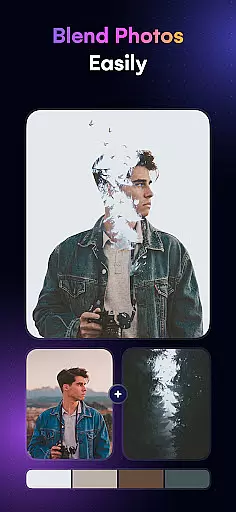
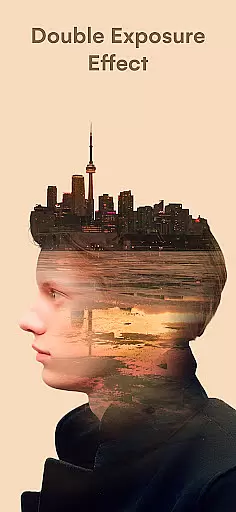
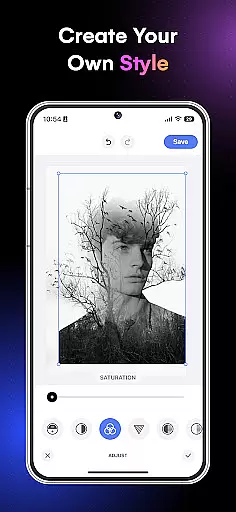
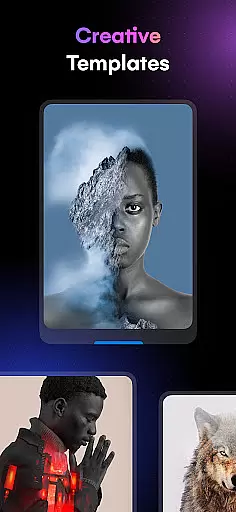
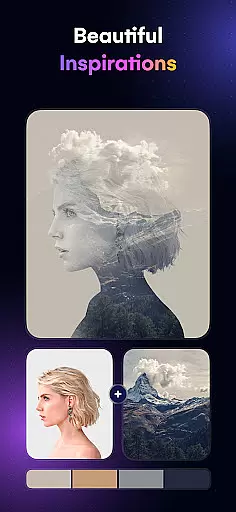
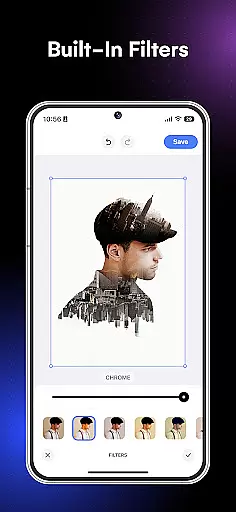
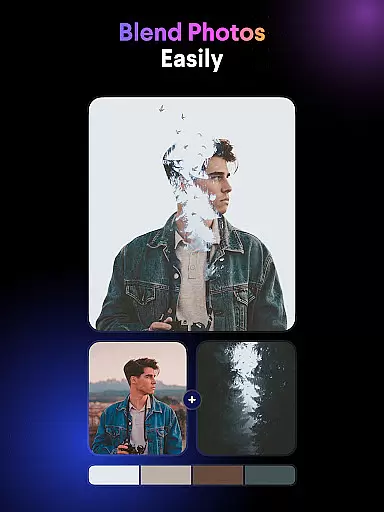
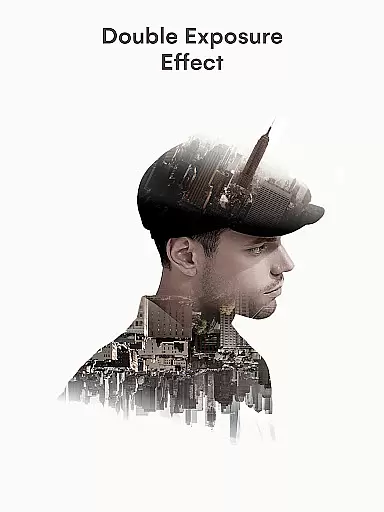
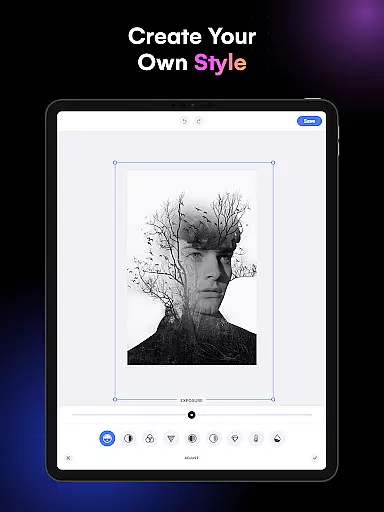
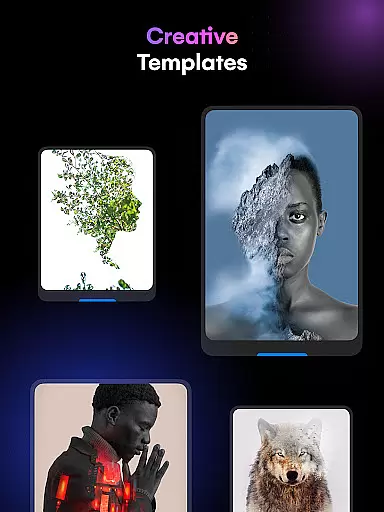
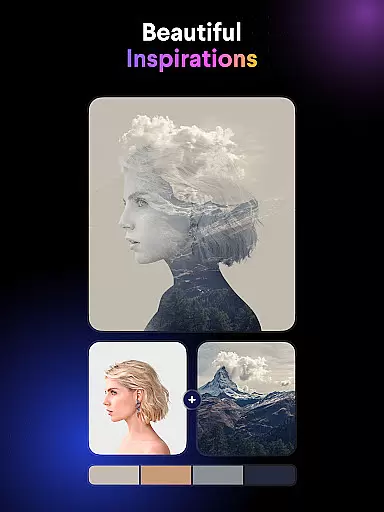
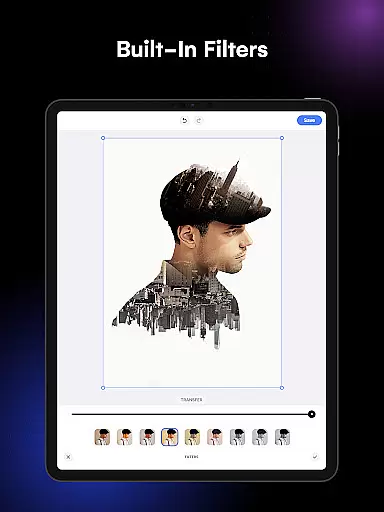
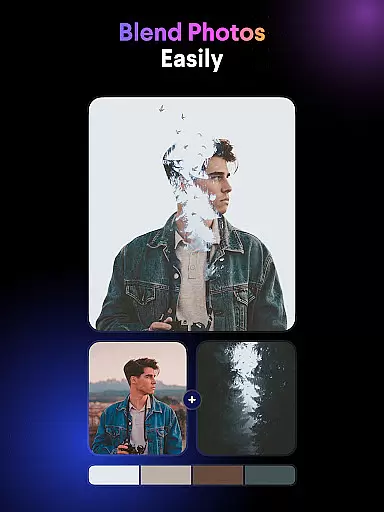
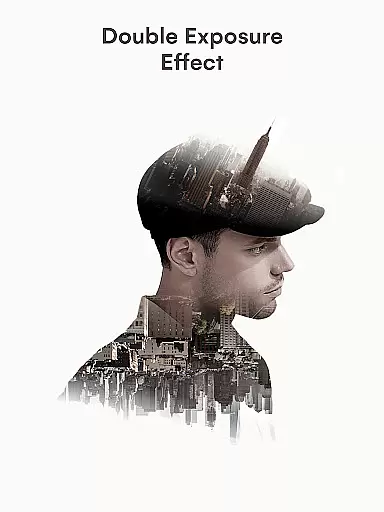
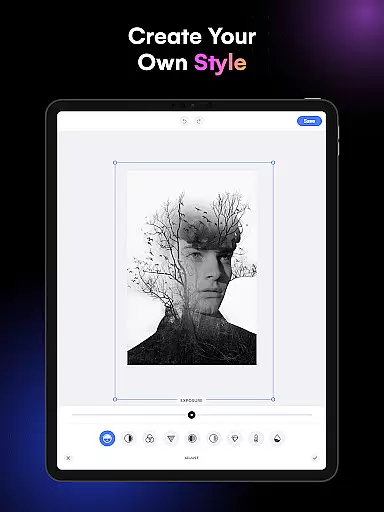
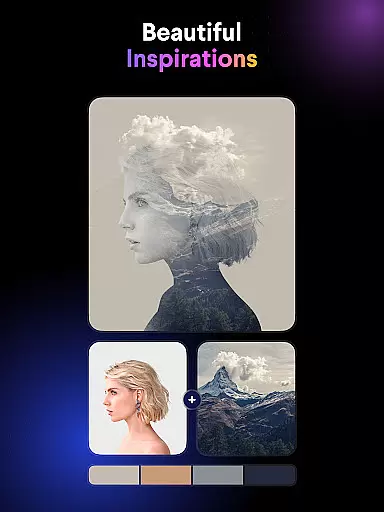
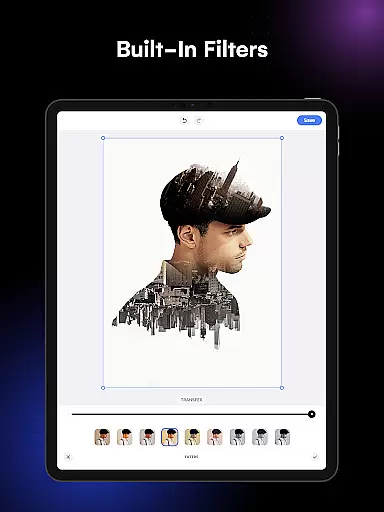
Blend Photos is an advanced photo editing application designed for both amateur and professional artists who want to create stunning double exposure images and picture overlays. The app offers a comprehensive suite of features that allow users to blend photos with beautiful effects, remove backgrounds automatically, and apply advanced adjustments to achieve the desired artistic touch. With its intuitive interface and powerful AI technology, Blend Photos makes it easy to craft professional-quality images in just a few taps.
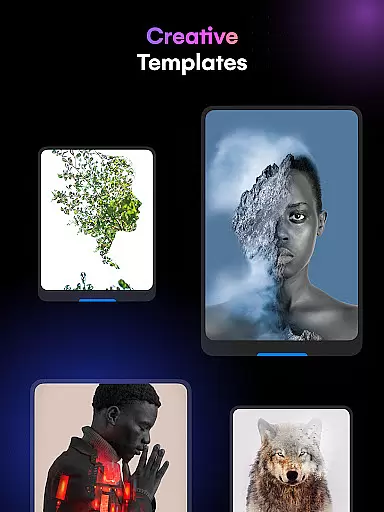
The app provides various customizable templates and tools such as shape masks, gradient blends, and cropping options, enabling users to explore their creativity without limitations. Whether you're looking to enhance your social media presence or simply express your artistic vision, Blend Photos delivers the tools necessary to produce polished and visually striking compositions.
Blend Photos stands out with its extensive range of photo editing capabilities tailored to unleash the user's artistic potential. One of its core strengths lies in the smart AI technology that powers the automatic background removal and advanced photo adjustments, making complex editing tasks accessible to everyone. This feature allows users to seamlessly blend multiple images together, creating unique double exposure effects and picture overlays with minimal effort.
In addition to its blending prowess, the app offers HD resolution saving and sharing options, ensuring that your creations retain their quality across different platforms. Users can also take advantage of the built-in shape masks and gradient tools to add depth and texture to their compositions. With quick and direct sharing capabilities to social media, Blend Photos not only enhances your creative workflow but also simplifies the process of showcasing your work to a wider audience.
In the realm of digital artistry, having a comprehensive suite of creative tools is essential for bringing artistic visions to life. Blend Photos stands out by offering an extensive array of features that cater to both novice and professional artists alike. The app includes various photo blender templates, automatic background removal, advanced adjustments, shape masks, gradient blends, double exposure effects, and basic editing functions like cropping and rotation.
These capabilities ensure that users can execute their creative ideas with precision and ease. Whether it's crafting a simple overlay or producing complex compositions, Blend Photos equips users with everything needed to explore different artistic styles and techniques.
The true value of such a complete toolkit lies in its ability to save time and enhance creativity. Artists no longer need to switch between multiple applications to achieve their desired results; all necessary tools are available within a single platform. This consolidation not only streamlines the workflow but also encourages experimentation, leading to more innovative and polished artwork.
Flexibility in canvas and format options is crucial for artists who wish to express their creativity without technical limitations. Blend Photos addresses this need by providing a versatile platform where users can customize their canvas size and choose from a variety of formats. This adaptability allows creators to tailor their projects specifically to their vision, whether they're designing for social media, print, or personal portfolios.
Moreover, the app supports high-definition resolution saving and sharing, ensuring that the quality of work remains uncompromised regardless of the intended use. Users can export their creations in formats suitable for various platforms, maintaining crispness and clarity at any scale.
This level of flexibility empowers artists to push boundaries and explore new possibilities. By removing constraints on dimensions and output types, Blend Photos fosters an environment where imagination can flourish freely, resulting in unique and captivating visual stories.
User-friendly interface
Powerful AI technology
Customizable templates
HD resolution support
Quick sharing options
Limited free features
Occasional ads
Premium subscription required
Advanced tools may overwhelm beginners
Some features are resource-intensive

Download now for a stylish and functional timepiece
 4.1
4.1
Floor Plan Creator lets you create, edit and share floor plans.
4.00
Create stylish invitation cards using templates for weddings, birthdays & RSVP.
4.20
Make your phone cooler and have a fantastic experience
4.80
Draw anime easily with AR guidance, sketch templates & trace tools!
3.10
Painting, drawing, & sketching
4.50
Experience next-gen icons with a modern liquid glass look.
3.60
Create amazing pictures and unleash your creative genius with AR Drawing Sketch
4.40
An intuitive, high-performance painting app that lets you focus on creating
4.40
Draw on screen: FP sDraw is a simple and lightweight drawing app
4.70
Draw beautiful mandala's very easily
4.60
Castle is social media for creating and playing games!
4.60
Digital illustration drawing & painting pad app to paint Anime and Manga art
4.50
Create color palette from Image, RGB & RYB Color wheel harmonies, Color Scheme
4.50
Nano Banana AI Image Generator, Anime Filter, AI Portrait, AI Photo Generator
4.30
Sketch, plan, take notes and illustrate on an infinite canvas.
4.20
Easy 3D drawing design maker & creator. Model designing, Sculpting. Create&paint
4.00
AR Anime Drawing: How to draw anime with AR drawing & sketching apps!
4.00
Create stunning video, photo & magic from text with FlixAI GPT video generator.
3.10


User Reviews