
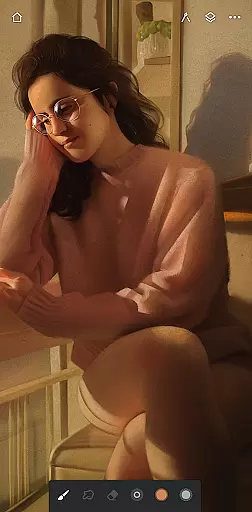
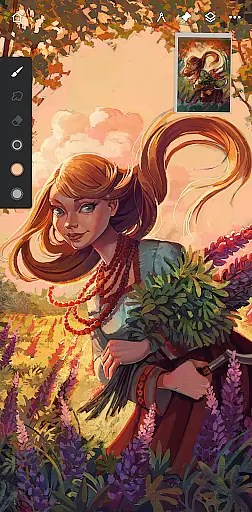
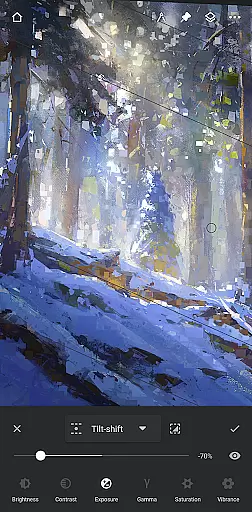
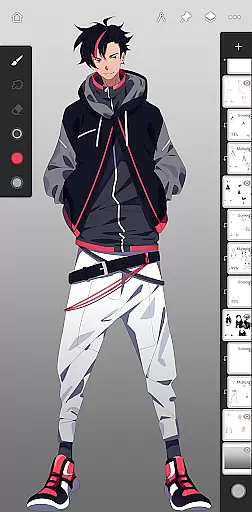
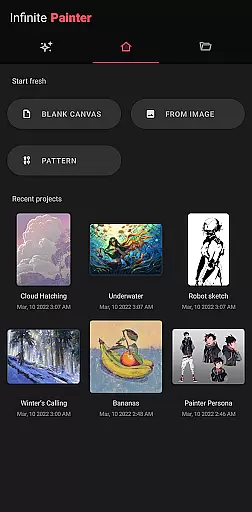
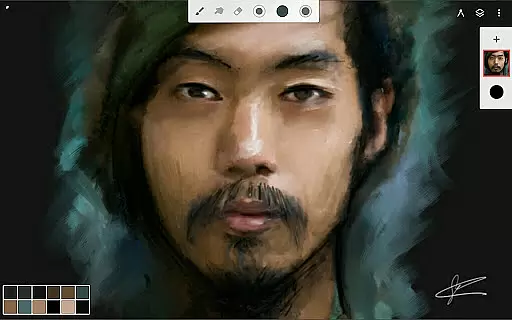
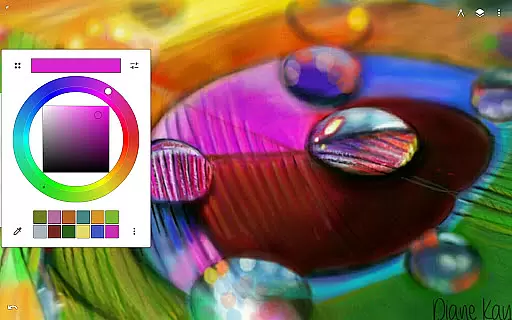
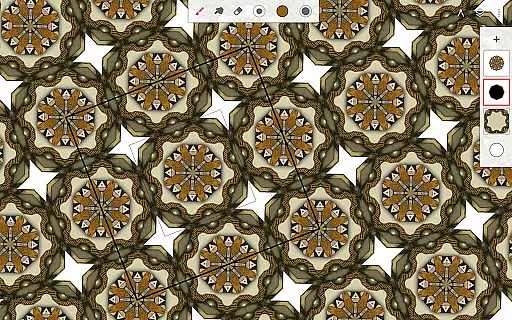
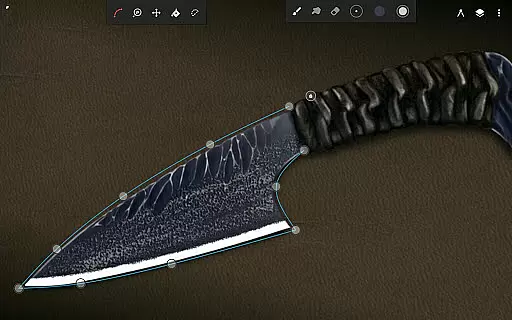
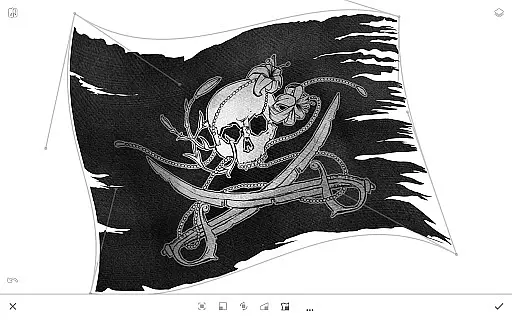
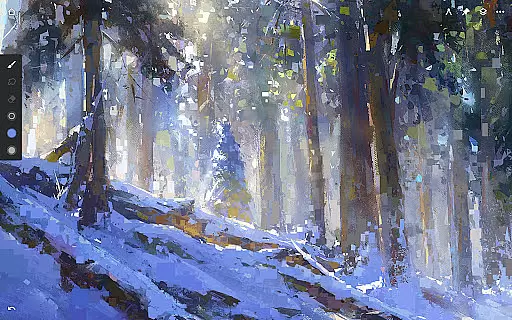
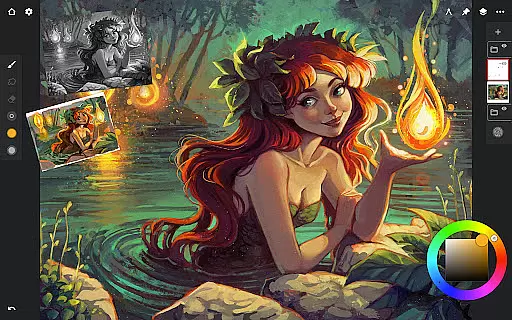
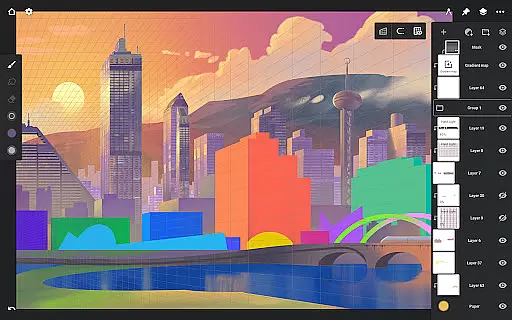
Infinite Painter is a premier digital art application designed for artists across all skill levels, offering an extensive suite of creative tools. This award-winning app provides users with hundreds of built-in brushes that mimic real-world media, alongside advanced customization options to tailor the experience to individual needs.
With its intuitive interface and robust feature set, Infinite Painter supports complex symmetry, perspective guides, and industry-leading transformations. The app facilitates pixel-perfect editing, seamless pattern creation, and professional color correction, making it suitable for both hobbyists and professionals.
Available on tablets, phones, and Chromebooks, this versatile app allows artists to create anywhere, anytime. Whether you're sketching ideas, painting detailed artworks, or designing game assets, Infinite Painter offers the tools necessary to bring your visions to life while fostering creativity through its innovative features.
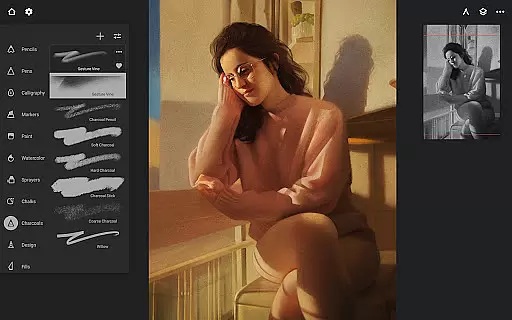
Infinite Painter stands out with its comprehensive brush engine, featuring realistic interactions and over 100 customizable settings. Artists can organize their favorite brushes into sets and apply real-time color adjustments, enhancing workflow efficiency and creative control.
The app excels in workspace optimization, providing a clean, clutter-free canvas with customizable interface elements. Users can assign distinct functions to fingers and stylus, utilize gesture controls for canvas manipulation, and access quick editing tools like the eyedropper and docked brush settings.
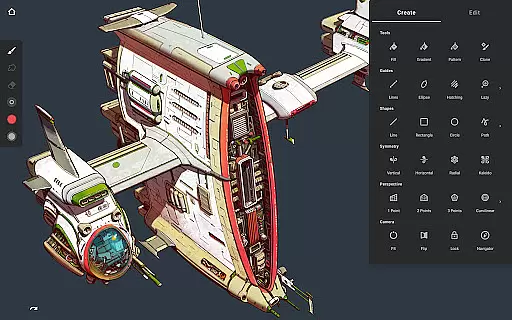
Advanced functionalities include diverse symmetry modes, smart shape detection, and perspective guides that aid in creating precise drawings. With support for layers, blend modes, masks, and professional-grade export options, Infinite Painter empowers artists to produce high-quality work while maintaining flexibility in their creative process.
Infinite Painter offers an extensive suite of creative tools that cater to both amateur and professional artists. The app includes hundreds of built-in brushes with realistic brush-to-canvas interactions, offering over 100 customizable settings. This allows users to fine-tune their brushes to match their unique style and technique.
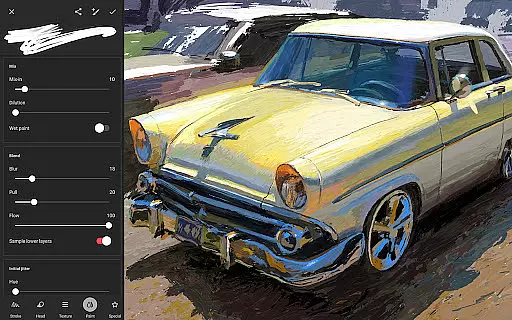
For those who work with stylus devices, Infinite Painter is designed to support full pressure and tilt functionality, ensuring every stroke translates accurately from the user's hand to the digital canvas. Artists can also apply real-time color adjustments and live effects to any brush, providing unprecedented control over the artistic process.
The app further enhances creativity by allowing users to convert brush strokes into editable shapes and import or export custom brushes and brush sets. These features ensure that artists are only limited by their imagination, making it one of the most complete mobile art studios available today.
Flexibility in canvas and format options is where Infinite Painter truly shines. Users can enjoy a clean, customizable interface that maximizes the visible canvas area while minimizing clutter. This approach not only optimizes screen real estate but also streamlines the creative workflow, allowing artists to focus on their work without distraction.
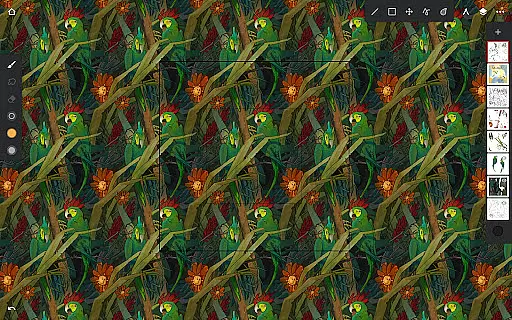
Infinite Painter supports various advanced functionalities such as seamless pattern projects, industry-leading transformations, and the ability to transform multiple layers simultaneously. Artists can utilize gradient and pattern fill tools, target separate layers or all layers with fill tools, and adjust selections dynamically using the fill tool or magic wand for live tolerance adjustment.
Moreover, the app provides professionals with the option to work in 64-bit deep color, use layer support with 30 blend modes, and access powerful selection workspaces. With capabilities like Photoshopu00ae-like smart layers for multiple transformations without quality loss, Infinite Painter ensures that artists have all the necessary tools to bring their visions to life in the format that suits them best.
User-friendly interface
Extensive brush library
Real-time effects
Professional tools
Cross-device compatibility
Pro features subscription
Learning curve
Occasional bugs
Limited free layers
High system requirements

Discover Cartoon Dream : Unleash Your Creativity with CuttingEdge AI
 4.50
4.50
The ultimate tool for creating animations
4.60
AI Art Generator transforms your words into AI generated art & paintings.
3.70
800+ Drawing, Painting Lessons App to Practice, Sketch & Paint Art.
4.30
Image resizer to resize, crop, rotate, flip, change dpi photo or picture in bulk
4.60
Mobile pixel art editor. Simple. Fast. Portable.
4.80
Your homescreen as an elegant glass with customized blur, lighting, and visuals.
3.70
Everything you need to create hand drawn animation, anywhere you go!
4.40
Create and Design Custom Logos in Seconds with AI-Powered Tools!
4.40
See Color, Paint Color
4.90
Make your phone cooler and have a fantastic experience
4.80
Create color palette from Image, RGB & RYB Color wheel harmonies, Color Scheme
4.50
The perfect place to start sketching! Use Sketchbook to draw and paint sketches.
4.50
Image/ Text to Video Generator
4.40
Remove Background, Magic Eraser, Photo Enhancer, Story Templates, Collage Maker
4.30
Unleash Your Creativity with Draw Cartoon - AR Drawing App
4.10
Unleash the artist in you with our AR drawing and tracing tool for photo drawing
4.10
Vidu is an AI video generator made for creators and aspiring makers.
3.30
Meet the magic aı 3d photo generator and smart AI video generator app.
3.20


User Reviews