

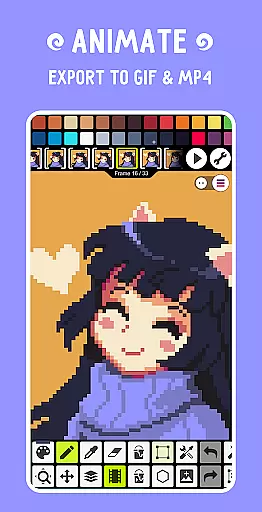
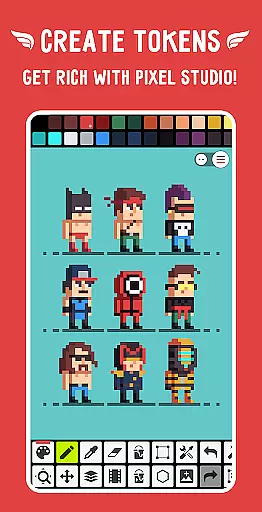
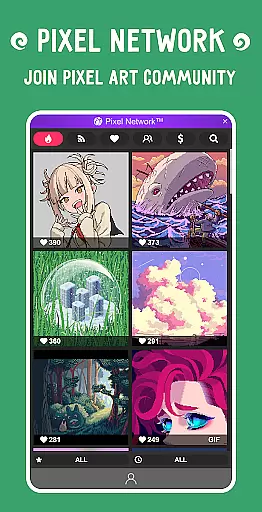
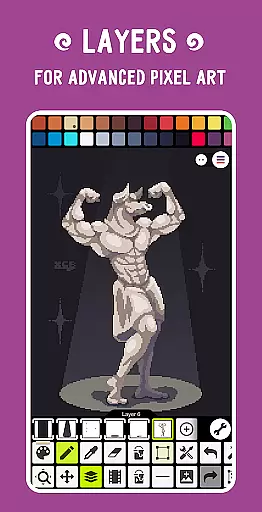
Pixel Studio PRO is a premier pixel art editor tailored for both artists and game developers. This special edition offers all PRO features unlocked without ads or in-app purchases. With support for layers, animations, and a wide array of tools, users can create stunning pixel art anytime, anywhere. The app allows exporting animations to MP4 with added music, syncing work across devices via Google Drive, and joining Pixel Network™, a vibrant pixel art community.
The application stands out with its intuitive interface, customizable settings, and compatibility with various devices and platforms. Whether you are a beginner or a professional, Pixel Studio PRO provides the necessary tools to produce remarkable pixel art projects efficiently. Its support for multiple formats and autosave functionality ensures that your creative process is seamless and uninterrupted.
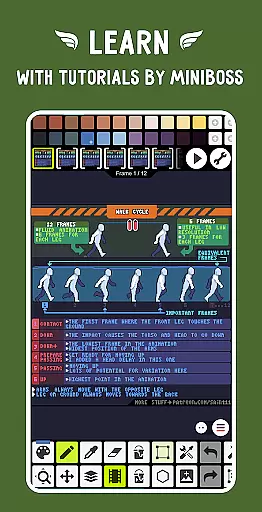
Pixel Studio PRO boasts an extensive set of features designed to enhance the pixel art creation process. Users can take advantage of advanced tools such as layers, frame-by-frame animations, and custom palettes. The app supports exporting animations to GIF or sprite sheets and extends these capabilities by allowing the addition of music and exporting videos to MP4.
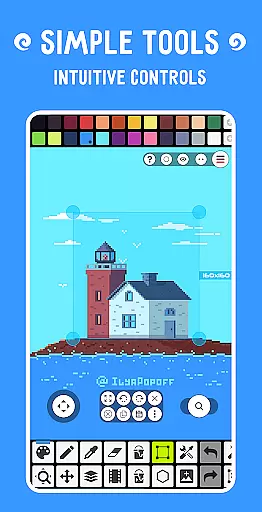
Additional functionalities include sharing artwork within the Pixel Network™ community, creating custom brushes, and utilizing built-in tools like the Shape Tool, Gradient Tool, and Symmetry Drawing. The app also supports high-end formats like PSD, AI, and SVG, ensuring compatibility and flexibility for various project needs. With multithreaded image processing and customizable settings, Pixel Studio PRO delivers a robust and efficient user experience.
Pixel Studio PRO offers an extensive suite of creative tools that cater to both beginners and professionals in the pixel art space. The application supports layers, animations, and a variety of useful instruments for creating cool projects.
Users can enjoy features such as frame-by-frame animation creation, saving animations to GIF or sprite sheets, and even extending animations with music while exporting videos to MP4. With support for all popular formats including PNG, JPG, GIF, BMP, TGA, PSP, PSD, EXR, and advanced options like shape tools, gradient tools, and built-in/custom brushes, artists have everything they need at their fingertips.
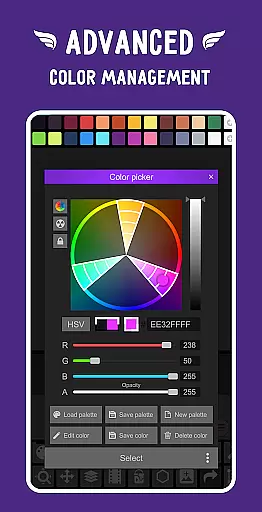
The inclusion of professional features like Google Drive sync for cross-device work, dark theme, 256-color palettes, tile mode for seamless textures, and unlimited color adjustment ensures that Pixel Studio PRO stands out as a complete package for pixel artists and game developers.
Flexibility in canvas and format options is crucial for pixel artists who require precision and adaptability in their work. Pixel Studio PRO addresses this by providing an unlimited canvas size, allowing creators to work on projects of any scale without constraints.
In addition to supporting all popular image formats, the app extends its compatibility to include AI, EPS, HEIC, PDF, SVG, WEBP (cloud read-only), and PSD (cloud read/write). This versatility ensures that users can import and export their artwork in various formats, catering to different project requirements and platforms.
Customization doesn't stop at formats; Pixel Studio PRO also allows for canvas resizing and rotation, customizable background colors, and grids. These features provide artists with the freedom to adjust their workspace according to their specific needs, enhancing both productivity and creative expression.
User-friendly interface
Extensive format support
Advanced animation tools
Active pixel art community
No ads or in-app purchases
High system requirements
Limited free features
Complex for beginners
Occasional bugs
Cloud read-only formats

Stylish letters, Stylish Keyboard, Symbols, Emojis, Cool nickname
 4.40
4.40
AI Assistant, powered by ChatGPT GPT-4 & GPT-4o. Your intelligent companion.
3.50
Make your phone cooler and have a fantastic experience
4.80
Turn your drawings into flipbook-style animations with simple creative tools
4.60
Bring One UI 8.5 Icons to life -elegant dark icons with a modern, premium touch.
4.30
Create cute cat emojis & PFPs! Fun, custom avatars for cat lovers.
3.70
Kling AI is an image and video generation and editing studio powered by AI.
4.50
Turning simple sketches into captivating tales filled with life and motion
3.90
Multiplayer Drawing game, Coloring, Painting・Sketch, Handwriting・Paint, draw
4.30
Minecraft & Roblox Clothes
4.70
Novices can also easily complete diamond painting masters
4.70
2D animation studio for Android tablets - unlimited layers, infinite timeline
4.70
Photo stitcher for automatically screenshot stitching into a long screenshot
4.70
Digital illustration drawing & painting pad app to paint Anime and Manga art
4.50
Unleash your drawing and painting potential
4.50
AI Tattoo Generator: Create Tattoo Designs & Get Ideas! Ink & Stencil Maker
4.50
800+ Drawing, Painting Lessons App to Practice, Sketch & Paint Art.
4.30
AI Art Generator transforms your words into AI generated art & paintings.
3.70
Sketch, trace and master AR drawing with awesome anime art!
3.30


User Reviews