
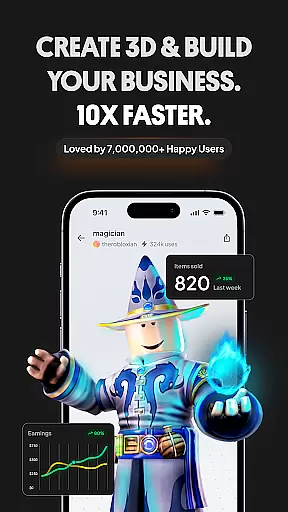
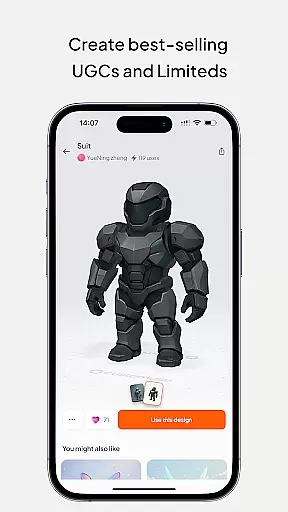
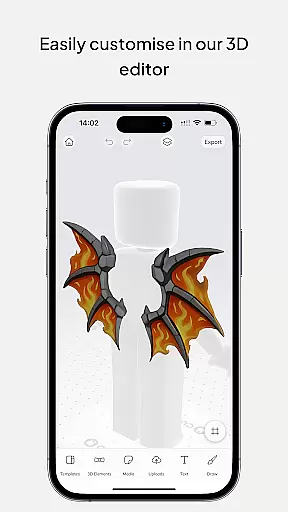
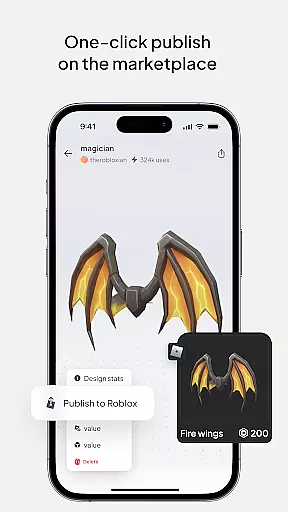
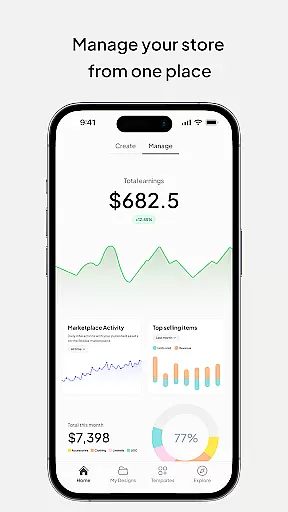
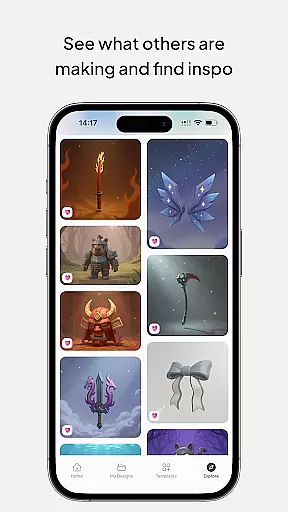
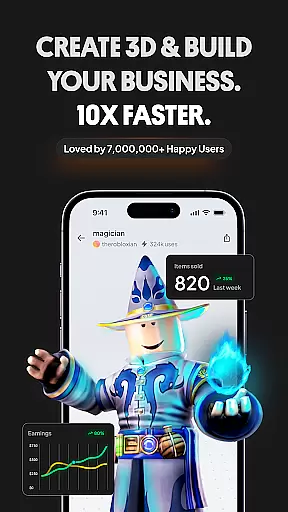
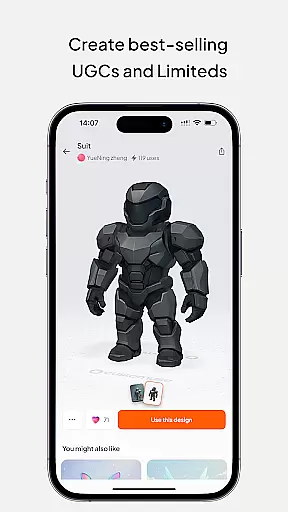
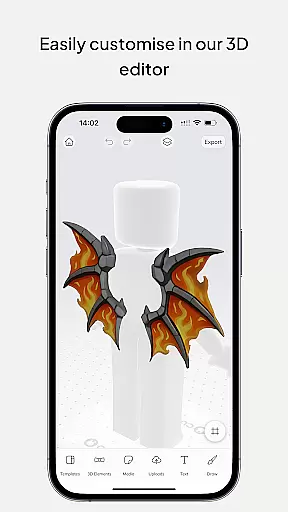
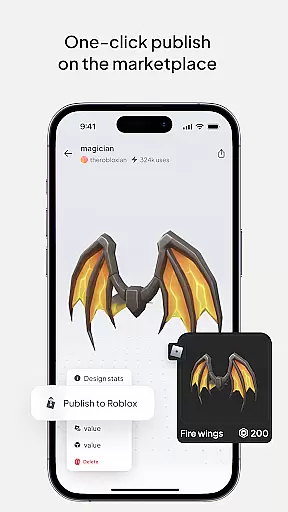
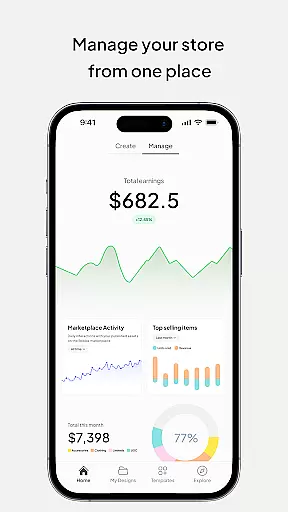
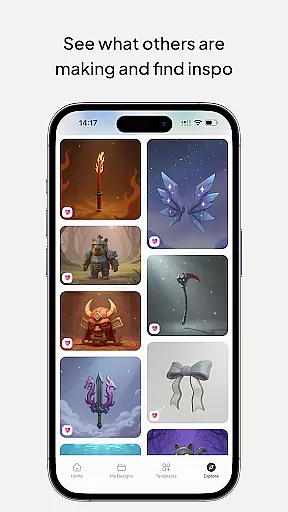
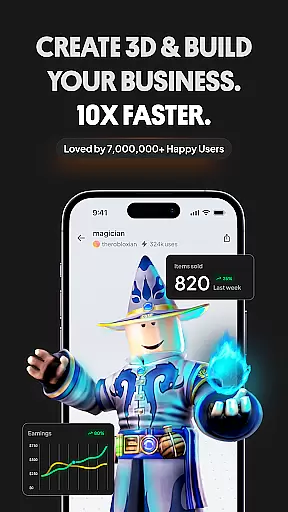
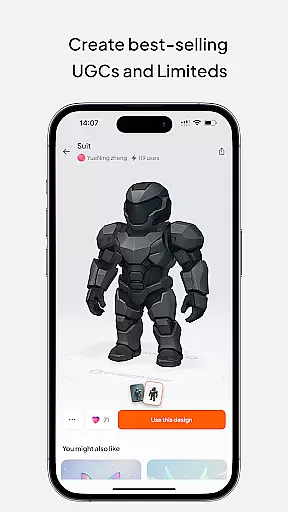
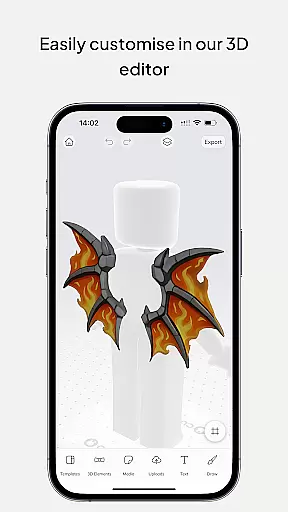
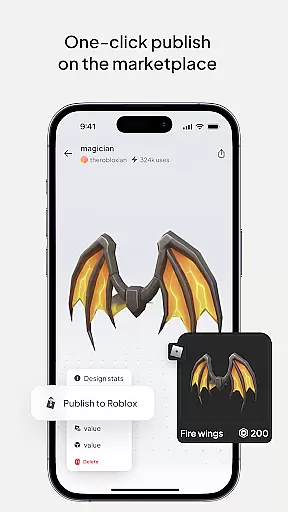
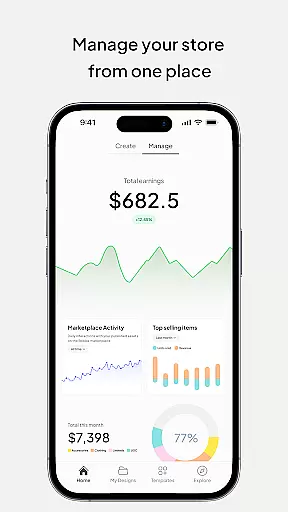
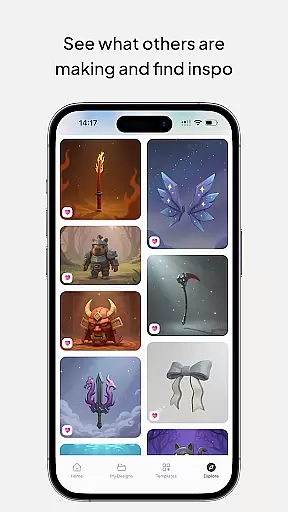
Customuse is the ultimate 3D design tool for creators and designers, offering a versatile platform to design unique digital content across multiple platforms. With over 2 million users, this app allows you to create custom Roblox skins, Zepeto clothes, Minecraft avatars, and AR filters for social media platforms like TikTok, Snapchat, and Instagram.
The app stands out with its AI-assisted design features, ready-made templates, and the ability to directly publish creations to platforms such as Roblox and Minecraft. Customuse also supports virtual try-ons for fashion designs and provides tools for creating dynamic social media posts with 3D elements. Whether you're a beginner or an experienced designer, Customuse offers professional-grade tools that cater to various skill levels while enabling monetization opportunities through marketplaces.
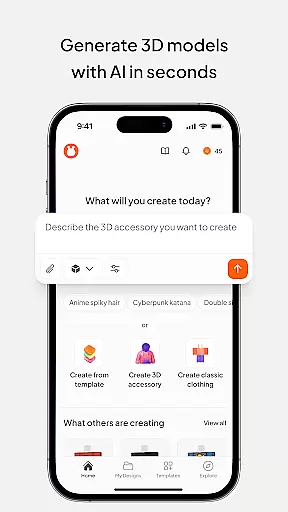
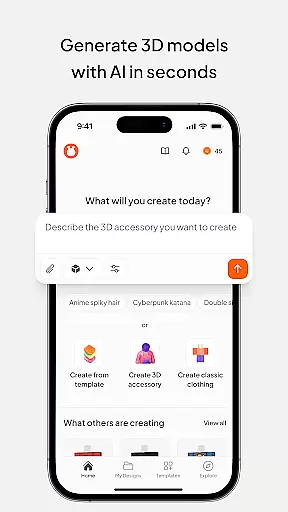
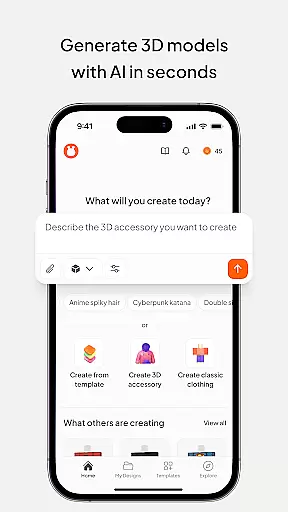
Customuse boasts an impressive range of features tailored for 3D designers and social media creators. The app includes an AI generator that allows users to create Roblox and Minecraft skins using simple prompts, alongside design suggestions that adapt to individual preferences. Its robust customization options extend to making AR filters for Instagram, Snapchat, and TikTok, complete with testing capabilities before sharing on respective platforms.
For fashion enthusiasts, Customuse offers tools to design Zepeto outfits and Minecraft skins with thousands of templates and the option to start from scratch. Creators can earn Robux or ZEMs by selling their designs on Roblox and Zepeto marketplaces. Additionally, the app's virtual try-on feature lets users see how their clothing designs fit in 3D, while branding tools allow for custom prints and logos. Compatible with multiple devices including iPhone and iPad, Customuse ensures accessibility and convenience for all types of creators.
In the realm of digital design, having access to comprehensive tools is essential for unleashing creativity. Customuse positions itself as an ultimate 3D design platform tailored for designers and creators alike. With a vast array of features, it enables users to craft unique Roblox skins, design Zepeto clothes, create Minecraft avatars, and customize filters for social media platforms like TikTok, Snapchat, and Instagram.
The app's functionality extends to providing thousands of templates for Roblox skin design, allowing creators to either choose from existing designs or start from scratch. For Minecraft enthusiasts, Customuse offers the ability to build distinctive skins and enhance gaming experiences by adding 3D accessories. The inclusion of AI tools further enriches the creative process, enabling users to generate designs through simple prompts and receive personalized suggestions.
For those interested in fashion design, Customuse facilitates the creation of Zepeto outfits and 3D clothing mockups. Users can explore various styles and fabrics virtually, perfecting their designs before sharing them across multiple platforms. This holistic approach ensures that whether you're a novice or a professional designer, Customuse provides all the necessary tools to bring your visions to life.
A versatile canvas is crucial for accommodating diverse design needs and ensuring that creators can fully express their artistic visions. Customuse excels in offering canvas and format flexibility, empowering users to seamlessly transition between different design projects and mediums. Whether designing intricate Roblox skins or crafting eye-catching Zepeto outfits, the platform supports a wide range of formats tailored to specific requirements.
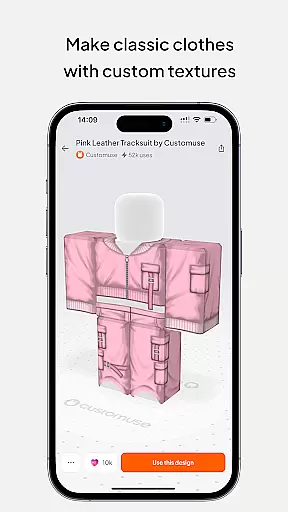
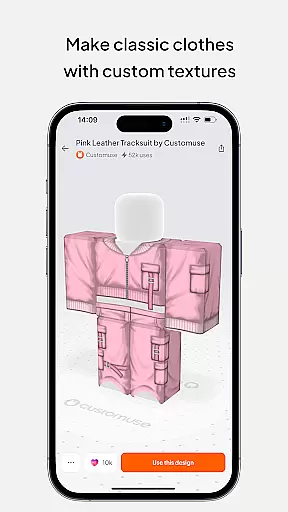
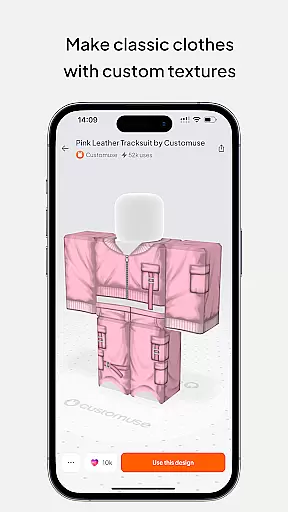
One standout feature is the virtual try-on capability for 3D clothing mockups, which allows designers to visualize how their creations will look in real-world scenarios. This feature not only enhances the design process but also aids in making informed decisions regarding style and fabric choices. Additionally, Customuse's compatibility with various devices, including iPhone, Desktop, and iPad, ensures that users can access their projects anytime, anywhere.
Moreover, the platform's adaptability extends to its integration with popular games and social media channels. Creators can publish their designs directly to Roblox, Minecraft, and social media, streamlining the sharing process and expanding their reach. By prioritizing canvas and format flexibility, Customuse solidifies its position as a go-to tool for designers seeking to push the boundaries of digital creativity.
User-friendly interface
AI-powered design tools
Monetization opportunities
Versatile cross-platform support
Active creative community
Limited free features
Requires learning curve
Premium subscription costs
Third-party platform dependency
Occasional bugs reported

AI generated images & photos, turn your words into drawing, painting & pictures.
 4.30
4.30
Sketch, trace and master AR drawing with awesome anime art!
3.30
Trace, draw, and create art with AR - from memes to masterpieces!
4.30
Draw on screen: FP sDraw is a simple and lightweight drawing app
4.70
Your Essential Color Theory Guide: Red, Yellow, Blue (RYB)
4.3
Photo blender app to create overlay photos & double exposure.
4.40
Create stunning video, photo & magic from text with FlixAI GPT video generator.
3.10
Photo stitcher for automatically screenshot stitching into a long screenshot
4.70
Everything you need to create hand drawn animation, anywhere you go!
4.40
The ultimate tool for creating animations
4.60
Create color palette from Image, RGB & RYB Color wheel harmonies, Color Scheme
4.50
Draw Trace image sketch by, AR art projector app, Easy to trace any image.
4.50
Share the joy of painting with ibis Paint! Drawing anime and manga art.
4.50
Image/ Text to Video Generator
4.40
Digital Drawing: Draw & Paint
4.10
Easy 3D drawing design maker & creator. Model designing, Sculpting. Create&paint
4.00
AR Anime Drawing: How to draw anime with AR drawing & sketching apps!
4.00
Art of Combination Wear OS Watch faces (for Wear OS 5+ devices)
3.90
AI Face Swap, Video Effects Editor, Realtime Morph, Funny Video FX,AI Filters
3.70


User Reviews