
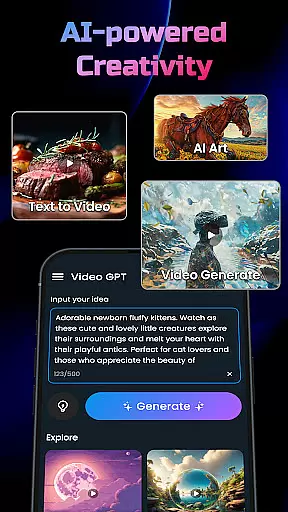
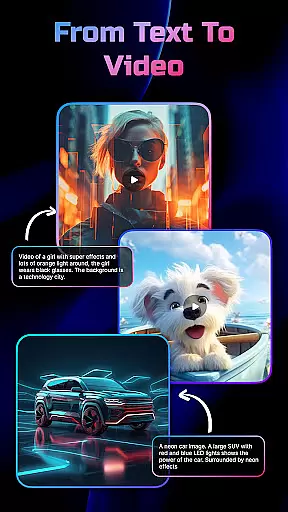
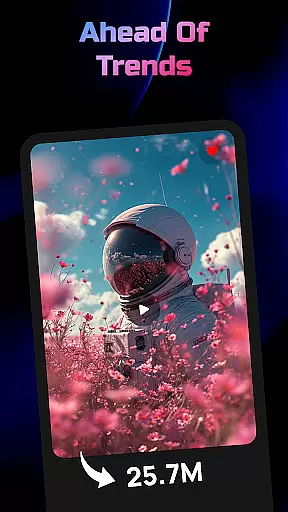
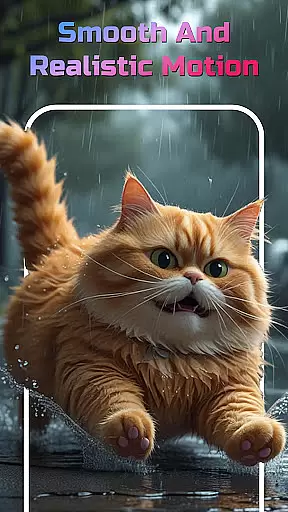
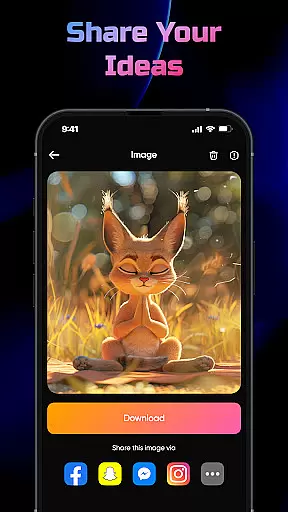
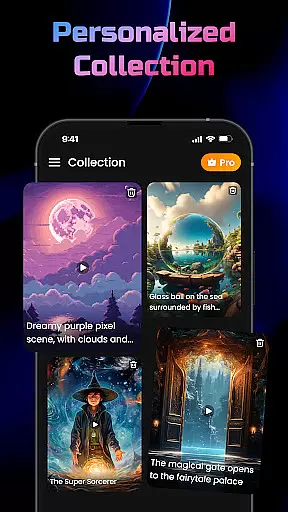
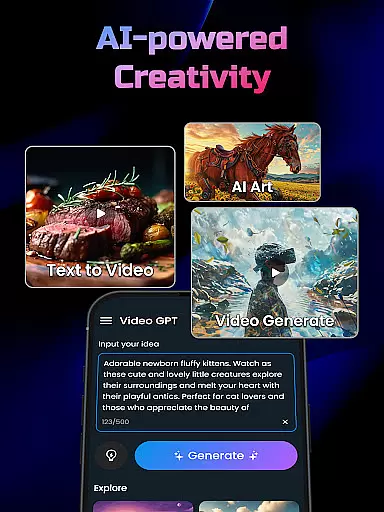
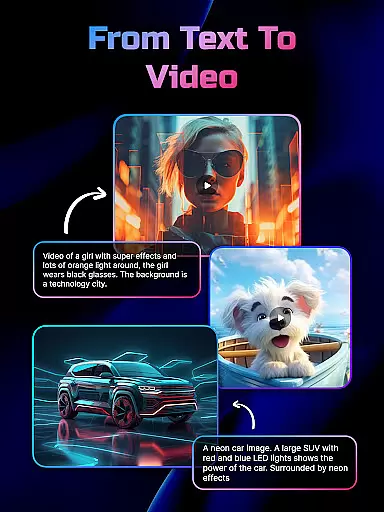
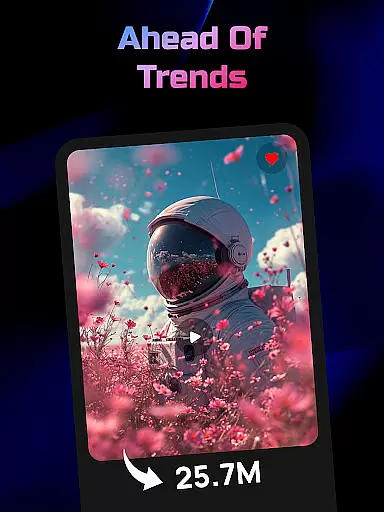
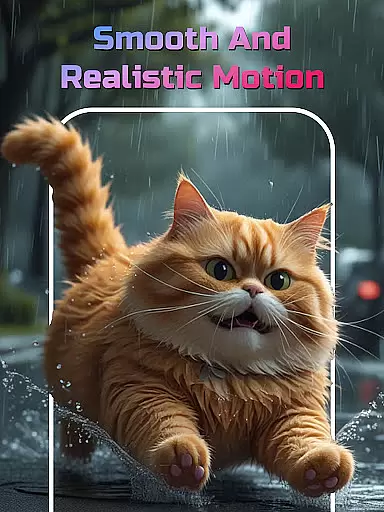
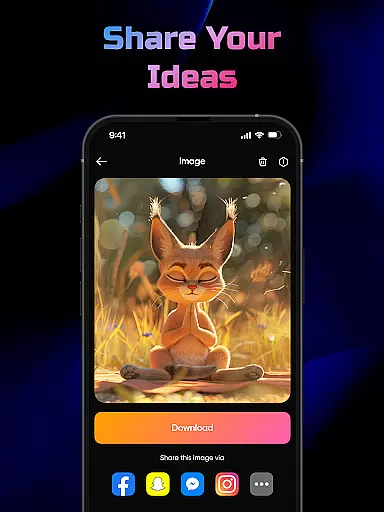
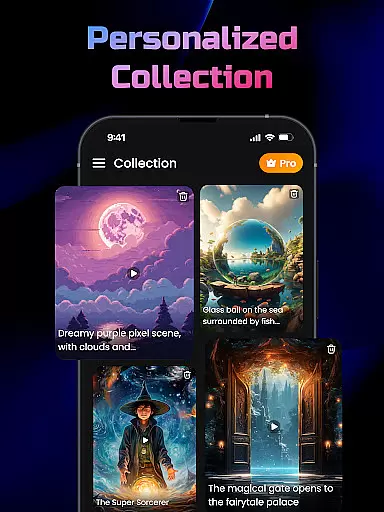
AI Video Generator is a cutting-edge application designed for creative professionals and casual users alike. This app leverages advanced FlixAI GPT technology to transform text, scripts, and ideas into high-quality video content effortlessly. Whether you are crafting marketing materials, short narratives, or social media posts, this tool delivers professional-grade results with minimal effort.
The app's standout feature is its ability to automatically generate matching visuals, animations, and transitions based on the input text. It supports various content creation needs, from AI-powered video generation to converting simple text descriptions into unique art-inspired images. Additionally, it offers an intuitive interface that simplifies the video creation process, making it accessible even to those without prior design experience.
One practical use case is for digital marketers who need to produce engaging video content quickly. By simply entering a script or idea, they can generate studio-style videos complete with synced text, motion effects, and smooth transitions. This capability not only saves time but also enhances the quality of the output, providing significant value to users in the Art & Design category.
AI Video Generator boasts a rich array of features tailored to streamline and enhance the content creation process. At its core, the app utilizes FlixAI GPT technology to convert any text input into professional videos. This AI-driven approach ensures that the generated content is not only relevant but also visually compelling.
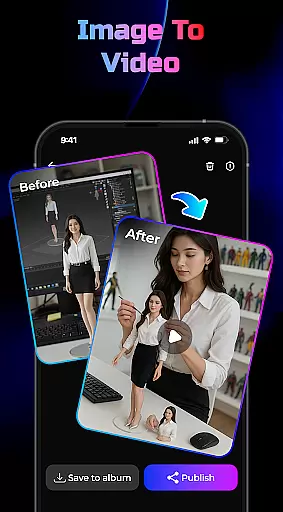
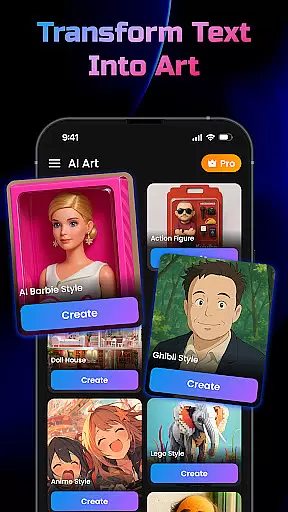
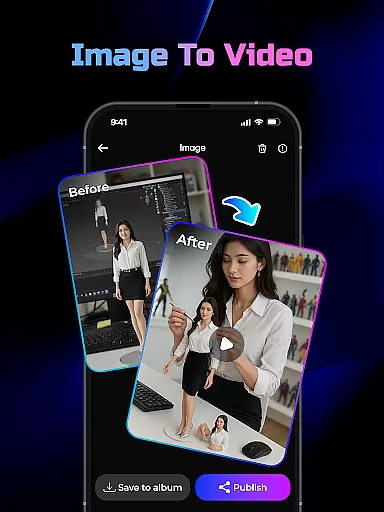
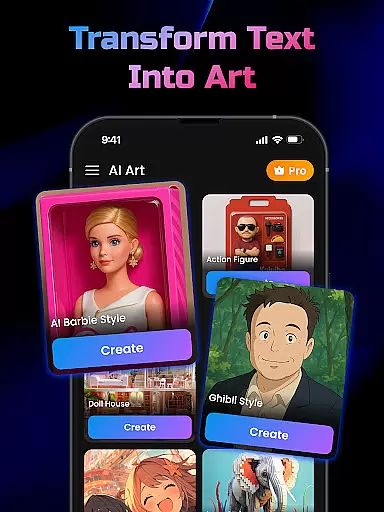
Among its notable features is the Text-to-Image Generator, which transforms written descriptions into unique, art-inspired images. The Image-to-Video Generator further extends this capability by converting static photos into dynamic videos with smooth motion and 3D effects. These tools collectively enable users to create diverse multimedia content with ease.
Another key advantage is the app's user-friendly design, which facilitates lightning-fast video creation. Users can input their scripts, and the app will automatically generate animations, transitions, and effects, merging everything into a polished final product. This seamless integration of advanced AI functionalities with an intuitive interface underscores the app's innovation and positions it as a leader in the Art & Design space.
In the realm of digital content creation, having a comprehensive suite of creative tools is essential for realizing one's vision. AI Video Generator stands out by offering an extensive array of features that cater to various content creation needs. The app includes an AI Video Generator powered by GPT technology, which transforms any text input into engaging video content.
Moreover, it provides a Text-to-Image Generator, enabling users to instantly convert written descriptions into unique, art-inspired images. This feature broadens the scope of creativity, allowing for more visually diverse projects. Additionally, the Image-to-Video Generator lets users turn static images into dynamic videos with smooth motion and 3D effects, enhancing storytelling capabilities.
The significance of these tools lies in their ability to streamline the creative process. Users can produce high-quality output with studio-style videos that include synced text, motion, and effects without needing advanced technical skills. This not only saves time but also opens up possibilities for creators at all levels to bring their ideas to life efficiently and effectively.
Flexibility in canvas and format options is crucial for adapting to different project requirements and creative visions. AI Video Generator excels in this area by providing versatile solutions that accommodate a wide range of content types. Whether you're crafting marketing materials, educational content, or social media posts, the app's adaptable framework ensures your work meets professional standards.
One notable aspect is its support for multiple input methods. You can type your idea, paste a script, or describe a scene, and the app will generate corresponding visuals. It supports both video and image outputs, making it suitable for various applications, from short-form social clips to detailed illustrative graphics. Furthermore, the app offers customization options for transitions and effects, giving creators control over the final look and feel.
This level of flexibility empowers users to experiment with different formats and styles, encouraging innovation and personal expression. By removing technical barriers and offering intuitive design tools, AI Video Generator makes it possible for anyone to create compelling visual stories regardless of their background or expertise.
User-friendly interface
High-quality video output
AI-powered text-to-video
Fast rendering speed
Versatile content creation
Limited customization options
Requires internet connection
Occasional rendering glitches
Free version has limitations
Learning curve for new users

Meet the magic aı 3d photo generator and smart AI video generator app.
 3.20
3.20
Trace, draw, and create art with AR - from memes to masterpieces!
4.30
AR Anime Drawing: How to draw anime with AR drawing & sketching apps!
4.00
Image resizer to resize, crop, rotate, flip, change dpi photo or picture in bulk
4.60
Mobile pixel art editor. Simple. Fast. Portable.
4.80
Inky runs Inkscape on Android devices and Chromebooks
2.90
Retouch photos. Create or edit images. Endless capabilities.
2.70
Kling AI is an image and video generation and editing studio powered by AI.
4.50
Draw, make movies & animate cartoons easily with our 2D animation maker app
4.40
See Color, Paint Color
4.90
Novices can also easily complete diamond painting masters
4.70
Digital, Abstract, Classic - all types of color wheels in one app!
4.60
Stylish letters, Stylish Keyboard, Symbols, Emojis, Cool nickname
4.40
Remove Background, Magic Eraser, Photo Enhancer, Story Templates, Collage Maker
4.30
Digital Drawing: Draw & Paint
4.10
Easy 3D drawing design maker & creator. Model designing, Sculpting. Create&paint
4.00
Your homescreen as an elegant glass with customized blur, lighting, and visuals.
3.70
Transform photos into amazing monochrome dither art with professional algorithms
4.4
Art of Combination Wear OS Watch faces
4.2


User Reviews