
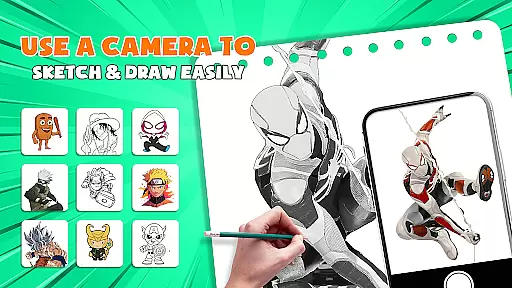
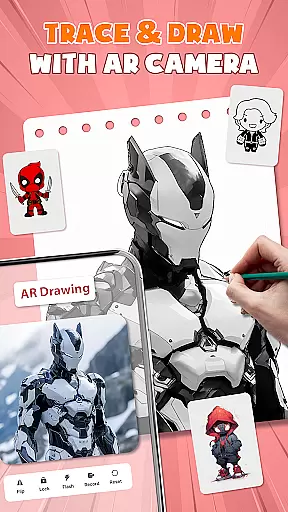
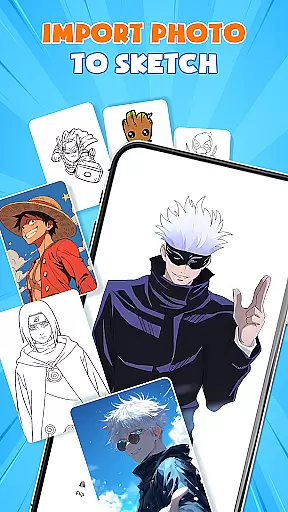
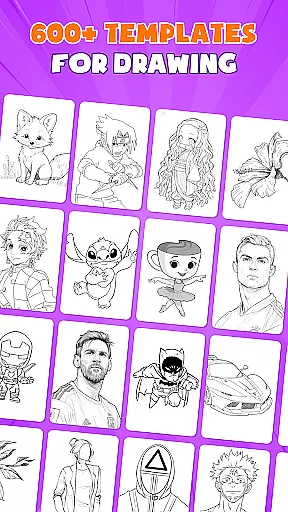
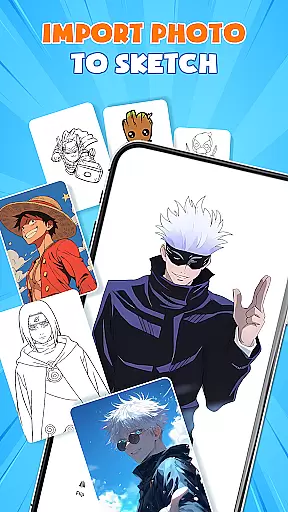
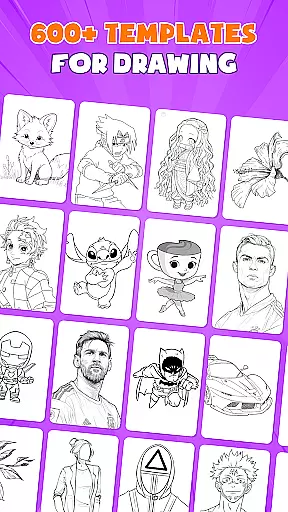
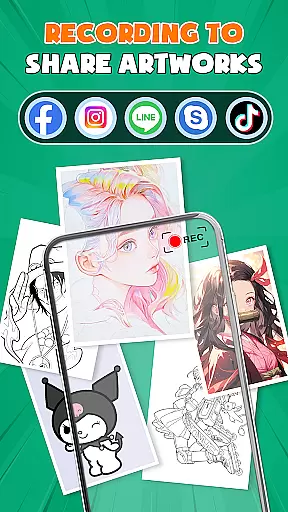
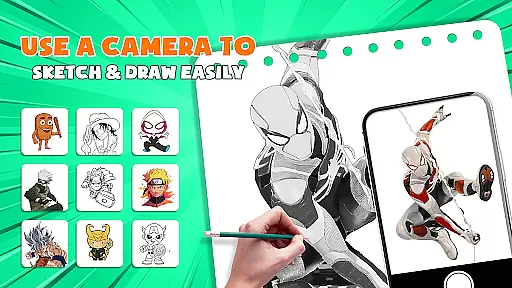
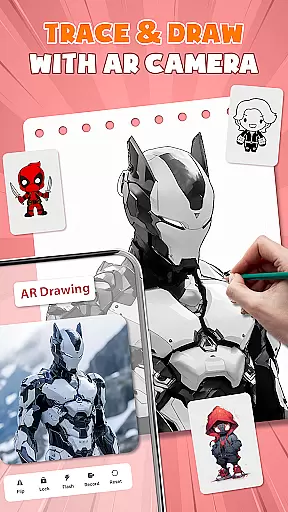
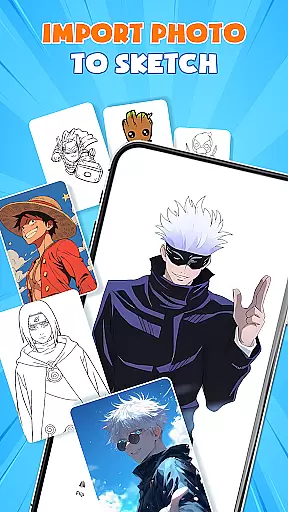
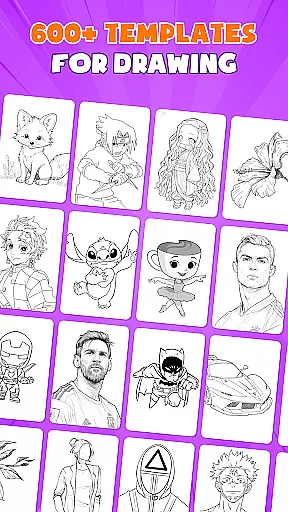
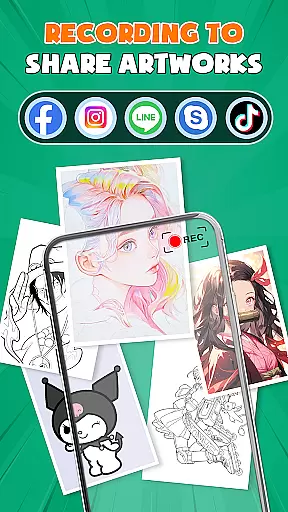
AR Drawing - Paint & Sketch is an innovative art application that combines augmented reality technology with traditional drawing techniques. This app allows users to create anime-style artwork and sketches using advanced AR tracing, sketching overlays, and drawing templates. With over 1000 free templates and a comprehensive suite of painting tools, it caters to both beginners and professional artists.
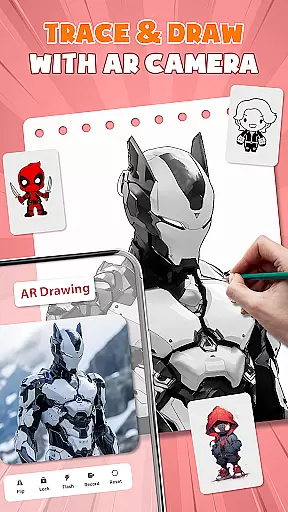
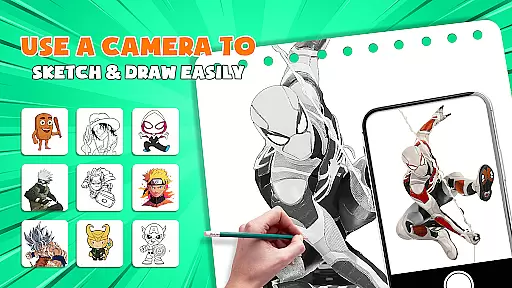
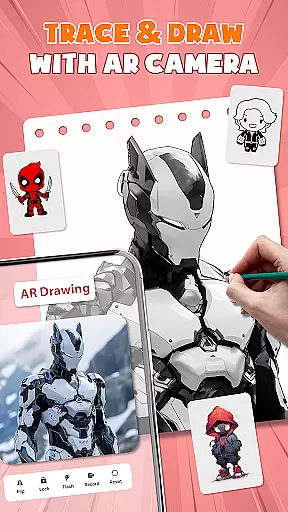
The application's core strength lies in its ability to project images onto real-world surfaces for precise tracing, while offering specialized modes for anime creation, pencil sketches, and even tattoo design. The intuitive interface provides easy access to color palettes, brush settings, and layer management, making it simple to produce high-quality artwork directly on your mobile device.
Whether you're looking to learn basic drawing skills or master complex anime illustrations, AR Drawing - Paint & Sketch offers the tools and guidance needed to advance your artistic abilities. Its unique combination of AR technology and traditional art methods makes it particularly valuable for artists who want to digitize their creative process while maintaining the authenticity of hand-drawn techniques.
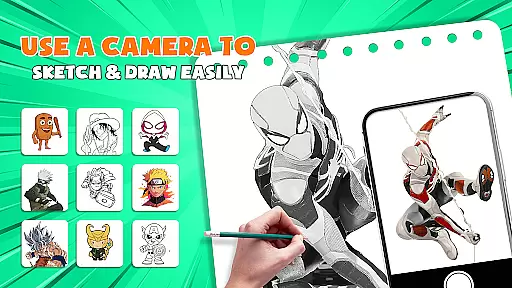
AR Drawing - Paint & Sketch distinguishes itself through its comprehensive feature set designed for diverse artistic needs. The app's AR projection system transforms your device into a virtual lightbox, enabling precise tracing of both digital and physical references. This functionality extends to various drawing modes including anime-specific tools, realistic pencil sketching, and detailed tattoo design capabilities.
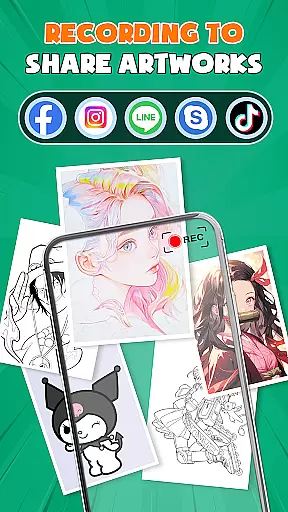
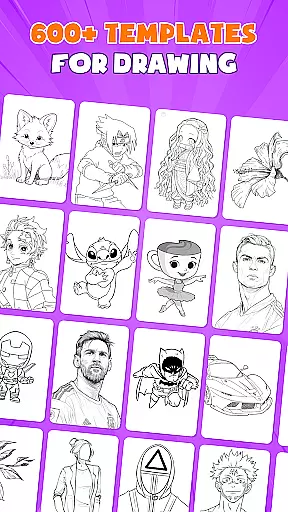
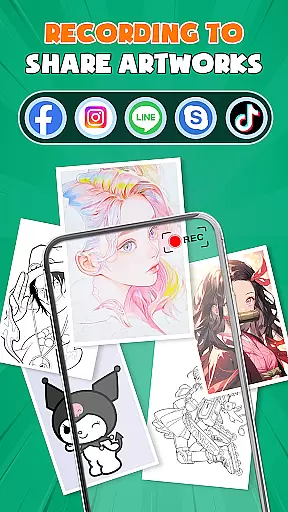
One of the application's standout features is its extensive library of over 1000 free drawing templates, complemented by step-by-step anime tutorials and sketching guides. The app supports multiple layers, customizable brush settings, and color palettes, allowing artists to create complex compositions with professional precision. Its unique community integration enables users to share their work, participate in drawing competitions, and receive feedback from fellow artists.
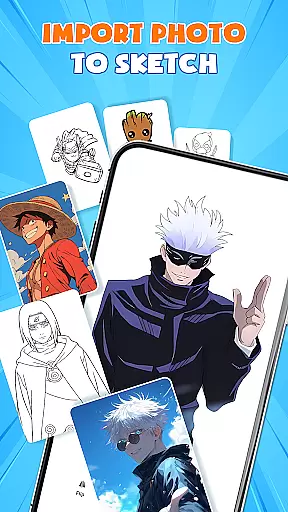
Additional notable features include picture importing with adjustable opacity for tracing, a dedicated paint mode for coloring artwork, and specialized modes for different art styles. The app's user-friendly interface ensures accessibility for beginners while providing advanced tools that satisfy professional requirements. These features collectively create a versatile platform for artistic expression and skill development.
In the realm of digital artistry, having a comprehensive suite of creative tools is paramount. AR Drawing - Paint & Sketch offers an extensive array of features that cater to both budding artists and seasoned professionals. The app includes AR projection and tracing capabilities, allowing users to transform their devices into mobile projectors for precise sketching overlays.
Moreover, the inclusion of a full suite of painting apps features ensures that users can shade with an AR pencil, paint using vibrant brushes, and enjoy both art drawing and art sketch functionalities in one place. This amalgamation of tools provides a seamless transition from traditional methods to a digital canvas, enhancing the overall creative process.
The Anime Studio mode further enriches the experience by offering ar drawing anime tutorials, guides, presets, and sketch effects. With over 1000+ free drawing template samples available, artists can easily find inspiration and integrate complex designs into their work. These resources not only save time but also serve as educational assets for those looking to refine their skills.
By incorporating tattoo and pencil art modes, alongside picture importing capabilities, AR Drawing - Paint & Sketch solidifies its position as an all-encompassing platform for diverse artistic expressions. Artists can now switch between creating realistic tattoos or detailed pencil sketches while being able to import images directly from their gallery, ensuring that every creative vision can be realized within this single powerful application.
Flexibility in canvas and format options is crucial for artists who wish to explore various dimensions of their craft without limitations. AR Drawing - Paint & Sketch excels in providing users with the freedom to experiment on different surfaces and sizes, thus catering to a wide range of artistic preferences and requirements.
This app allows creators to adjust size, position, and transparency within the AR view before they even place their phone over paper or canvas to start tracing. Such versatility ensures that whether you're working on small intricate designs or large murals, your workspace adapts accordingly to fit your needs.
Furthermore, by enabling users to switch between paint mode for coloring masterpieces and offering easy-to-use shortcuts for beginners, it removes any barriers posed by traditional mediums. This ease of use encourages experimentation across multiple formats without necessitating bulky toolsu2014just a smartphone will suffice.
With community connect features integrated into its framework, artists are not only able to share their creations but also receive feedback which fosters growth and innovation within their work. Whether crafting detailed sketches or vibrant paintings, AR Drawing - Paint & Sketch stands out as an adaptable ally in every artist's toolkit, ready to bring visions to life regardless of chosen medium or style.
User-friendly interface
Extensive template library
Advanced AR tracing
Multiple art modes
Active artist community
High storage requirements
Steep learning curve
Premium feature costs
Device compatibility issues
Occasional performance lags

Custom Character Creator & PFP Maker!
 4.20
4.20
Draw anime & manga drawing, art with templates to create stunning picture!
4.50
Digital Drawing: Draw & Paint
4.10
Create color palette from Image, RGB & RYB Color wheel harmonies, Color Scheme
4.50
Design unique, funny and adorable cat stickers that reflect your own style!
3.80
Art of Combination Wear OS Watch Faces
3.30
Android 14 style widgets and wallpapers app.
4.5
Just trace a projected picture on paper and color! Draw & Paint with AR drawing
4.40
An intuitive, high-performance painting app that lets you focus on creating
4.40
Learn how to draw with step-by-step tutorials, fun lessons & multiplayer drawing
4.70
Draw on screen: FP sDraw is a simple and lightweight drawing app
4.70
Minecraft & Roblox Clothes
4.70
Share the joy of painting with ibis Paint! Drawing anime and manga art.
4.50
AI Tattoo Generator: Create Tattoo Designs & Get Ideas! Ink & Stencil Maker
4.50
Easy 3D drawing design maker & creator. Model designing, Sculpting. Create&paint
4.00
Get creative and make art with your Sesame Friends!
4.00
Powerful home decoration & house design that allows you to design dream home.
3.80
Create trending AI photos & videos with powerful effects and 3D styles.
3.20
Transform photos into amazing monochrome dither art with professional algorithms
4.4


User Reviews