
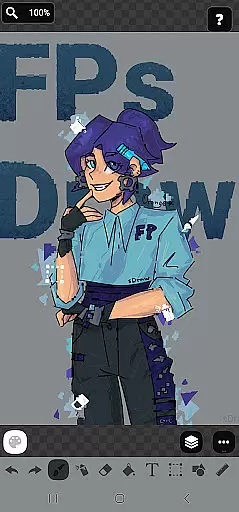
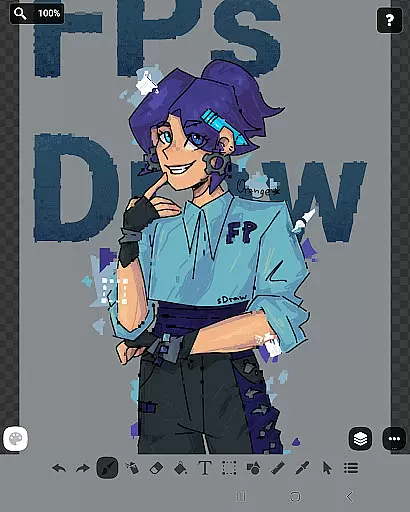
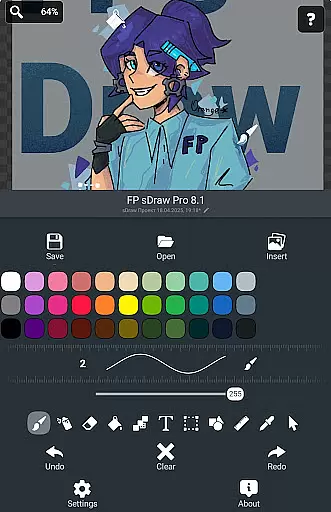
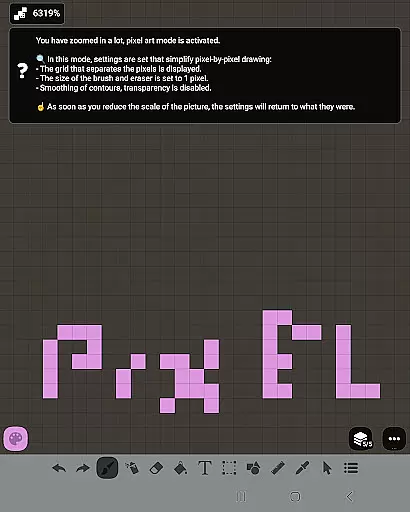
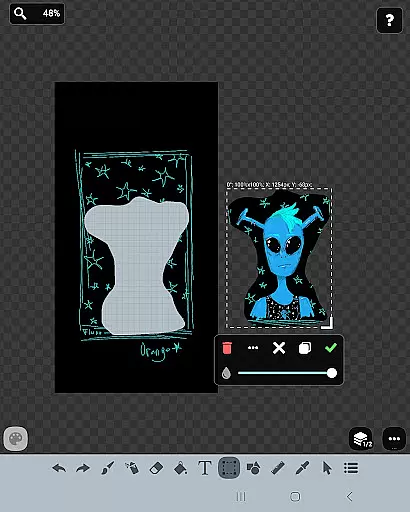
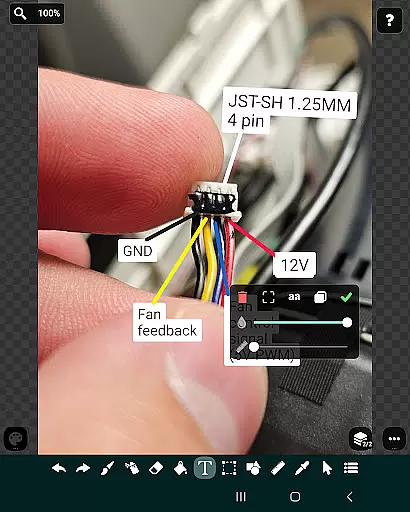
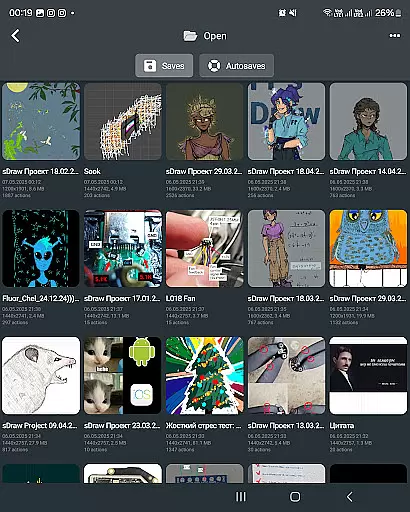
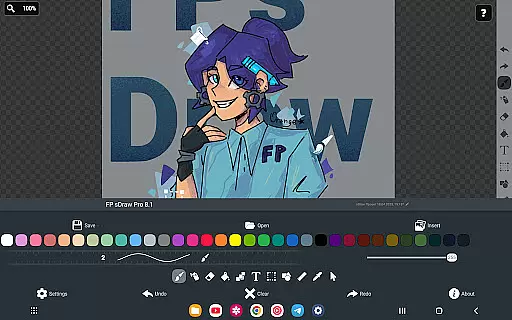
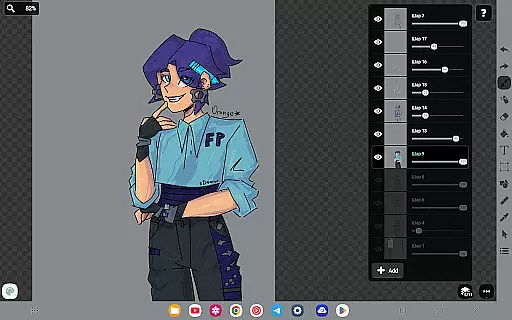
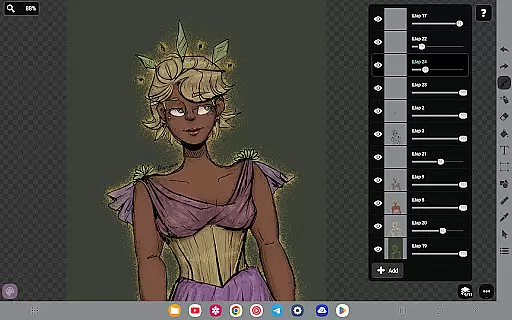
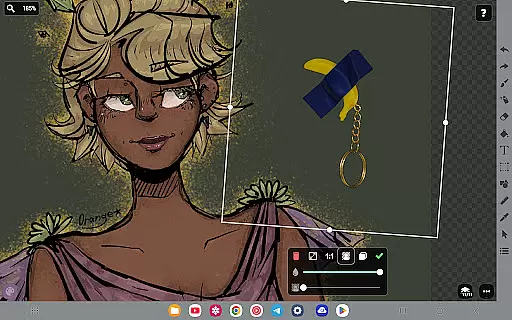
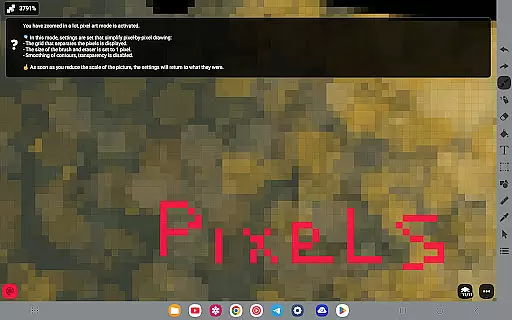
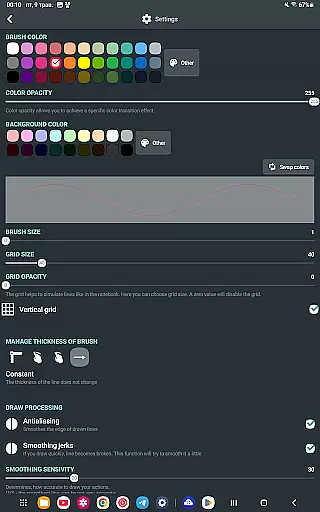
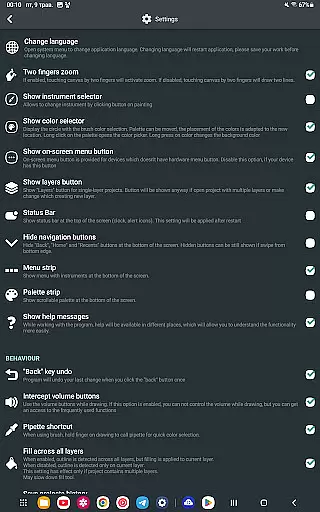
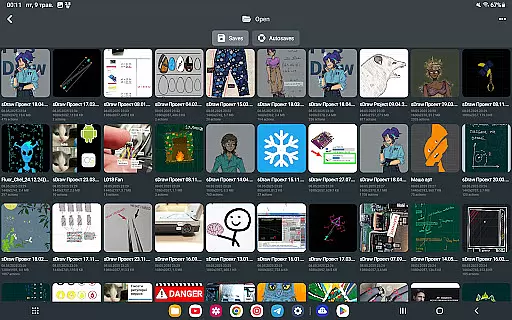
FP sDraw Pro is a streamlined drawing application tailored for users who need a simple yet powerful tool for creative tasks. Designed with minimalism in mind, this app allows you to quickly sketch ideas, create memes, or annotate images without any distractions. Its lightweight design ensures it runs smoothly even on older devices, while its intuitive interface provides flexibility and ease of use.
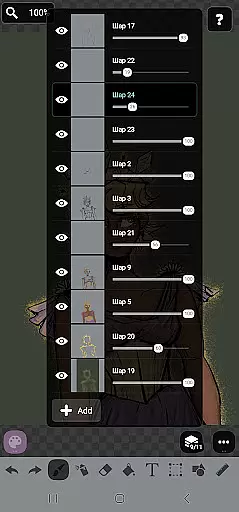
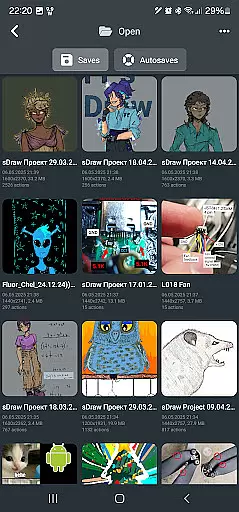
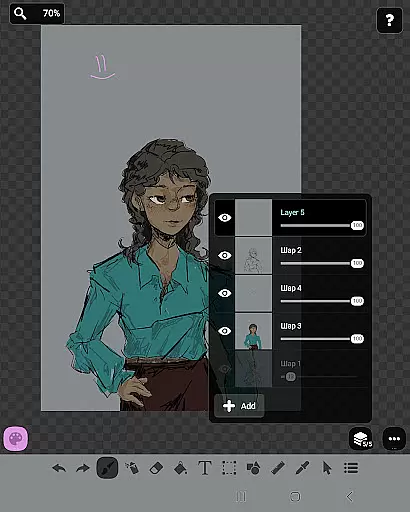
The app offers a comprehensive set of drawing tools including layers, brushes, text options, and shapes, making it suitable for both quick sketches and more detailed artwork. With features like automatic backups, stylus support, and customizable UI elements, FP sDraw Pro ensures that your creative process is both efficient and enjoyable. Whether you're an artist or someone who occasionally needs to visualize ideas, this app provides the essential tools without unnecessary clutter.
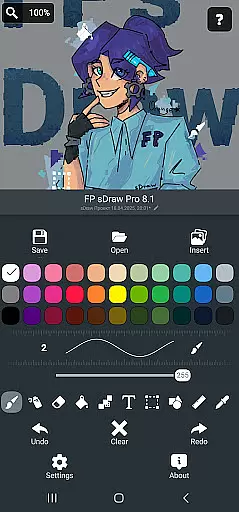
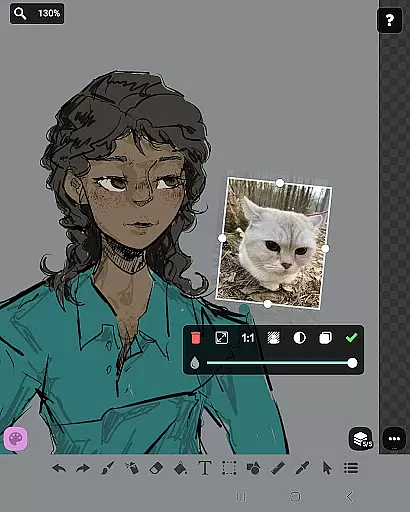
FP sDraw Pro stands out with its rich feature set designed to enhance the drawing experience. The app includes advanced tools such as layers for organizing complex sketches, an airbrush for shading, and a precision brush for fine details. Users can insert images from their gallery and utilize the eyedropper tool to select exact colors from their projects.
One of the key advantages of FP sDraw Pro is its performance optimization. The app is less than 1MB in size, installs quickly, and doesn't run background processes, ensuring that your device remains responsive. Additionally, the absence of ads creates an uninterrupted workspace. The flexible UI allows customization of button shapes, and helpful tips appear only when necessary, maintaining a clean and focused environment for creativity.
FP sDraw Pro offers a comprehensive suite of creative tools that cater to both casual doodlers and serious artists. The application includes essential features such as layers for organizing complex sketches, a brush and eraser for traditional drawing techniques, and an airbrush for more nuanced shading effects.
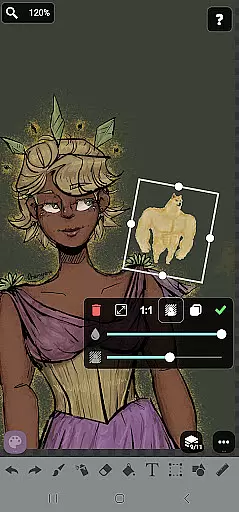
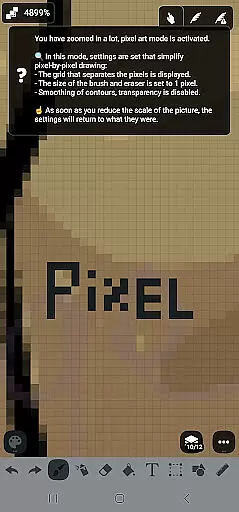
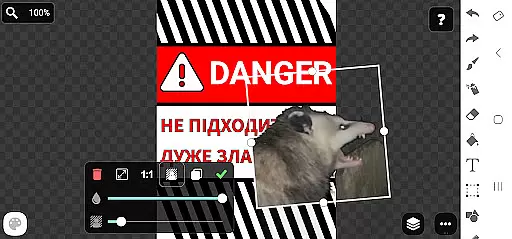
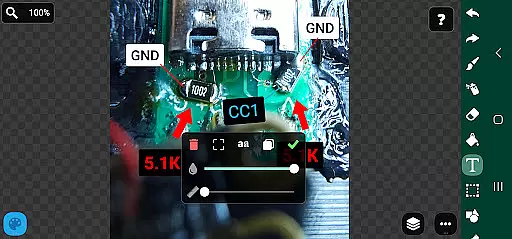
In addition to the basic tools, FP sDraw Pro supports inserting images from the gallery, filling areas with color, adding text, and even selecting parts of your canvas for editing. Advanced options like the precision brush, ruler for straight lines, eyedropper for color selection, and mosaic effect provide users with everything they need to create detailed artwork.
The availability of these diverse tools ensures that users can experiment with different styles and techniques without leaving the app. Whether you're sketching a quick diagram or working on a detailed piece, FP sDraw Pro's complete set of features has got you covered.
By providing all these capabilities in a lightweight package, FP sDraw Pro stands out as a versatile drawing app that doesn't compromise on functionality while maintaining ease of use.
FP sDraw Pro excels in offering canvas and format flexibility, allowing artists to customize their workspace according to their specific needs. Users have the freedom to adjust canvas sizes and orientations, ensuring that their digital art fits perfectly within their envisioned parameters.
Beyond just canvas adjustments, FP sDraw Pro also provides flexible UI elements where even button shapes can be customized. This level of personalization enables users to tailor the interface to suit their workflow, making the creative process smoother and more intuitive.
Moreover, the app supports various styluses including sPen and Active Pen, which enhances precision and control during drawing sessions. With stylus support, artists can achieve finer details and more natural brush strokes, mimicking traditional drawing experiences.
This combination of customizable canvas settings, adaptable UI components, and stylus compatibility makes FP sDraw Pro an ideal choice for artists seeking a flexible digital drawing environment.
Lightweight and fast
No ads or distractions
Customizable UI
Automatic backup
Stylus support
Limited advanced features
Basic UI design
Fewer filters
No cloud sync
Small user base

Sketch, trace and master AR drawing with awesome anime art!
 3.30
3.30
Sketch, plan, take notes and illustrate on an infinite canvas.
4.20
Art of Combination Wear OS Watch faces
4.2
Nano Banana AI Image Generator, Anime Filter, AI Portrait, AI Photo Generator
4.30
Painting, drawing, & sketching
4.50
A luxurious gold watch face for an elegant and refined look.
4.2
Share the joy of painting with ibis Paint! Drawing anime and manga art.
4.50
AI Tattoo Generator: Create Tattoo Designs & Get Ideas! Ink & Stencil Maker
4.50
Draw, fidget, and spin glow art! Relax and express your creativity with a finger
4.60
Image resizer to resize, crop, rotate, flip, change dpi photo or picture in bulk
4.60
Video AI: Revolutionize Your Content Creation with Advanced Video Generation
4.50
Trace, draw, and create art with AR - from memes to masterpieces!
4.30
Create stylish invitation cards using templates for weddings, birthdays & RSVP.
4.20
Text to Image, Image to Video & AI Chat
4.20
Digital Drawing: Draw & Paint
4.10
Resize photos and print photos in exact size with our powerful photo printer!
3.80
AI Face Swap, Video Effects Editor, Realtime Morph, Funny Video FX,AI Filters
3.70
Experience next-gen icons with a modern liquid glass look.
3.60
Pose and morph realistic male and female models! 3D poser app
3.00


User Reviews