
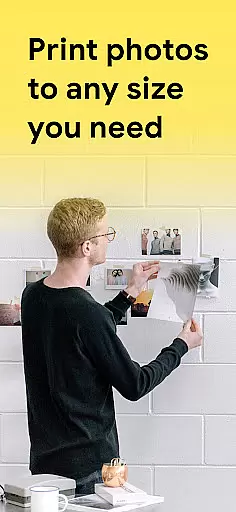
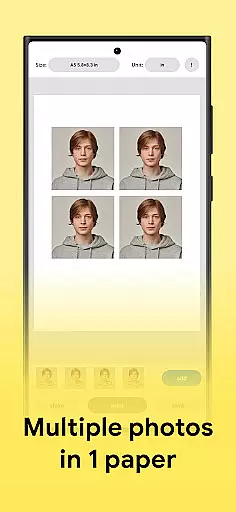
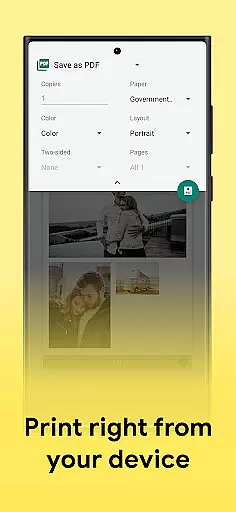
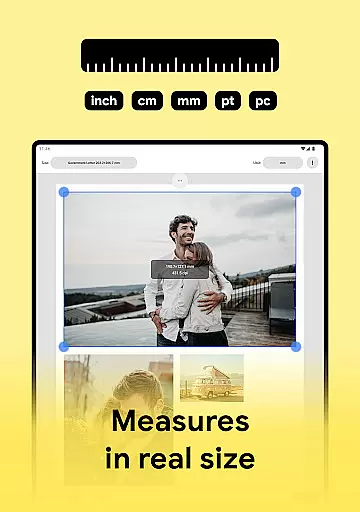
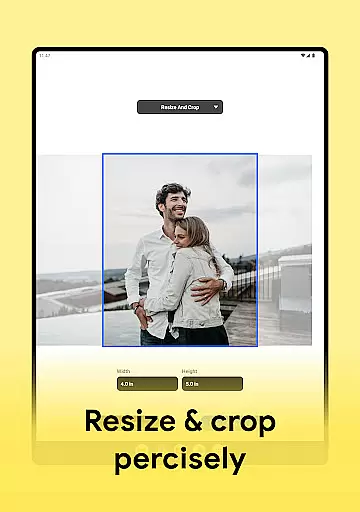
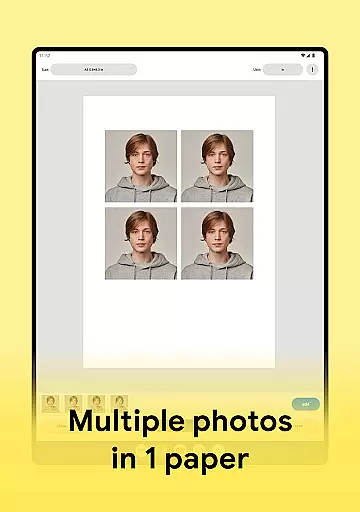
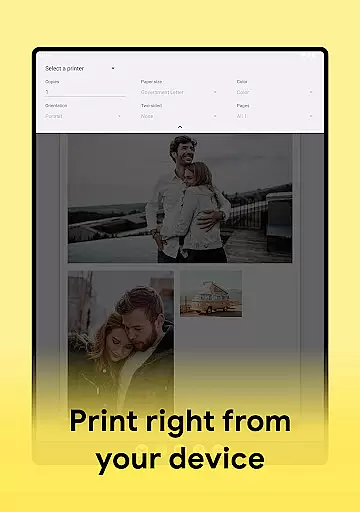
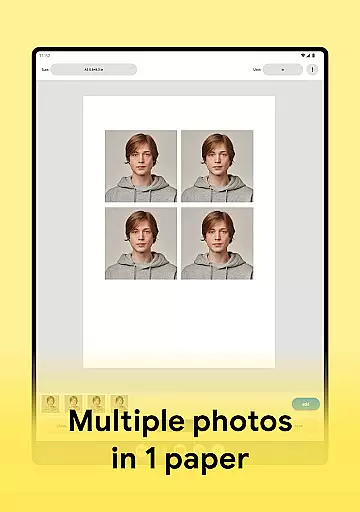
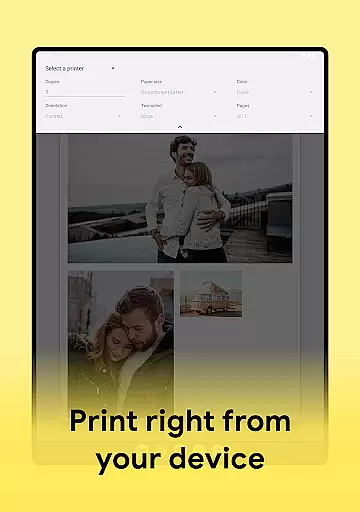
Print Photo is an innovative mobile application designed for users who need to print high-quality photos directly from their devices. This app specializes in optimizing images for photo printing, scanning, and resizing, making it a versatile tool for both personal and professional use. With Print Photo, you can effortlessly create passport-sized photos, badges, labels, and more.
The app supports a wide range of printers including HP Smart, Samsung Print, Canon Pixma, Brother iPrint, and Epson Print. Its intuitive interface allows users to adjust DPI and print resolution, ensuring maximum quality output. Whether you're printing single images or multiple pictures on one sheet, Print Photo delivers exceptional results every time.
One of the standout features of Print Photo is its ability to save projects as PDF, PNG, or JPG files. Additionally, users can send their edited images directly to cloud storage services. This functionality makes it easy to access your work across devices and share it with others. The app's comprehensive feature set and user-friendly design make it an essential tool for anyone involved in photography or design.
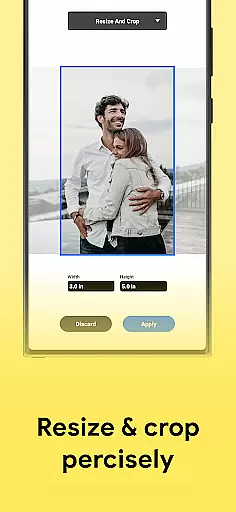
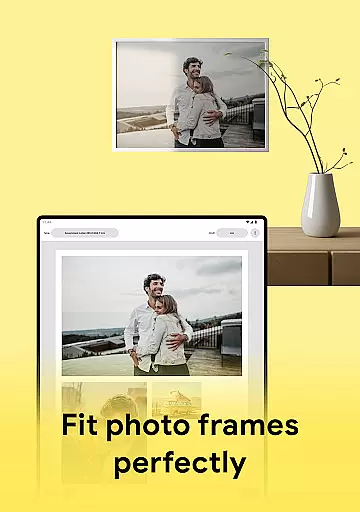
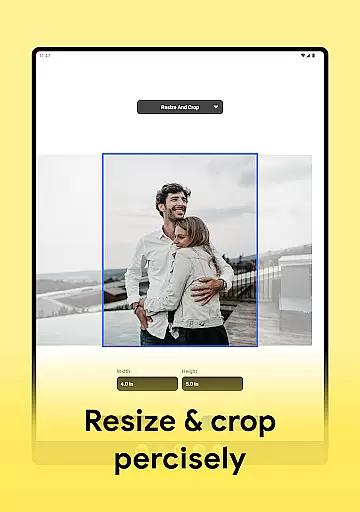
Print Photo offers a robust set of features that cater to various photo printing needs. One of its primary capabilities is the ability to resize, crop, and adjust the resolution of images before printing. This ensures that each photo meets the exact specifications required for different types of prints, such as passport photos or large-format images.
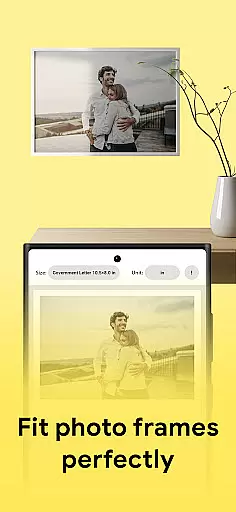
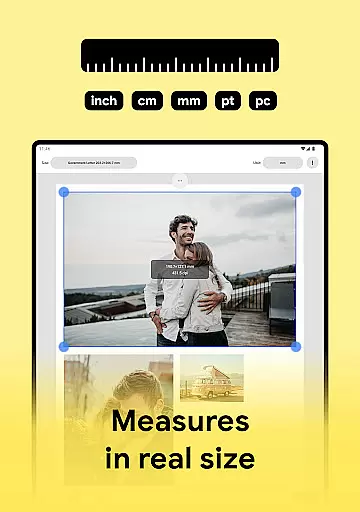
Another notable feature is the app's support for multiple printer models, including popular brands like HP, Samsung, Canon, Brother, and Epson. Users can connect their devices to these printers seamlessly, streamlining the printing process. The app also provides templates for standard paper sizes, allowing users to customize their formats according to specific requirements.
In addition to its core printing functionalities, Print Photo enables users to save their projects in various formats, including PDF, PNG, and JPG. This flexibility ensures that users can store and share their work efficiently. The app's high-quality printing options and extensive format support make it a valuable asset for photographers, designers, and anyone who requires reliable photo printing solutions.
Print Photo offers a comprehensive suite of creative tools that cater to all your photo editing and printing needs. This application supports various functionalities such as cropping, adjusting print resolution, and creating passport-sized photos, which are essential for both amateur and professional photographers.
The app's compatibility with numerous printer models like HP Smart, Samsung Print, Canon Pixma, Brother iPrint, and Epson Print ensures that users can easily send their edited images to print from their devices. With the ability to adjust DPI and print resolution, users have full control over the quality of their printed photos, making it an indispensable tool for anyone looking to achieve high-quality results.
Moreover, Print Photo allows users to save their projects in multiple formats including PDF, PNG, and JPG, or even send them directly to cloud storage services. This versatility not only enhances workflow efficiency but also provides users with flexible options for storing and sharing their work.
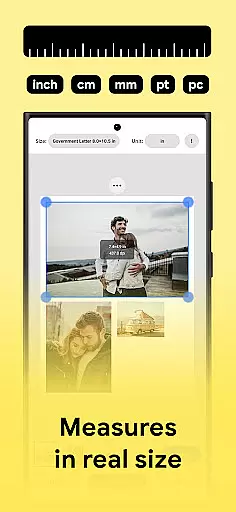
One of the standout features of Print Photo is its canvas and format flexibility, allowing users to customize their printing projects according to specific requirements. Whether you need to print a single photo or create a collage with multiple images on one sheet, this app provides the necessary tools to execute your vision with precision.
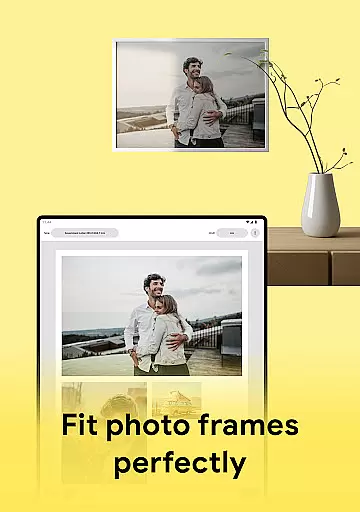
Users can select from predefined paper sizes or create custom formats tailored to unique project specifications. This level of customization extends to choosing templates or designing personalized layouts, ensuring that every print job meets individual preferences and standards.
In addition to supporting standard photo printing tasks, Print Photo facilitates the creation of specialized items such as badges, labels, and passport-sized photos. By offering these advanced capabilities, the app empowers users to explore diverse creative possibilities while maintaining exceptional output quality across different media types.
User-friendly interface
Wide printer compatibility
High-quality prints
Multiple file formats
Cloud storage integration
Limited advanced editing tools
No batch processing
Occasional connectivity issues
Basic template options
Subscription fees for premium features

Art of Combination Wear OS Watch faces (for Wear OS 5+ devices)
 3.00
3.00
AI Face Swap, Video Effects Editor, Realtime Morph, Funny Video FX,AI Filters
3.70
Draw anime easily with AR guidance, sketch templates & trace tools!
3.10
800+ Drawing, Painting Lessons App to Practice, Sketch & Paint Art.
4.30
Your AI soulmate — meaningful chats, and unique emotional moments
4.70
Everything you need to create hand drawn animation, anywhere you go!
4.40
Retouch photos. Create or edit images. Endless capabilities.
2.70
Just trace a projected picture on paper and color! Draw & Paint with AR drawing
4.40
Draw, fidget, and spin glow art! Relax and express your creativity with a finger
4.60
Unleash your drawing and painting potential
4.50
Nano Banana AI Image Generator, Anime Filter, AI Portrait, AI Photo Generator
4.30
Bring One UI 8.5 Icons to life -elegant dark icons with a modern, premium touch.
4.30
Sketch, plan, take notes and illustrate on an infinite canvas.
4.20
Custom Character Creator & PFP Maker!
4.20
Unleash Your Creativity with Draw Cartoon - AR Drawing App
4.10
OneUI 8.5 icons ✨ Smooth, modern & based on the latest Play Store design ??
4.10
Floor Plan Creator lets you create, edit and share floor plans.
4.00
Your homescreen as an elegant glass with customized blur, lighting, and visuals.
3.70
Create stunning video, photo & magic from text with FlixAI GPT video generator.
3.10


User Reviews