
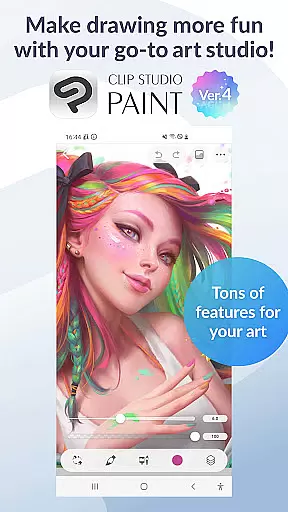
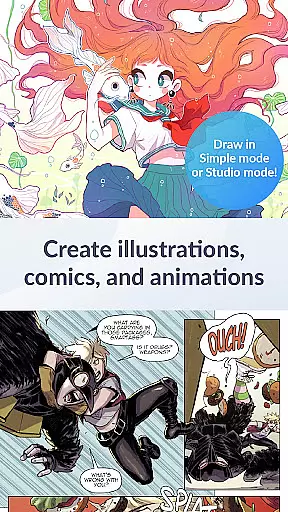
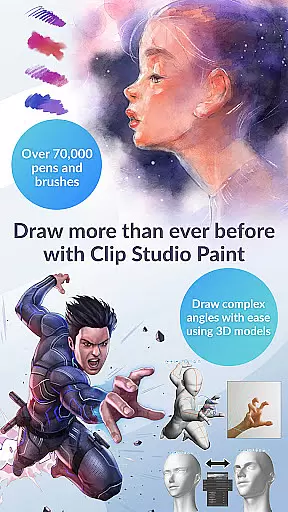
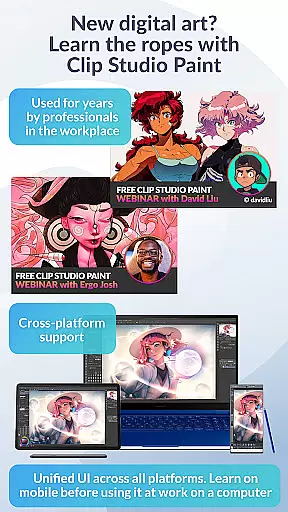
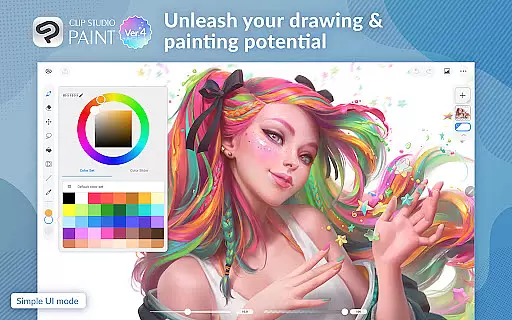
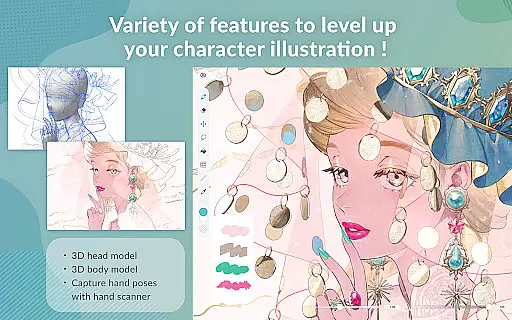
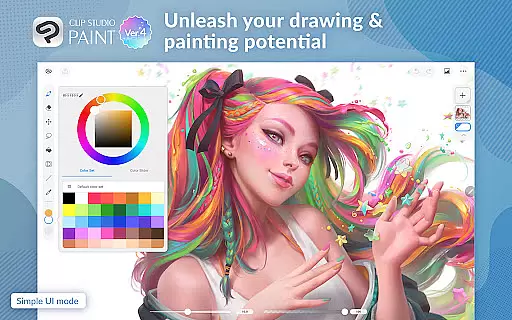
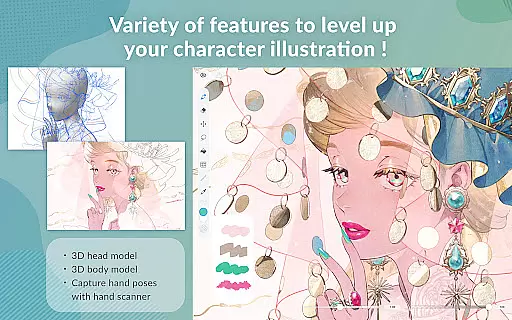
Clip Studio Paint is a comprehensive digital art application designed for both professional artists and beginners. It offers a free 30-day trial, allowing users to explore its vast array of features without any initial investment. The app supports complex artwork with up to 10,000 layers and includes innovative tools like 3D model posing, live video drawing references, and Puppet Warp for adjusting drawings.
Available on both tablets and smartphones, Clip Studio Paint provides flexibility in subscription plans. Users can subscribe monthly or annually, with special offers including up to three months free with the first plan. The smartphone version offers a unique 30-hour free trial each month, refreshing automatically. This makes it an ideal choice for artists who need powerful creative tools on the go.
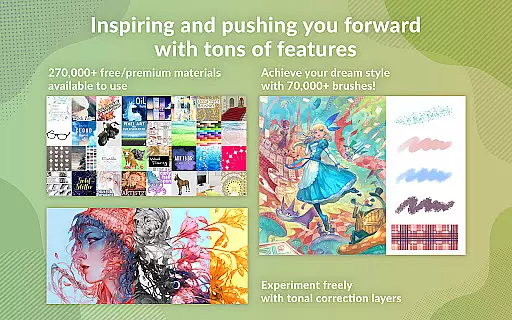
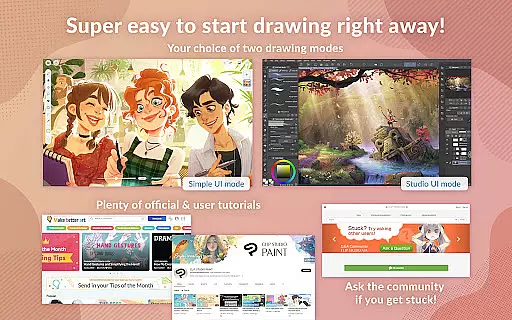
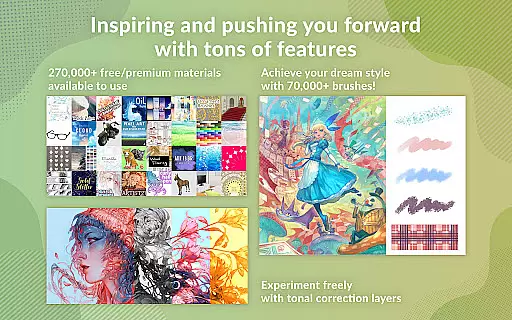
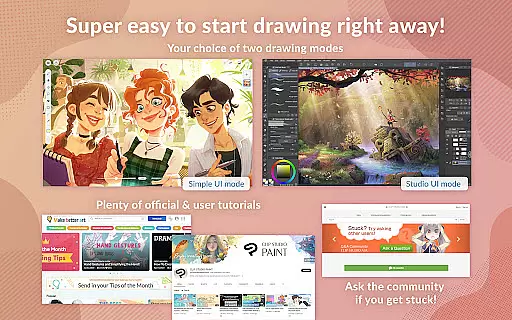
The app's standout feature is its extensive brush engine, offering over 70,000 brushes created by artists worldwide. With support for perceptual color mixing, vector painting, and advanced layer effects, Clip Studio Paint ensures that artists have full control over their creations. Additionally, the app facilitates learning through free tutorials and user tips, making it accessible for newcomers while still providing depth for experienced users.
Clip Studio Paint stands out with its robust set of features tailored for digital artists. One of its key capabilities is the ability to create highly detailed artwork using up to 10,000 layers, which is essential for complex illustrations. The inclusion of 3D primitives allows users to quickly generate ideas for layouts and perspectives, enhancing productivity and creativity.
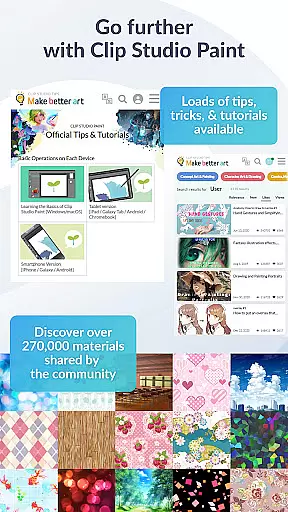
The app also excels in its brush customization options. Artists can adjust texture, shape, dual brush settings, color mixing, and spray effects to craft their perfect brush. With access to over 270,000 free and premium materials, including various brush textures, users can experiment with different styles and techniques. This wealth of resources is complemented by the ability to record timelapses of your work, which can be shared on social media platforms.
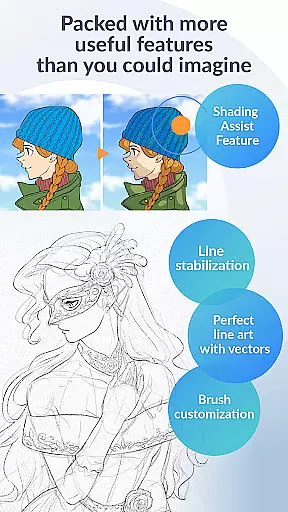
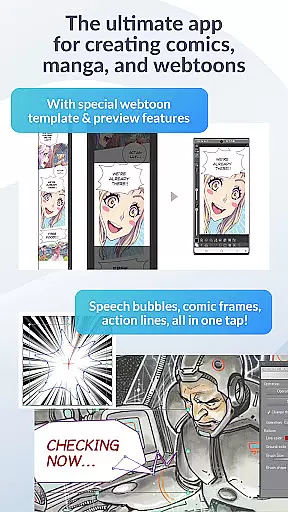
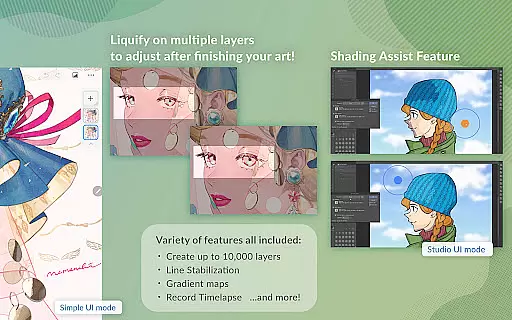
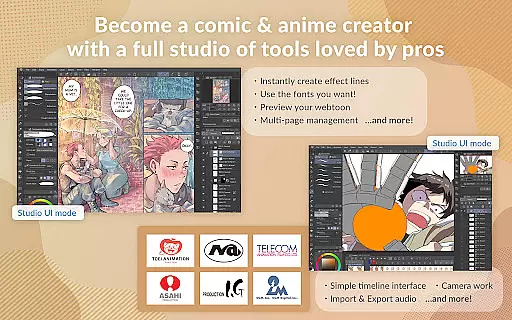
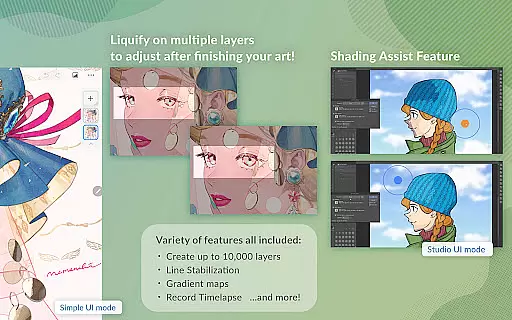
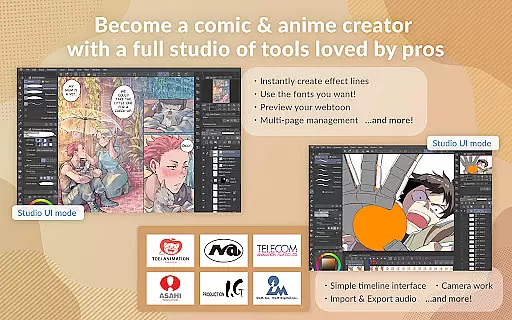
For comic and manga creators, Clip Studio Paint offers specialized tools such as instant creation of speech bubbles, frames, and action lines. The Shading Assist feature helps add shadows effortlessly, while multi-page management is available for larger projects. These features, combined with the app's support for animations, make it a versatile tool suitable for a wide range of artistic endeavors.
Creative tool completeness is a crucial aspect of any art and design application, and Clip Studio Paint excels in this area. The app offers an extensive array of features that cater to both beginners and professionals. With over 70,000 brushes available, including those created by artists worldwide, users can find the perfect brush for their needs. These brushes are highly customizable, allowing adjustments to texture, shape, dual brush settings, color mixing, and spray effects.
Clip Studio Paint also provides access to more than 270,000 free and premium materials crafted by other creators. This includes various textures for brushes, 3D primitives for fast layout and perspective creation, and much more. Such a vast library ensures that artists never run out of resources to fuel their creativity.
The benefits for users are immense. Whether you're drawing, painting, or animating, the tools within Clip Studio Paint allow for full control over your artwork. From perceptual color mixing that mimics real paint blending to advanced layer effects for fine-tuning your creations, every feature is designed to enhance the artistic process. Additionally, vector painting capabilities ensure scalability without quality loss, making it ideal for projects of all sizes.
Canvas and format flexibility is another standout feature of Clip Studio Paint, empowering artists with unparalleled freedom in their creative endeavors. The app supports up to 10,000 layers, enabling detailed and complex artwork that requires meticulous attention to layer management. This level of detail allows artists to work on intricate pieces without worrying about running out of space or organization options.
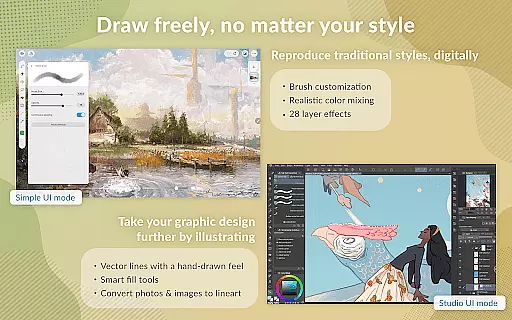
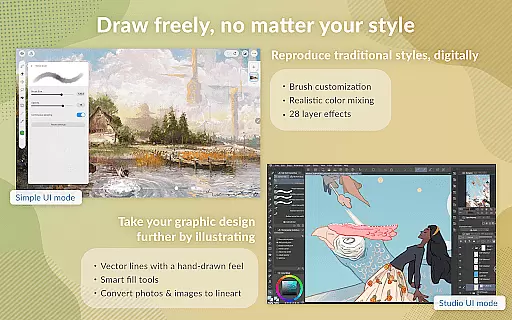
In addition to its robust layer system, Clip Studio Paint offers versatile canvas settings. Users can draw smoother line art with Line Stabilization, utilize vector layers for precise line adjustments, and employ smart fill tools for laying down flat colors efficiently. Perspective drawing becomes effortless as lines snap to guides, creating stunning backgrounds with correct perspectives.
For users, these features translate into enhanced productivity and creative possibilities. Artists can switch between Simple Mode for quick sketches and Studio Mode for utilizing the full suite of features. Furthermore, multi-page works can be managed within a single file, streamlining workflows for comics, manga, or webtoons. Exporting data in various formats on supported devices ensures compatibility across different platforms, enhancing collaboration and sharing opportunities.
User-friendly interface
Extensive brush library
Powerful layer management
Comprehensive tutorial support
Versatile animation tools
Subscription required for full features
Limited free trial on smartphones
Advanced features need high-end devices
Occasional bugs reported
Steep learning curve for beginners

Discover Cartoon Dream : Unleash Your Creativity with CuttingEdge AI
 4.50
4.50
The ultimate tool for creating animations
4.60
Draw on screen: FP sDraw is a simple and lightweight drawing app
4.70
AI Art Generator transforms your words into AI generated art & paintings.
3.70
Design unique, funny and adorable cat stickers that reflect your own style!
3.80
Draw Trace image sketch by, AR art projector app, Easy to trace any image.
4.50
800+ Drawing, Painting Lessons App to Practice, Sketch & Paint Art.
4.30
Draw, fidget, and spin glow art! Relax and express your creativity with a finger
4.60
Draw, make movies & animate cartoons easily with our 2D animation maker app
4.40
Make your phone cooler and have a fantastic experience
4.80
Mobile pixel art editor. Simple. Fast. Portable.
4.80
Novices can also easily complete diamond painting masters
4.70
Turn your drawings into flipbook-style animations with simple creative tools
4.60
Image/ Text to Video Generator
4.40
Just trace a projected picture on paper and color! Draw & Paint with AR drawing
4.40
Custom Character Creator & PFP Maker!
4.20
Digital Drawing: Draw & Paint
4.10
Art of Combination Wear OS Watch faces
4.0
A luxurious gold watch face for an elegant and refined look.
4.4


User Reviews