
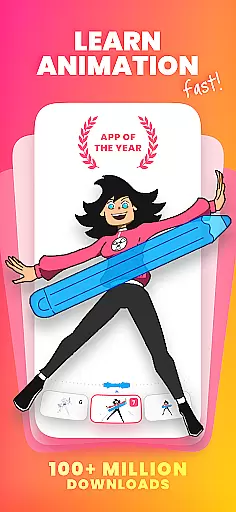
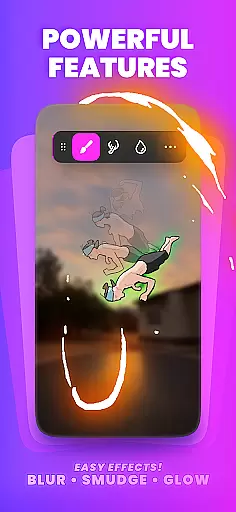
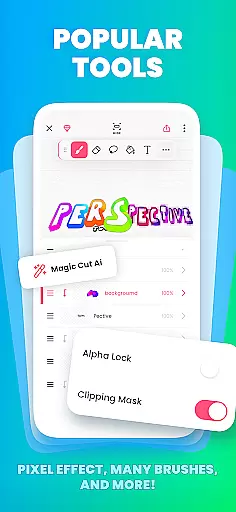
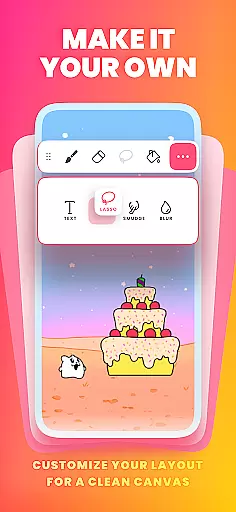
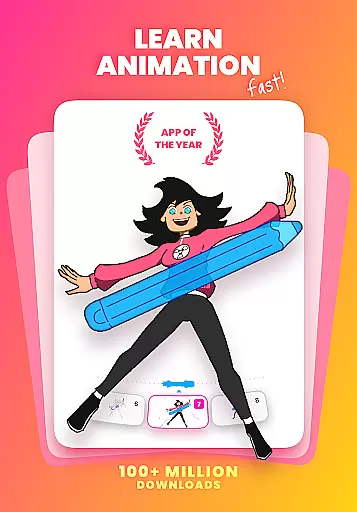
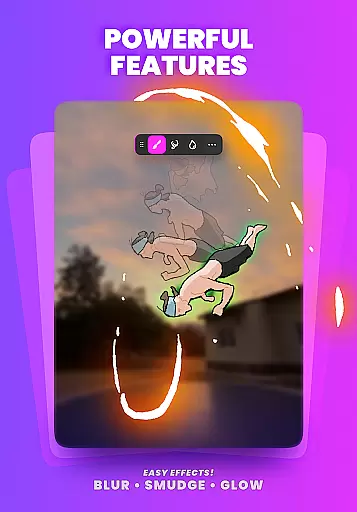
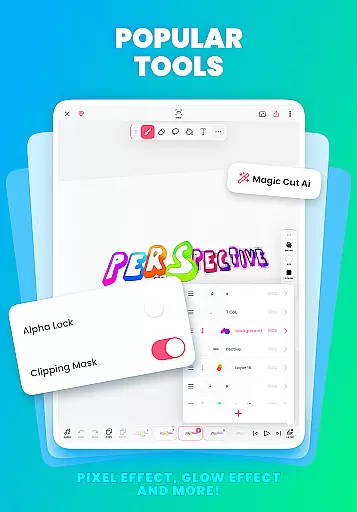
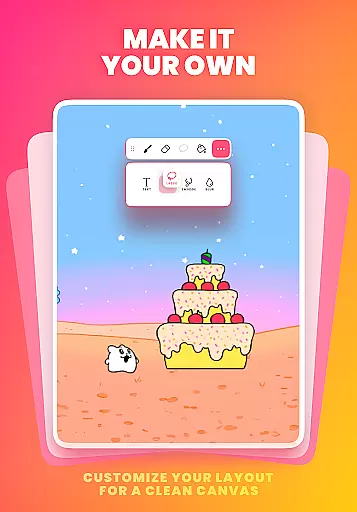
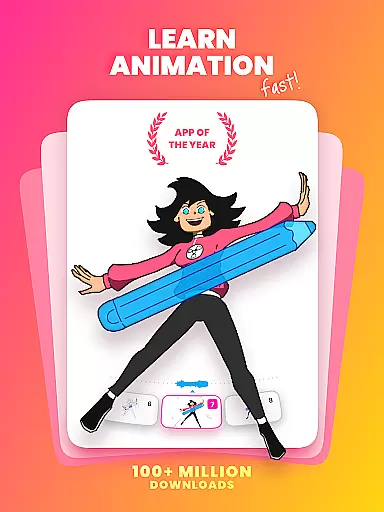
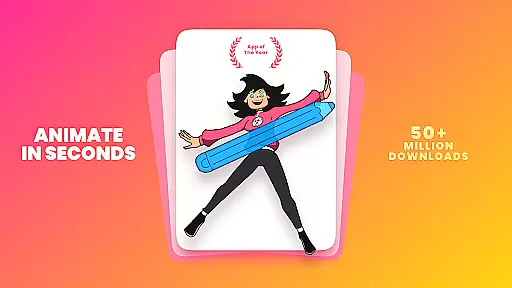
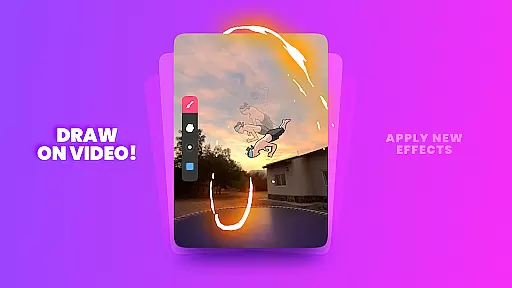
FlipaClip is a leading 2D animation app designed for both beginners and professionals in the Art & Design category. This powerful tool allows users to create frame-by-frame animations, draw cartoons, and design short animated movies with remarkable ease. The app offers an intuitive interface that combines traditional flipbook animation techniques with advanced digital tools.
With features like onion skinning, multi-layer support, and AI-powered tools such as Magic Cut, FlipaClip provides everything needed to bring creative ideas to life. Whether you're learning how to animate or working on professional storyboards, this app caters to all skill levels. Its versatility makes it perfect for creating anime, memes, or even full cartoon series.
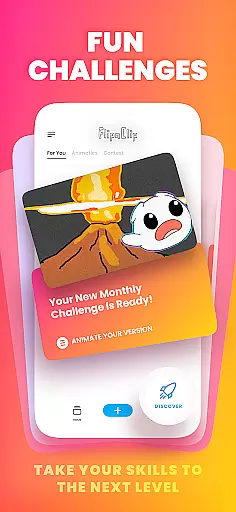
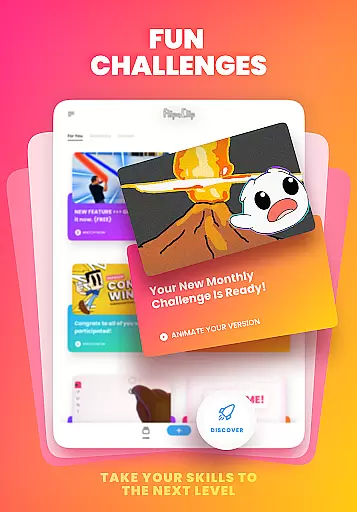
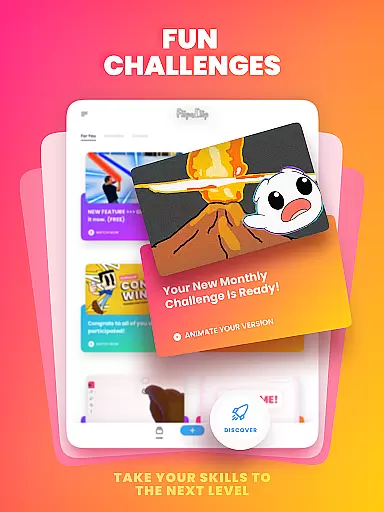
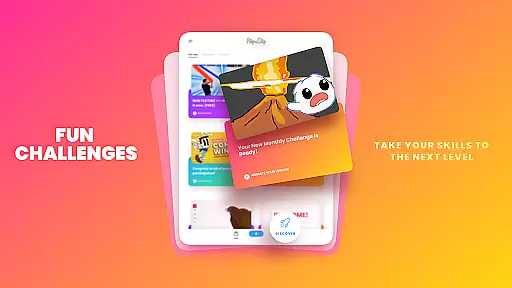
The app's value extends beyond just animation, offering a complete creative ecosystem where users can join challenges, participate in contests, and connect with millions of creators worldwide. FlipaClip stands out as an award-winning animation solution that helps artists turn their drawings into shareable content across multiple platforms.
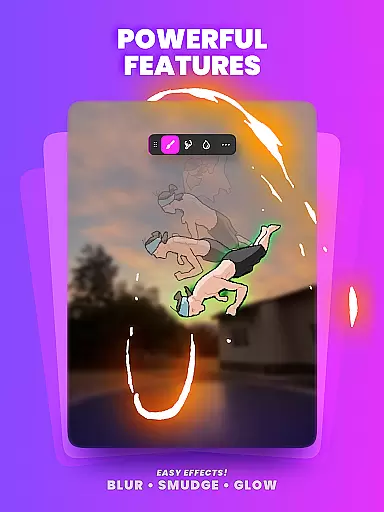
FlipaClip distinguishes itself through its comprehensive set of professional-grade animation tools. The frame-by-frame timeline gives animators precise control over their work, while onion skin functionality ensures smooth transitions between frames. Users can work with up to 10 layers, apply glow effects, and utilize blending modes to create sophisticated animations.
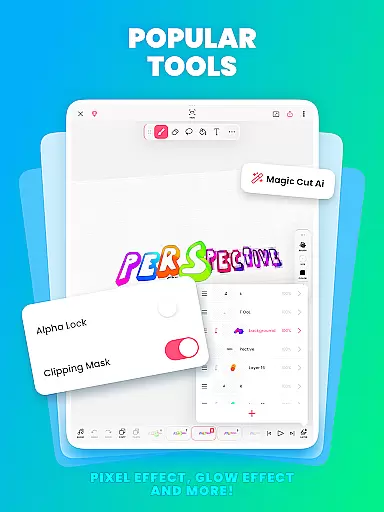
The app's innovative features include AI-powered tools like Magic Cut for object separation and AI Voice Maker for natural narration. These smart functions streamline complex tasks and enhance creativity. Pressure-sensitive stylus support and various drawing tools make the animation process both natural and precise, catering to different artistic styles and techniques.
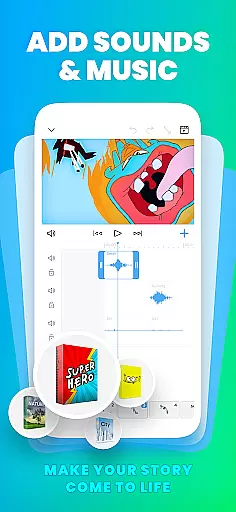
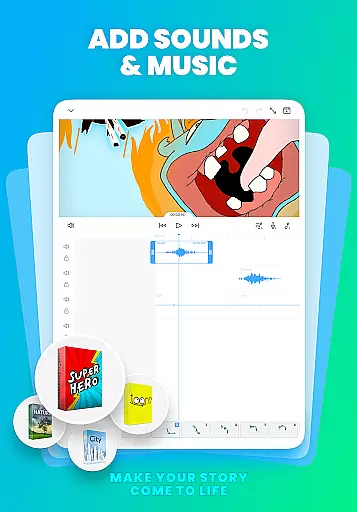
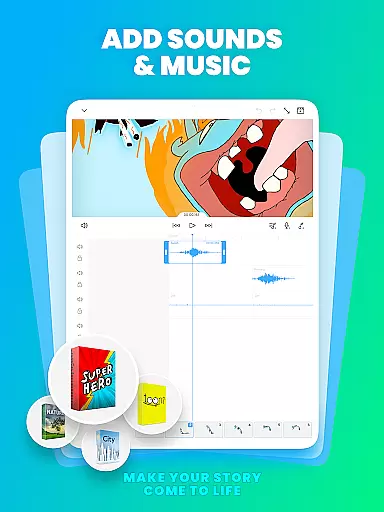
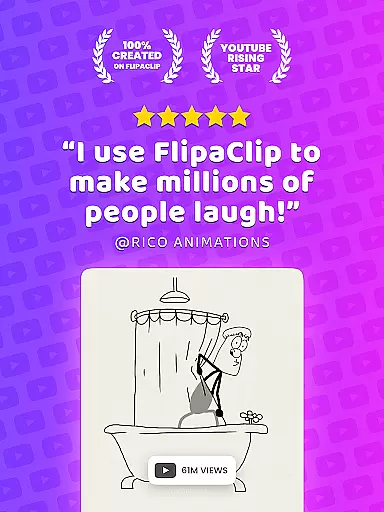
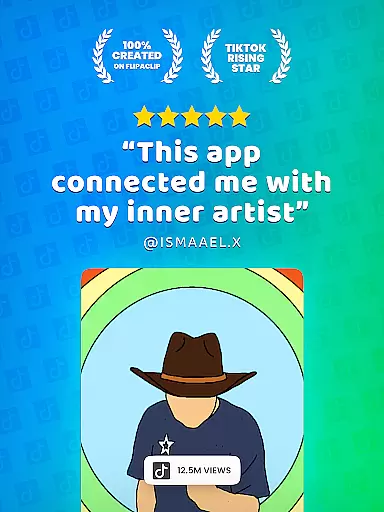
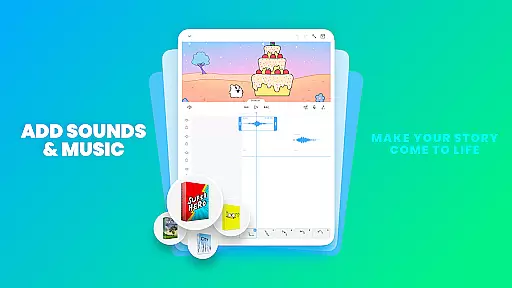
What sets FlipaClip apart is its ability to export projects in multiple formats including MP4, GIF, and PNG sequences with transparency. The app also supports audio integration with up to 6 tracks, enabling creators to synchronize sound effects and music perfectly with their animations. These capabilities make it an ideal choice for YouTubers, TikTok creators, and professional animators alike.
In the realm of digital art and animation, having a comprehensive suite of creative tools is paramount. FlipaClip excels in this area by offering a robust set of features tailored for both amateur artists and seasoned professionals. The app provides users with brushes, fill options, lasso, eraser, ruler, text, and shape tools, enabling them to sketch and refine their ideas with precision.
One standout feature is the support for pressure-sensitive styluses like the Samsung S Pen and SonarPen, which enhances the drawing experience by mimicking the natural feel of pen on paper. This attention to detail ensures that every stroke and line reflects the artist's intent accurately.
FlipaClip also supports up to 10 layers (with 3 free), glow effects, blending modes, and even AI-powered tools such as Magic Cut, which allows users to effortlessly slice images and objects from frames. These advanced capabilities empower creators to produce complex animations and cartoons with ease.
Ultimately, FlipaClip's extensive toolkit not only facilitates creativity but also streamlines the animation process, making it an indispensable resource for anyone looking to bring their artistic visions to life.
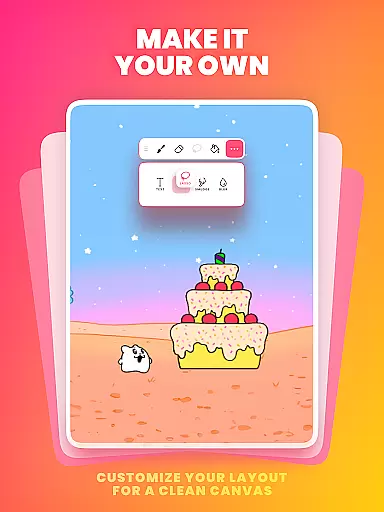
Flexibility in canvas size and format compatibility is crucial for artists who wish to explore various styles and mediums within their animations. FlipaClip addresses this need by allowing users to paint on custom canvas sizes, thus accommodating different project requirements and creative visions. Whether you're crafting a short animated film or designing a flipbook, the ability to adjust your workspace can significantly impact your workflow efficiency.
The app further enhances its canvas flexibility through its export options. Users can save their creations in multiple formats including MP4, GIF, or PNG sequences with transparency. This versatility ensures that animations can be seamlessly integrated into different platforms and projects without losing quality or coherence.
Moreover, FlipaClip supports importing photos or videos to create rotoscope animations, adding another layer of adaptability. By leveraging these features, artists can experiment with diverse techniques such as stop-motion or frame-by-frame animation while maintaining full control over their final output.
With FlipaClipu2019s adaptable canvas and format options, creators are equipped to tackle any project, from simple doodles to intricate storyboards, ensuring their work remains versatile and professional across all mediums.
User-friendly interface
Powerful AI tools
Versatile export options
Active creator community
Professional-grade features
Limited free layers
Premium feature costs
Steep learning curve
Occasional performance issues
Advanced tools require practice

AI generated images & photos, turn your words into drawing, painting & pictures.
 4.30
4.30
Floor Plan Creator lets you create, edit and share floor plans.
4.00
Art of Combination Wear OS Watch Faces
4.0
Design unique, funny and adorable cat stickers that reflect your own style!
3.80
800+ Drawing, Painting Lessons App to Practice, Sketch & Paint Art.
4.30
Get an overview over all your embroidery threads, projects and more.
4.60
Experience next-gen icons with a modern liquid glass look.
3.60
Inky runs Inkscape on Android devices and Chromebooks
2.90
Create amazing pictures and unleash your creative genius with AR Drawing Sketch
4.40
2D animation studio for Android tablets - unlimited layers, infinite timeline
4.70
Draw Trace image sketch by, AR art projector app, Easy to trace any image.
4.50
Beauty Camera - Selfie Camera is the ultimate beauty camera and selfie app
4.30
Create stylish invitation cards using templates for weddings, birthdays & RSVP.
4.20
OneUI 8.5 icons ✨ Smooth, modern & based on the latest Play Store design ??
4.10
Unleash the artist in you with our AR drawing and tracing tool for photo drawing
4.10
Turning simple sketches into captivating tales filled with life and motion
3.90
AI Art Generator transforms your words into AI generated art & paintings.
3.70
Create stunning video, photo & magic from text with FlixAI GPT video generator.
3.10
Premium version of Shimeji-ee app with no ads & no limit active shimeji
4.0


User Reviews