
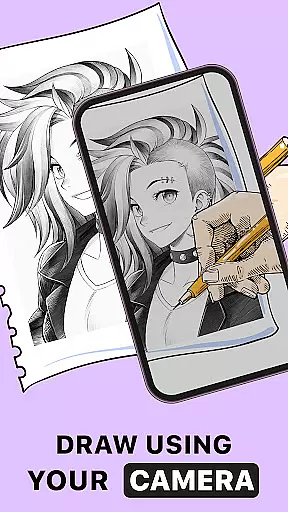
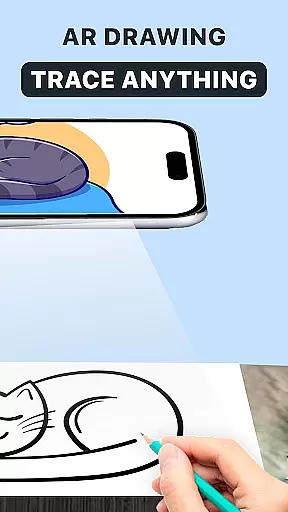
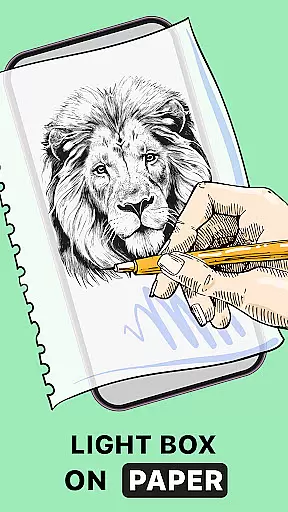
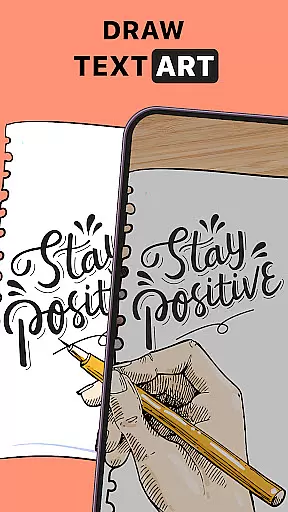
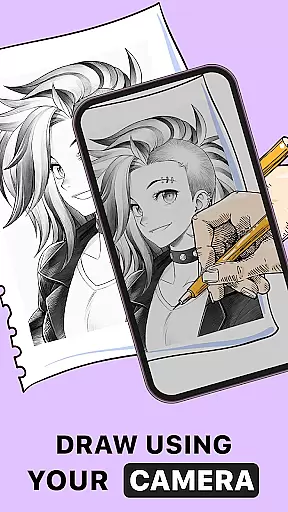
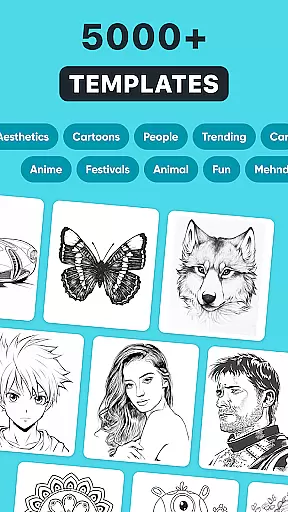
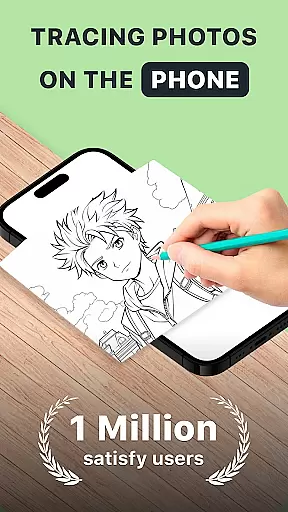
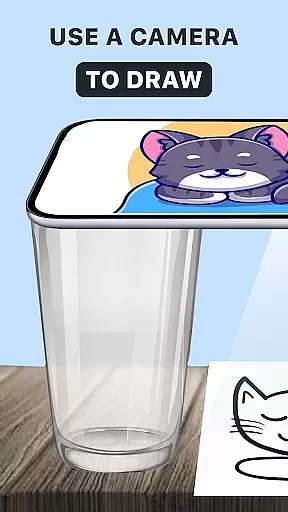
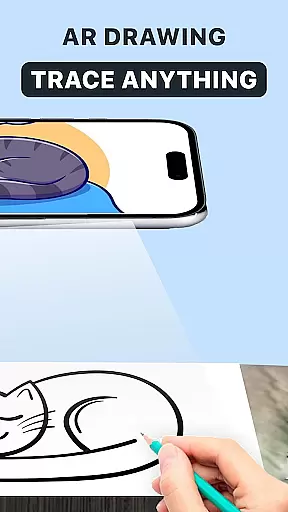
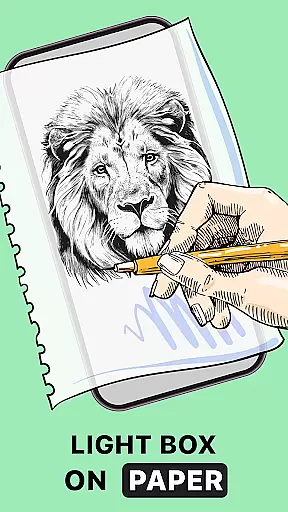
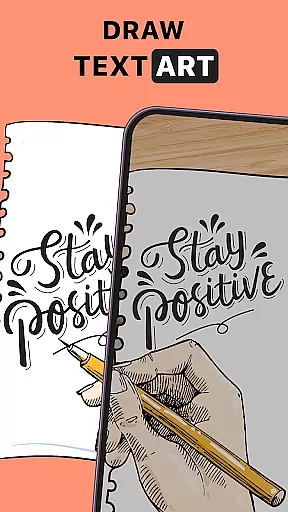
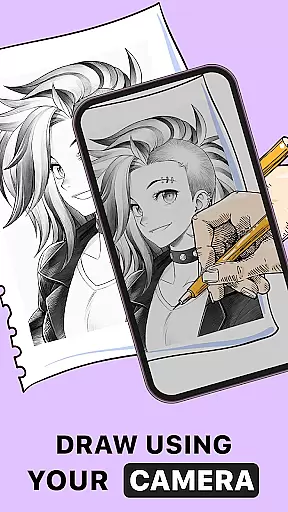
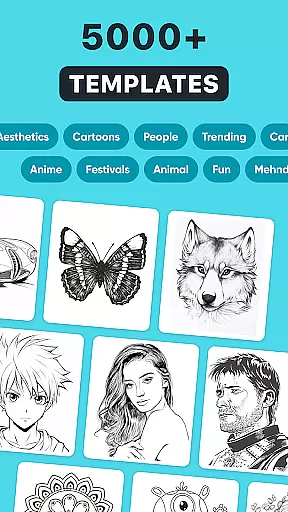
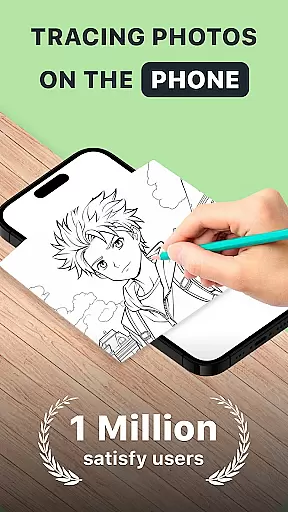
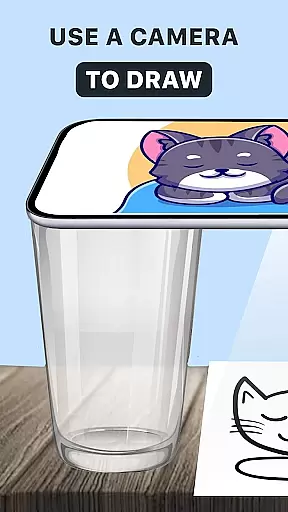
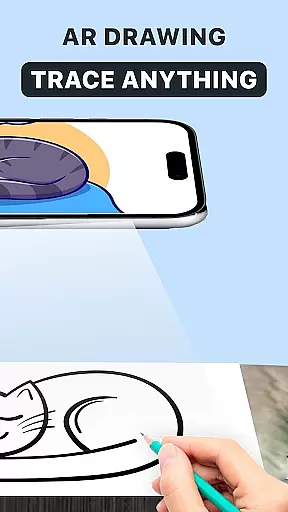
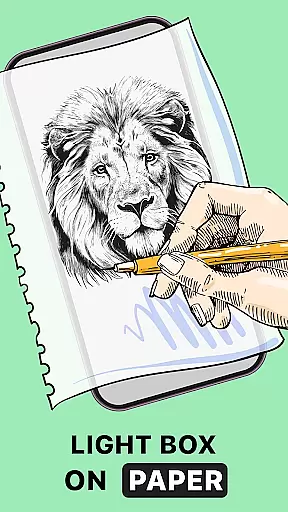
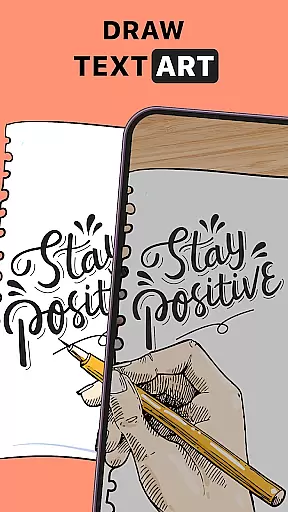
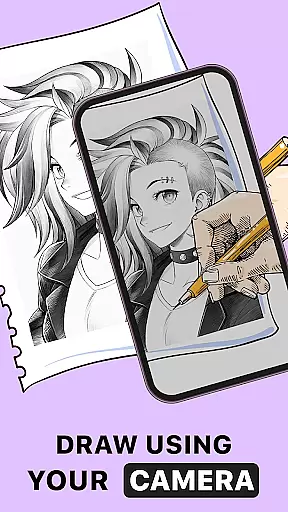
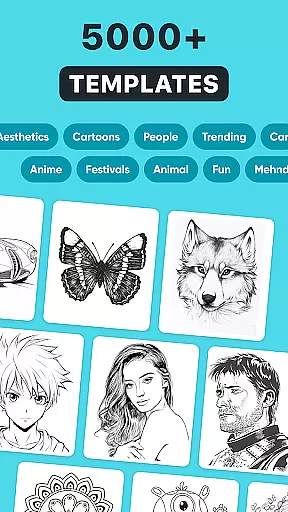
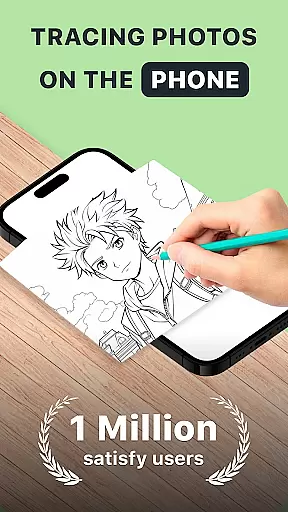
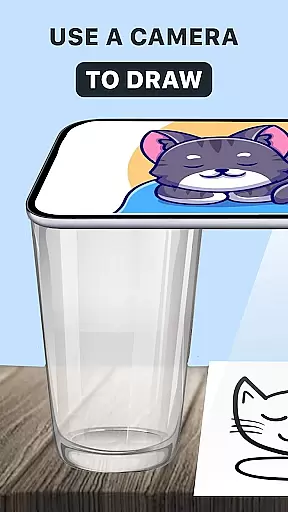
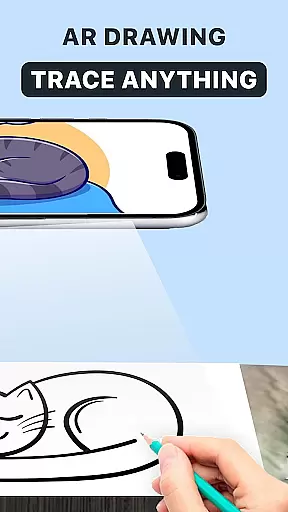
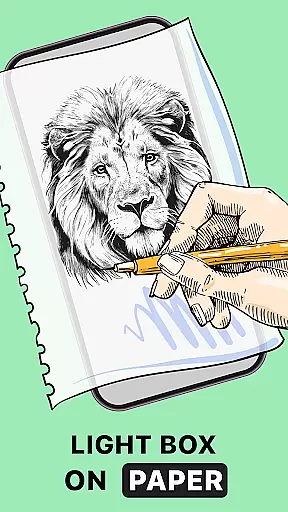
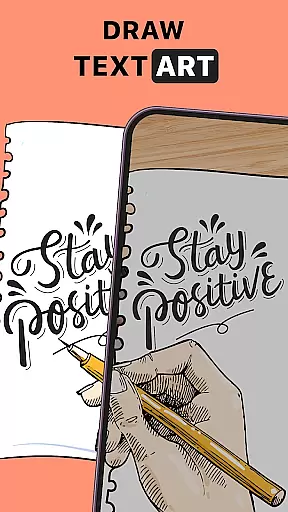
AR Drawing: Trace Anything is an innovative art application designed for both amateur and professional artists. This app allows users to transform any image into a traceable outline, enabling them to create impressive sketches and drawings with ease. By utilizing augmented reality technology, the app provides an interactive platform where users can improve their drawing skills through guided tracing.
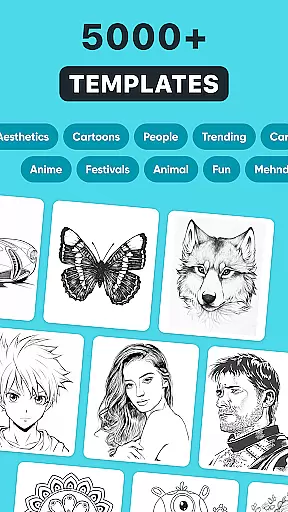
The application offers a rich library of images and supports importing from the user's gallery, making it versatile for various artistic projects. Whether you're working on anime drawings or complex designs, AR Drawing ensures every line counts towards creating a masterpiece. Its unique features make it suitable for family-oriented activities, bringing fun and creativity together in one place.
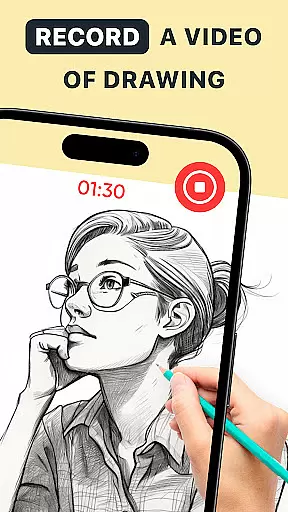
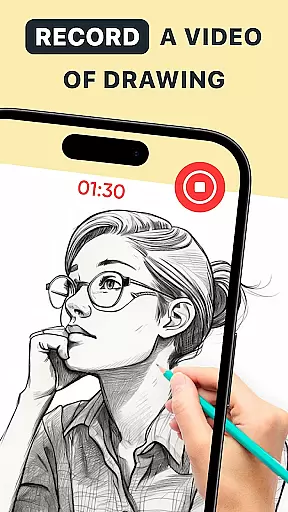
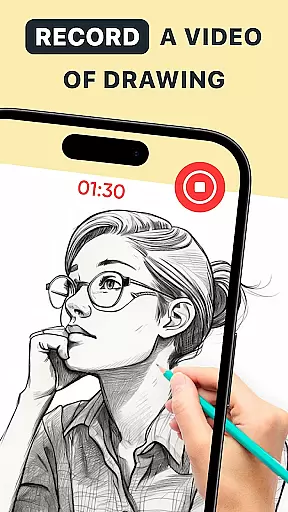
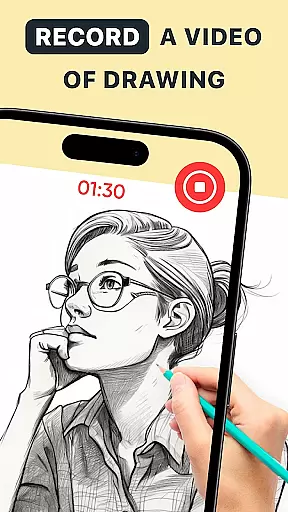
With its user-friendly interface and powerful tools, AR Drawing: Trace Anything empowers users to express their artistic vision effortlessly. The app's ability to capture time-lapse videos of the drawing process adds an educational aspect, allowing creators to share their techniques with others. This makes it not only a tool for creation but also a platform for learning and sharing within the artistic community.
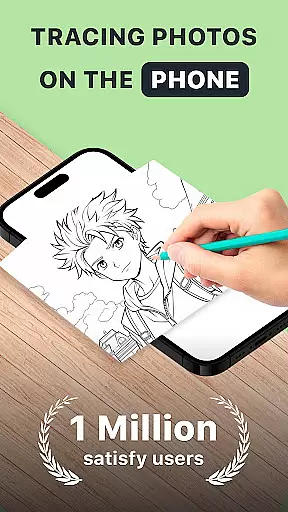
AR Drawing: Trace Anything stands out with its comprehensive set of features tailored for artists of all levels. One of its core functionalities is the AR Trace Drawing and Sketchbook feature, which allows users to trace any photo onto their sketchbook using augmented reality. This feature simplifies the process of creating detailed artwork by providing traceable outlines that guide the user's hand.
In addition to basic tracing, the app includes advanced options such as AR Drawing Anime and AR Draw Sketch modes. These specialized modes cater to specific artistic styles, ensuring that whether you're creating anime characters or intricate designs, the app adapts to your needs. The versatility of these features makes it easy for users to personalize their artwork with transparent and line effects.
Another notable feature is the ability to record time-lapse videos of the drawing process. This AR Drawing BTS (Behind The Scenes) functionality not only enhances the creative experience but also serves as an educational tool. Users can document their artistic journey, share tips, and teach others how to draw effectively. With these robust features, AR Drawing: Trace Anything becomes an indispensable tool for unleashing creativity anytime, anywhere.
In the realm of digital art, having access to comprehensive creative tools is essential for artists looking to express their visions fully. AR Drawing: Trace Anything offers a robust suite of features that cater to both budding and experienced artists. The app includes functionalities such as AR drawing, trace drawing, and an extensive sketchbook, which collectively ensure that all artistic needs are met within a single platform.
One of the standout aspects of this application is its ability to transform any picture into a traceable outline, allowing users to create detailed artwork with ease. This feature not only simplifies the process of drawing but also enhances the quality of the output by providing precise outlines that can be filled and customized. Artists can experiment with different styles and techniques without the need for additional materials or tools.
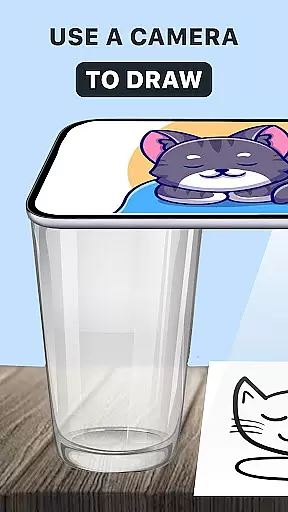
The inclusion of AR technology elevates the drawing experience by offering real-time guidance and enhancing precision. Users can follow virtual lines overlaid on their physical drawing surface, ensuring accuracy in every stroke. This fusion of augmented reality with traditional drawing methods provides an innovative approach to art creation, making it accessible to everyone regardless of skill level.
Flexibility in canvas and format options is crucial for artists who wish to explore various mediums and dimensions in their work. AR Drawing: Trace Anything excels in this area by providing versatile solutions that adapt to different artistic requirements. Whether you're working on small sketches or large-scale projects, the app accommodates a wide range of formats, ensuring that your creativity is never limited by technical constraints.
This application allows users to import images from their gallery or choose from an extensive library within the app. Once imported, these images can be converted into traceable outlines, giving artists the freedom to manipulate and enhance them as needed. The ability to adjust the size and orientation of the canvas further enhances the creative process, enabling seamless transitions between different project types.
Moreover, the app supports various drawing styles, including anime and complex designs, catering to a diverse audience with unique preferences. By offering transparent and line effects, AR Drawing: Trace Anything ensures that each piece of art remains distinct and personalized. This adaptability empowers artists to push the boundaries of their creativity, resulting in truly unique and captivating works of art.
User-friendly interface
Versatile drawing tools
Augmented reality tracing
Time-lapse recording
Rich image library
Limited free features
Requires stable internet
Occasional bugs
Premium subscription cost
Steep learning curve

AI generated images & photos, turn your words into drawing, painting & pictures.
 4.30
4.30
Learn how to draw with step-by-step tutorials, fun lessons & multiplayer drawing
4.70
Digital illustration drawing & painting pad app to paint Anime and Manga art
4.50
Passport size photo maker, create ID photo and visa photo in seconds
4.80
AI Art Generator transforms your words into AI generated art & paintings.
3.70
Photo editor for art, avatars, filters & fun transformations.
4.60
Draw glowing spinners, relax, and spin your creative art
4.60
Bring One UI 8.5 Icons to life -elegant dark icons with a modern, premium touch.
4.30
Explore future self face age filter & remove background image for a unique look.
3.50
Create stunning art with AI.
4.80
Convert image to JPG PNG HEIC PDF, support almost all kinds of image formats
4.70
2D animation studio for Android tablets - unlimited layers, infinite timeline
4.70
Draw anime & manga drawing, art with templates to create stunning picture!
4.50
Nano Banana AI Image Generator, Anime Filter, AI Portrait, AI Photo Generator
4.30
Create Logos, Tattoos, AI Art & more with our AI Photo Generator & Design Editor
4.20
Digital Drawing: Draw & Paint
4.10
Get creative and make art with your Sesame Friends!
4.00
Design unique, funny and adorable cat stickers that reflect your own style!
3.80
Resize photos and print photos in exact size with our powerful photo printer!
3.80


User Reviews