
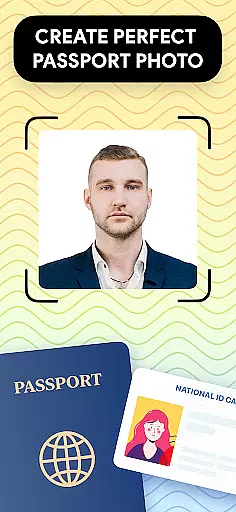
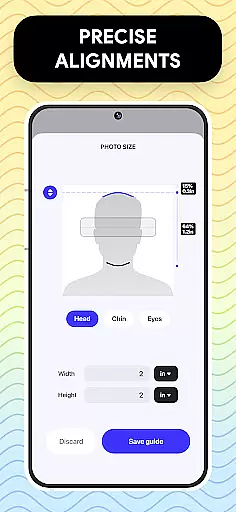
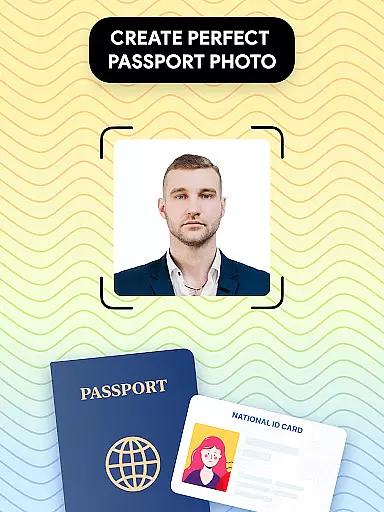
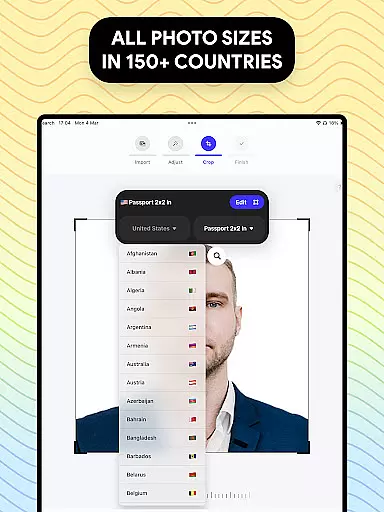
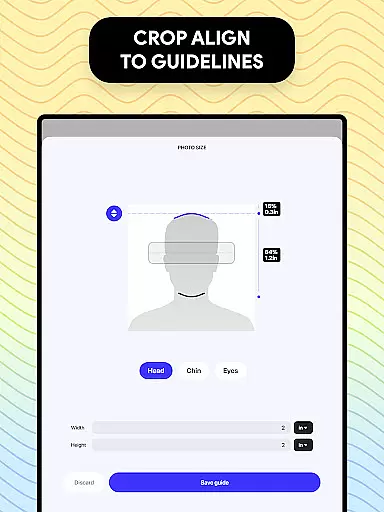
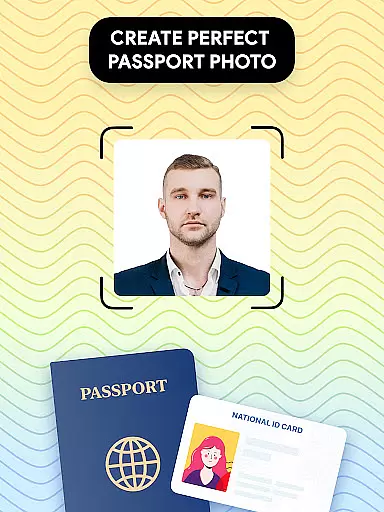
Passport Photo - ID Photo Print is a professional passport photo editor designed to help users create high-quality passport, visa, and ID photos that meet government requirements. The app offers precise size adjustments for various photo dimensions such as 3x4, 4x4, 4x6, 5x7, or 2x2, making it easy to prepare photos for different official documents.
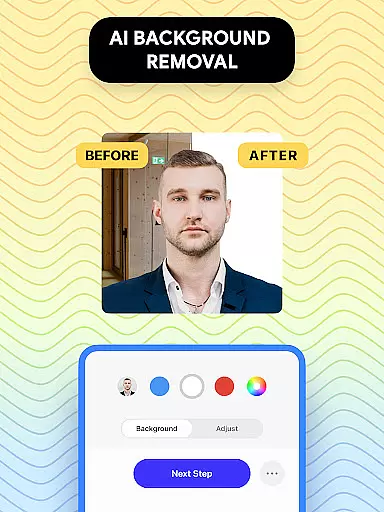
With its advanced features, the app allows users to take photos at home, customize them with editing tools, and even remove or change backgrounds to comply with specific country regulations. Whether you need a US passport photo or visa photos for other countries, this app provides a convenient solution to get your photos ready efficiently.
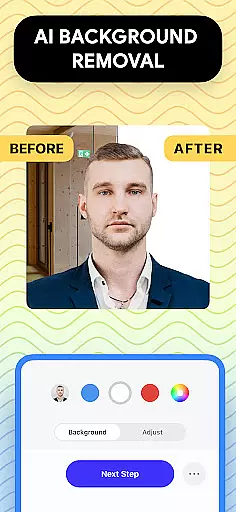
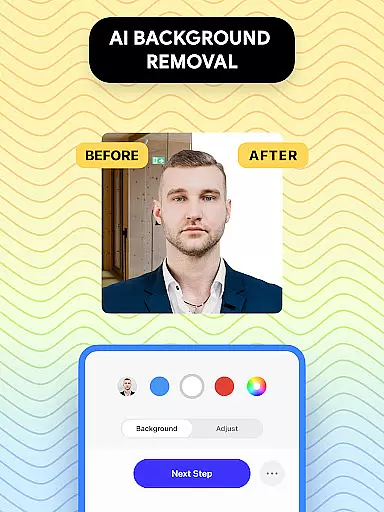
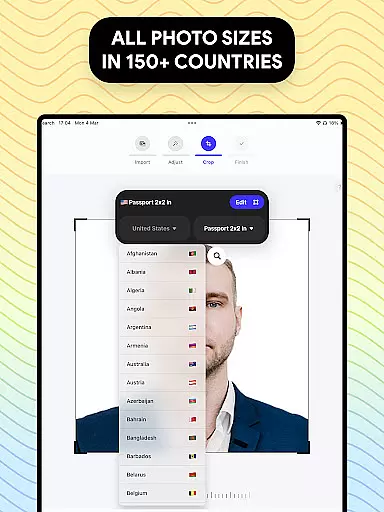
The app stands out with its comprehensive set of features tailored for passport photo editing. Users can access a database of international passport and visa photo requirements, ensuring their photos meet the necessary standards. The background remover tool helps create clean white or colored backgrounds, eliminating the need for a professional studio setup.
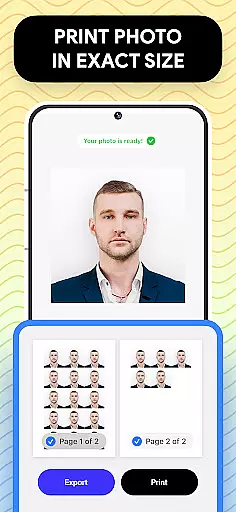
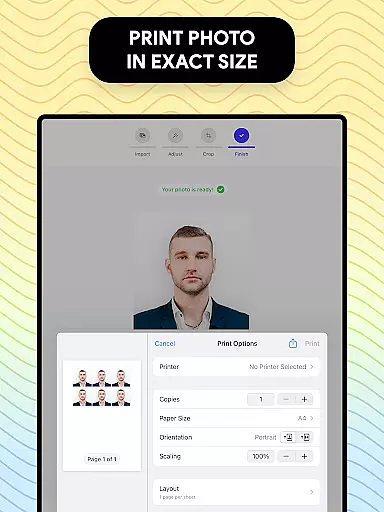
Additional features include brightness, temperature, and sharpness adjustments, allowing users to enhance their photos effortlessly. The ability to export and print directly from mobile devices adds convenience, while customizable aspect ratios and cropping options ensure precision in photo sizing. These robust functionalities make Passport Photo - ID Photo Print an all-in-one solution for creating compliant and professional-looking ID photos.
Passport Photo - ID Photo Print offers a comprehensive suite of creative tools that cater to all your passport photo editing needs. This powerful passport photo editor provides features such as background removal, brightness adjustment, temperature control, and sharpening options.
The app allows you to customize your passport photos with ease by offering various editing tools that ensure your photo meets all government requirements. Whether you need to adjust the aspect ratio or crop the image to an exact dimension, this app has got you covered.
With its intuitive interface, users can effortlessly navigate through the available tools and make necessary adjustments to their photos. The ability to change the background color or create a white background image adds another layer of convenience for users who want to take passport photos at home without worrying about finding a suitable backdrop.
Overall, Passport Photo - ID Photo Print ensures that you have everything you need to create high-quality passport pictures quickly and easily, making it an ideal solution for anyone looking to update their passport picture with minimal hassle.
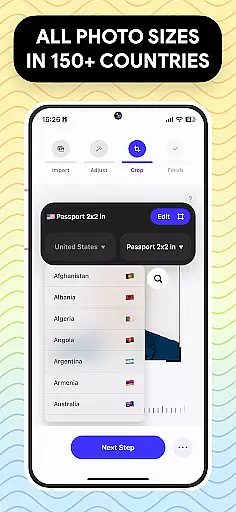
Passport Photo - ID Photo Print excels in providing canvas and format flexibility, allowing users to create passport photos in various sizes such as 3x4, 4x4, 4x6, 5x7, or 2x2. This feature is crucial for meeting different countries' specific passport photo requirements.
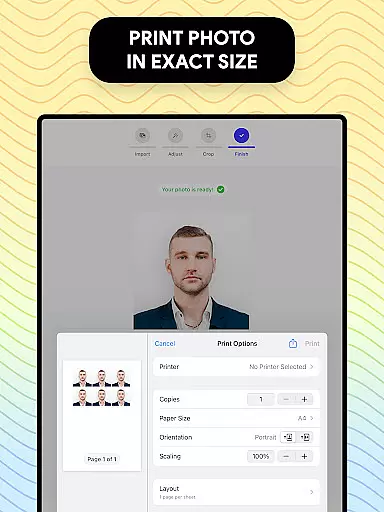
The app's versatility extends to its ability to export and print your visa photo directly from your phone in just a few seconds. With access to a database of US passport requirements and other countries' visa photo regulations, users can be confident that their photos will meet all necessary specifications.
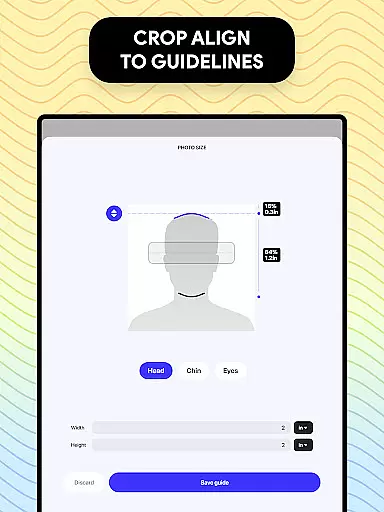
In addition to size adjustments, the app also offers tools for changing the aspect ratio and cropping the id photo to exact dimensions. These capabilities ensure that no matter what kind of photo you needu2014whether it's for an ID, visa, US passport, or any other countryu2014you can rely on this app to deliver accurate results every time.
By combining these flexible formatting options with quick export capabilities, Passport Photo - ID Photo Print makes it easy for users to produce professional-quality passport photos at home while maintaining compliance with international standards.
User-friendly interface
Comprehensive editing tools
Wide range of size options
Background removal feature
Global regulation database
Limited free features
Occasional ads
Premium subscription required
Advanced tools may overwhelm beginners
Export quality depends on device camera

Draw on screen: FP sDraw is a simple and lightweight drawing app
 4.70
4.70
See Color, Paint Color
4.90
Art of Combination Wear OS Watch Faces
3.30
Mobile pixel art editor. Simple. Fast. Portable.
4.80
Get an overview over all your embroidery threads, projects and more.
4.60
2D animation studio for Android tablets - unlimited layers, infinite timeline
4.70
Draw, make movies & animate cartoons easily with our 2D animation maker app
4.40
Explore future self face age filter & remove background image for a unique look.
3.50
Multiplayer Drawing game, Coloring, Painting・Sketch, Handwriting・Paint, draw
4.30
Create stunning art with AI.
4.80
Make your phone cooler and have a fantastic experience
4.80
Castle is social media for creating and playing games!
4.60
Image resizer to resize, crop, rotate, flip, change dpi photo or picture in bulk
4.60
AI generated images & photos, turn your words into drawing, painting & pictures.
4.30
Remove Background, Magic Eraser, Photo Enhancer, Story Templates, Collage Maker
4.30
Get creative and make art with your Sesame Friends!
4.00
Art of Combination Wear OS Watch faces (for Wear OS 5+ devices)
3.90
Create stunning video, photo & magic from text with FlixAI GPT video generator.
3.10
Art of Combination Wear OS Watch faces
4.4


User Reviews