
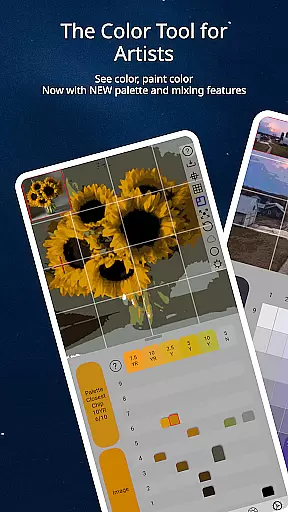
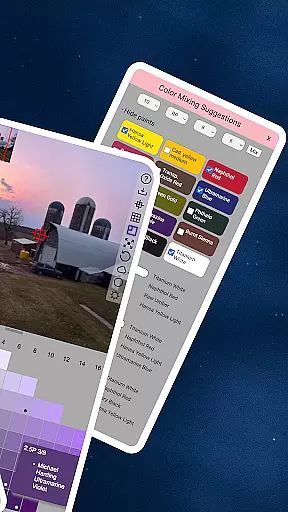
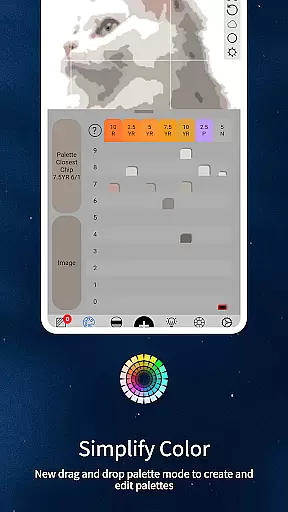
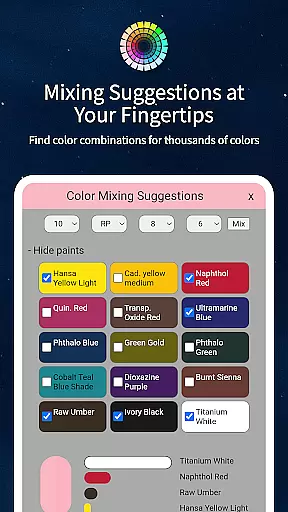
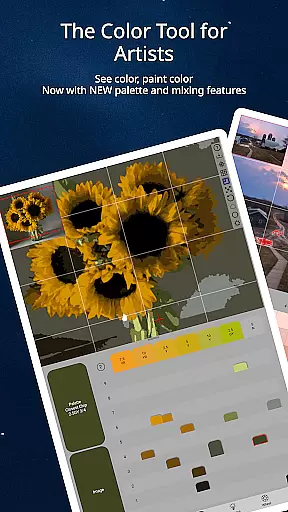
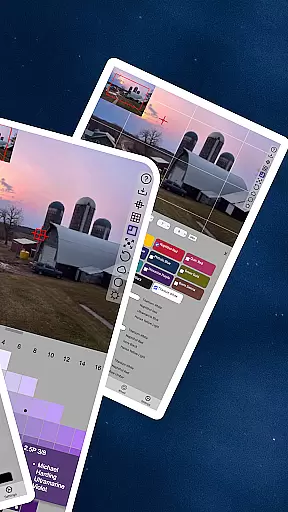
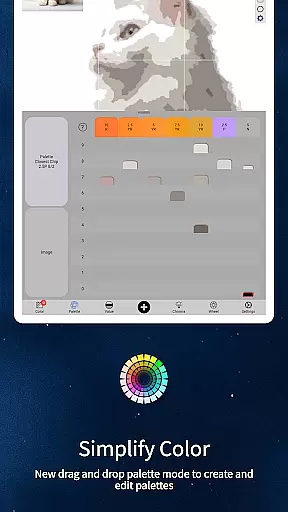
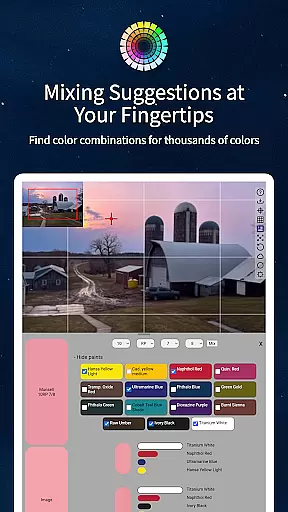
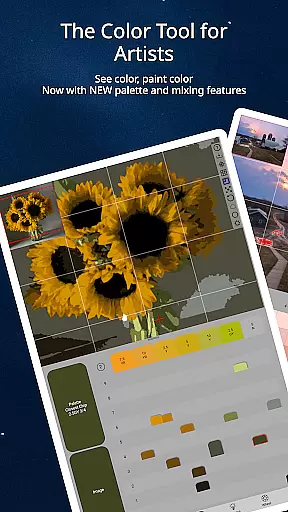
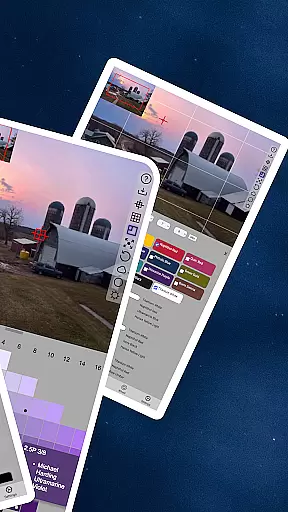
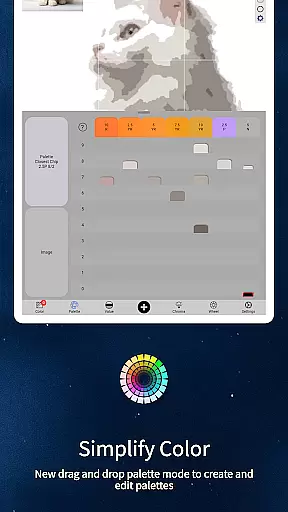
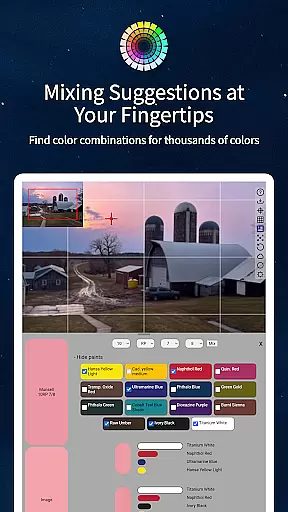
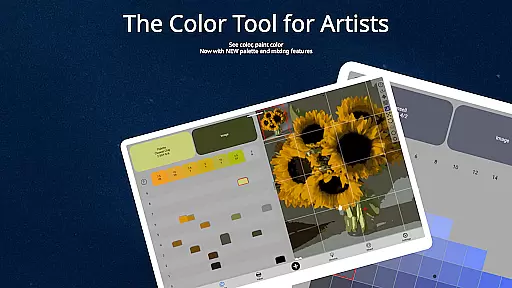
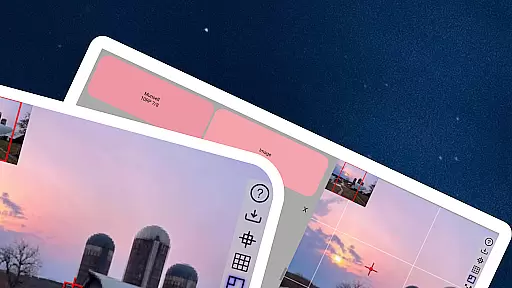
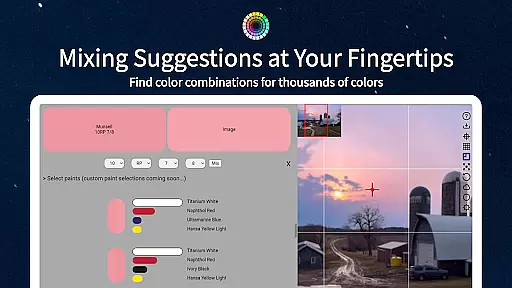
ChromaMagic is an innovative color analysis tool designed specifically for artists. This application allows users to load any photo or reference image and instantly identify the exact color properties using the Munsell color system. The app provides detailed breakdowns of hue, value, and chroma, enabling artists to accurately translate what they see into their artwork.
The application goes beyond basic color identification by offering five distinct viewing modes. These include grayscale, value shapes, saturation maps, and color wheel distribution. ChromaMagic also features advanced functionalities such as paint recommendations, multi-pixel averaging, and a buttery-smooth zoomable interface that works seamlessly on both Android phones and tablets.
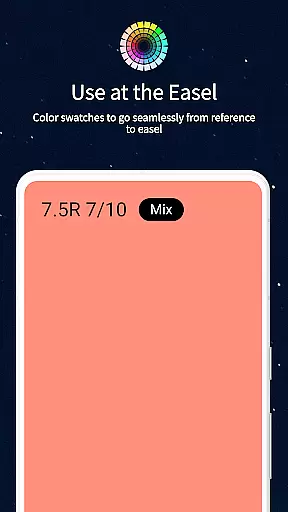
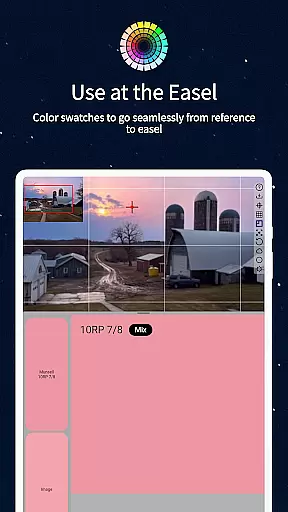
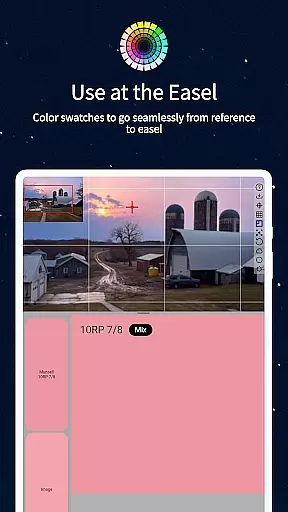
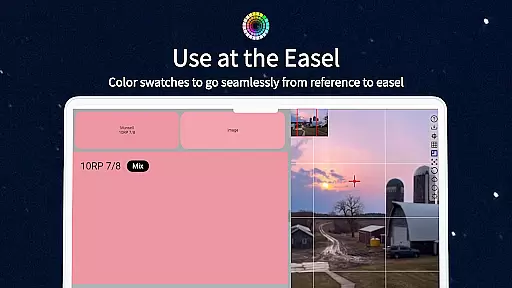
This tool proves invaluable when working at the easel, providing real-time mixing swatches and calibration values. Whether you're painting in your studio or outdoors, ChromaMagic helps artists develop better color perception and mixing skills, ultimately leading to more convincing and professional-looking artwork.
ChromaMagic distinguishes itself through its comprehensive feature set tailored for artistic professionals. The core functionality revolves around the Munsell color system, which breaks down colors into three measurable components: hue, value, and chroma. This scientific approach helps artists understand and replicate colors more accurately than traditional methods.
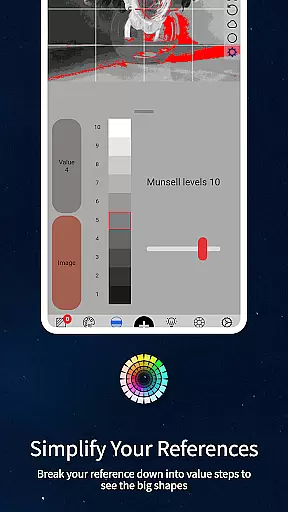
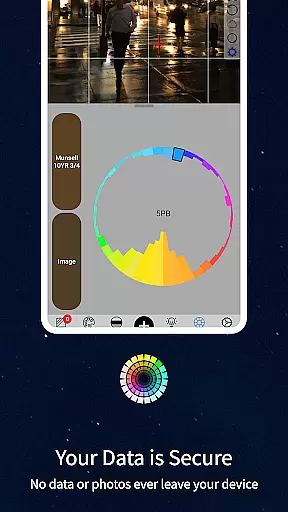
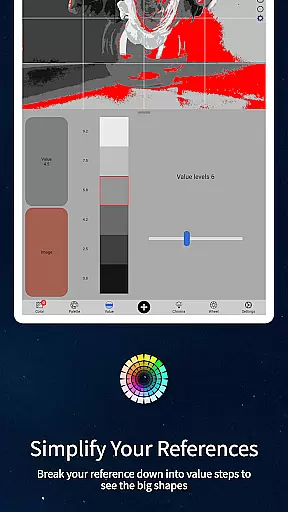
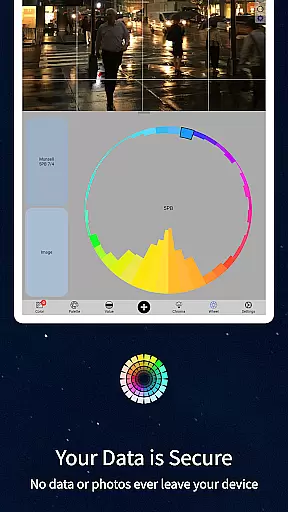
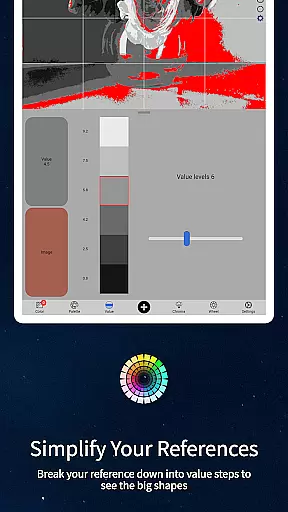
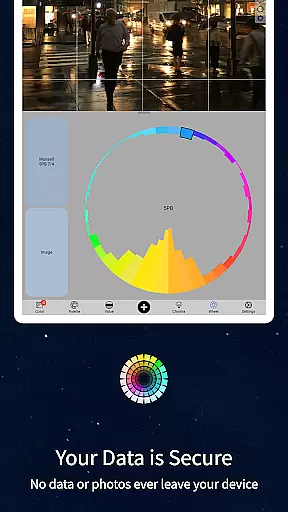
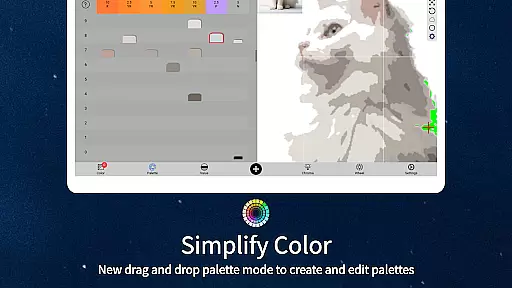
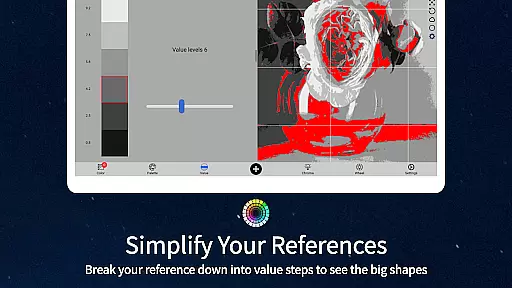
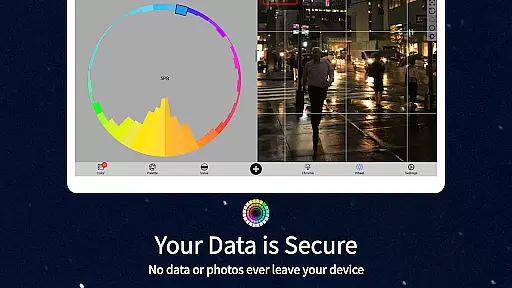
Beyond color identification, the app offers four additional visualization modes. Value mode simplifies images into major tonal shapes, while grayscale mode reveals precise value relationships. The saturation map highlights areas of high and low intensity, and the color wheel distribution shows how colors relate to each other spectrally. These tools help artists analyze references more effectively.
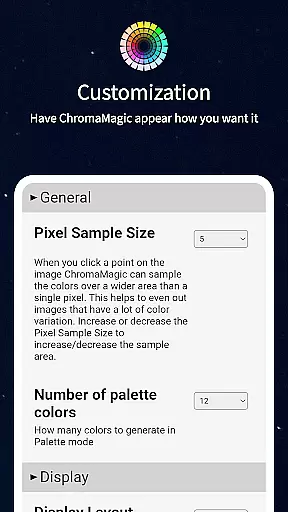
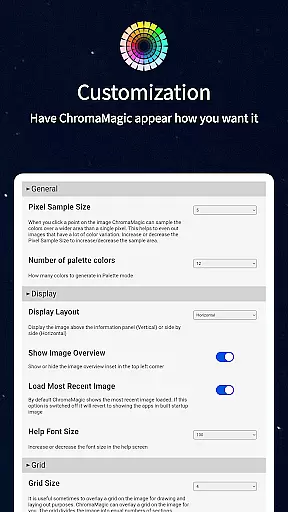
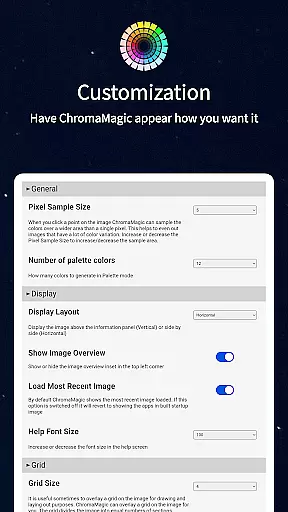
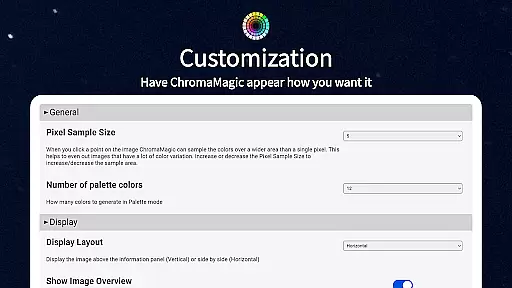
Practical features enhance the user experience significantly. The app supports drag-and-drop functionality for quick image loading, works offline for field work, and includes paint matching capabilities for over hundreds of oil paint colors. The interface is designed for smooth operation with zoomable, pannable images and customizable settings that adapt to different working environments and artistic styles.
In the realm of digital artistry, having access to comprehensive tools can significantly enhance an artist's workflow. ChromaMagic stands out by offering a suite of creative instruments that cater specifically to the nuanced needs of artists. The application provides functionalities such as Munsell color mode, which allows users to discern the hue, value, and chroma of any color in their reference images with precision.
Moreover, ChromaMagic extends its utility beyond just identifying colors. It includes multiple viewing modes designed to help artists better understand their references. Whether it is organizing visuals into major value shapes or reducing them to grayscale for detailed value analysis, these features ensure that artists have all they need at their fingertips.
The benefit to users is profound; by integrating advanced color theory directly into their creative process, artists can achieve more accurate and compelling results in their work. This level of tool integration not only saves time but also deepens the artistu2019s understanding of color dynamics, making ChromaMagic an indispensable asset in the creative toolkit.
Flexibility in canvas and format options is crucial for artists who require adaptability in their workspaces. ChromaMagic addresses this need by providing a dynamic interface that supports various image manipulations. Users can zoom and pan through their reference images with ease, ensuring that every detail is accessible regardless of the original file size or resolution.
Beyond mere navigation, ChromaMagic offers practical solutions like averaging colors over multiple pixels, which simplifies complex images without losing essential color information. This feature is particularly useful when dealing with high-resolution photographs or intricate designs where individual pixel values might be less significant than broader trends.
For artists working across different mediums, from traditional easel setups to digital tablets, ChromaMagic ensures seamless transitions between environments. Its compatibility with both desktop drag-and-drop functionality and mobile devices means that whether you're at home, commuting, or outdoors, your artistic endeavors remain uninterrupted, thus enhancing productivity and creativity wherever inspiration strikes.
Accurate color analysis
Multiple visualization modes
Offline functionality
Paint matching database
User-friendly interface
Steep learning curve
Requires device space
Premium price point
Limited free features
Advanced terminology

Premium version of Shimeji-ee app with no ads & no limit active shimeji
 4.5
4.5
Art of Combination Wear OS Watch faces
4.5
AI Art Generator transforms your words into AI generated art & paintings.
3.70
AR Anime Drawing: How to draw anime with AR drawing & sketching apps!
4.00
Photo editor for art, avatars, filters & fun transformations.
4.60
Draw Trace image sketch by, AR art projector app, Easy to trace any image.
4.50
Android 14 style widgets and wallpapers app.
4.5
Turning simple sketches into captivating tales filled with life and motion
3.90
Unleash your inner artist! Sketchar: AR Drawing for Limitless Creativity
4.40
Create stunning art with AI.
4.80
Get an overview over all your embroidery threads, projects and more.
4.60
Create color palette from Image, RGB & RYB Color wheel harmonies, Color Scheme
4.50
Create stylish invitation cards using templates for weddings, birthdays & RSVP.
4.20
Sketch and paint on your device with the feel and freedom of drawing on paper
4.00
AI Assistant, powered by ChatGPT GPT-4 & GPT-4o. Your intelligent companion.
3.50
Pose and morph realistic male and female models! 3D poser app
3.00
Retouch photos. Create or edit images. Endless capabilities.
2.70
Download now for a stylish and functional timepiece
4.2
Your Essential Color Theory Guide: Red, Yellow, Blue (RYB)
4.2


User Reviews