
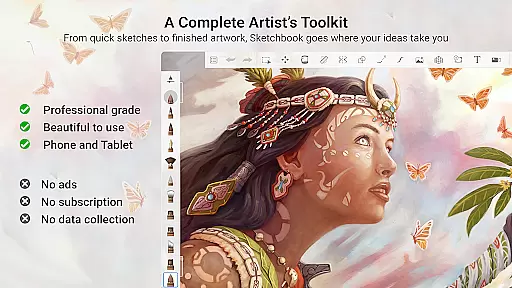
Sketchbook is a premier digital art studio designed for artists, illustrators, and creative enthusiasts who need a versatile platform for sketching, painting, and drawing. This app offers professional-grade tools that mimic traditional art supplies while providing the advantages of digital technology. With customizable brushes, precise drawing guides, and advanced layer functionality, Sketchbook empowers users to create everything from quick sketches to fully finished artwork.
The app's elegant interface ensures an uninterrupted workflow, allowing artists to focus on their creativity without distraction. Whether you're a professional illustrator or someone who enjoys casual doodling, Sketchbook adapts to your skill level and artistic needs. Its seamless performance across devices makes it an ideal choice for capturing ideas anytime, anywhere.
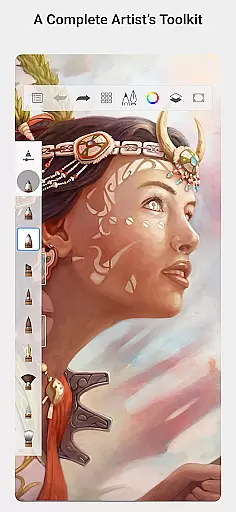
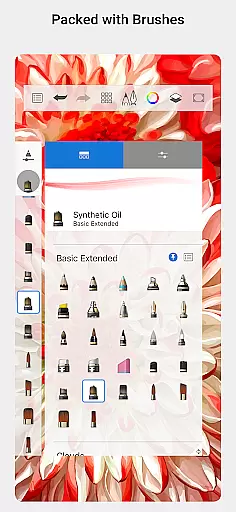
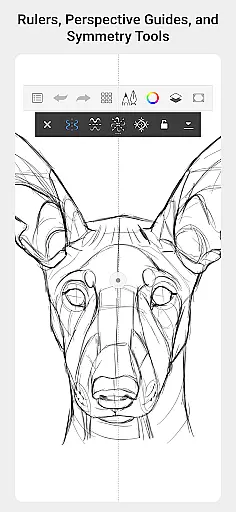
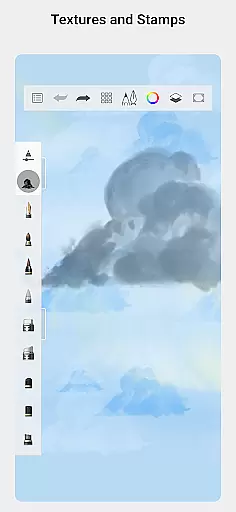
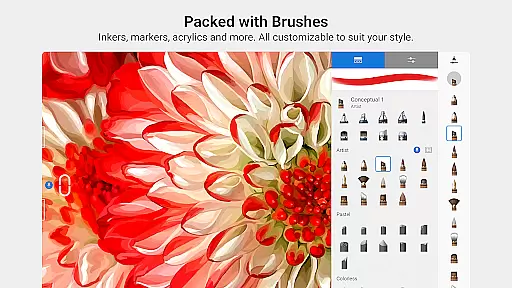
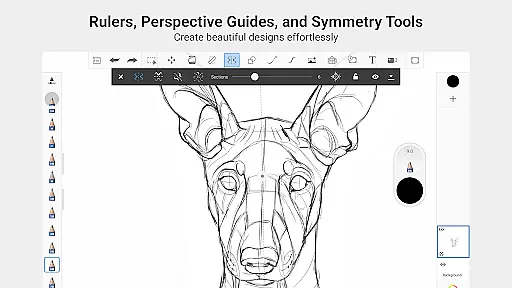
Sketchbook stands out with its comprehensive set of brush types, including pencils, markers, airbrushes, and smear tools that replicate the feel of physical art materials. Each brush is highly customizable, enabling artists to fine-tune settings to achieve their desired effects. The app also includes precision tools such as guides, rulers, and stroke controls, which are essential for detailed work.
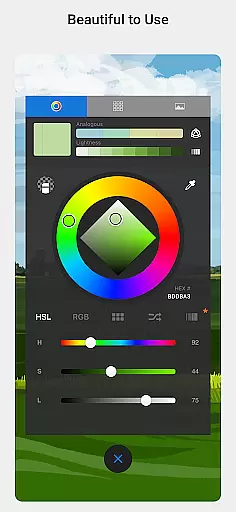
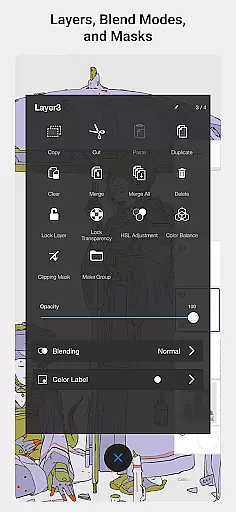
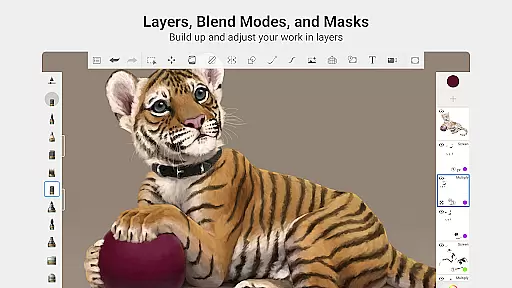
Layers with blend modes provide exceptional flexibility for building up drawings and exploring color combinations. Purpose-built for creative professionals, Sketchbook's clean interface minimizes distractions, creating an immersive environment where ideas can flow freely. These features combine to deliver a natural drawing experience that rivals working with traditional media while offering the benefits of digital editing and storage.
Sketchbook offers a comprehensive suite of creative tools that cater to both amateur and professional artists. The app includes a full range of brush types such as pencils, markers, airbrushes, and smear tools, each designed to mimic their physical counterparts. This attention to detail ensures that users can achieve the same effects digitally as they would with traditional media.
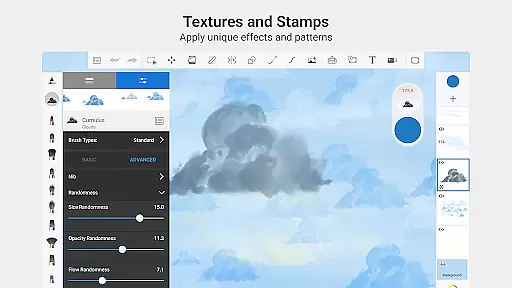
One of the standout features is the high level of customization available for brushes. Users can modify various parameters to create unique brush styles tailored to their specific needs. Whether you're looking to replicate the texture of oil paints or the smoothness of ink pens, Sketchbook provides the flexibility to do so.
In addition to brushes, Sketchbook also includes guides, rulers, and stroke tools that support precision in drawing. These tools are invaluable for artists who require accuracy in their work, allowing them to create detailed and intricate designs with ease. The inclusion of layers with blend modes further enhances the creative process by enabling users to experiment with different compositions and color schemes.
Sketchbook excels in providing canvas and format flexibility, ensuring that artists have the freedom to explore their creativity without limitations. The app supports a variety of canvas sizes and formats, accommodating everything from quick sketches to fully finished artwork. This versatility makes it suitable for a wide range of artistic projects, whether you're working on a small doodle or a large-scale illustration.
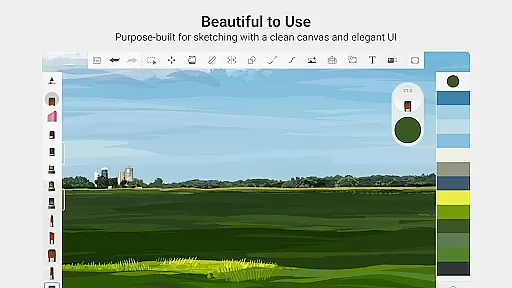
The interface is purpose-built for sketching, offering a clean and unobtrusive environment that allows users to focus on their drawings. By eliminating distractions, Sketchbook ensures that artists can immerse themselves in the creative process. This streamlined approach not only enhances productivity but also makes the app accessible to users of all skill levels.
Furthermore, Sketchbook's compatibility with different file formats ensures that users can seamlessly integrate their work into other professional workflows. Whether you need to export your artwork for printing or digital publishing, Sketchbook provides the necessary options to meet your requirements. This adaptability underscores the app's commitment to supporting artists throughout their creative journey.
User-friendly interface
Highly customizable brushes
Professional-grade tools
Cross-device compatibility
Distraction-free workspace
Limited free features
Advanced tools require learning
Occasional performance issues
No built-in tutorials
Premium subscription cost

Sketch, trace and master AR drawing with awesome anime art!
 3.30
3.30
Custom Character Creator & PFP Maker!
4.20
Draw anime & manga drawing, art with templates to create stunning picture!
4.50
The perfect place to start sketching! Use Sketchbook to draw and paint sketches.
4.50
Draw glowing spinners, relax, and spin your creative art
4.60
Painting, drawing, & sketching
4.50
Powerful home decoration & house design that allows you to design dream home.
3.80
Get an overview over all your embroidery threads, projects and more.
4.60
Explore future self face age filter & remove background image for a unique look.
3.50
Draw on screen: FP sDraw is a simple and lightweight drawing app
4.70
Unleash your drawing and painting potential
4.50
AI Tattoo Generator: Create Tattoo Designs & Get Ideas! Ink & Stencil Maker
4.50
Sketch, plan, take notes and illustrate on an infinite canvas.
4.20
Unleash the artist in you with our AR drawing and tracing tool for photo drawing
4.10
Floor Plan Creator lets you create, edit and share floor plans.
4.00
Apply cartoon, caricature, and portrait effects to make your photos stand out!
3.60
AI Assistant, powered by ChatGPT GPT-4 & GPT-4o. Your intelligent companion.
3.50
Retouch photos. Create or edit images. Endless capabilities.
2.70
Your Essential Color Theory Guide: Red, Yellow, Blue (RYB)
4.0


User Reviews