
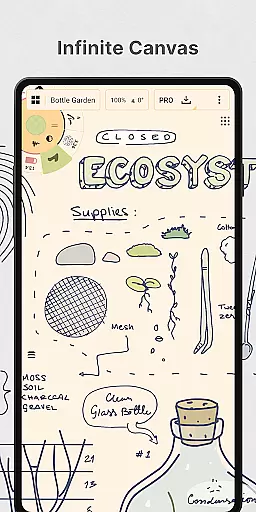
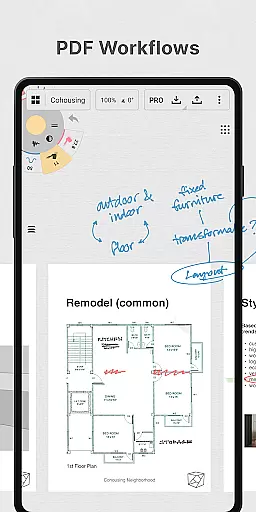
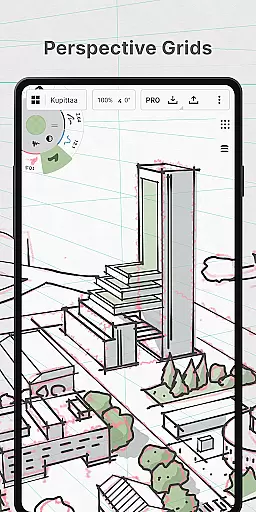
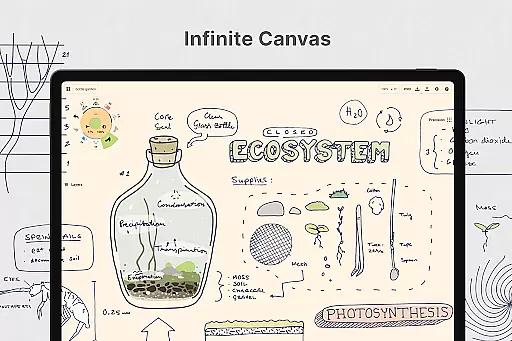
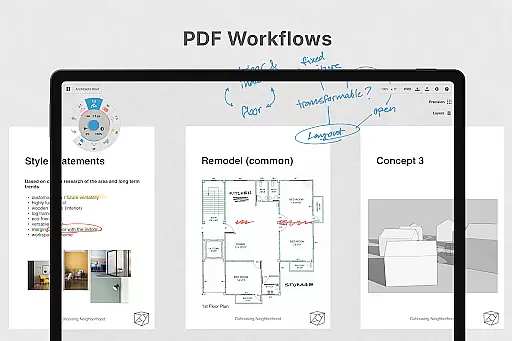
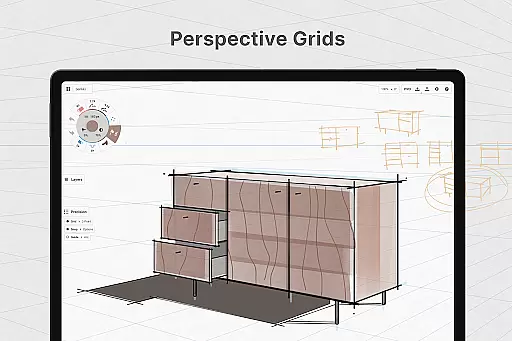
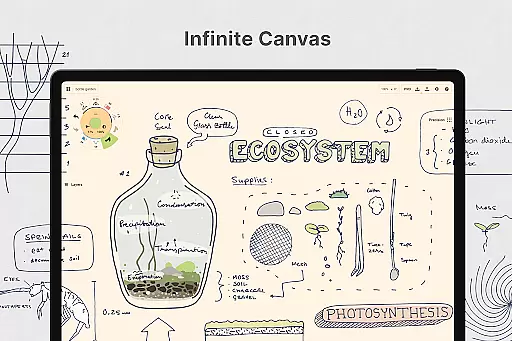
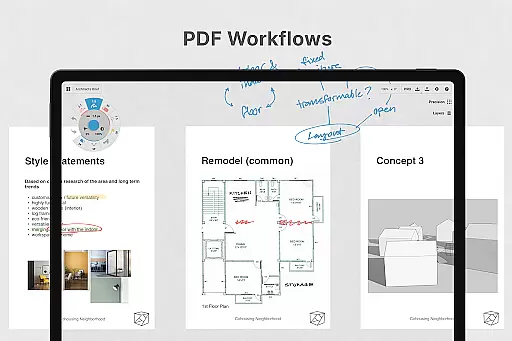
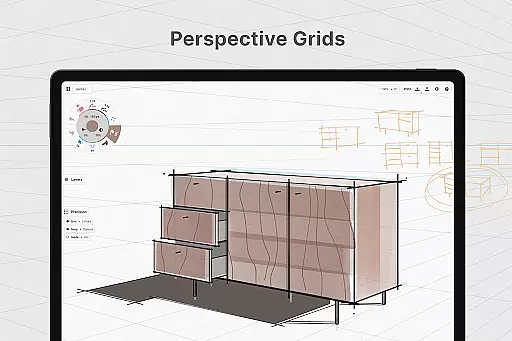
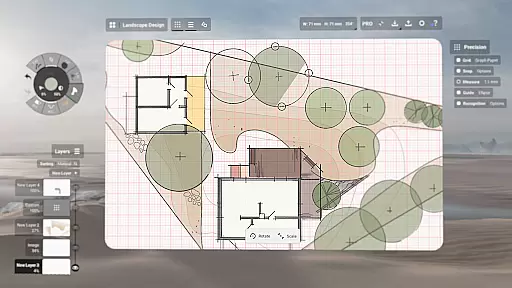
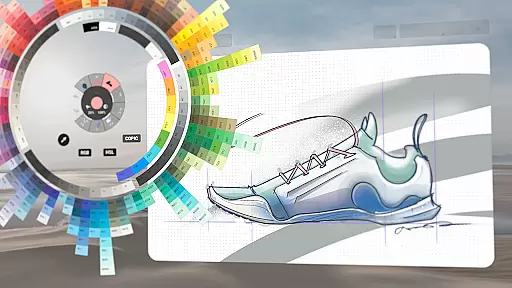
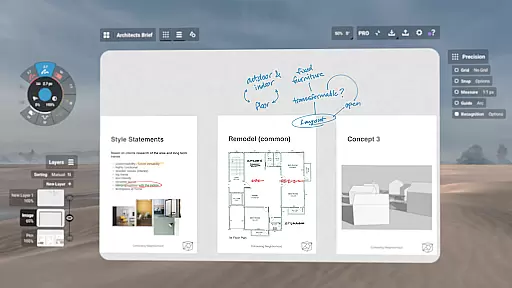
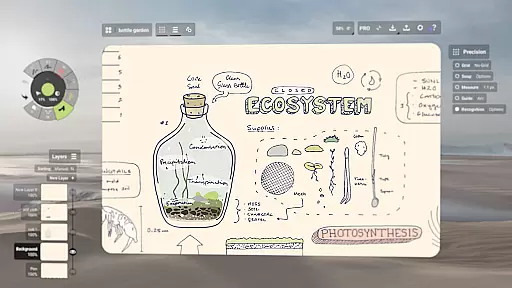
Concepts is a versatile vector-based creative workspace designed for artists, designers, and creators to bring their ideas to life. This digital sketchpad offers an infinite canvas where users can freely sketch plans, create mind maps, draw storyboards, and experiment with designs. Its flexibility allows every stroke to be editable and scalable, making it ideal for both quick sketches and detailed design work.
The app provides professional-grade tools including realistic pencils, pens, and brushes that respond to pressure and tilt. With features like customizable tool wheels, HSL and RGB color wheels, and flexible layering systems, Concepts supports a highly personalized creative process. The app is optimized for pen-enabled devices and Chrome OS, ensuring smooth and responsive performance. Whether you're a professional at Disney or an independent creator, Concepts serves as an exceptional ideation and design platform.
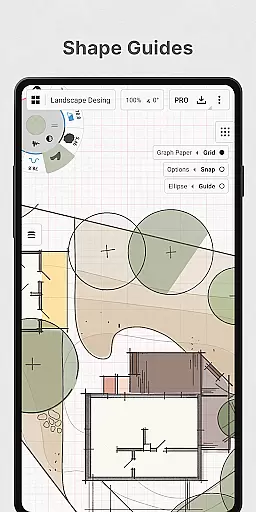
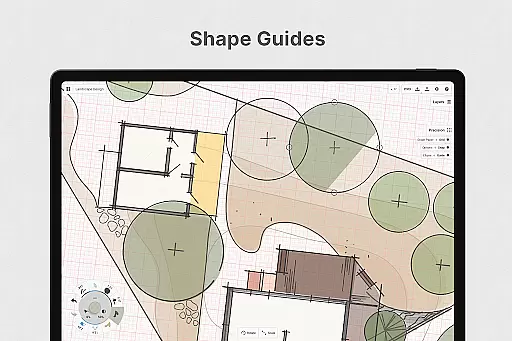
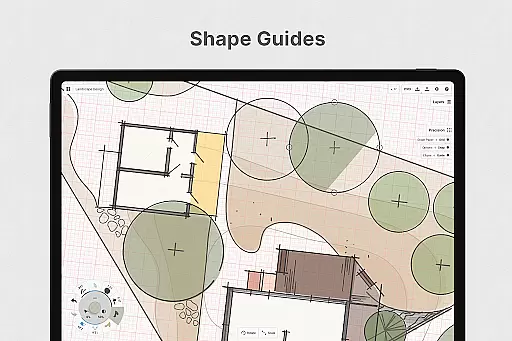
Concepts stands out with its powerful feature set tailored for creative professionals. The app's vector-based engine allows users to adjust any element of their drawing without starting over. Tools like Nudge, Slice, and Select enable precise editing, while shape guides and live snap ensure accurate sketches. The infinite canvas supports various paper types and custom grids, providing a personalized workspace for every project.
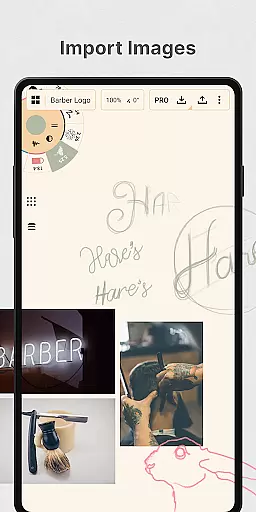
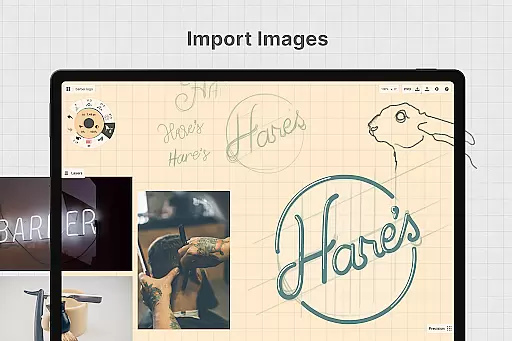
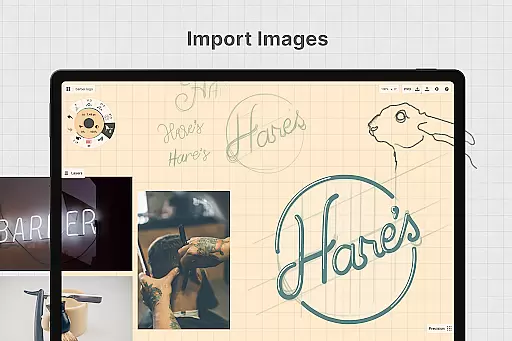
One of the key highlights is its cross-platform functionality. Subscribing to Premium unlocks full access across Android, ChromeOS, iOS, and Windows devices. Creators can export their work in multiple formats including PDF, PNG, and SVG. The app also supports drag-and-drop image importing for tracing or reference. With features like automatic layer sorting, adjustable opacity, and live smoothing, Concepts delivers a complete package for professional-grade creative work.
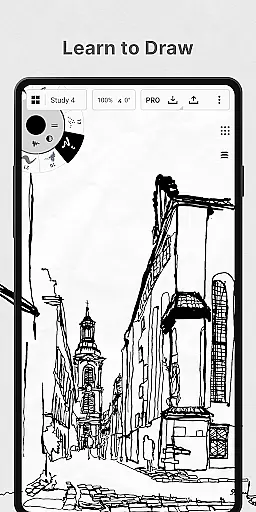
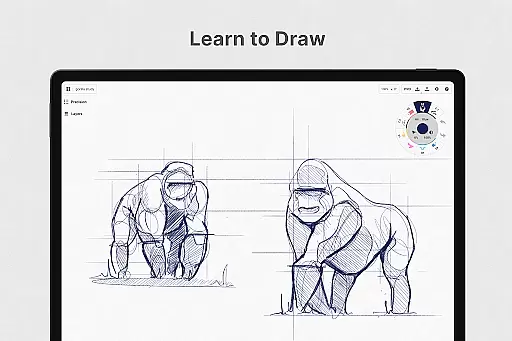
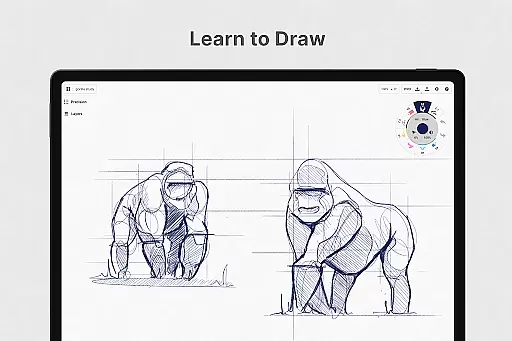
In the realm of digital art and design, having a comprehensive set of tools is paramount. Concepts offers an extensive array of creative instruments that cater to both amateur doodlers and professional designers. The app provides realistic pencils, pens, and brushes that respond to pressure, tilt, and velocity, with adjustable live smoothing to refine your strokes.
One of the standout features is the infinite canvas, allowing unrestricted space for your imagination to run wild. Whether you're sketching out plans, making notes, or drawing detailed storyboards, the flexibility of the canvas adapts to your needs. Additionally, Concepts supports various paper types and custom grids, ensuring that every project has the perfect foundation.
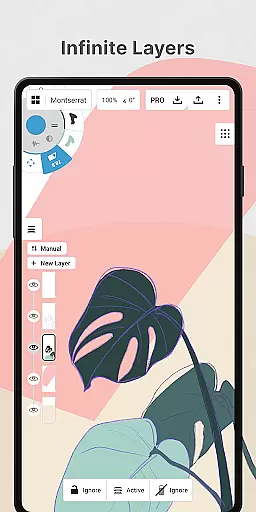
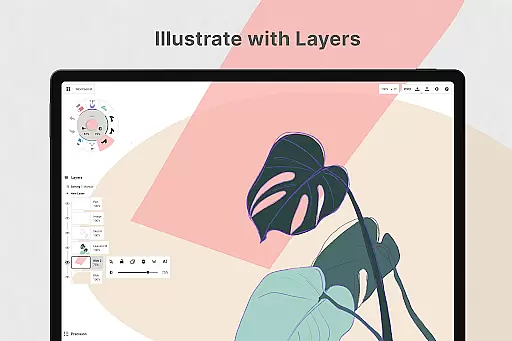
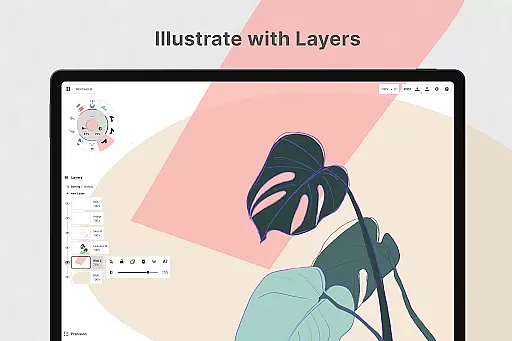
The inclusion of a customizable tool wheel or bar means that your favorite tools and presets are always at your fingertips. This level of personalization enhances workflow efficiency, letting creators focus more on their art rather than navigating through menus. With automatic sorting and adjustable opacity in its infinite layering system, managing complex artworks becomes significantly easier.
Concepts also shines with its flexible vector-based sketching capabilities. Every stroke is editable and scalable, thanks to powerful tools like Nudge, Slice, and Select. This empowers users to modify any element without starting over, thus streamlining the iterative process of design. Such robust functionality ensures that artists can bring their ideas to life with precision and ease.
A versatile canvas is essential for unleashing creativity, and Concepts excels in providing unparalleled flexibility. The app's infinite canvas allows users to expand their workspace infinitely, accommodating everything from quick sketches to elaborate designs. This boundless environment encourages exploration and experimentation, vital components of the creative process.
Moreover, Concepts supports multiple paper types and custom grids, catering to diverse artistic preferences. Whether you need graph paper for technical drawings or a blank slate for freeform expression, the app delivers the right backdrop for your work. These options ensure that each piece maintains its intended style and proportion, enhancing overall quality.
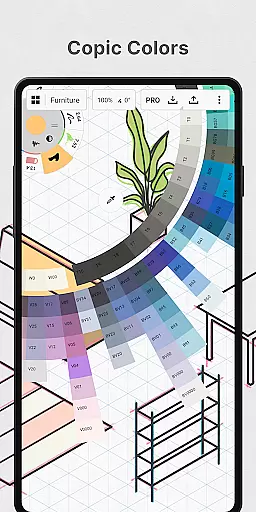
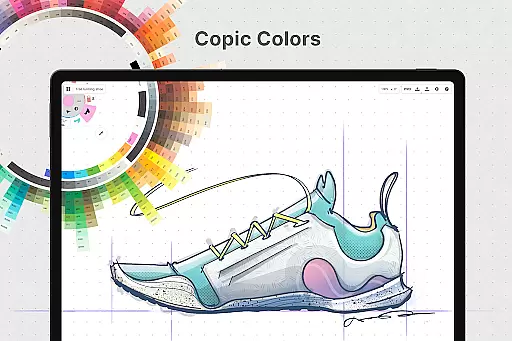
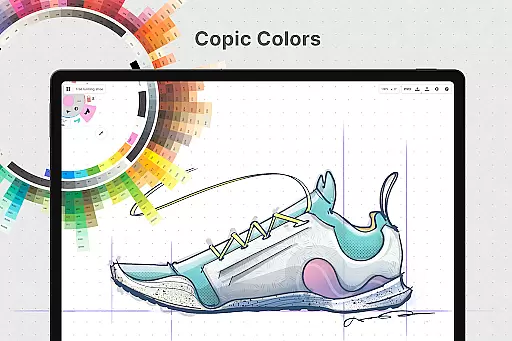
Another significant advantage is the ability to personalize nearly every aspect of the canvas. Users can adjust settings such as color wheels (HSL, RGB, and COPIC), which help in choosing complementary colors. This customization extends to gestures and other interface elements, creating a tailored experience that aligns with individual workflows.
Finally, exporting options further underscore the appu2019s commitment to format flexibility. Creators can export their work in various formats, including images, PDFs, and vectors. This versatility facilitates seamless integration with other applications and platforms, ensuring that projects can be shared, printed, or presented without hassle. By prioritizing adaptability, Concepts empowers artists to realize their visions without constraints.
User-friendly interface
Highly customizable tools
Cross-platform compatibility
Professional-grade exports
Infinite canvas flexibility
Premium subscription required
Steep learning curve
Limited free features
Advanced tools costly
Performance varies on older devices

See Color, Paint Color
 4.90
4.90
Make your phone cooler and have a fantastic experience
4.80
Castle is social media for creating and playing games!
4.60
Nano Banana AI Image Generator, Anime Filter, AI Portrait, AI Photo Generator
4.30
Photo editor for art, avatars, filters & fun transformations.
4.60
Draw Trace image sketch by, AR art projector app, Easy to trace any image.
4.50
Minecraft & Roblox Clothes
4.70
Experience next-gen icons with a modern liquid glass look.
3.60
Create cute cat emojis & PFPs! Fun, custom avatars for cat lovers.
3.70
Learn how to draw with step-by-step tutorials, fun lessons & multiplayer drawing
4.70
Image resizer to resize, crop, rotate, flip, change dpi photo or picture in bulk
4.60
Digital illustration drawing & painting pad app to paint Anime and Manga art
4.50
Unleash your drawing and painting potential
4.50
Kling AI is an image and video generation and editing studio powered by AI.
4.50
Stylish letters, Stylish Keyboard, Symbols, Emojis, Cool nickname
4.40
Easy 3D drawing design maker & creator. Model designing, Sculpting. Create&paint
4.00
Design unique, funny and adorable cat stickers that reflect your own style!
3.80
Apply cartoon, caricature, and portrait effects to make your photos stand out!
3.60
Create trending AI photos & videos with powerful effects and 3D styles.
3.20


User Reviews