
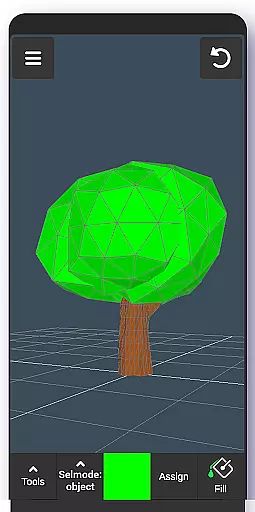
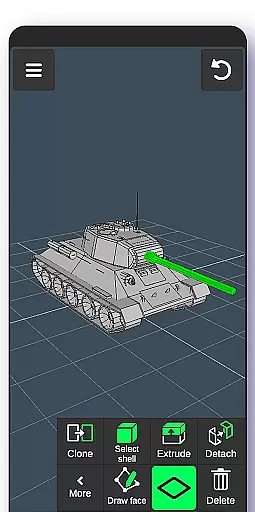
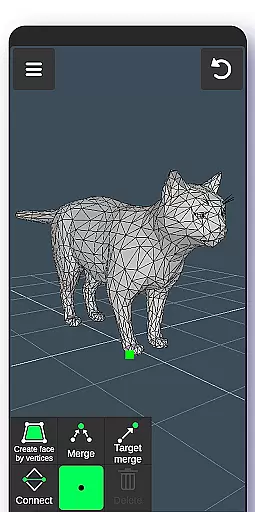
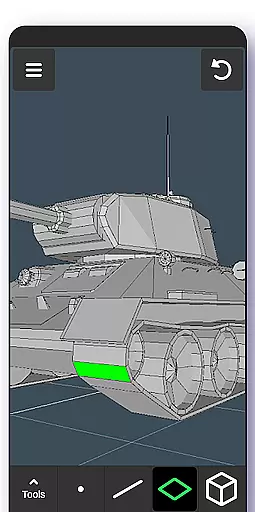
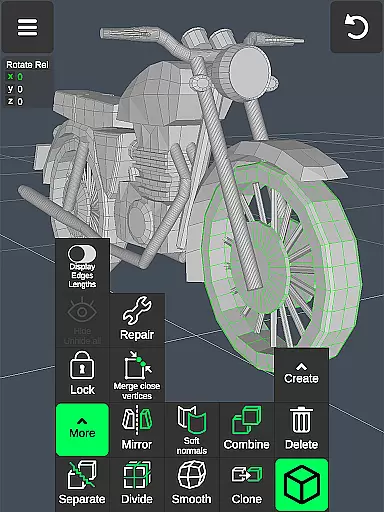
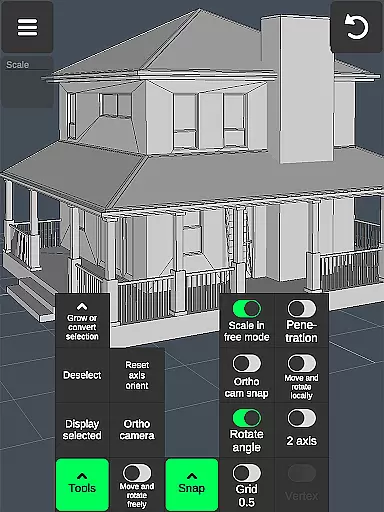
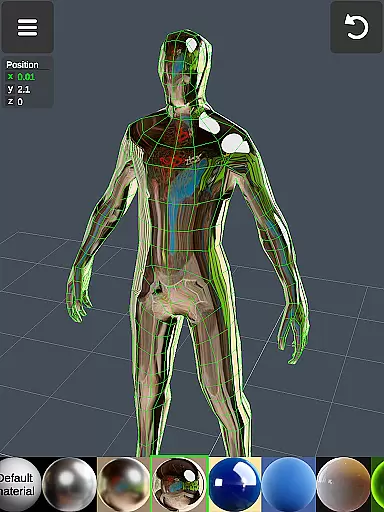
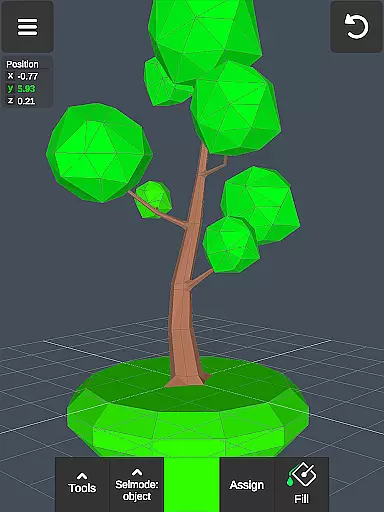
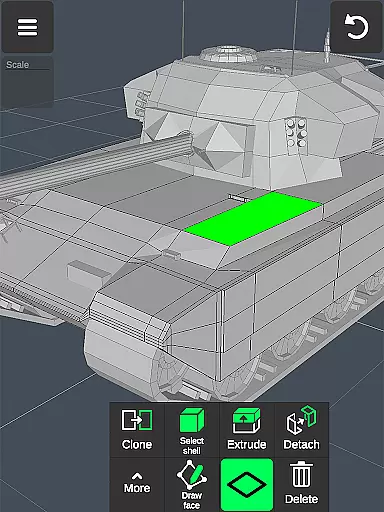
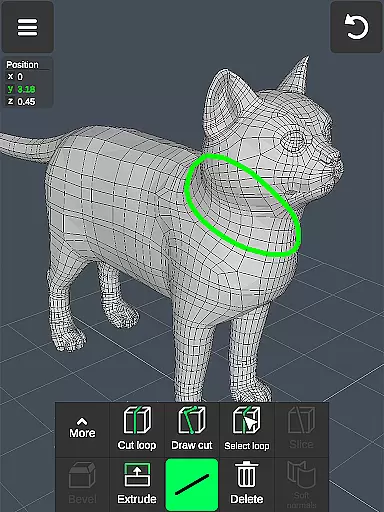
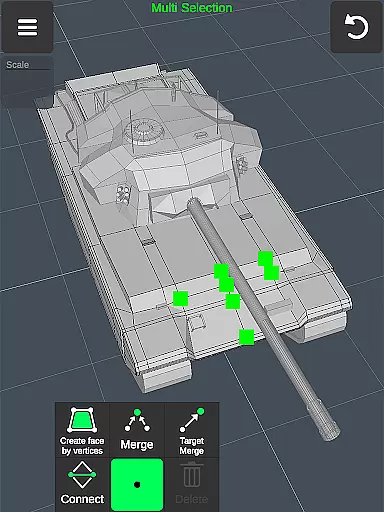
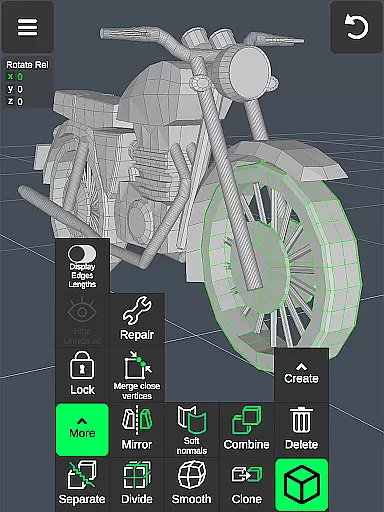
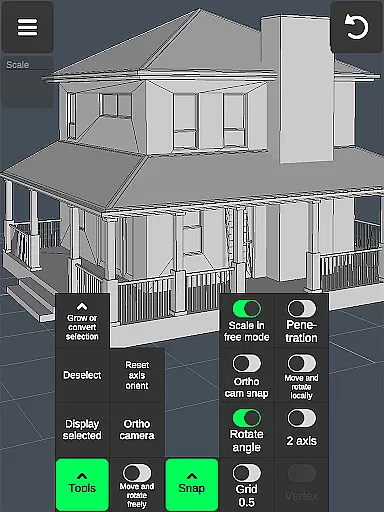

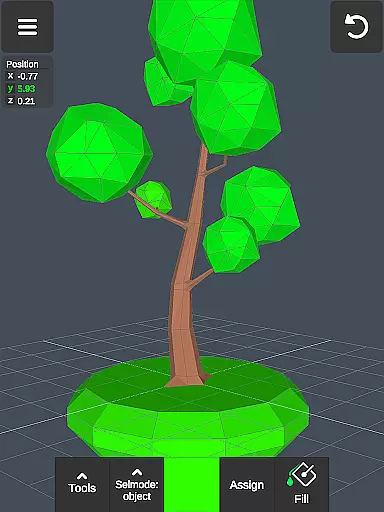
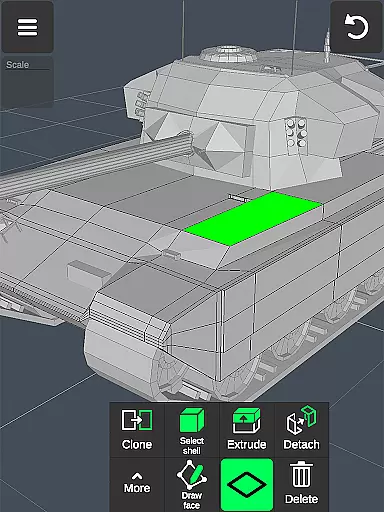
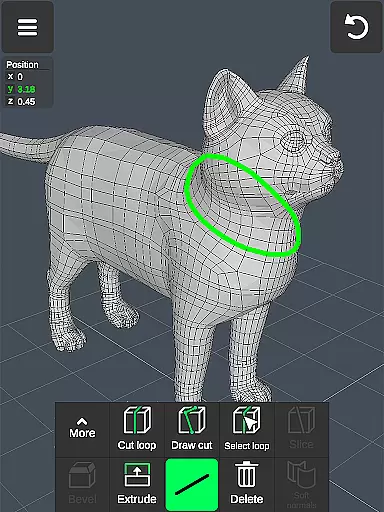
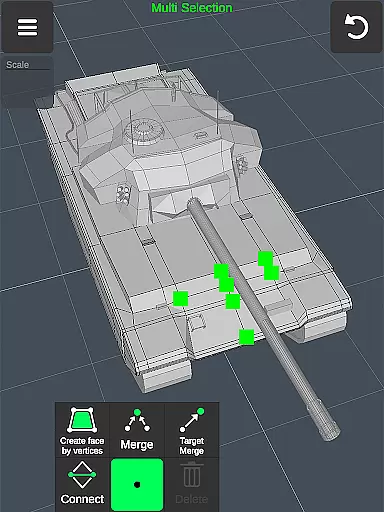
3D Modeling App is a powerful mobile solution for creating 3D models, objects, and art directly on your phone or tablet. Designed for professionals and hobbyists alike, this app provides an intuitive gesture-based interface to design 3D characters, games, and CGI graphics with precision.
The application supports various professional use cases including graphic design, engineering, landscape architecture, furniture design, and industrial applications. Automotive engineers can utilize it for car design while artists can explore digital sculpting and painting. Game developers benefit from tools for character modeling, animation, and physics simulation.
This versatile app enables users to work efficiently through features like gesture controls for moving, rotating, and scaling objects, along with advanced vertex, edge, face, and object manipulation tools. The ability to export and import .obj files makes it compatible with major 3D modeling and CAD software, providing seamless integration into professional workflows.
3D Modeling App offers an extensive set of professional-grade tools that make 3D creation accessible on mobile devices. The app's fast workflow system allows users to manipulate 3D images using simple gestures while providing quick access to essential tools through an intuitive interface.
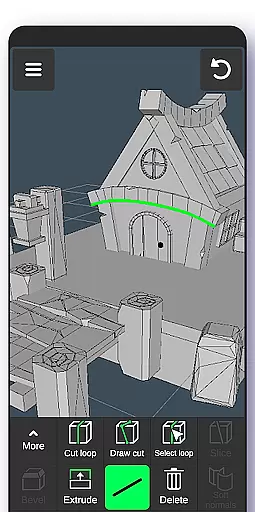
Advanced geometry tools include vertex merging, edge cutting, face extrusion, and object manipulation capabilities. Users can perform precise operations such as creating edge loops, filling holes, and adjusting normals. The sculpting tools provide artistic freedom with adjustable brush size and strength for detailed work.
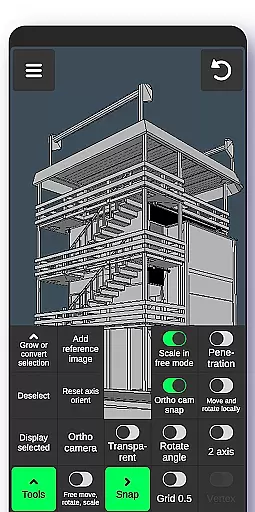
Professional display options include wireframe views, grid snapping, and measurement information. The app supports up to 20 materials per object and offers robust file compatibility through .obj import/export functionality. Additional features like orthographic camera support, auto-save, and precise value setting make it suitable for complex professional projects across various industries.
Creative tool completeness is essential for any professional-grade 3D modeling application. The 3D Modeling App offers an extensive suite of tools that cater to various aspects of 3D creation, ensuring users have everything they need at their fingertips.
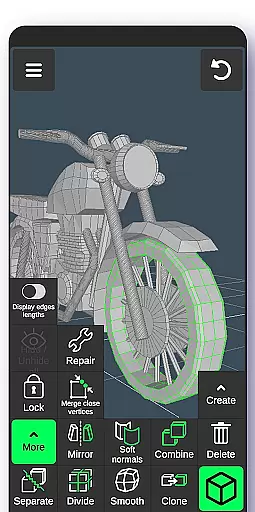
From vertex, edge, and face tools to object and sculpting tools, the app provides a comprehensive toolkit. Users can merge, connect, extrude, clone, smooth, and more, allowing for detailed manipulation of 3D objects. This wide array of features supports professionals in fields such as industrial design, automotive engineering, and game development.
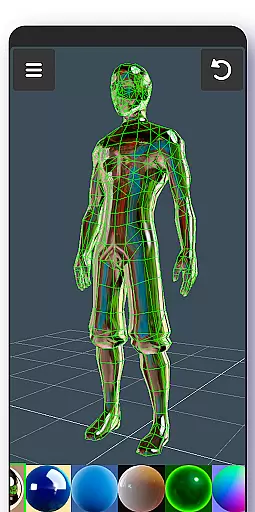
The inclusion of display tools like grids, wireframes, and axis controls enhances precision and control during the modeling process. Additionally, coloring options and material applications enable users to add finishing touches to their creations, making them production-ready.
By offering these complete creative tools, the app empowers users to bring their ideas to life with accuracy and efficiency, setting a high standard in the realm of digital art and design.
Canvas and format flexibility are crucial for accommodating diverse project requirements and ensuring seamless integration with other software. The 3D Modeling App excels in this area by providing versatile canvas settings and broad format compatibility.
Users can adjust grid sizes, snapping values, and toggle various display options such as wireframes, shadows, and axis visibility. These customizable settings allow artists and designers to tailor their workspace according to specific project needs, enhancing productivity and creative freedom.
In terms of format flexibility, the app supports importing and exporting .obj files, which are compatible with major 3D modeling and CAD software like 3ds Max, Maya, Blender, AutoCAD, and SolidWorks. Furthermore, third-party converters can transform these files into other formats, expanding interoperability.
This level of canvas and format flexibility ensures that users can seamlessly integrate their work into different pipelines, collaborate effectively, and achieve high-quality results across various platforms and industries.
User-friendly interface
Wide professional applicability
Comprehensive toolset
Excellent file compatibility
Intuitive gesture controls
Steep learning curve
High device requirements
Limited free features
No cloud sync
Occasional bugs

Vidu is an AI video generator made for creators and aspiring makers.
 3.30
3.30
Customizable Outlined Fonts. Watch Face Format. Battery friendly Digital Clock.
4.20
Create trending AI photos & videos with powerful effects and 3D styles.
3.20
Draw on screen: FP sDraw is a simple and lightweight drawing app
4.70
Create color palette from Image, RGB & RYB Color wheel harmonies, Color Scheme
4.50
Novices can also easily complete diamond painting masters
4.70
A luxurious gold watch face for an elegant and refined look.
4.4
Draw, make movies & animate cartoons easily with our 2D animation maker app
4.40
How to draw anime step by step for beginner easily by AR drawing sketch & paint.
3.60
Create stunning art with AI.
4.80
Draw glowing spinners, relax, and spin your creative art
4.60
Image/ Text to Video Generator
4.40
AI generated images & photos, turn your words into drawing, painting & pictures.
4.30
Beauty Camera - Selfie Camera is the ultimate beauty camera and selfie app
4.30
Custom Character Creator & PFP Maker!
4.20
Create stylish invitation cards using templates for weddings, birthdays & RSVP.
4.20
Powerful home decoration & house design that allows you to design dream home.
3.80
Resize photos and print photos in exact size with our powerful photo printer!
3.80
Premium version of Shimeji-ee app with no ads & no limit active shimeji
4.1


User Reviews