
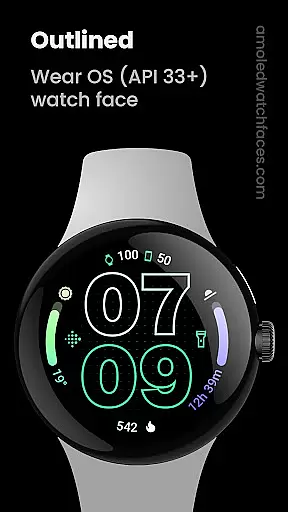
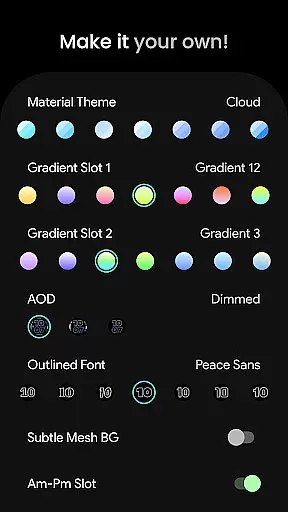
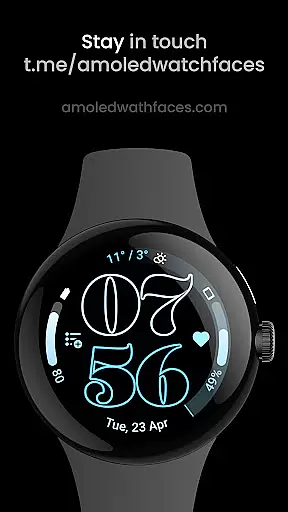
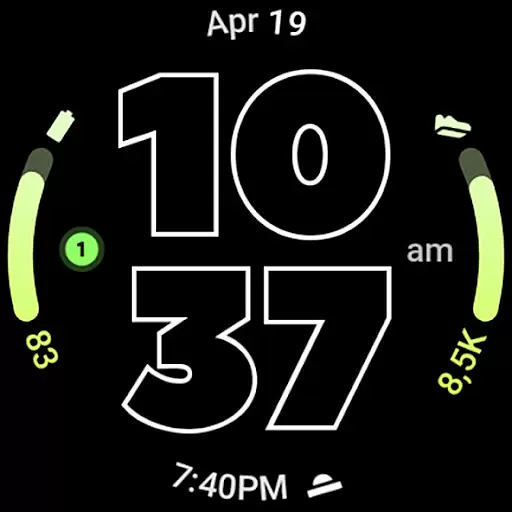
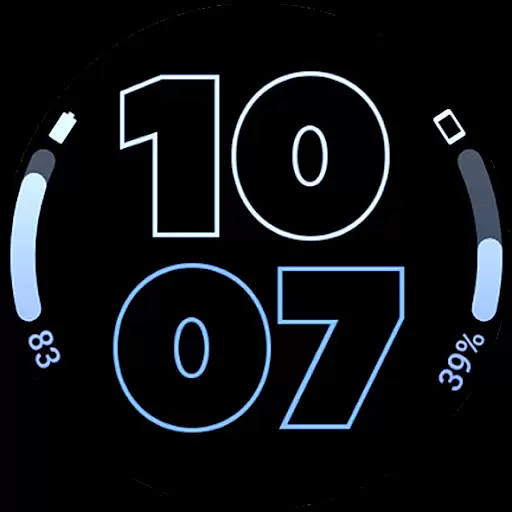
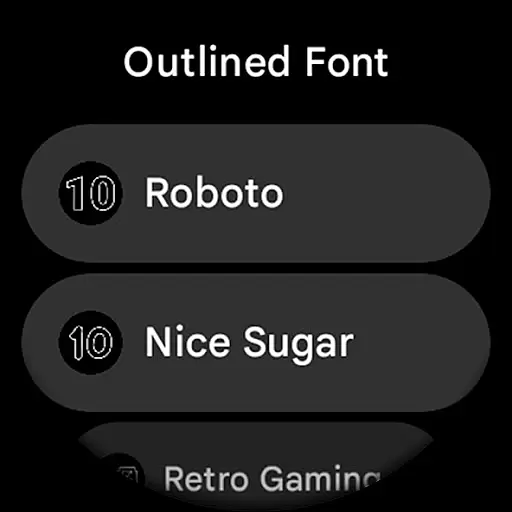
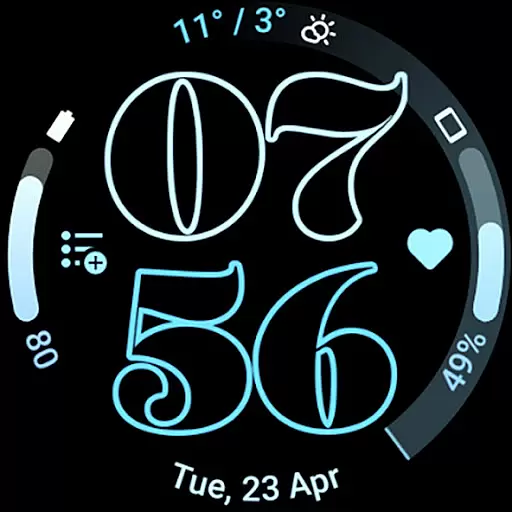
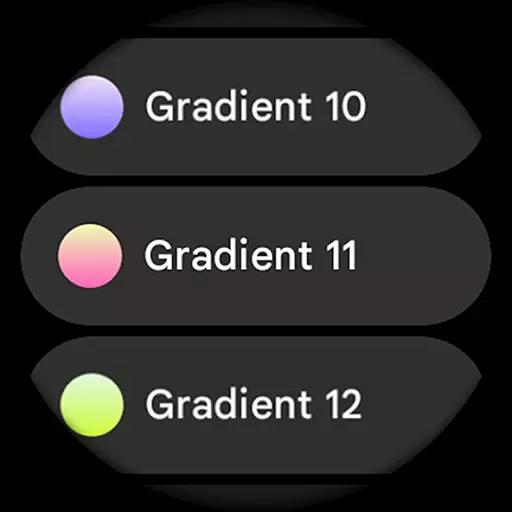
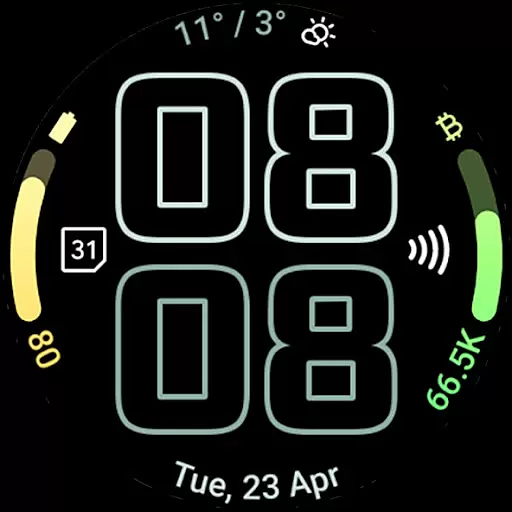
Outlined Watch Face is a premium design for Wear OS 4+ devices, offering a unique and customizable watch face experience. It features a true black background with battery-friendly optimization, making it ideal for AMOLED displays. The watch face supports two gradient arc complication slots and offers combined watch/phone battery complications.
With selectable outlined digital clock fonts, high-res design, and multiple AOD styles, users can create a personalized daily companion. The customization options include material themes, gradient settings, and wave-styled seconds indicators. These features ensure both aesthetic appeal and functional utility for smartwatch users.
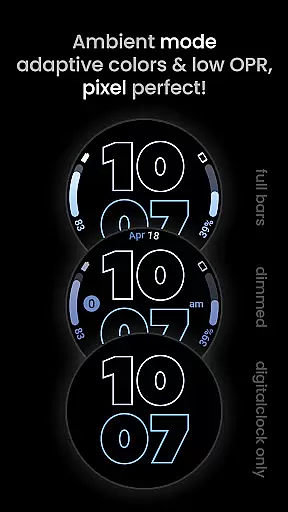
The Outlined Watch Face stands out with its innovative features tailored for modern smartwatches. It uses the Watch Face Format and supports custom complication apps, allowing users to integrate unique functionalities. The inclusion of three AOD styles with an option to offload to MCU enhances battery efficiency significantly.
Users can customize each progress bar gradient individually when using ranged value complications. Additional features like burn-in protection, optional wave-styled seconds indicators, and different settings provide flexibility in personalization. Compatible with Pixel Watch 2 & Galaxy Watch6, this watch face combines cutting-edge design with practical usability.
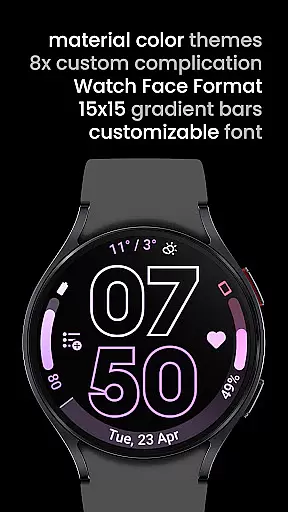
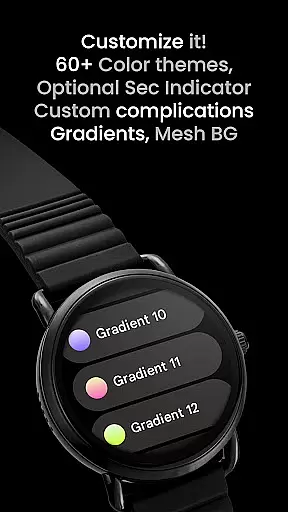
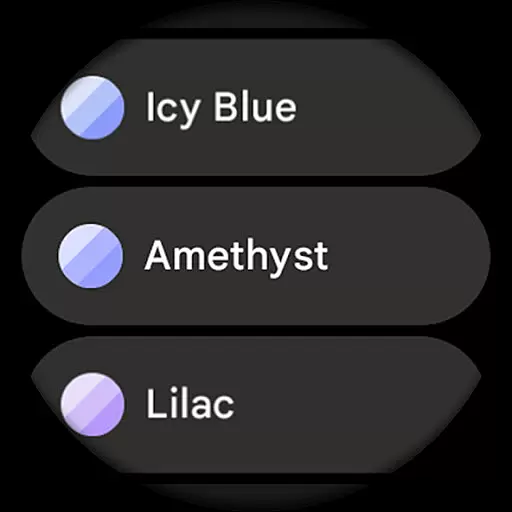
Outlined Watch Face offers a comprehensive suite of creative tools that cater to users who want to customize their Wear OS 4+ devices. With over 60 material themes and 19 gradient options, the app provides extensive choices for personalization.
The inclusion of unique outlined digital clock fonts and fully customizable progress bars ensures that users can create a distinctive look that suits their style. The ability to individually adjust each gradient when using ranged value complications adds another layer of customization.
Moreover, features like burn-in protection, optional wave-styled seconds indicators, and three always-on display (AOD) styles with an option to offload to MCU for battery savings highlight the app's attention to detail and user-centric design.
This level of creative control allows users to transform their smartwatch faces into personalized daily companions, making Outlined Watch Face a standout choice in the Art & Design category.
Flexibility in canvas and format options is crucial for designing watch faces that work seamlessly across different devices. Outlined Watch Face excels in this area by ensuring full compatibility with high-end models like Pixel Watch 2 and Galaxy Watch6.
The app supports true black backgrounds and high-resolution designs, which are essential for AMOLED displays. This not only enhances visual appeal but also contributes to battery efficiencyu2014a critical factor for wearable technology.
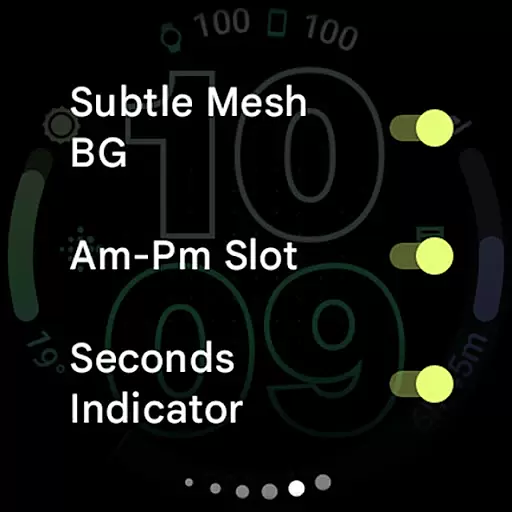
Users can select from various settings to tailor their watch face configurations, including toggles for subtle mesh backgrounds, AM-PM slots, and monochromatic icon tinting. These options ensure that the design remains versatile and adaptable to individual preferences.
With its robust feature set and adaptability, Outlined Watch Face empowers users to craft designs that are both aesthetically pleasing and functionally efficient, setting a high standard for canvas and format flexibility in the realm of wearable tech customization.
User-friendly interface
Highly customizable
Battery efficient
Modern design
Multiple AOD styles
Not for rectangular watches
Premium cost
Complicated setup
Limited device support
Fewer font options

Premium version of Shimeji-ee app with no ads & no limit active shimeji
 4.0
4.0
Transform photos into amazing monochrome dither art with professional algorithms
4.0
Create trending AI photos & videos with powerful effects and 3D styles.
3.20
Sketch, plan, take notes and illustrate on an infinite canvas.
4.20
Art of Combination Wear OS Watch Faces
4.1
800+ Drawing, Painting Lessons App to Practice, Sketch & Paint Art.
4.30
Minecraft & Roblox Clothes
4.70
Experience next-gen icons with a modern liquid glass look.
3.60
How to draw anime step by step for beginner easily by AR drawing sketch & paint.
3.60
Mobile pixel art editor. Simple. Fast. Portable.
4.80
Convert image to JPG PNG HEIC PDF, support almost all kinds of image formats
4.70
Draw anime & manga drawing, art with templates to create stunning picture!
4.50
Stylish letters, Stylish Keyboard, Symbols, Emojis, Cool nickname
4.40
Draw, make movies & animate cartoons easily with our 2D animation maker app
4.40
Beauty Camera - Selfie Camera is the ultimate beauty camera and selfie app
4.30
AI Face Swap, Video Effects Editor, Realtime Morph, Funny Video FX,AI Filters
3.70
Apply cartoon, caricature, and portrait effects to make your photos stand out!
3.60
Create stunning video, photo & magic from text with FlixAI GPT video generator.
3.10
Your Essential Color Theory Guide: Red, Yellow, Blue (RYB)
4.4


User Reviews