
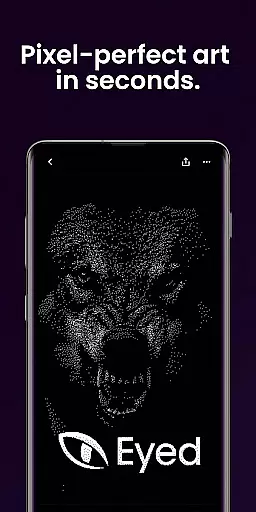
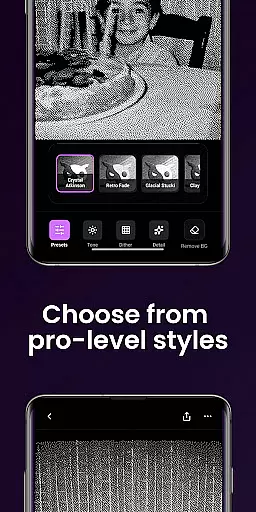
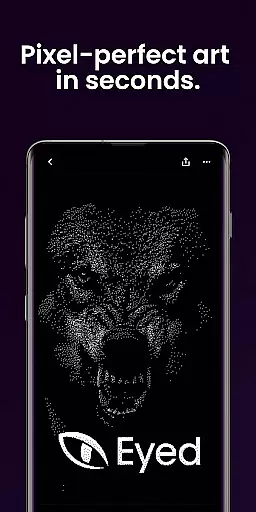
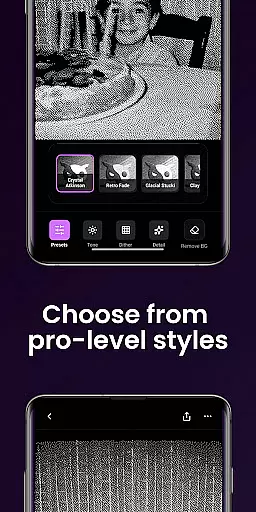
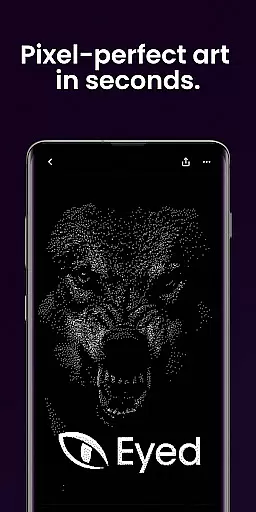
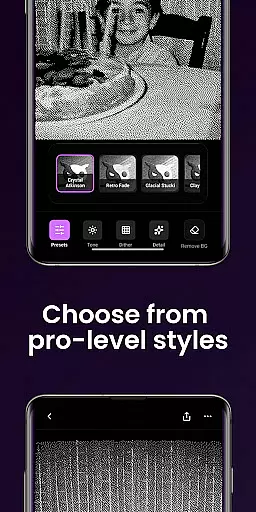
Dither By Eyed is a photo editor app designed to transform your images into print-inspired artwork with expressive results in seconds. It offers iconic processing methods like Floyd-Steinberg, Atkinson, and Stucki, alongside curated looks such as Retro Fade and Warm Grain for instant character.
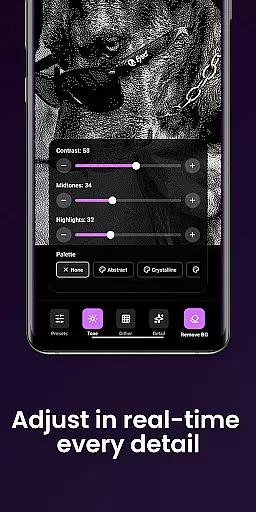
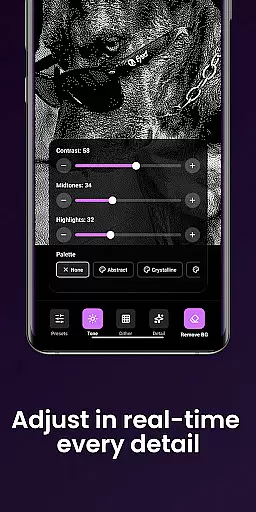
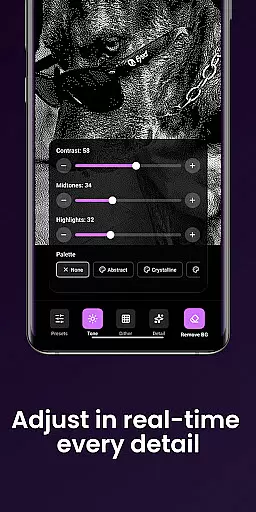
Users can fine-tune contrast, midtones, highlights, blur, scale, and threshold with real-time previews. The app also allows isolating subjects cleanly and exporting high-quality results ready for print, web, or social media. Optimized for both phones and tablets, it features a clean interface and supports common image formats.
The app provides a rich set of features tailored for creators who appreciate art and design. It includes classic computer-graphics textures and contemporary looks, offering authentic texture and structure to photos. With one tap, users can apply curated styles like Crystal Atkinson and Frozen Bayer.
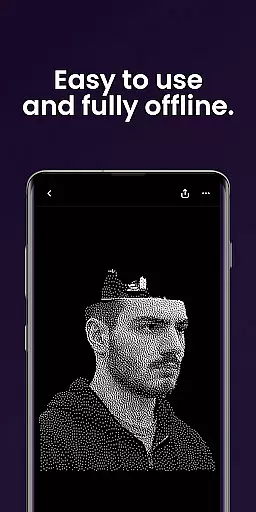
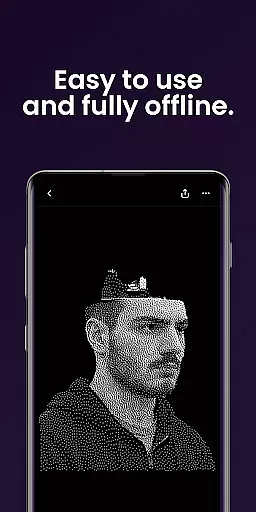
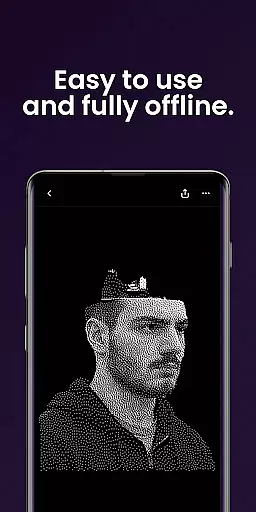
Dither By Eyed allows precise adjustments through pinch-to-zoom functionality while working on images. Users can import from their photo library or capture new ones with the camera. The app is optimized for mobile devices and requires no account, making it easy to create and share without hassle.
When it comes to creative tools, Dither By Eyed offers a comprehensive suite that caters to both novice and experienced artists. The app includes iconic processing methods such as Floyd-Steinberg, Atkinson, Stucki, Bayer, and blue-noise patterns, allowing users to experiment with authentic textures and structures.
In addition to these classic techniques, the app provides curated looks that can be applied with just one tap. Styles like Crystal Atkinson, Retro Fade, Warm Grain, Glacial Stucki, and Frozen Bayer give instant character to your photos, making it easy to achieve professional results without any prior experience.
For those who prefer more control over their edits, Dither By Eyed allows fine-tuning of various parameters. Users can adjust contrast, midtones, highlights, blur, scale, and threshold with responsive, real-time previews. This ensures that every modification is exactly as desired before finalizing the artwork.
Dither By Eyed excels in providing canvas and format flexibility, ensuring that creators have the freedom to work with their preferred dimensions and file types. Whether you're importing an image from your photo library or capturing a new one with the camera, the app supports common image formats for seamless integration into your workflow.
The ability to pinch, zoom, and pan while working on your project enables precise adjustments. This feature is particularly useful when isolating subjects cleanly, allowing users to remove backgrounds and create crisp compositions or poster-style silhouettes with ease.
Furthermore, the app is optimized for both phones and tablets, offering a clean and focused interface that enhances productivity. With no account required, users can simply open the app, start creating, and share their masterpieces in moments. This streamlined process makes Dither By Eyed an ideal choice for artists looking to produce high-quality, print-ready artwork efficiently.
User-friendly interface
Real-time previews
High-quality exports
No learning curve
Versatile image editing
Limited advanced tools
Few customization options
Basic background removal
Occasional performance lags
In-app purchases available

Art of Combination Wear OS Watch faces (for Wear OS 5+ devices)
 3.00
3.00
Image/ Text to Video Generator
4.40
Digital illustration drawing & painting pad app to paint Anime and Manga art
4.50
Create neon drawing with magic doodle and fun doodle art effects!
4.50
Digital, Abstract, Classic - all types of color wheels in one app!
4.60
Create stunning video, photo & magic from text with FlixAI GPT video generator.
3.10
Nano Banana AI Image Generator, Anime Filter, AI Portrait, AI Photo Generator
4.30
Retouch photos. Create or edit images. Endless capabilities.
2.70
Video AI: Revolutionize Your Content Creation with Advanced Video Generation
4.50
Mobile pixel art editor. Simple. Fast. Portable.
4.80
Draw Trace image sketch by, AR art projector app, Easy to trace any image.
4.50
Art of Combination Wear OS Watch faces (for Wear OS 5+ devices)
3.90
Resize photos and print photos in exact size with our powerful photo printer!
3.80
AI Face Swap, Video Effects Editor, Realtime Morph, Funny Video FX,AI Filters
3.70
Vidu is an AI video generator made for creators and aspiring makers.
3.30
Sketch, trace and master AR drawing with awesome anime art!
3.30
Premium version of Shimeji-ee app with no ads & no limit active shimeji
4.4
Art of Combination Wear OS Watch faces
4.5
Android 14 style widgets and wallpapers app.
4.3


User Reviews