
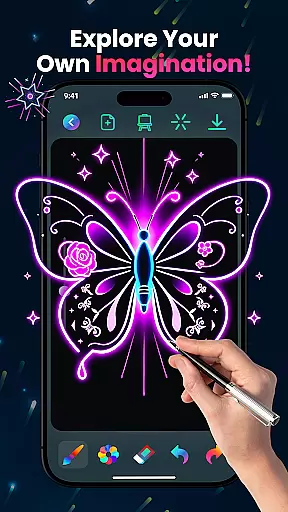
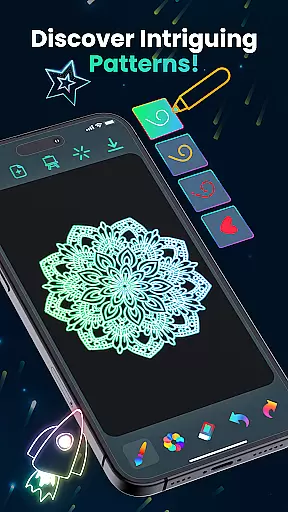
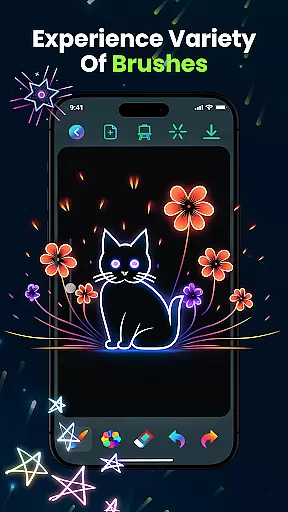
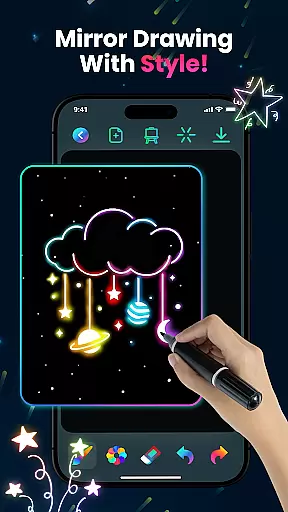
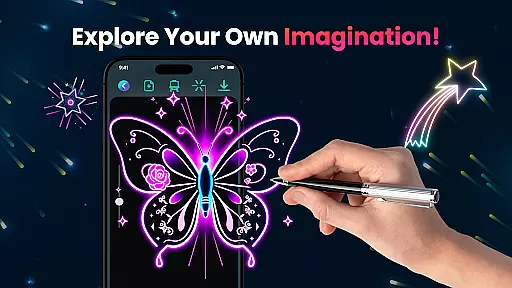
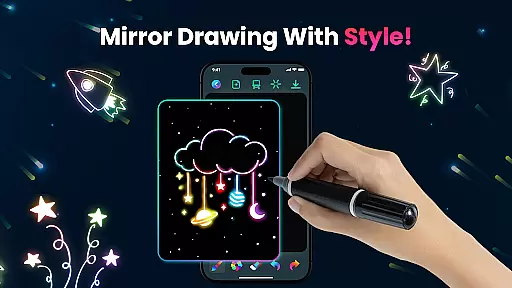
Magic Doodle is an innovative art and design app that allows users to create stunning neon artworks with ease. Featuring a wide array of vibrant colors and glowing brushes, the app provides an expansive canvas for both beginners and professionals to express their creativity. The intuitive interface ensures accessibility for all skill levels while offering advanced tools like undo and redo functions, making it perfect for refining your artistic vision.
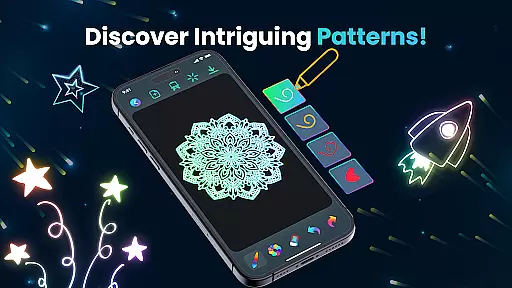
Whether you are looking to create glowing mandalas, neon sketches, or magical kaleidoscope art, Magic Doodle transforms your ideas into glowing masterpieces. With its kid-friendly design and unlimited color options, this app is ideal for stress-free doodling and creative expression for all ages. Download Magic Doodle today and explore the magic of neon doodling on your device.
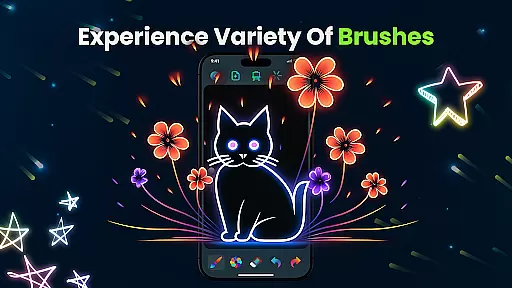
Magic Doodle stands out with its rich set of features tailored for artists of all levels. One of the key highlights is the vibrant neon glow colors which bring artwork to life with mesmerizing hues. The app offers a variety of glowing brushes and sketch tools, enabling users to create magical doodles effortlessly. These tools are designed to be intuitive, ensuring that even those new to digital art can easily navigate and utilize them.
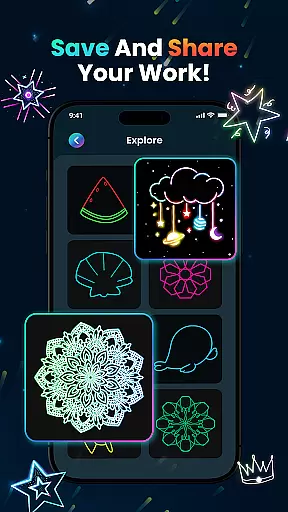
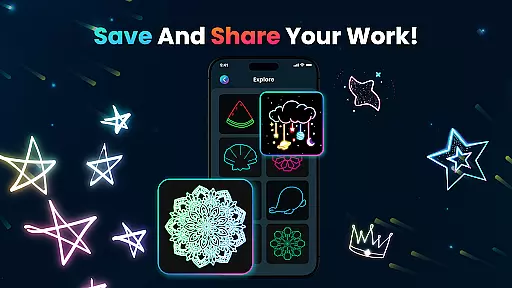
In addition to its creative tools, Magic Doodle includes practical features such as undo and redo buttons, allowing users to correct mistakes seamlessly. Users can save their creations directly within the app and share them on social media platforms, showcasing their work to friends and family. The easy-to-use interface is suitable for both kids and adults, providing a platform for learning and painting with fingers or predefined images. This combination of powerful features makes Magic Doodle a top choice for anyone interested in digital art.
In the realm of digital art, having a comprehensive set of creative tools is essential for artists to fully express their visions. Magic Doodle offers an impressive array of features that cater to both budding artists and seasoned professionals. With its vibrant neon glow colors and glowing brushes, users can explore a wide spectrum of artistic possibilities.
The app provides intuitive sketch tools that mimic real-world art supplies, allowing for a natural and seamless drawing experience. Whether it's creating magical doodles or detailed artworks, Magic Doodle supports various brush strokes and textures, ensuring every piece is as unique as the artist's imagination.
Additionally, practical functions such as undo and redo buttons are integrated, giving users the freedom to experiment without the fear of making irreversible mistakes. This encourages creative exploration and learning, making it an ideal platform for artists of all skill levels to refine their techniques and produce stunning neon artworks.
A versatile canvas is crucial for digital artists who wish to work without constraints. Magic Doodle stands out by offering a wide drawing canvas that adapts to the needs of different projects. Users can easily adjust their workspace to accommodate anything from small sketches to large-scale artworks, providing unparalleled flexibility in their creative process.
Beyond canvas size, the app also excels in format compatibility. Artists can save their masterpieces in various formats, ensuring that their work can be shared across multiple platforms or printed in high quality. This adaptability makes it simple for users to distribute their art on social media, incorporate it into professional portfolios, or even print physical copies.
Magic Doodleu2019s commitment to flexibility extends to its kid-friendly interface, which allows users of all ages to learn painting with either fingers or predefined images. This inclusive approach ensures that everyone, regardless of age or skill level, can enjoy a stress-free doodling experience while exploring the magic of neon art.
User-friendly interface
Vibrant color options
Undo and redo functionality
Social sharing capabilities
Kid-friendly environment
Limited advanced tools
No offline mode available
Occasional ads interruption
Basic brush customization
Requires constant updates

Castle is social media for creating and playing games!
 4.60
4.60
Minecraft & Roblox Clothes
4.70
Android 14 style widgets and wallpapers app.
4.5
OneUI 8.5 icons ✨ Smooth, modern & based on the latest Play Store design ??
4.10
Unleash the artist in you with our AR drawing and tracing tool for photo drawing
4.10
Retouch photos. Create or edit images. Endless capabilities.
2.70
AI Tattoo Generator: Create Tattoo Designs & Get Ideas! Ink & Stencil Maker
4.50
Multiplayer Drawing game, Coloring, Painting・Sketch, Handwriting・Paint, draw
4.30
All-in-One art, logo & collage maker. Design photos and edit video backgrounds
4.80
Get an overview over all your embroidery threads, projects and more.
4.60
Photo editor for art, avatars, filters & fun transformations.
4.60
Draw anime & manga drawing, art with templates to create stunning picture!
4.50
The perfect place to start sketching! Use Sketchbook to draw and paint sketches.
4.50
Share the joy of painting with ibis Paint! Drawing anime and manga art.
4.50
Photo blender app to create overlay photos & double exposure.
4.40
Unleash Your Creativity with Draw Cartoon - AR Drawing App
4.10
Get creative and make art with your Sesame Friends!
4.00
Apply cartoon, caricature, and portrait effects to make your photos stand out!
3.60
Create trending AI photos & videos with powerful effects and 3D styles.
3.20


User Reviews