
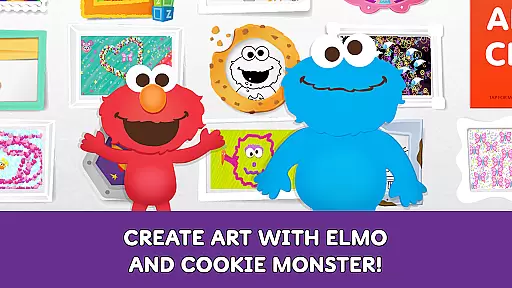
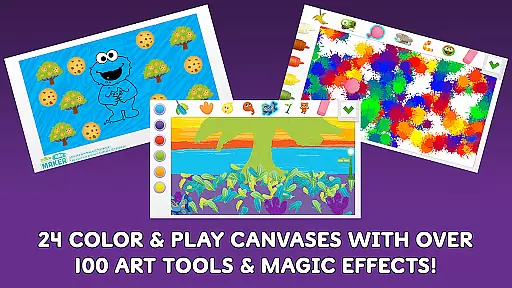
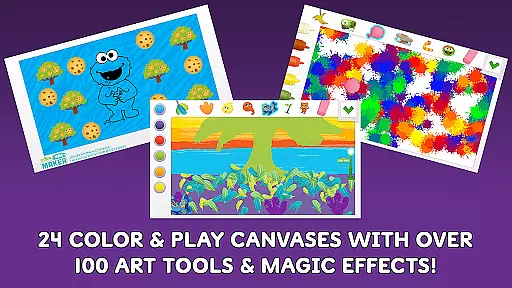
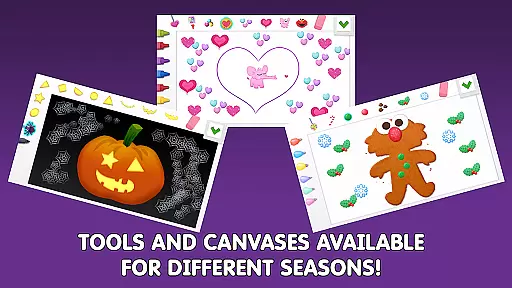
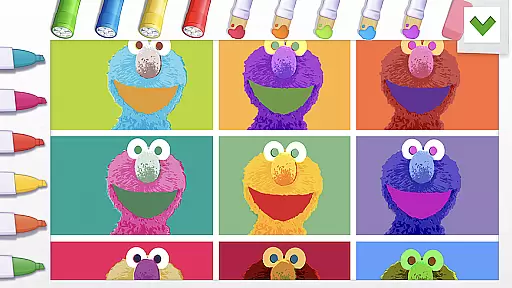
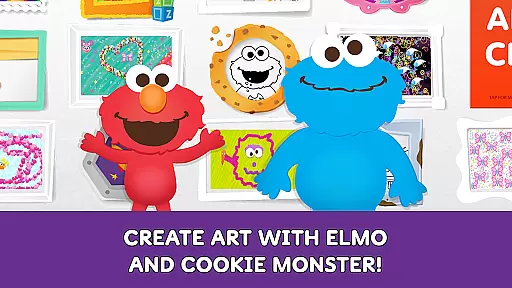
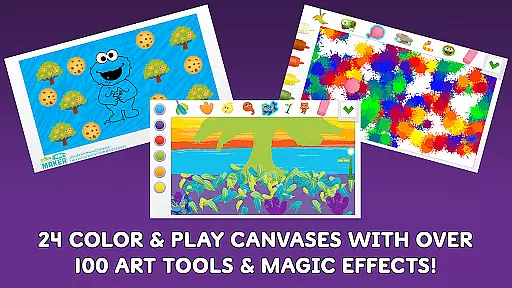
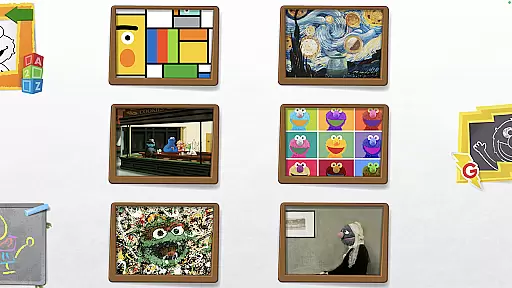
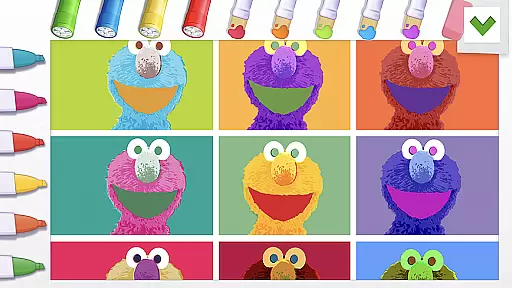
Sesame Street Art Maker is an innovative creativity app designed to inspire young artists through engaging and interactive art experiences. The app offers a rich selection of over 100 realistic art tools, including finger paint, fur, and Abby’s magic wand, allowing children to explore their imagination freely.
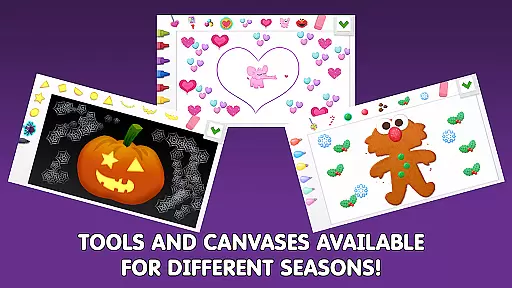
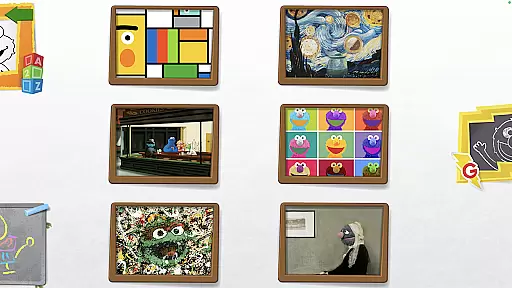
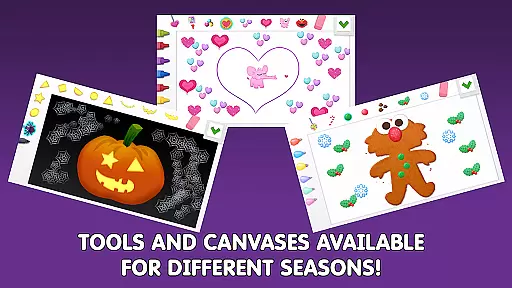
With 24 unique canvases featuring beloved Sesame Street characters, the app provides a dynamic platform for artistic expression. Seasonal updates ensure fresh content throughout the year, while additional Expansion Kits offer themed options for even more creative possibilities.
This app not only entertains but also educates, aligning with Sesame Workshop's mission to help children grow smarter, stronger, and kinder through media.
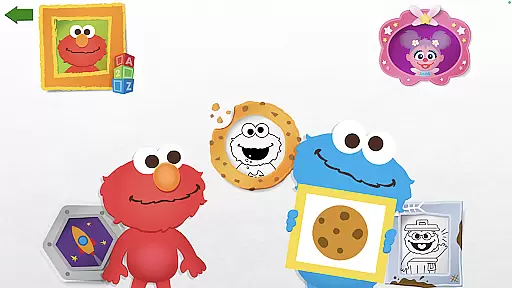
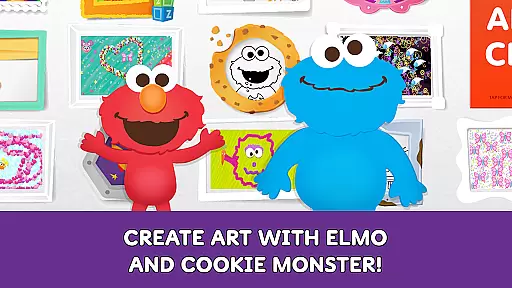
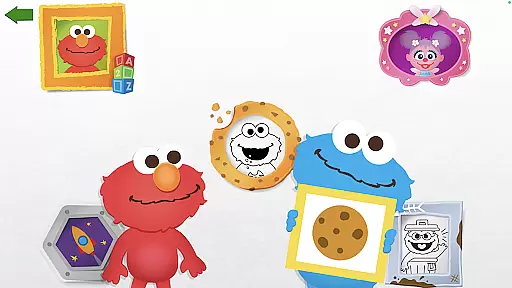
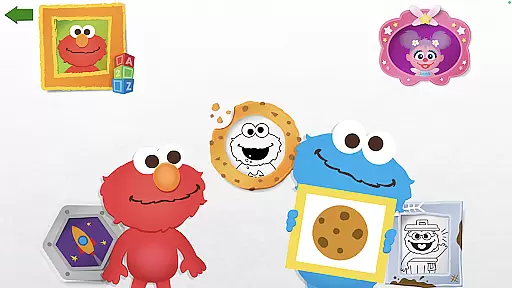
The app boasts an impressive array of features that cater to young creators. It includes animated, talking character stickers and coloring pages that bring artwork to life. Elmo and Cookie Monster provide interactive feedback on creations, enhancing engagement.
Users can personalize photos with silly stickers or utilize the magic wand for unique effects. The intuitive interface ensures children can navigate the app easily, promoting independent exploration and learning.
Regular updates and new content keep the experience fresh and exciting, encouraging continued use and artistic growth.
When it comes to art and design applications, the comprehensiveness of creative tools is paramount. Sesame Street Art Maker offers an impressive selection of over 100 unique art tools that cater to various artistic needs. These include realistic painting options like finger paint and fur textures, as well as imaginative elements such as Abbyu2019s magic wand.
The app provides a diverse range of canvases inspired by beloved Sesame Street characters, ensuring that young artists have plenty of surfaces to explore their creativity. Additionally, seasonal updates keep the content fresh and engaging throughout the year. This dynamic approach not only enhances user experience but also encourages continuous engagement with new themes regularly introduced.
Moreover, interactive features like animated talking character stickers add another layer of fun and personalization. Children can bring their artwork to life with these lively additions while receiving feedback from iconic figures such as Elmo and Cookie Monster. Such interactions make the creative process more enjoyable and rewarding for users.
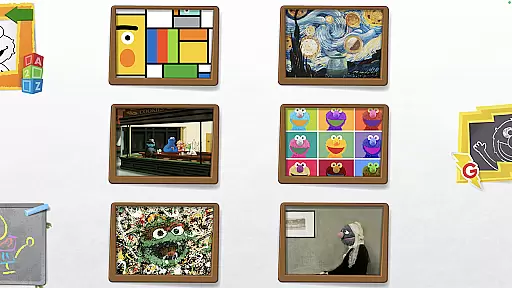
Flexibility in canvas formats is crucial for any digital art platform aiming to foster creativity among its users. Sesame Street Art Maker excels in this aspect by offering 24 unique canvases that are inspired by familiar Sesame Street friends. Each canvas presents different backgrounds and themes which allow children to experiment with varied artistic styles.
Beyond traditional drawing spaces, the app includes innovative options like photo canvases where kids can decorate images using silly stickers. This feature enables personalized creations that blend real-life photography with imaginative embellishments, enhancing both creativity and entertainment value.
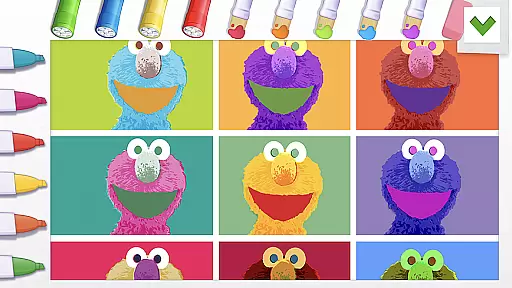
Furthermore, the inclusion of coloring pages adds yet another dimension to format variety within the app. Users can choose between freeform creation or structured coloring activities depending on their mood or preference at any given time. With ongoing updates introducing new seasonal themes, there's always something novel for young artists to discover and enjoy.
User-friendly interface
Engaging character interactions
Variety of art tools
Regular content updates
Educational value
Limited to Sesame themes
Expansion kits cost extra
Some features feel repetitive
Requires frequent updates
Younger audience only

Art of Combination Wear OS Watch faces
 4.4
4.4
Image/ Text to Video Generator
4.40
Make your phone cooler and have a fantastic experience
4.80
Digital, Abstract, Classic - all types of color wheels in one app!
4.60
Minecraft & Roblox Clothes
4.70
Android 14 style widgets and wallpapers app.
4.1
Bring One UI 8.5 Icons to life -elegant dark icons with a modern, premium touch.
4.30
Beauty Camera - Selfie Camera is the ultimate beauty camera and selfie app
4.30
Explore future self face age filter & remove background image for a unique look.
3.50
Novices can also easily complete diamond painting masters
4.70
Image resizer to resize, crop, rotate, flip, change dpi photo or picture in bulk
4.60
Draw anime & manga drawing, art with templates to create stunning picture!
4.50
Draw Trace image sketch by, AR art projector app, Easy to trace any image.
4.50
Photo blender app to create overlay photos & double exposure.
4.40
Sketch, plan, take notes and illustrate on an infinite canvas.
4.20
Text to Image, Image to Video & AI Chat
4.20
Design your dream room with AI. Get decor ideas & plan home interiors
3.90
Art of Combination Wear OS Watch faces (for Wear OS 5+ devices)
3.00
Art of Combination Wear OS Watch Faces
4.1


User Reviews