
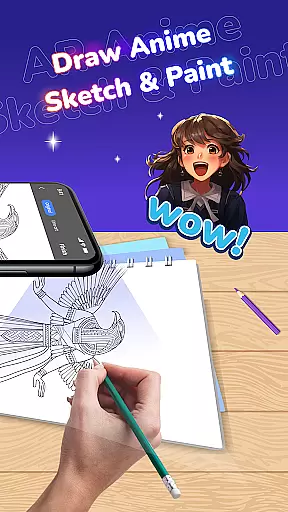
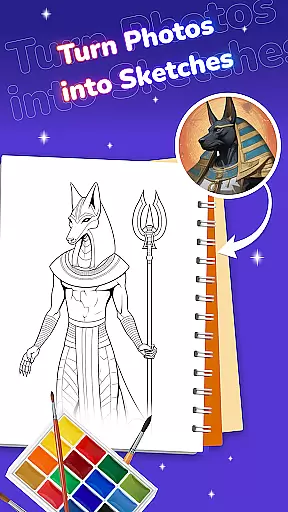
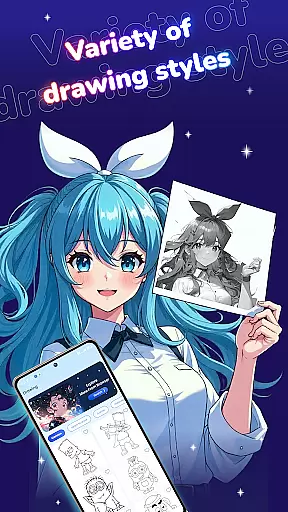
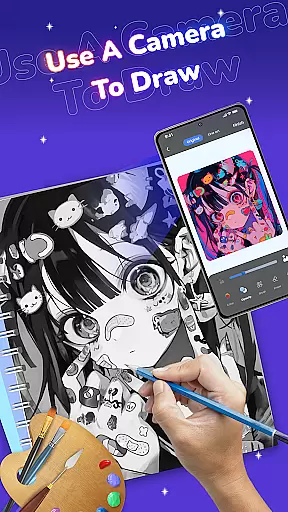
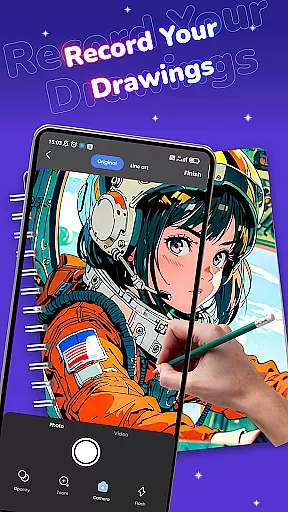
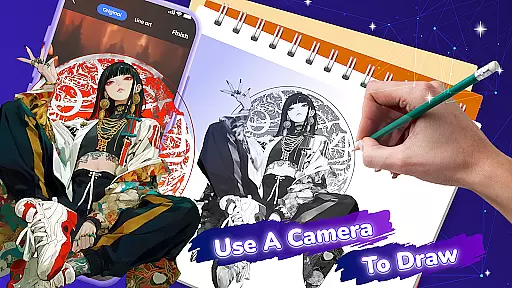
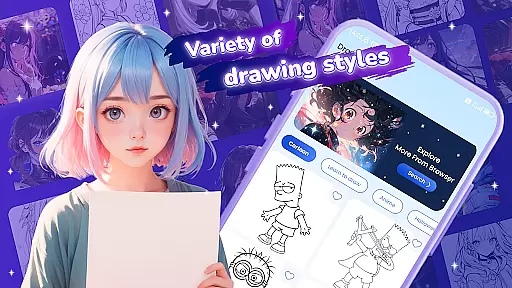
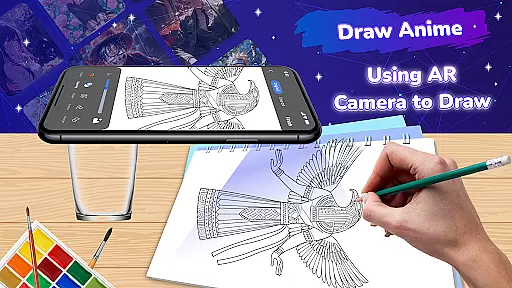
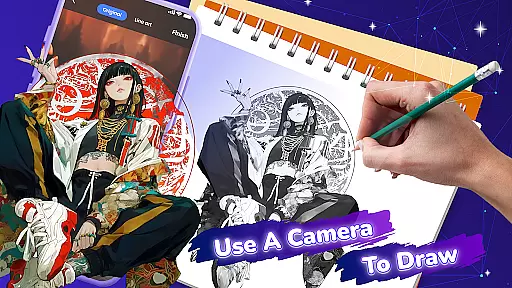
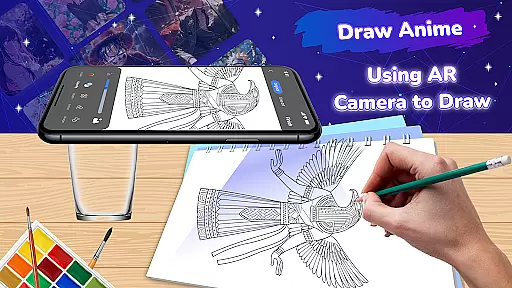
Draw Anime: Paint & Sketch App is a revolutionary tool for anime art enthusiasts, combining Augmented Reality (AR) technology with an intuitive drawing interface. This app allows users to create stunning anime characters and scenes by providing AR tracing capabilities, diverse templates, and customizable artistic tools.
The app caters to both beginners and experienced artists, offering features like ASMR sounds for focus, a vast library of manga inspiration, and easy saving options for completed artwork. Whether you're refining your skills or starting fresh, Draw Anime makes anime sketching accessible and engaging on any surface.
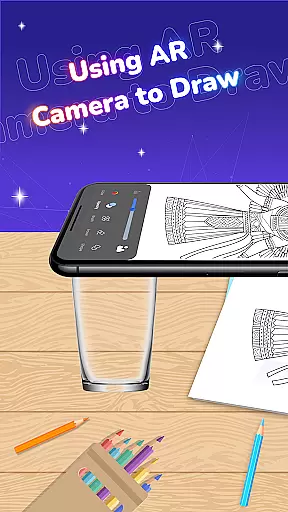
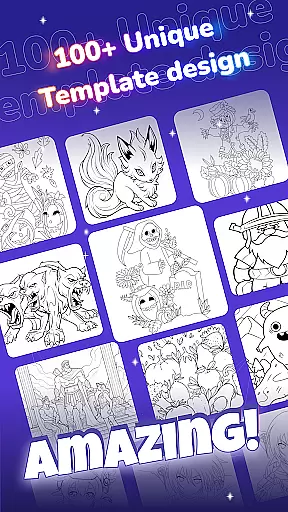
Draw Anime stands out with its innovative AR tracing mode, which overlays selected templates onto any physical surface, enabling precise sketches. The app includes a rich template library featuring iconic anime characters and unique manga styles, ensuring endless creative possibilities.
Users can personalize their artwork using customizable brushes, colors, and effects while enjoying an intuitive interface designed for all skill levels. Additional features include ASMR soundscapes for enhanced focus and a browser-finding function to explore more anime art references, making it a comprehensive tool for anime creation.
Creative tools are essential for any artist, and Draw Anime: Paint & Sketch App offers a comprehensive suite of features that cater to both beginners and seasoned artists. The app provides an extensive range of drawing utilities including AR tracing, diverse templates, and customizable brushes.
With AR Drawing and Tracing, users can project any anime or manga template onto their drawing surface, allowing them to trace outlines with precision. This feature is particularly beneficial for those who are new to drawing or wish to replicate complex designs effortlessly.
The Diverse Template Library includes iconic anime characters and unique manga styles, offering endless possibilities for artistic expression. Users can experiment with different art styles and find inspiration within the vast selection provided by the app.
Customizable Tools further enhance the creative process by allowing users to adjust colors, brushes, and effects. This flexibility ensures that each piece of artwork can be tailored to the artist's vision, making every creation truly unique.
Flexibility in canvas and format options is crucial for artists to fully express their creativity. Draw Anime: Paint & Sketch App excels in providing versatile solutions that adapt to various artistic needs and preferences.
The app supports AR technology which turns any physical surface into a canvas. This means artists are not limited by traditional canvas sizes or formats and can work on large-scale projects or small sketches with equal ease.
Additionally, the Simple Interface ensures that users can navigate through different canvas settings effortlessly. Whether adjusting the scale of the projected image or modifying the workspace layout, the app maintains an intuitive design that accommodates both novices and experts.
Users also benefit from ASMR Sound features that create an immersive environment, enhancing focus and relaxation during long drawing sessions. This holistic approach to the artistic process highlights the app's commitment to supporting artists in every possible way.
User-friendly interface
Extensive template library
AR tracing technology
Customizable drawing tools
ASMR sound integration
Limited free templates
Premium feature costs
Device compatibility issues
Occasional AR glitches
Learning curve for beginners

AI generated images & photos, turn your words into drawing, painting & pictures.
 4.30
4.30
Sketch, trace and master AR drawing with awesome anime art!
3.30
Photo blender app to create overlay photos & double exposure.
4.40
Make your phone cooler and have a fantastic experience
4.80
Draw beautiful mandala's very easily
4.60
Unleash Your Creativity with Draw Cartoon - AR Drawing App
4.10
A luxurious gold watch face for an elegant and refined look.
4.0
AI Tattoo Generator: Create Tattoo Designs & Get Ideas! Ink & Stencil Maker
4.50
All-in-One art, logo & collage maker. Design photos and edit video backgrounds
4.80
Minecraft & Roblox Clothes
4.70
Castle is social media for creating and playing games!
4.60
Draw glowing spinners, relax, and spin your creative art
4.60
Draw, fidget, and spin glow art! Relax and express your creativity with a finger
4.60
Painting, drawing, & sketching
4.50
Image/ Text to Video Generator
4.40
Easy 3D drawing design maker & creator. Model designing, Sculpting. Create&paint
4.00
Art of Combination Wear OS Watch faces (for Wear OS 5+ devices)
3.90
Apply cartoon, caricature, and portrait effects to make your photos stand out!
3.60
Premium version of Shimeji-ee app with no ads & no limit active shimeji
4.1


User Reviews