
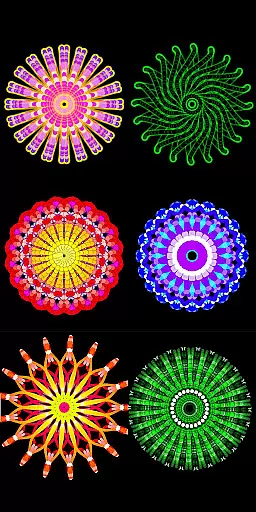
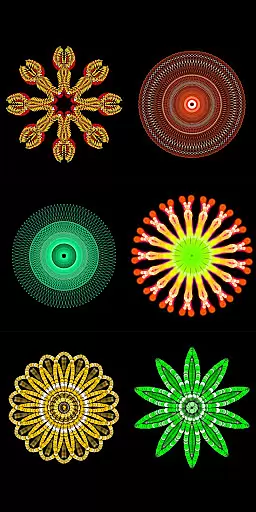
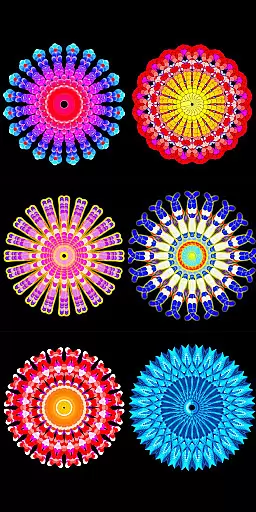
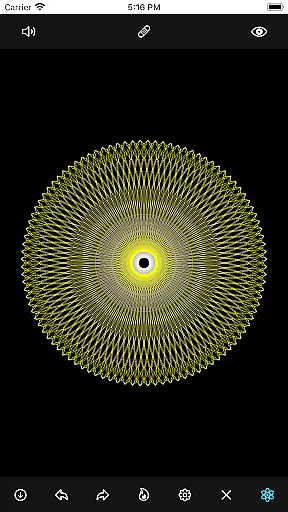
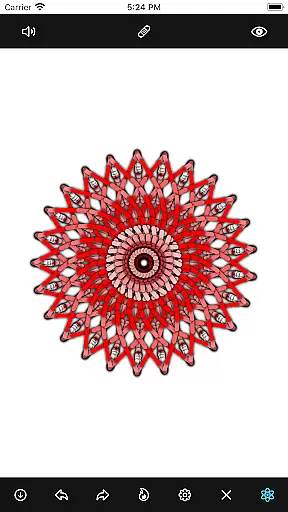
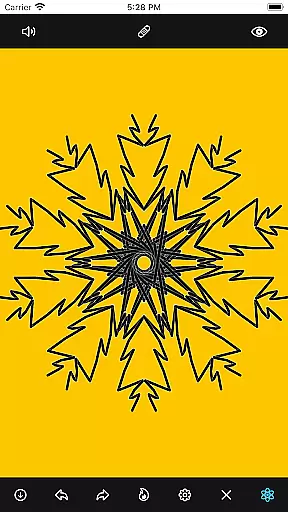
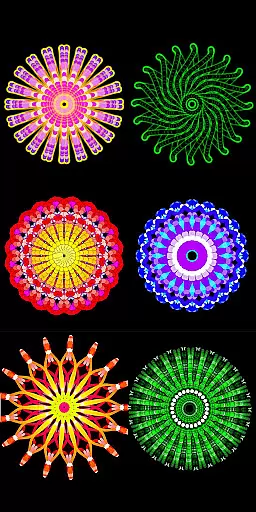
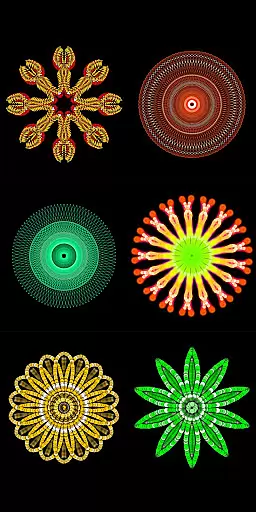
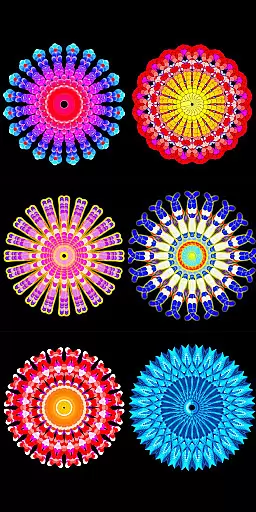
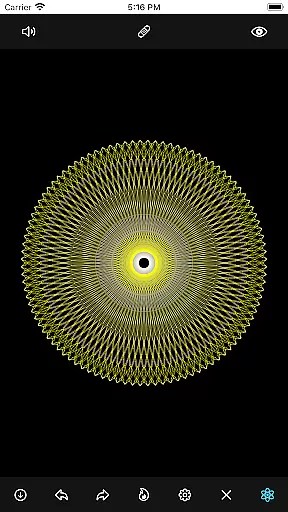
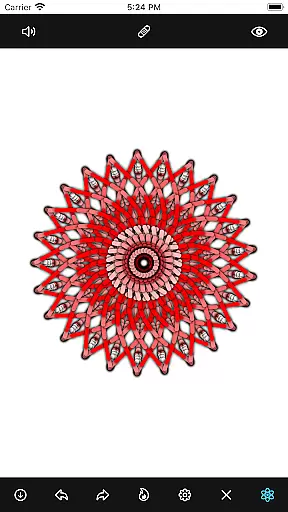
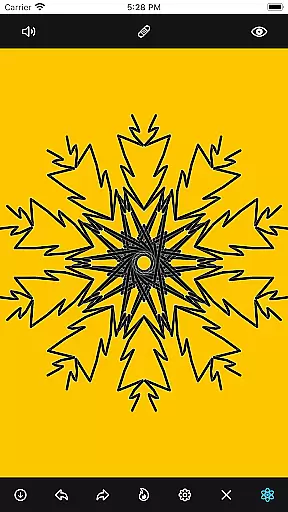
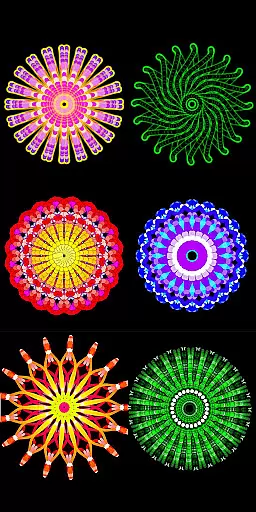
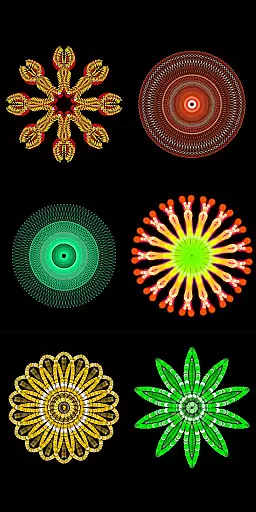
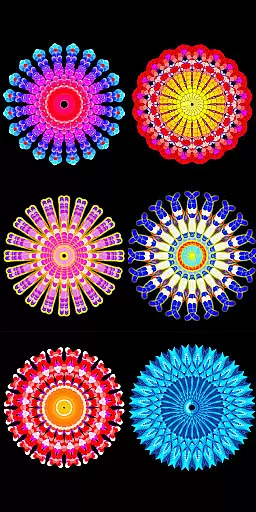
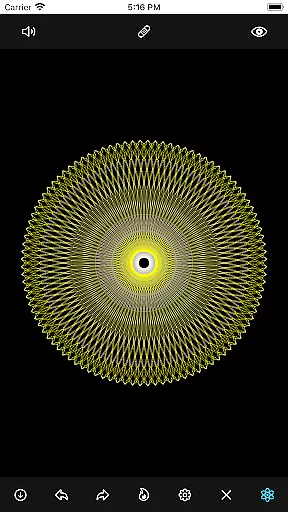
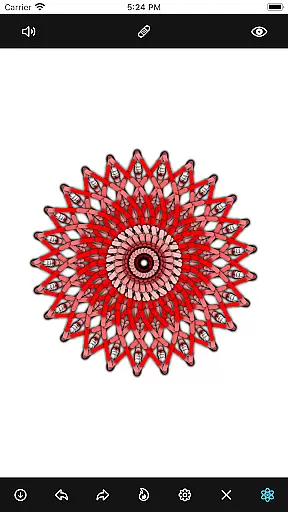
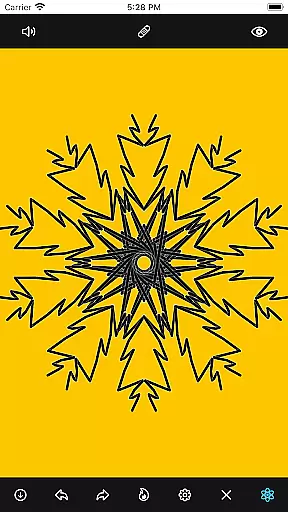
Mandala Maker 360 is a creative tool designed for both beginners and experienced artists to create intricate mandala drawings with ease. The app offers an intuitive interface that allows users to generate beautiful mandalas in just a few steps.
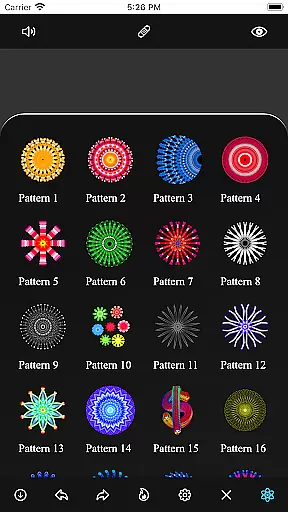
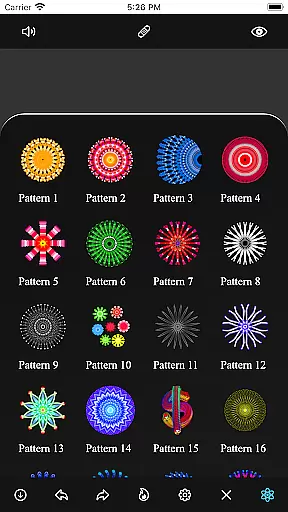
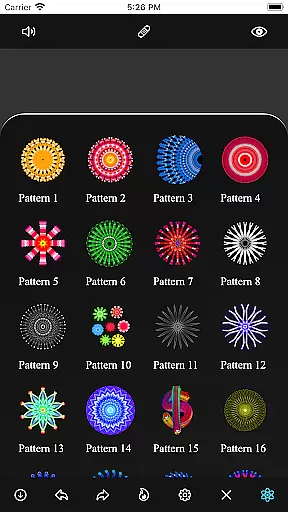
With extensive customization options, users can modify canvas symmetry, background color, brush settings, and even apply shadows. Additionally, the app provides over 50 predefined patterns and images to assist in the drawing process, making it versatile for various artistic styles.
Whether you're looking to enhance your artistic skills or simply enjoy a relaxing creative activity, Mandala Maker 360 serves as an excellent platform for producing stunning mandala art on mobile devices.
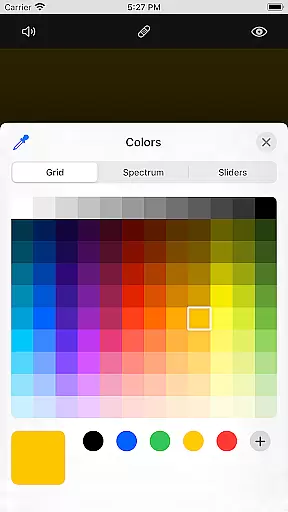
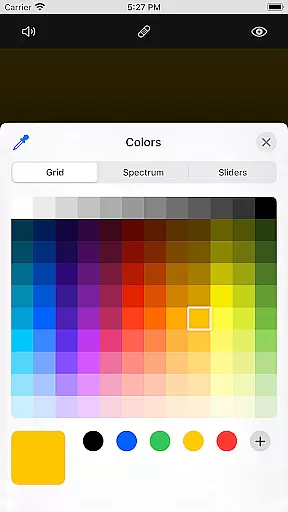
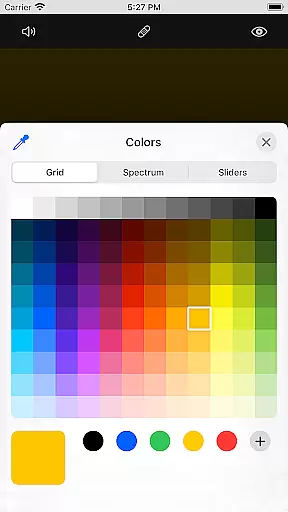
Mandala Maker 360 stands out with its diverse feature set tailored for mandala creation. The app includes advanced canvas customization options such as changing the background color, adjusting canvas center, and enabling mirroring effects.
Brush customization is another highlight, offering multiple brush styles, color types, random color selection, and adjustable sizes. For those who prefer guided creativity, the app provides numerous predefined patterns and over 50 images that can be resized and modified to fit your artistic vision.
Furthermore, unique shadow properties allow users to add depth to their designs by selecting different shadow sizes and colors. These comprehensive features ensure that every mandala created is distinct and personalized.
In the realm of digital art, having a comprehensive set of creative tools is essential for unleashing an artist's full potential. Mandala Maker 360 excels in this area by offering a wide array of customization options that cater to both novice and experienced artists. The app provides extensive canvas customization features, allowing users to modify the symmetry, background color, and even apply mirroring effects with ease.
Brush customization further enhances the creative process, providing multiple brush styles, sizes, and types. Artists can experiment with different color types and enjoy the convenience of random color selection, which adds an element of surprise and inspiration to their mandala drawings. This level of control ensures that each piece is unique and personal.
Moreover, Mandala Maker 360 goes beyond basic drawing capabilities by incorporating shadow properties and image customization. Users can apply shadows of varying sizes and colors, adding depth and dimension to their artwork. With over 50 images available for drawing, artists have a rich library at their disposal to create intricate mandala designs.
The flexibility of canvas and format options is crucial for artists who wish to explore various creative avenues without limitations. Mandala Maker 360 addresses this need by providing versatile canvas settings that adapt to different artistic visions. Users can easily change the canvas center, apply touch-based centering, and adjust symmetry settings to suit their specific project requirements.
In addition to canvas adjustments, the app offers robust image customization features. Artists can choose from more than 50 images to incorporate into their mandalas, with the ability to modify image size and dimensions. This feature enables seamless integration of external visual elements, expanding the creative possibilities within each artwork.
Furthermore, the app supports diverse drawing methods, including the use of predefined patterns. These patterns provide structured starting points for mandala creation while maintaining the flexibility to customize and evolve the design. The combination of adaptable canvas settings and versatile drawing options makes Mandala Maker 360 a powerful tool for artists seeking both precision and creative freedom in their work.
User-friendly interface
Extensive customization
Variety of patterns
Shadow effects
Image support
Limited free options
In-app purchases
Occasional bugs
Ads present
Learning curve

The ultimate tool for creating animations
 4.60
4.60
Unleash Your Creativity with Draw Cartoon - AR Drawing App
4.10
Draw Trace image sketch by, AR art projector app, Easy to trace any image.
4.50
800+ Drawing, Painting Lessons App to Practice, Sketch & Paint Art.
4.30
Novices can also easily complete diamond painting masters
4.70
Get an overview over all your embroidery threads, projects and more.
4.60
Your homescreen as an elegant glass with customized blur, lighting, and visuals.
3.70
Photo stitcher for automatically screenshot stitching into a long screenshot
4.70
Bring One UI 8.5 Icons to life -elegant dark icons with a modern, premium touch.
4.30
Make your phone cooler and have a fantastic experience
4.80
Logo Generator powered by AI: Create stunning logos effortlessly!
4.70
Draw, fidget, and spin glow art! Relax and express your creativity with a finger
4.60
Trace, draw, and create art with AR - from memes to masterpieces!
4.30
Sketch, plan, take notes and illustrate on an infinite canvas.
4.20
Paint with oils and sketch with natural tools on a realistic virtual canvas.
3.80
Powerful home decoration & house design that allows you to design dream home.
3.80
AI Art Generator transforms your words into AI generated art & paintings.
3.70
Create trending AI photos & videos with powerful effects and 3D styles.
3.20
Android 14 style widgets and wallpapers app.
4.1


User Reviews