
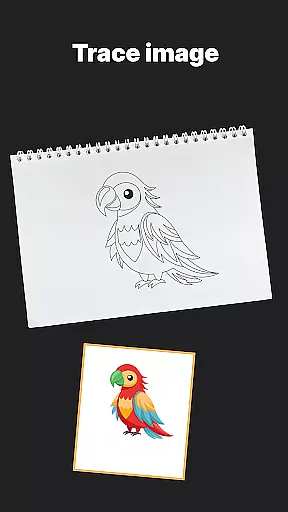
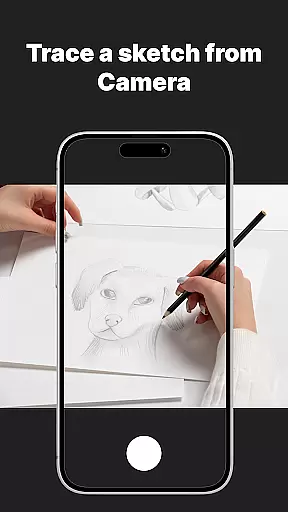
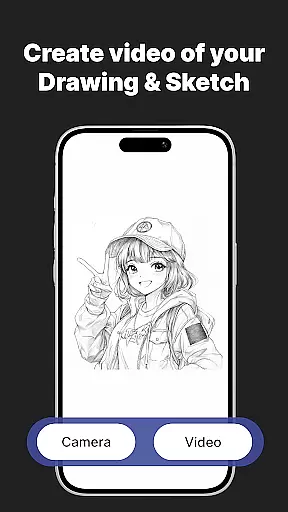
AR Drawing Sketch Painting App is an innovative tool that transforms your phone into a magical AR sketchpad. With this app, you can trace drawings, create meme art, or learn to draw step-by-step directly on real paper using your phone’s camera. Whether you’re a beginner or a professional artist, this app helps you create stunning artwork and jump on the latest meme trends with ease.
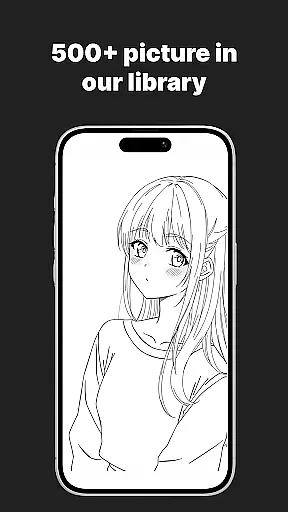
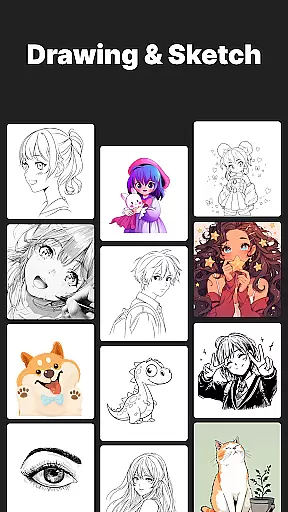
The app offers a massive template library with thousands of templates including anime, portraits, animals, cars, flowers, tattoos, icons, trending memes, and more. It also features AR Trace Drawing, Meme Mode, step-by-step drawing lessons, customization tools, and weekly updates to keep you inspired.
One of the standout features of AR Drawing Sketch Painting App is its massive template library. With thousands of templates ranging from anime to portraits, animals, cars, flowers, tattoos, icons, trending memes, and more, users have endless creative possibilities at their fingertips.
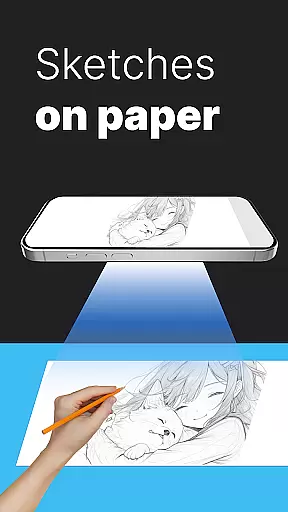
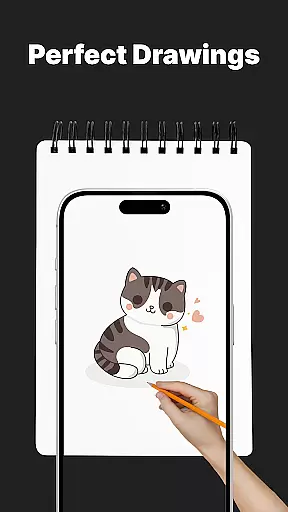
In addition to the extensive template library, the app offers AR Trace Drawing, allowing users to select a template, place their phone on a stand, look through the camera, and trace the lines onto paper. The app also includes Meme Mode for creating exclusive meme collections, step-by-step drawing lessons for improving skills, customization tools for adjusting opacity, zoom, rotate, and enabling flashlight for better visibility, and the ability to save and share time-lapse videos of the drawing process.
AR Drawing Sketch Painting App offers a comprehensive suite of creative tools that cater to both beginners and professional artists. The app includes an extensive template library with thousands of options ranging from anime and portraits to animals and trending memes.
One standout feature is the AR Trace Drawing tool, which allows users to project templates onto paper using their phone's camera. This functionality makes it easy to trace drawings accurately. Additionally, customization tools enable adjustments in opacity, zoom, rotation, and even provide a flashlight for better visibility during tracing.
The app also supports step-by-step drawing lessons, helping users improve their skills through guided tutorials. These lessons cover various levels of complexity, ensuring that every user can find something suitable for their skill level.
With weekly updates introducing fresh templates and continuous improvements, AR Drawing Sketch Painting App ensures that users always have new and exciting content to explore, making it an invaluable tool for anyone interested in art and design.
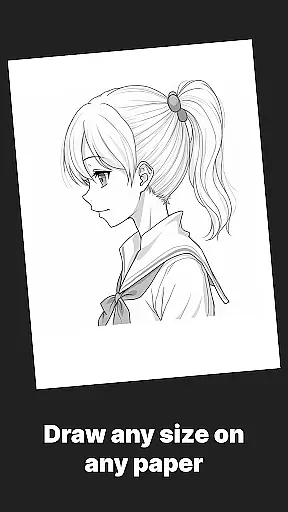
Flexibility in canvas and format options is crucial for any digital art application, and AR Drawing Sketch Painting App excels in this area. Users can choose from a wide variety of templates or upload their own images, providing unparalleled versatility in what they can create.
The app supports multiple styles, from realistic portraits to humorous meme drawings, catering to diverse artistic preferences. Whether you're looking to sketch intricate tattoos or simple icons, the app accommodates all these needs seamlessly.
Moreover, AR Drawing Sketch Painting App allows users to save and share their artwork effortlessly. By capturing time-lapse videos of the drawing process, artists can document their creative journey and share it with others instantly.
This flexibility extends to its usability across different age groups and skill levels, making it accessible for kids, students, parents, art teachers, and professional illustrators alike. With such robust canvas and format options, AR Drawing Sketch Painting App stands out as a versatile choice for anyone passionate about art and design.
User-friendly interface
Extensive template library
AR Trace Drawing feature
Step-by-step drawing lessons
Customization tools
Limited free templates
Requires stable phone positioning
In-app purchases for premium content
Occasional bugs in AR functionality
Learning curve for beginners

AI generated images & photos, turn your words into drawing, painting & pictures.
 4.30
4.30
Premium version of Shimeji-ee app with no ads & no limit active shimeji
4.3
Draw anime easily with AR guidance, sketch templates & trace tools!
3.10
Draw Trace image sketch by, AR art projector app, Easy to trace any image.
4.50
Powerful home decoration & house design that allows you to design dream home.
3.80
A luxurious gold watch face for an elegant and refined look.
4.4
Create and Design Custom Logos in Seconds with AI-Powered Tools!
4.40
Video AI: Revolutionize Your Content Creation with Advanced Video Generation
4.50
Create cute cat emojis & PFPs! Fun, custom avatars for cat lovers.
3.70
The ultimate tool for creating animations
4.60
Create color palette from Image, RGB & RYB Color wheel harmonies, Color Scheme
4.50
Share the joy of painting with ibis Paint! Drawing anime and manga art.
4.50
800+ Drawing, Painting Lessons App to Practice, Sketch & Paint Art.
4.30
Create stylish invitation cards using templates for weddings, birthdays & RSVP.
4.20
Design unique, funny and adorable cat stickers that reflect your own style!
3.80
Resize photos and print photos in exact size with our powerful photo printer!
3.80
AI Art Generator transforms your words into AI generated art & paintings.
3.70
Your homescreen as an elegant glass with customized blur, lighting, and visuals.
3.70
Apply cartoon, caricature, and portrait effects to make your photos stand out!
3.60


User Reviews