
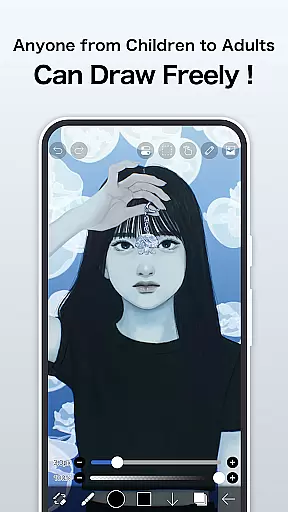
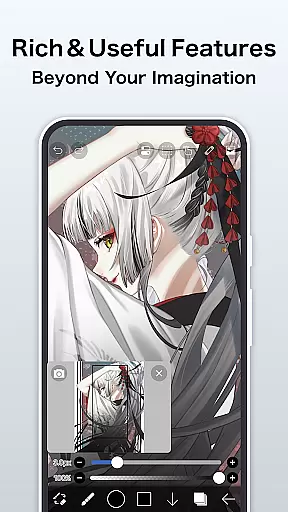
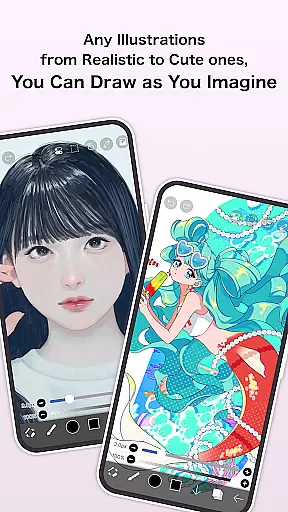
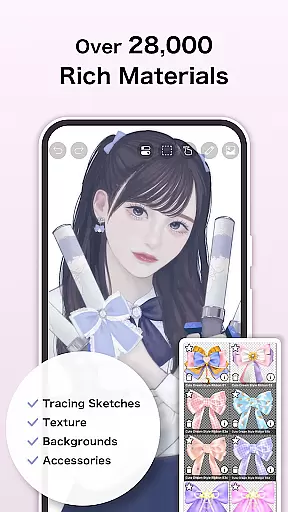
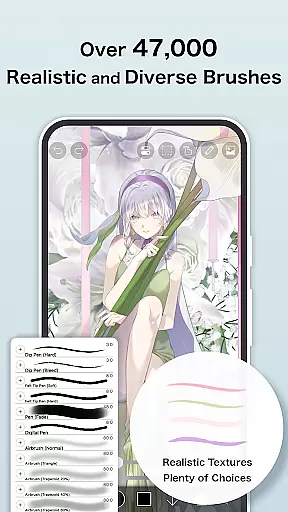
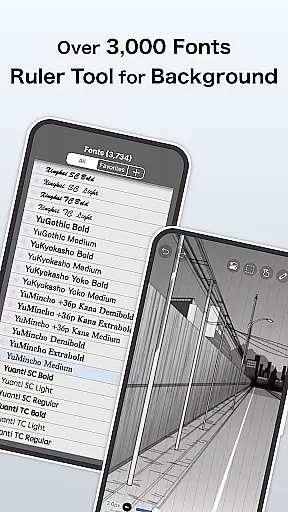
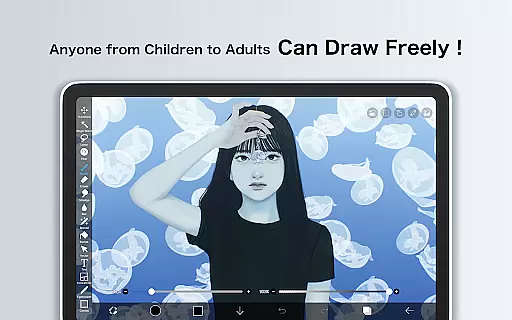
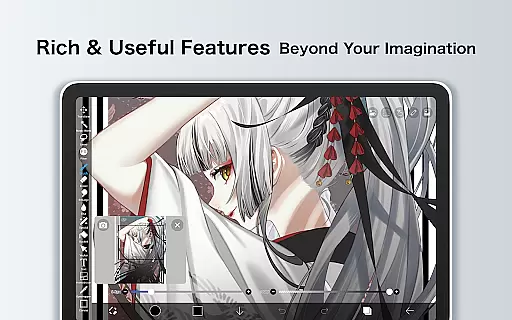
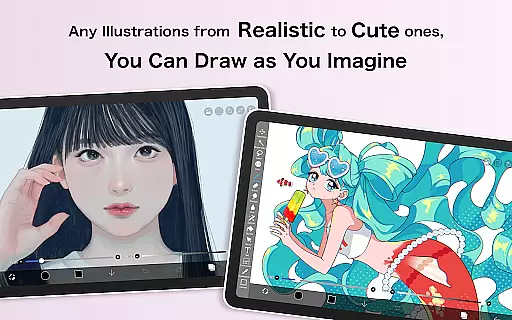
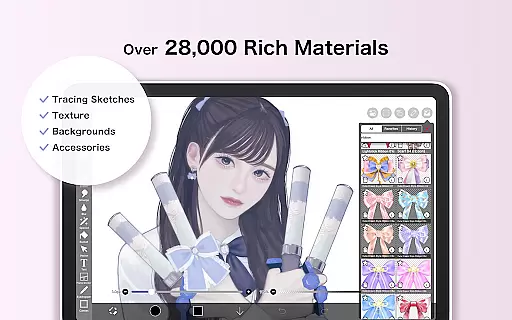
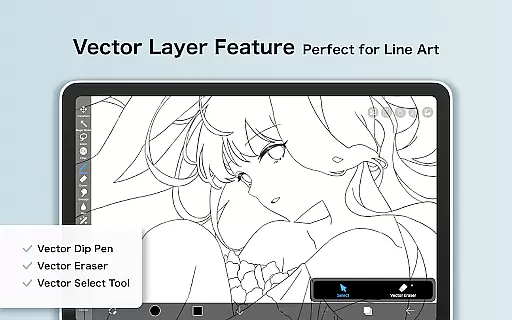
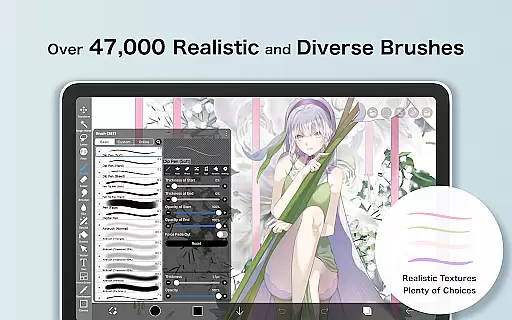
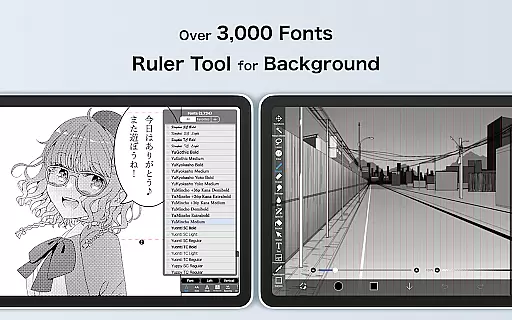
ibis Paint is a premier digital art application designed for both amateur and professional artists. This app offers an extensive suite of drawing tools, including over 47000 brushes, 27000 materials, and 2100 fonts, enabling users to create intricate artwork with precision. With features like stroke stabilization, various rulers, and blending modes, it caters to the needs of illustrators seeking versatility in their creative process.
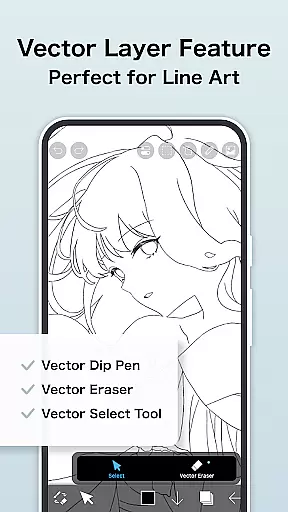
The app also includes unique functionalities such as screentones, filters, and a recording feature for sharing drawing processes. Its compatibility with platforms like YouTube allows users to publish tutorials and share their techniques. The Prime Membership unlocks advanced features like vector tools and cloud storage, enhancing productivity and offering a seamless experience across devices.
One of ibis Paint's standout features is its vast selection of customizable brushes, which include dip pens, airbrushes, and oil brushes, allowing for diverse artistic expressions. The layer functionality supports unlimited layers and provides individual settings for opacity and blending, giving artists full control over their compositions.
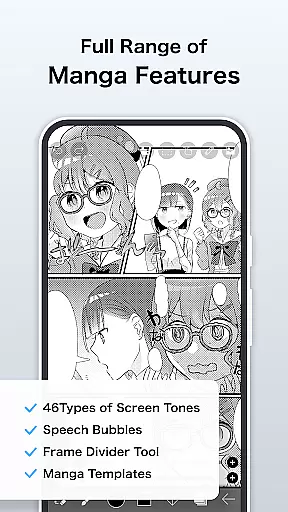
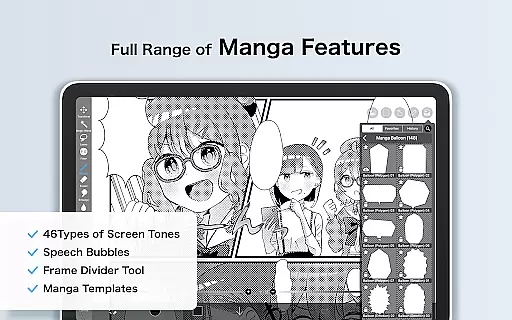
In addition to its robust drawing capabilities, ibis Paint incorporates manga-specific tools such as advanced text functions and screentones. The app's sharing ecosystem enables creators to connect by broadcasting their drawing processes. Moreover, the Prime Membership grants access to exclusive features like AI Disturbance and adjustment layers, ensuring that artists can continually explore new creative possibilities.
In the realm of digital art, ibis Paint stands as a paragon of creative tool completeness. This application offers over 47000 brushes, including dip pens, felt tip pens, and oil brushes, catering to every artistic need imaginable. The inclusion of more than 2700 fonts and 84 filters further amplifies its creative arsenal, allowing artists to explore typography and image manipulation with ease.
Layer functionality is another area where ibis Paint excels, providing users with unlimited layers and individual layer parameters such as opacity and blending modes. Artists can utilize advanced features like clipping masks and radial line rulers, which are essential for creating complex compositions. These tools ensure that creators have full control over their artwork's construction and presentation.
The app also supports manga creation through an advanced text tool, enabling vertical, horizontal, and stroke-based text functions. With Prime Membership, users gain access to exclusive features like vector tools and AI Disturbance, enhancing their ability to produce professional-grade work. This membership model ensures that ibis Paint remains accessible while offering premium tools for those seeking advanced capabilities.
Flexibility in canvas and format options is crucial for digital artists, and ibis Paint delivers this through its versatile platform. Users can create artworks on customizable canvases with various papers and textures, mimicking traditional media or exploring purely digital formats. This adaptability allows artists to tailor their workspace according to specific project requirements or personal preferences.
ibis Paint provides extensive import capabilities, enabling users to bring in original brush patterns and materials from their libraries. This feature enhances workflow efficiency by allowing seamless integration of personalized assets into new projects. Additionally, the app supports importing images directly into layers, facilitating mixed-media approaches and collage techniques within digital art pieces.
For those invested in video content creation, ibis Paint offers recording features that capture drawing processes without watermarks for Prime Members. Artists can export these videos in multiple formats suitable for sharing across platforms like YouTube. Such comprehensive export options underscore ibis Paint's commitment to supporting diverse creative outputs, making it an indispensable tool for modern artists.
User-friendly interface
Extensive brush library
Versatile layer options
Advanced manga tools
Active community sharing
Prime Membership cost
Complex for beginners
Limited free features
Occasional bugs
High device storage use

Logo Generator powered by AI: Create stunning logos effortlessly!
 4.70
4.70
Minecraft & Roblox Clothes
4.70
2D animation studio for Android tablets - unlimited layers, infinite timeline
4.70
Experience next-gen icons with a modern liquid glass look.
3.60
Unleash the artist in you with our AR drawing and tracing tool for photo drawing
4.10
Create cute cat emojis & PFPs! Fun, custom avatars for cat lovers.
3.70
Turning simple sketches into captivating tales filled with life and motion
3.90
Explore future self face age filter & remove background image for a unique look.
3.50
How to draw anime step by step for beginner easily by AR drawing sketch & paint.
3.60
Convert image to JPG PNG HEIC PDF, support almost all kinds of image formats
4.70
Draw on screen: FP sDraw is a simple and lightweight drawing app
4.70
Your AI soulmate — meaningful chats, and unique emotional moments
4.70
Sketch, plan, take notes and illustrate on an infinite canvas.
4.20
OneUI 8.5 icons ✨ Smooth, modern & based on the latest Play Store design ??
4.10
Floor Plan Creator lets you create, edit and share floor plans.
4.00
Easy 3D drawing design maker & creator. Model designing, Sculpting. Create&paint
4.00
AR Anime Drawing: How to draw anime with AR drawing & sketching apps!
4.00
AI Face Swap, Video Effects Editor, Realtime Morph, Funny Video FX,AI Filters
3.70
Premium version of Shimeji-ee app with no ads & no limit active shimeji
4.0


User Reviews