
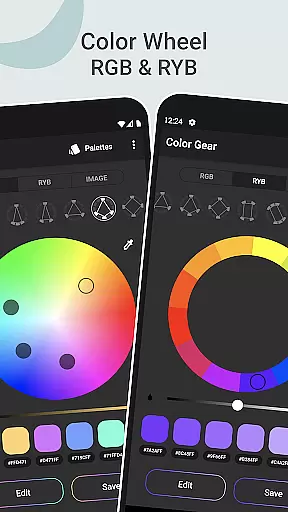
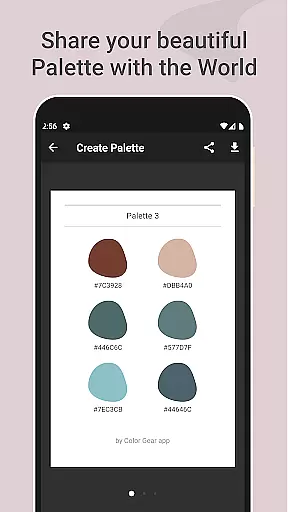
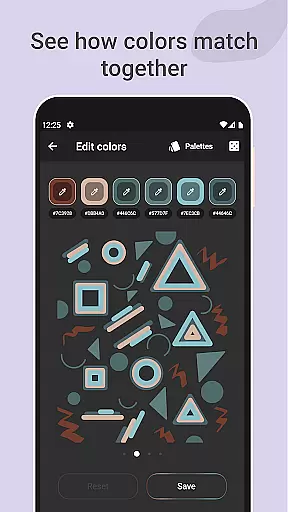
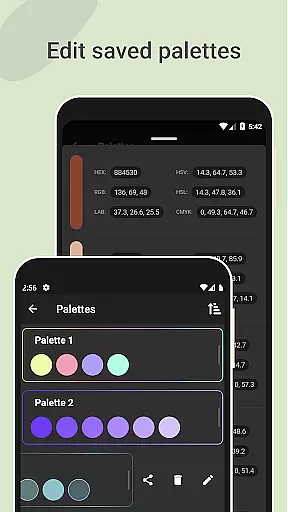
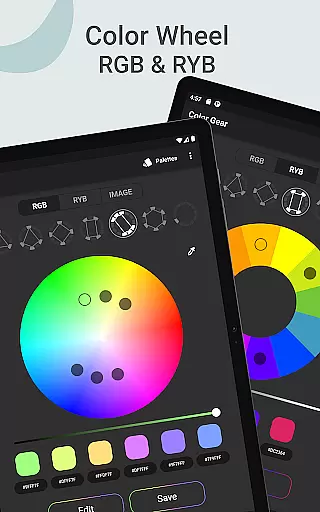
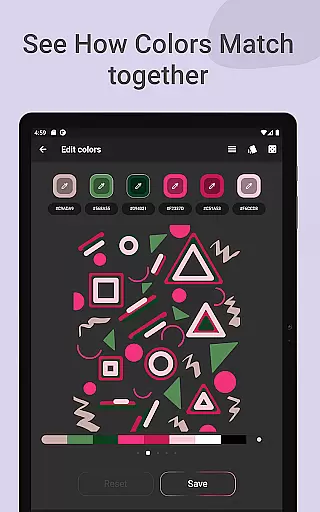
Color Gear is an essential tool for designers and artists seeking to master color theory and create harmonious palettes. The app provides a comprehensive suite of features including two types of color wheels - RGB and Itten (RYB), each supporting over 10 color schemes. This allows users to experiment with digital media colors as well as traditional art pigments.
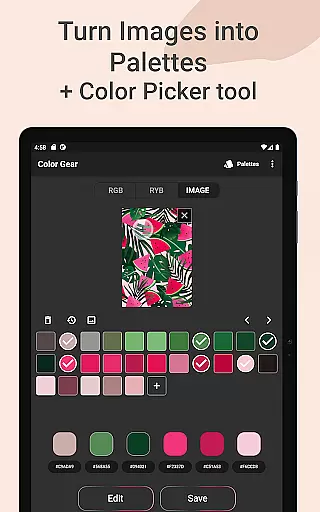
In addition to the color wheel functionality, Color Gear enables users to build palettes from HEX color codes or extract them directly from images using advanced algorithms and a precise Hex Color Picker. The app also offers advanced editing capabilities for Hue, Saturation, and Lightness, along with multiple sharing options in various color formats.
The true value of Color Gear lies in its ability to combine all these professional tools into one offline application, making it indispensable for both professional designers and hobbyists who need reliable color management on the go.
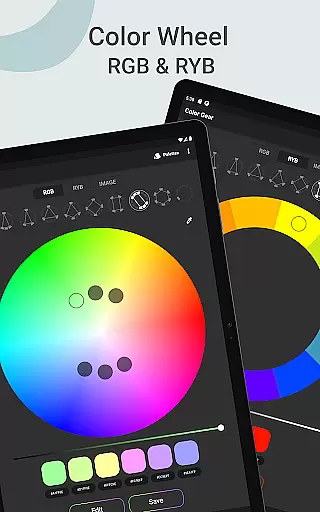
One of the standout features of Color Gear is its dual-color wheel system. Users can switch between the RGB Color Wheel for digital projects and the Itten Color Wheel for traditional art applications. Each wheel supports more than 10 color schemes, providing unparalleled flexibility in palette creation.
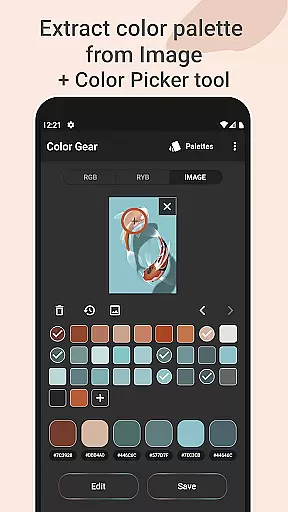
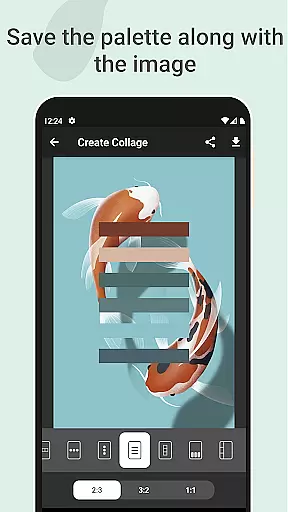
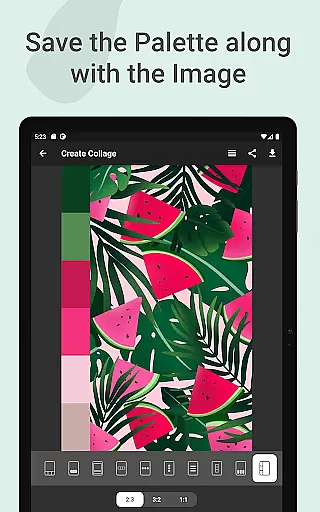
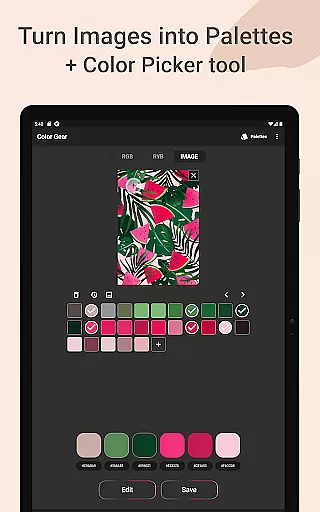
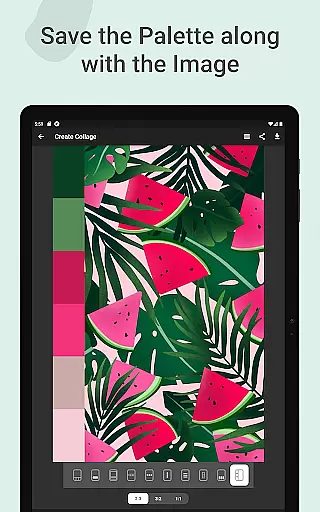
The app's ability to generate palettes from images sets it apart from competitors. Using sophisticated algorithms, Color Gear automatically extracts color schemes from photos while also offering a manual Hex Color Picker for precise color selection. This feature, combined with the option to save palettes alongside images as collages, creates a powerful workflow for visual projects.
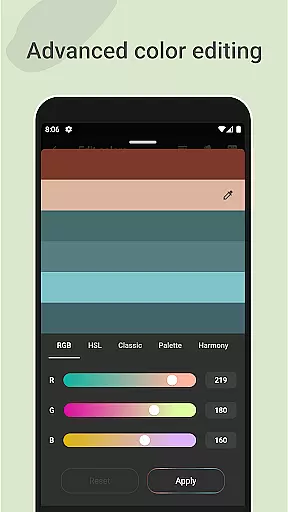
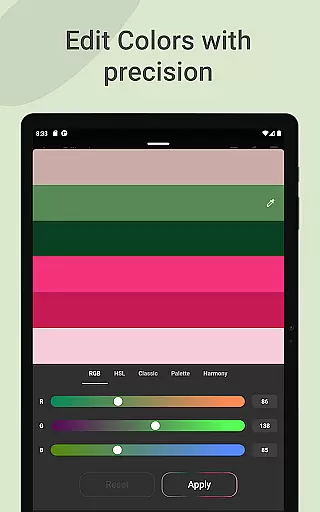
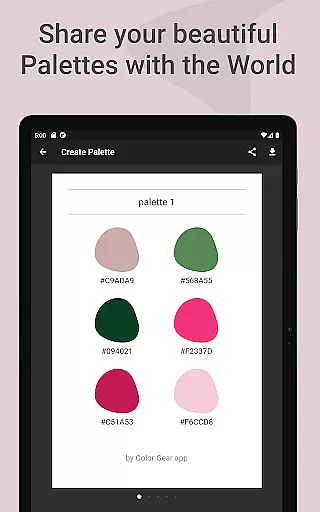
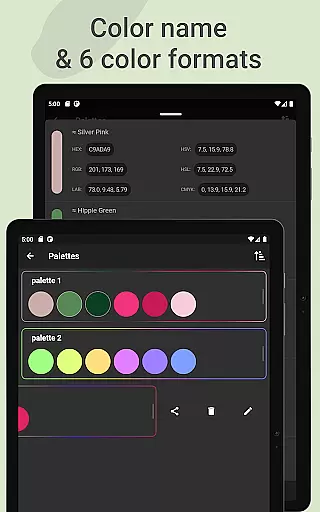
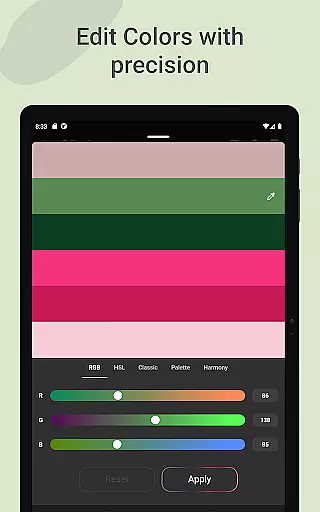
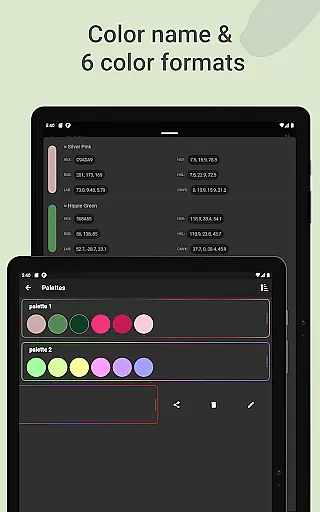
Advanced color editing capabilities allow users to fine-tune individual color swatches through detailed HSL adjustments. Furthermore, the app supports six different color formats for sharing and managing palettes, ensuring compatibility with various design software and platforms.
Color Gear offers a comprehensive suite of creative tools tailored for designers and artists. The application supports two color models, RGB and Itten Color Wheel, catering to both digital media creation and traditional art forms. This dual support ensures that users can work within the color model that best suits their specific needs.
The app provides over 10 color schemes applicable to both supported color wheels. This extensive selection allows users to experiment with different harmonies and explore new palettes, enhancing their understanding of color theory while facilitating daily palette creation.
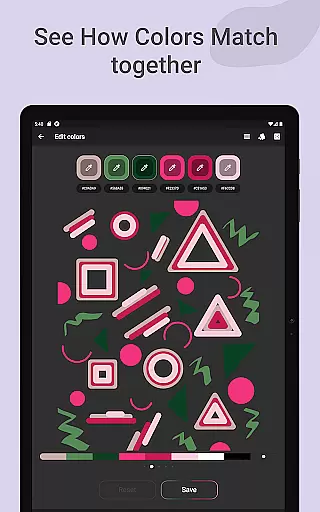
Advanced features such as extracting palettes from images and precise editing of color values (Hue, Saturation, Lightness) empower users to refine their palettes with accuracy. These capabilities ensure that Color Gear is not just a tool for selecting colors but also an advanced editor for developing sophisticated color combinations.
Flexibility in canvas and format options is a hallmark of Color Gear's design philosophy. Users can input a specific HEX or RGB color code and discover matching harmonies, allowing for personalized and precise color exploration. This feature caters to professionals who require exact color matches for their projects.
In addition to manual input, the app includes a Hex Color Picker tool, enabling users to extract colors directly from images. This functionality transforms any photo into a potential palette, offering unparalleled versatility in color selection. The extracted colors can be further customized using the app's advanced editing tools.
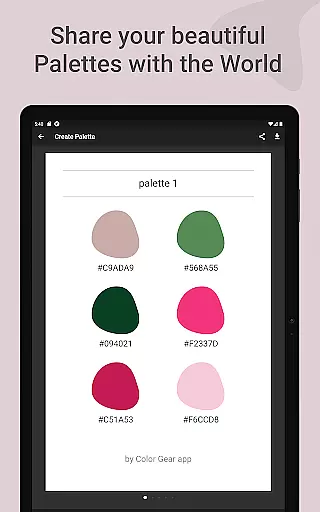
Color Gear supports multiple color formats including RGB, HEX, LAB, HSV, HSL, and CMYK, which can be easily shared via palette info. This variety ensures compatibility across different platforms and uses, making it an indispensable tool for creatives who demand both precision and adaptability in their workflow.
User-friendly interface
Offline functionality
Multiple color formats
Precise color editing
Image-based palette creation
Limited advanced features
No cloud sync
Basic collage options
Occasional interface lag
Learning curve for beginners

The ultimate tool for creating animations
 4.60
4.60
Download now for a stylish and functional timepiece
4.4
Create trending AI photos & videos with powerful effects and 3D styles.
3.20
Sketch, trace and master AR drawing with awesome anime art!
3.30
Meet the magic aı 3d photo generator and smart AI video generator app.
3.20
See Color, Paint Color
4.90
A luxurious gold watch face for an elegant and refined look.
4.4
OneUI 8.5 icons ✨ Smooth, modern & based on the latest Play Store design ??
4.10
Retouch photos. Create or edit images. Endless capabilities.
2.70
Make your phone cooler and have a fantastic experience
4.80
Convert image to JPG PNG HEIC PDF, support almost all kinds of image formats
4.70
Sketch, plan, take notes and illustrate on an infinite canvas.
4.20
Text to Image, Image to Video & AI Chat
4.20
Easy 3D drawing design maker & creator. Model designing, Sculpting. Create&paint
4.00
Turning simple sketches into captivating tales filled with life and motion
3.90
Vidu is an AI video generator made for creators and aspiring makers.
3.30
Draw anime easily with AR guidance, sketch templates & trace tools!
3.10
Art of Combination Wear OS Watch faces (for Wear OS 5+ devices)
3.00
Inky runs Inkscape on Android devices and Chromebooks
2.90


User Reviews