![[KNA008] COMBINE](https://cdn.linksharehub.com/ocp/?u=https%3A%2F%2Fl3.fancapitalize.com%2Fimages%2F2025%2F12%2Fb47345dcb4d9c2b269681f24d67ad3cb.jpg&t=webp)
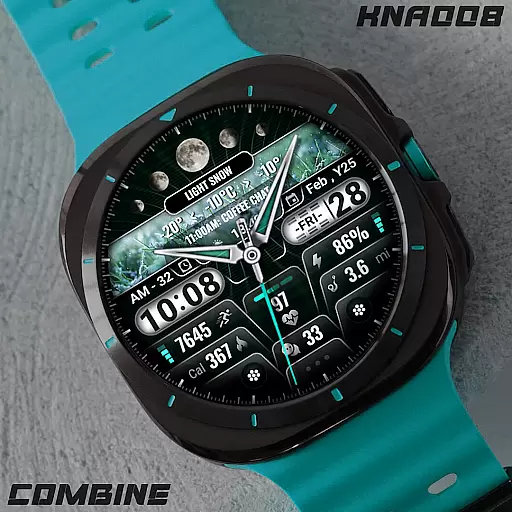
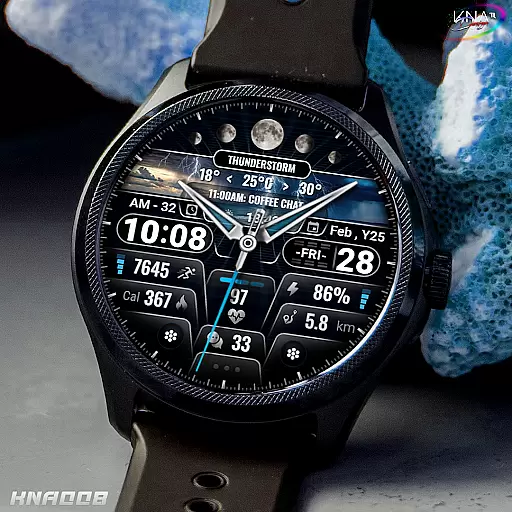
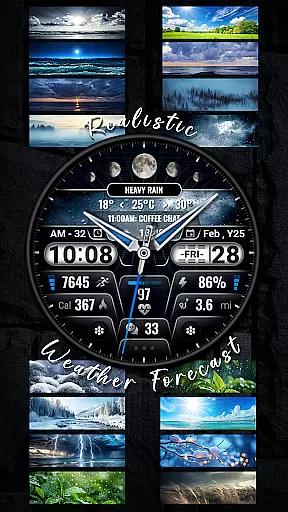
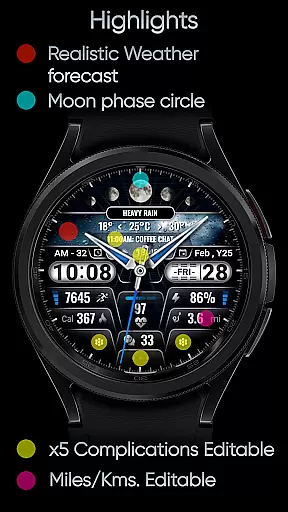
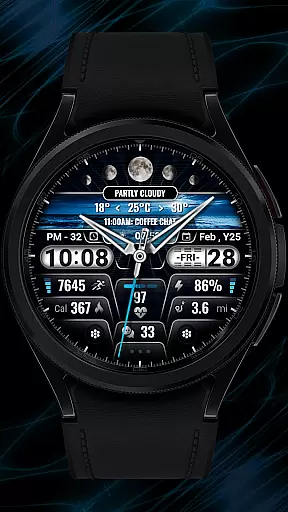
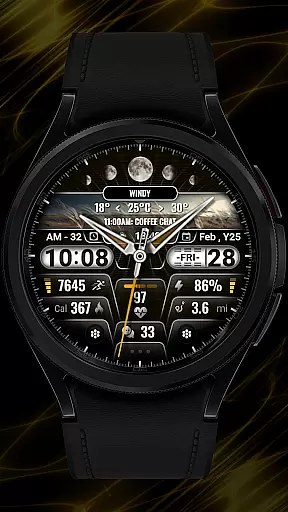
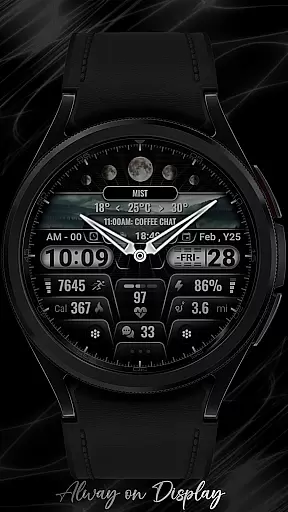
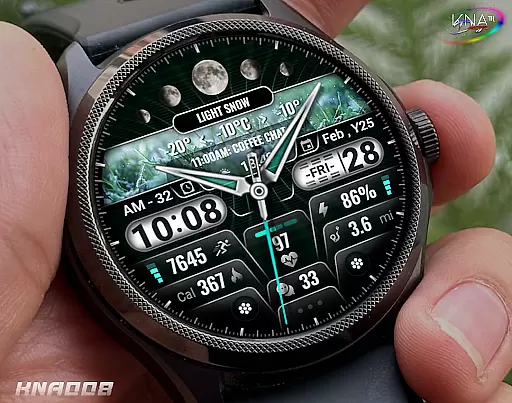
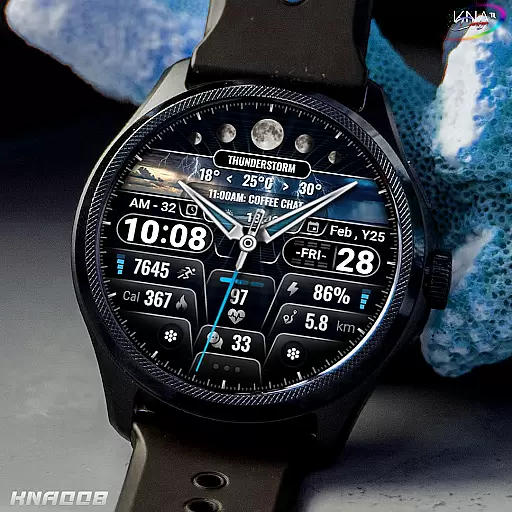
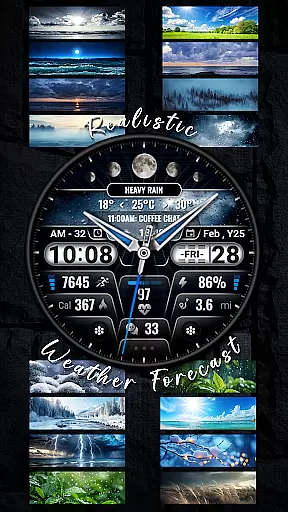
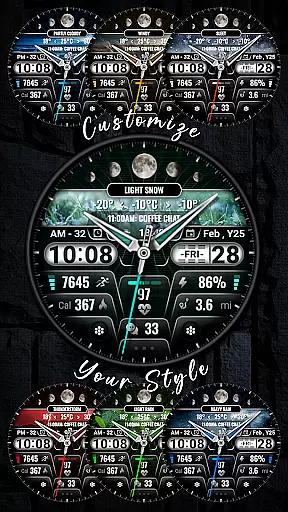
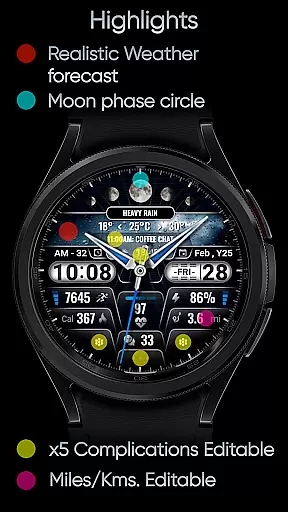
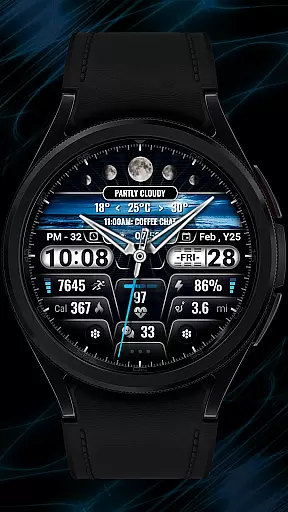
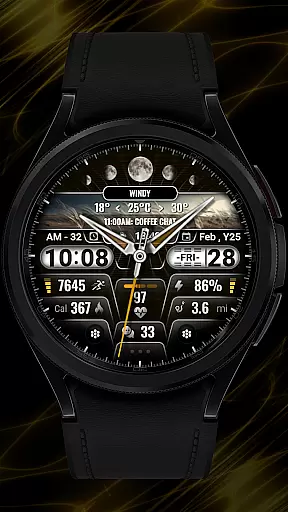
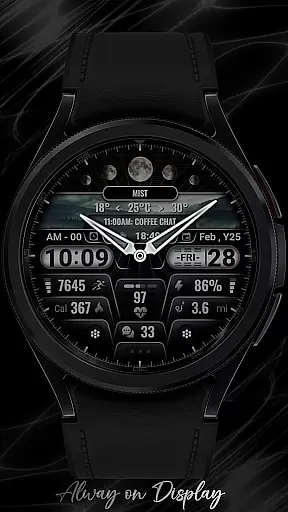
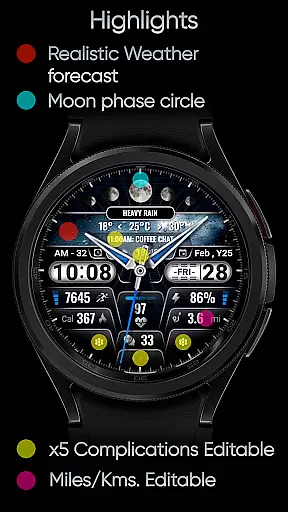
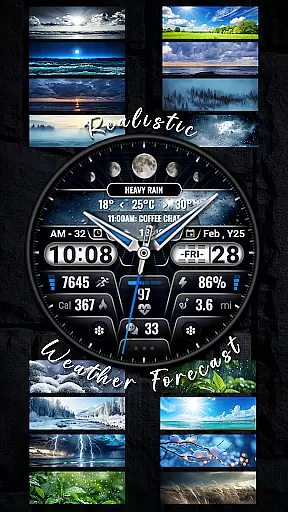
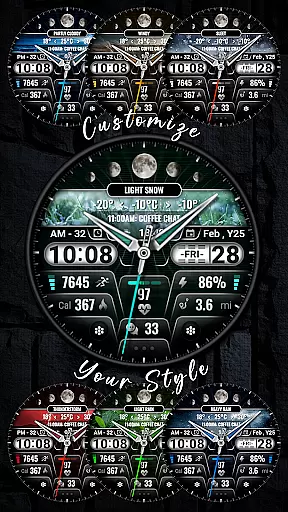
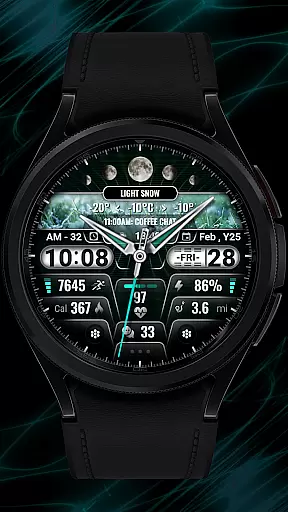
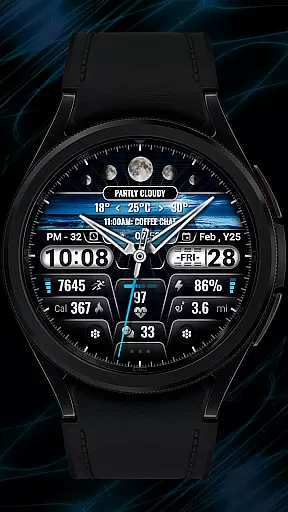
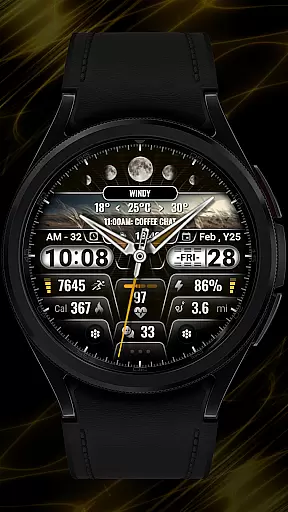
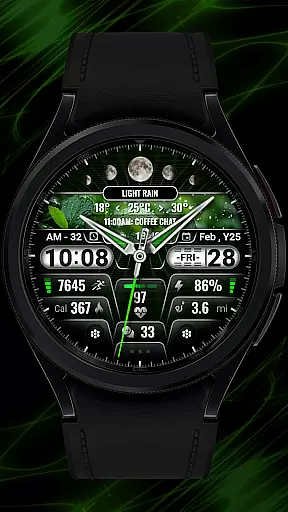
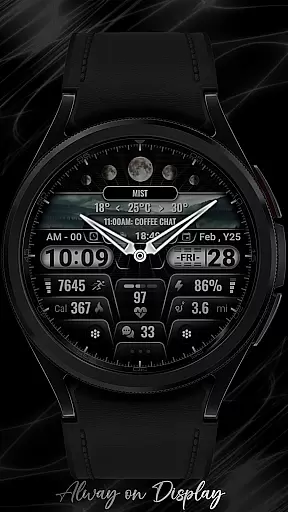
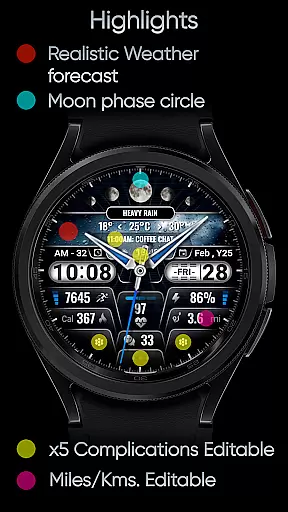
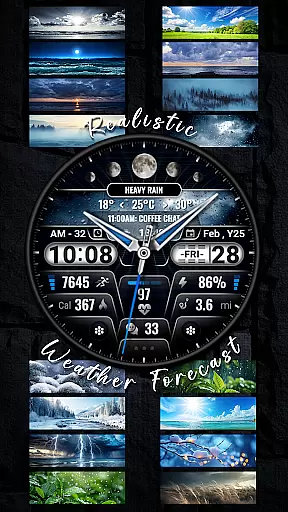
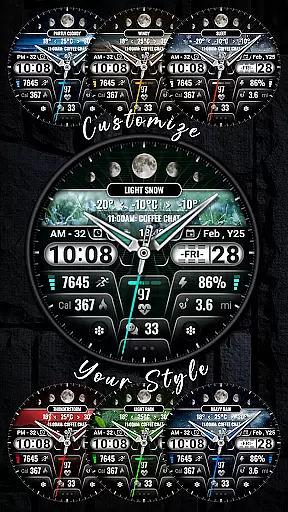
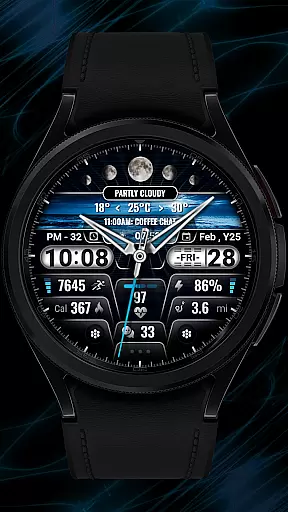
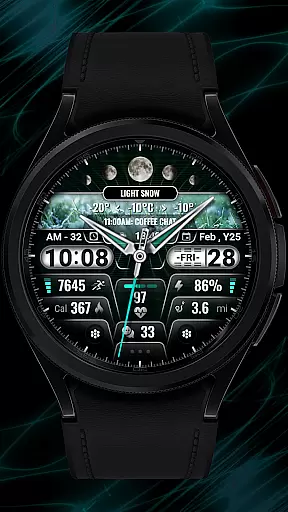
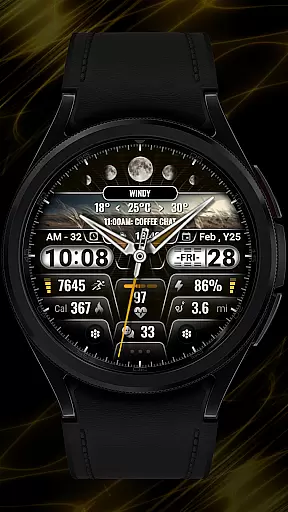
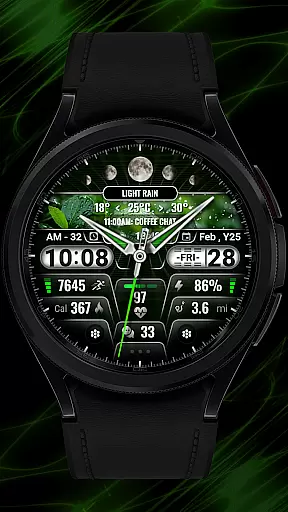
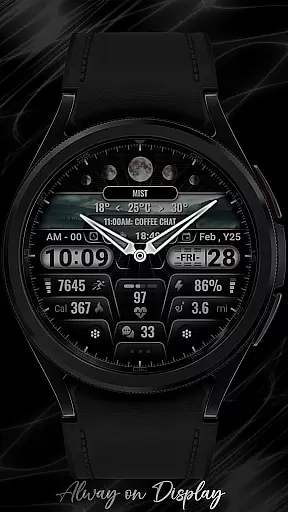
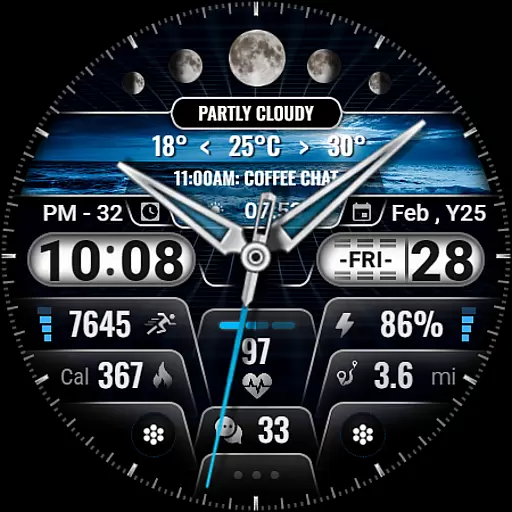
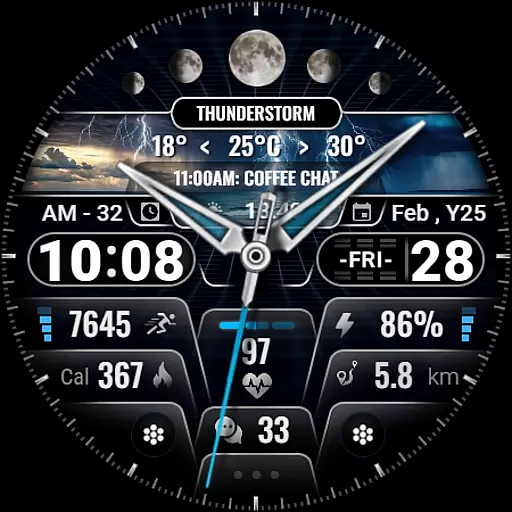
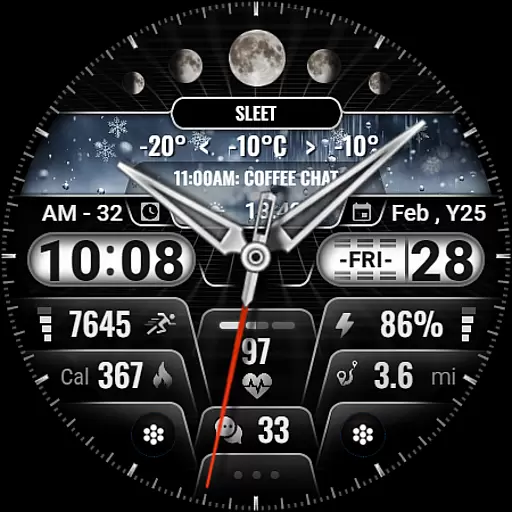
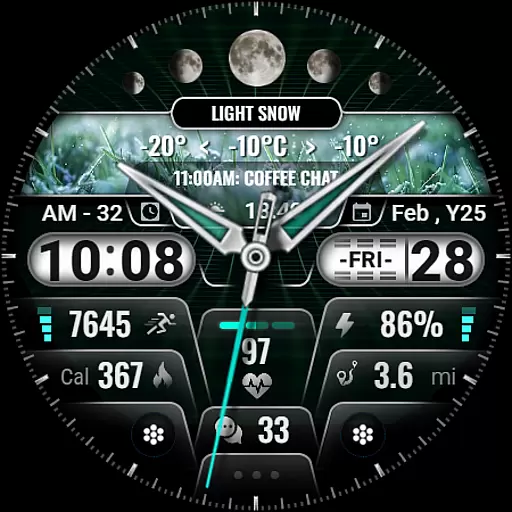
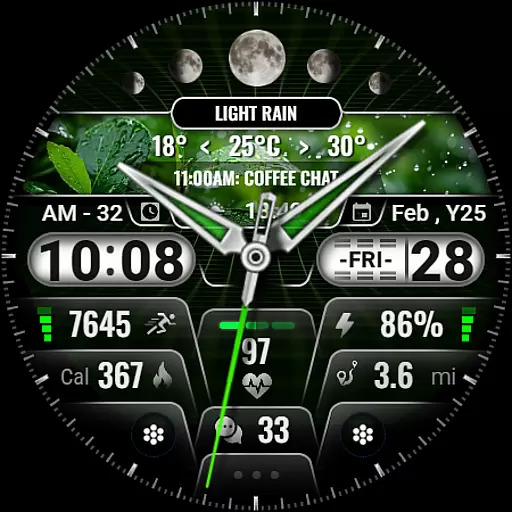
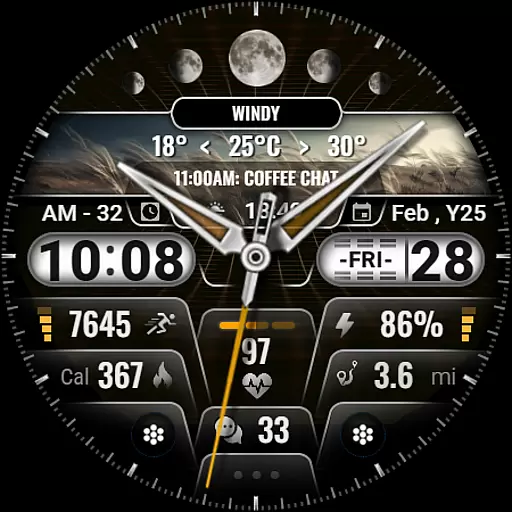
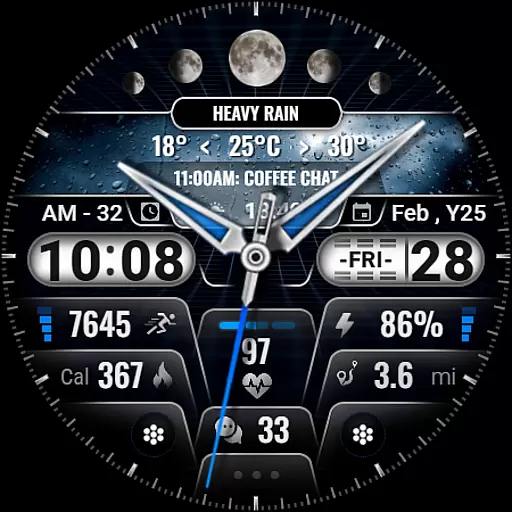
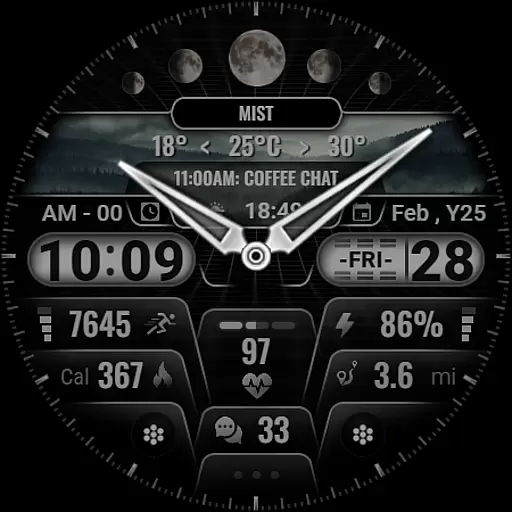
[KNA008] COMBINE is a feature-rich watch face designed specifically for Wear OS devices, offering users an array of customizable complications. This application transforms your smartwatch into a personalized timepiece with hybrid styles and realistic weather forecasts.
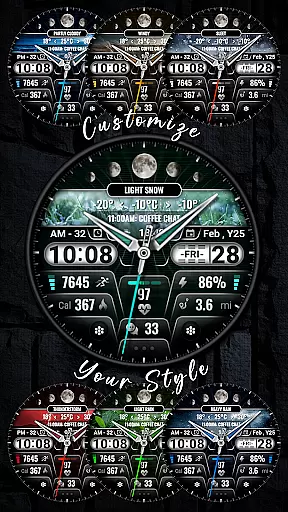
With support for both 12 and 24-hour time formats, the watch face displays essential information such as date, day of the week, month, moon phase, and more. Users can choose from 9 colors and 10 different styles to match their personal taste. The app also integrates health and activity tracking features like step count, heart rate, and calories burned.
This watch face is ideal for individuals who want to maximize their Wear OS experience by customizing their watch to display the most relevant information at a glance. Whether you're monitoring your fitness goals or staying updated with the latest weather conditions, [KNA008] COMBINE provides both functionality and style.
The [KNA008] COMBINE watch face stands out with its extensive customization options. It offers five editable complications that allow users to tailor the displayed data according to their preferences. You can select from various data types including weather updates, world clock, sunset and sunrise times, and even barometric pressure.
One of the key features is the ability to customize the watch face directly from your Wear OS device. By simply touching and holding the display, then tapping on the 'Customize' option, users can adjust settings without needing to access their smartphone. The available complications cover a wide range of useful metrics such as steps taken, heart rate, battery level, upcoming events, unread messages, sunrise and sunset times, calorie calculations, and distance traveled in either miles or kilometers.
While some advanced features might not be compatible with every Wear OS device, this application ensures broad usability across many models. For any issues or further customization needs, users can reach out to sombatcsus@gmail.com for support.
In the realm of digital art and design, having a comprehensive suite of creative tools is essential for unleashing an artist's full potential. The [KNA008] COMBINE watch face offers a rich selection of customizable complications that serve as the palette for personal expression on Wear OS devices. With options ranging from realistic weather forecasts to moon phase displays, this application provides artists and designers with the elements necessary to craft a unique visual experience tailored to their lifestyle.
The inclusion of hybrid styles supporting both 12 and 24-hour time formats, alongside practical metrics such as steps count, heart rate, and battery level, ensures that users have access to both aesthetic and functional components. This versatility allows creators to weave together a tapestry of information and style that resonates with their individual preferences and needs.
Moreover, the ability to choose from nine colors and ten distinct styles presents a broad spectrum of customization possibilities. Artists can experiment with different combinations to match their outfit, mood, or the specific demands of their day. This flexibility not only enhances the visual appeal of the watch face but also empowers users to maintain an organized and stylish approach to timekeeping.
Flexibility in canvas and format options is crucial for designers who wish to explore various creative avenues without being constrained by the medium. The [KNA008] COMBINE watch face addresses this need by offering five editable complications, allowing users to tailor the display to show the data most relevant to them. Whether it's tracking daily steps, monitoring heart rate, or receiving calendar event notifications, the adaptability of the watch face ensures that each user can curate their perfect layout.
This application further extends its flexibility through compatibility with a wide range of Wear OS devices, ensuring that regardless of the hardware specifics, users can enjoy a seamless integration of form and function. By checking device compatibility prior to installation, users can be confident that the chosen watch face will perform optimally on their particular model, sidestepping common issues associated with non-compatible software.
Additionally, the support for diverse data sources like world clocks, barometers, and sunrise/sunset times underscores the commitment to providing a dynamic and responsive canvas for personalization. Designers are thus free to push the boundaries of creativity, crafting a wearable piece of art that is both informative and expressive, limited only by their imagination and not by the technology they use.
Highly customizable
Realistic weather forecast
Multiple color options
Health tracking integration
User-friendly interface
Limited device compatibility
Some features unavailable
No automatic application
Requires manual setup
Potential performance issues

Design your dream room with AI. Get decor ideas & plan home interiors
 3.90
3.90
Sketch, trace and master AR drawing with awesome anime art!
3.30
AI Face Swap, Video Effects Editor, Realtime Morph, Funny Video FX,AI Filters
3.70
Logo Generator powered by AI: Create stunning logos effortlessly!
4.70
Digital, Abstract, Classic - all types of color wheels in one app!
4.60
Castle is social media for creating and playing games!
4.60
Create and Design Custom Logos in Seconds with AI-Powered Tools!
4.40
Video AI: Revolutionize Your Content Creation with Advanced Video Generation
4.50
How to draw anime step by step for beginner easily by AR drawing sketch & paint.
3.60
Make your phone cooler and have a fantastic experience
4.80
Mobile pixel art editor. Simple. Fast. Portable.
4.80
2D animation studio for Android tablets - unlimited layers, infinite timeline
4.70
Photo editor for art, avatars, filters & fun transformations.
4.60
Everything you need to create hand drawn animation, anywhere you go!
4.40
Trace, draw, and create art with AR - from memes to masterpieces!
4.30
Unleash Your Creativity with Draw Cartoon - AR Drawing App
4.10
Vidu is an AI video generator made for creators and aspiring makers.
3.30
Premium version of Shimeji-ee app with no ads & no limit active shimeji
4.1
Art of Combination Wear OS Watch faces
4.2


User Reviews