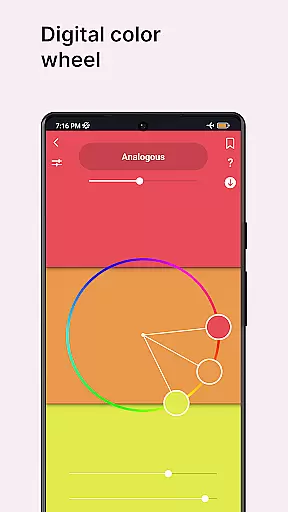
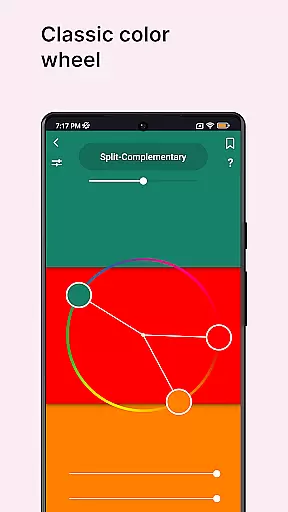
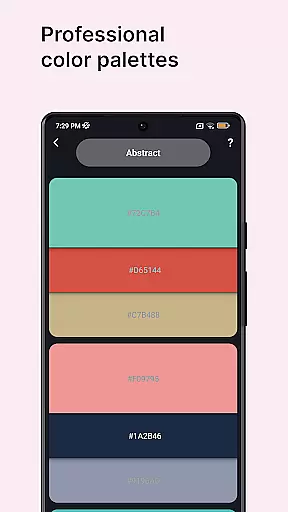
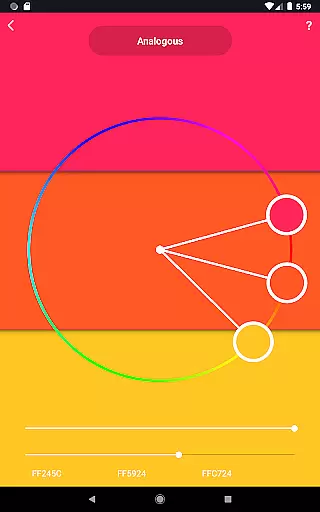
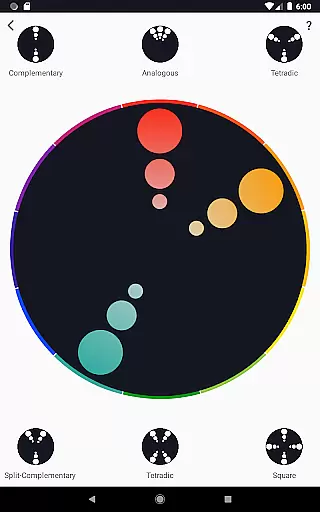
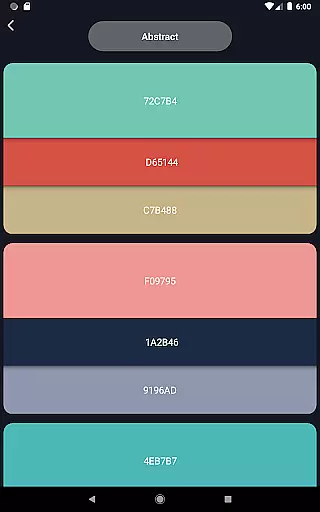
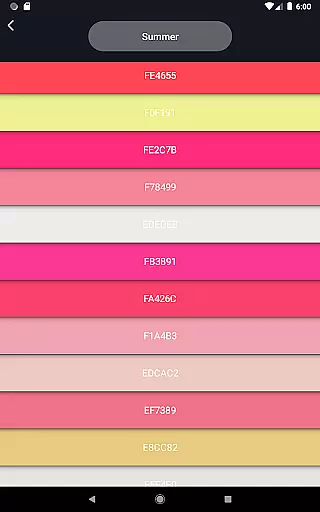
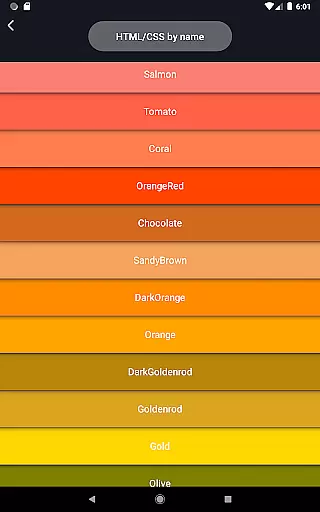
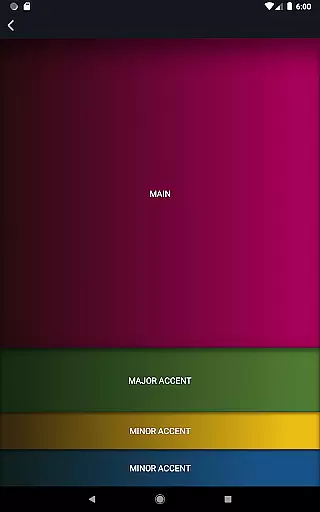
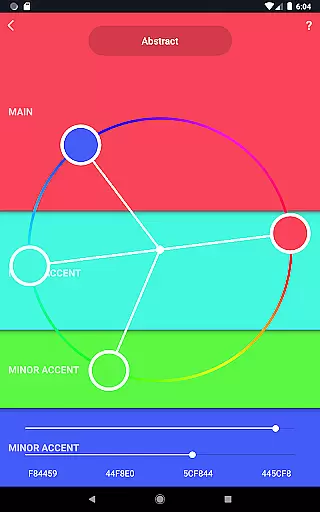
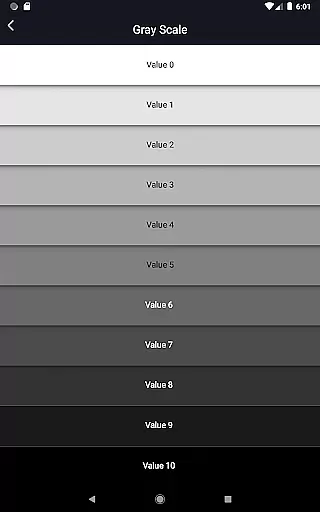
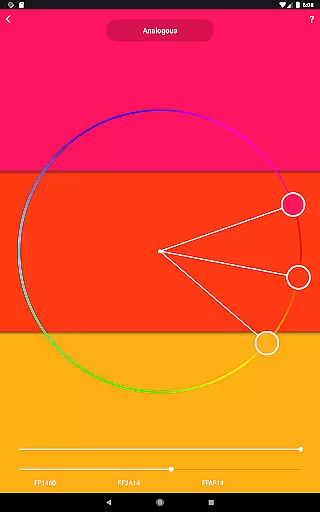
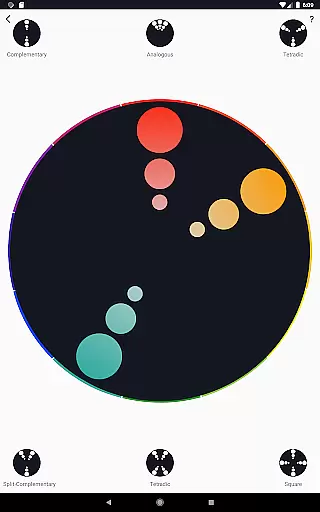
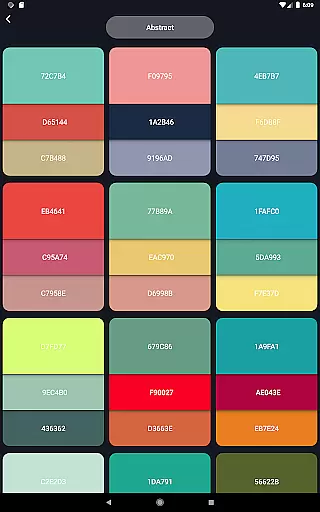
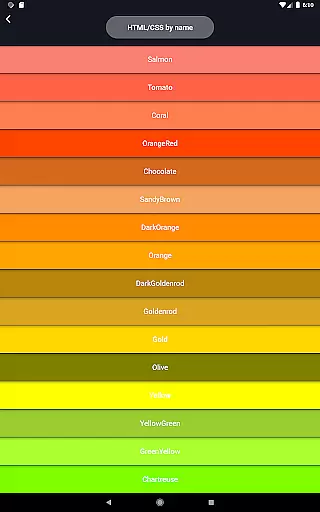
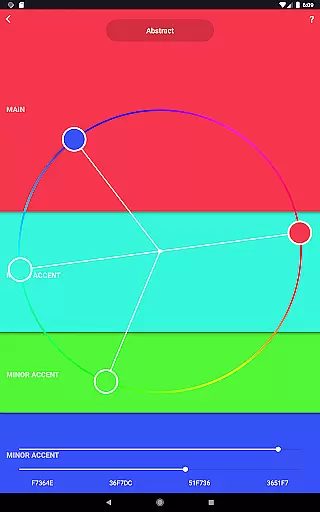
Color Wheel is a comprehensive tool for artists and designers, offering multiple color wheel types in one app. The digital color wheel serves as an essential resource for graphic designers, while the abstract and classic versions cater to traditional and contemporary art styles.
With features like color combinations, a color picker, image colors, and color swatches, this app provides versatile solutions for all your color needs. Whether you're working on digital design or abstract painting, Color Wheel ensures you have the right tools at your fingertips.
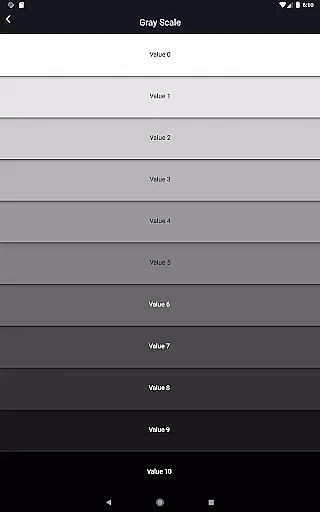
The grayscale and value checker tools are particularly useful for painters, helping them maintain proper balance in their work. This app is ideal for creative professionals seeking an all-in-one color solution that enhances their artistic process across different mediums.
Color Wheel stands out with its diverse range of specialized tools. The digital color wheel is specifically designed for graphic designers, providing precise color selections for digital projects. The abstract color wheel offers unique palettes for more expressive artwork.
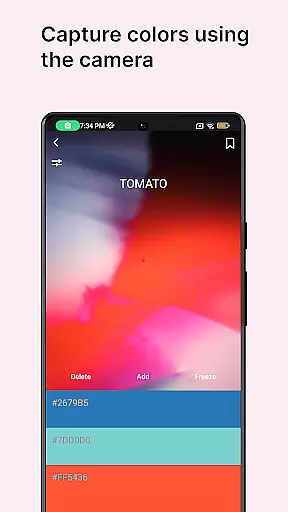
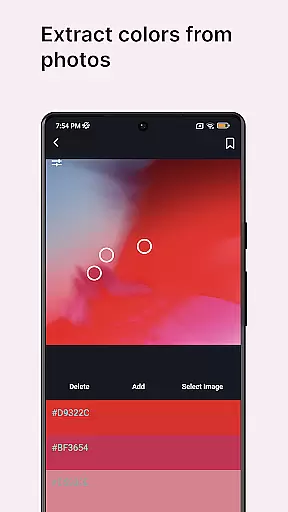
In addition to the various color wheels, the app includes practical tools like the color picker, which extracts colors from your camera, and image colors, which derives palettes from existing images. These features make it easy to capture inspiration wherever you find it.
For painters, the grayscale and value checker tools provide essential assistance in maintaining proper contrast and balance. The value breaker feature simplifies complex images into basic values, making it especially helpful for beginners developing their skills.
In the realm of digital and traditional art, having a comprehensive set of creative tools is essential for unleashing an artist's full potential. Color Wheel offers an impressive array of features that cater to various artistic needs. From digital color wheels that are crucial for graphic designers to abstract and classic versions that suit painters, this app ensures no creative vision is left unattended.
The application goes beyond basic color selection by providing functionalities like color combinations, which offer numerous professional palettes for both digital design and abstract art. This empowers artists to experiment with new ideas and maintain color harmony in their work. Additionally, practical tools such as the color picker and image colors allow users to extract hues from real-world sources or existing graphics, bridging the gap between inspiration and creation.
For those focused on mastering value and tone, features like grayscale and value checker provide guidance on achieving proper balance within compositions. Meanwhile, beginners can benefit from the value breaker, simplifying complex images into manageable parts. These robust capabilities make Color Wheel an indispensable companion for anyone serious about art and design.
A versatile art and design application should not only excel in functionality but also offer flexibility in canvas and format options. Color Wheel understands this need and provides adaptable solutions for artists working across different mediums and styles. Whether you're designing for digital platforms or preparing a traditional painting, the app accommodates various workflows seamlessly.
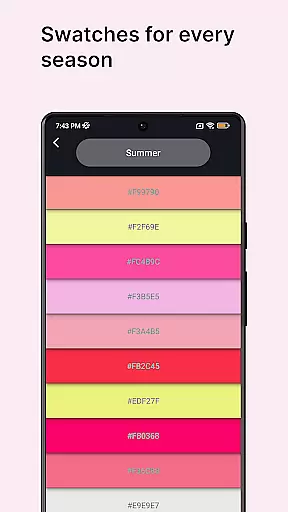
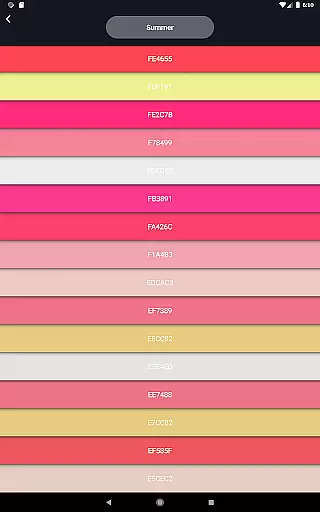
One standout feature is the inclusion of multiple color wheel typesu2014digital, abstract, and classicu2014all accessible within a unified interface. This diversity allows creators to switch between different artistic approaches without limitations. Furthermore, specialized tools like color swatches enable seasonal and mood-based color selections, enhancing thematic explorations in projects.
The app also supports practical aspects of artwork preparation, such as ensuring correct value distribution through dedicated checking tools. By offering these flexible and customizable options, Color Wheel empowers artists to tailor their creative process according to specific project requirements while maintaining high standards of quality and precision.
User-friendly interface
Comprehensive color tools
Versatile design options
Handy value checker
Practical grayscale tool
Limited advanced features
No cloud sync option
Occasional performance issues
Basic tutorial section
Interface could be more modern
Floor Plan Creator lets you create, edit and share floor plans.
 4.00
4.00
AI Assistant, powered by ChatGPT GPT-4 & GPT-4o. Your intelligent companion.
3.50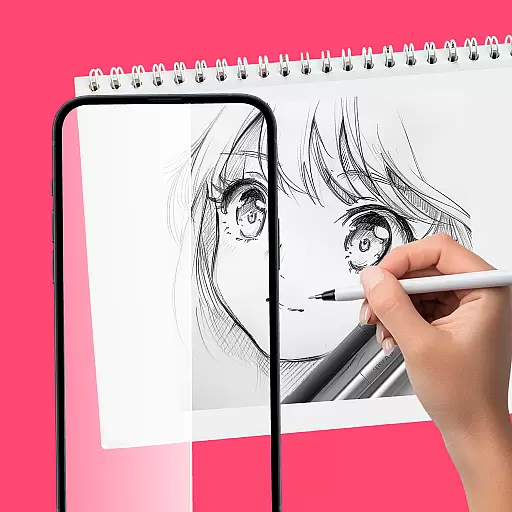
Trace, draw, and create art with AR - from memes to masterpieces!
4.30
Paint with oils and sketch with natural tools on a realistic virtual canvas.
3.80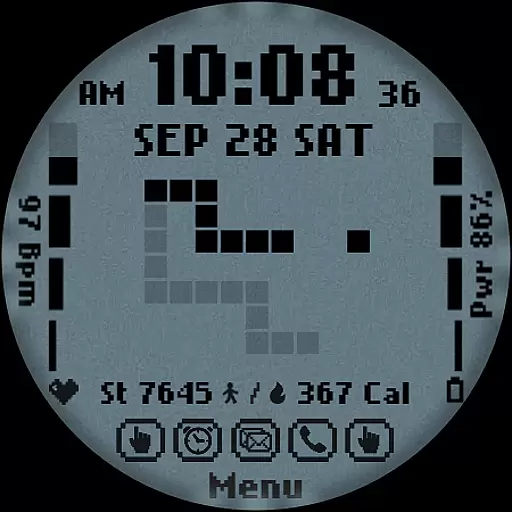
Art of Combination Wear OS Watch faces
4.5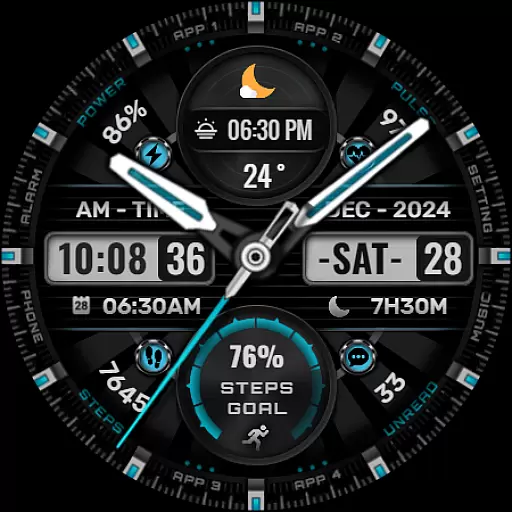
Art of Combination Wear OS Watch Faces
4.5
Resize photos and print photos in exact size with our powerful photo printer!
3.80
Draw, fidget, and spin glow art! Relax and express your creativity with a finger
4.60
Create amazing pictures and unleash your creative genius with AR Drawing Sketch
4.40
Draw on screen: FP sDraw is a simple and lightweight drawing app
4.70
Draw glowing spinners, relax, and spin your creative art
4.60
Discover Cartoon Dream : Unleash Your Creativity with CuttingEdge AI
4.50
Video AI: Revolutionize Your Content Creation with Advanced Video Generation
4.50
OneUI 8.5 icons ✨ Smooth, modern & based on the latest Play Store design ??
4.10
AR Anime Drawing: How to draw anime with AR drawing & sketching apps!
4.00
Experience next-gen icons with a modern liquid glass look.
3.60
Art of Combination Wear OS Watch Faces
3.30
Premium version of Shimeji-ee app with no ads & no limit active shimeji
4.4
Transform photos into amazing monochrome dither art with professional algorithms
4.5


User Reviews