
SketchPro is a professional-grade digital art application tailored for creative professionals, including graphic designers, illustrators, and comic artists. The app offers advanced AI tools that enhance the creative workflow of digital artists by providing features such as Text to Image AI, Sketch to Image AI, and Magic Edit AI. These tools allow users to effortlessly transform simple prompts into complex artworks, revamp colors and textures, and edit objects within their creations.
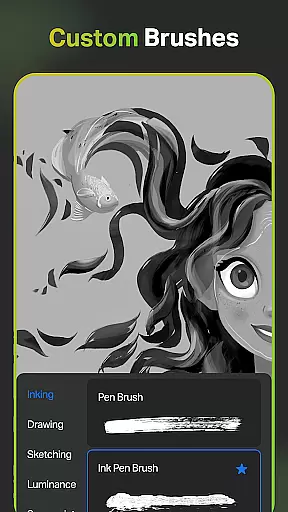
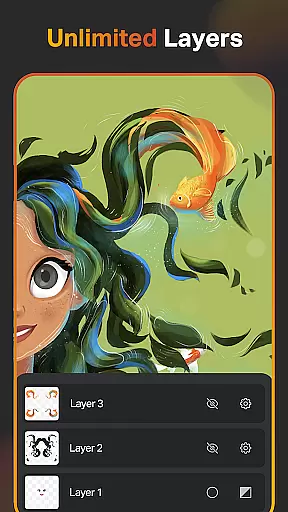
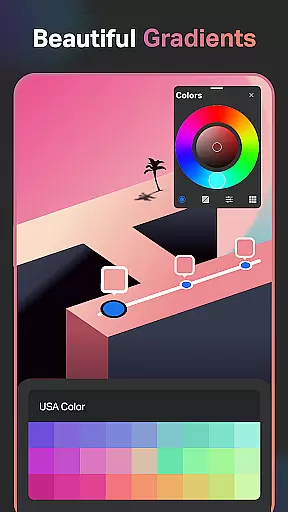
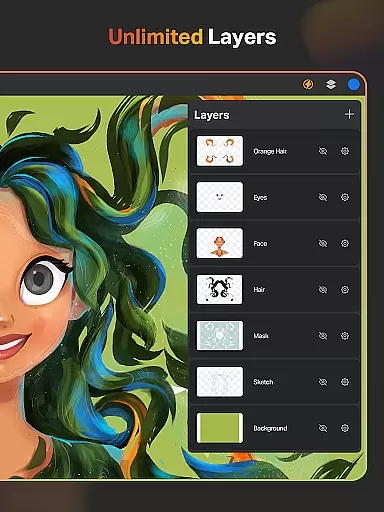
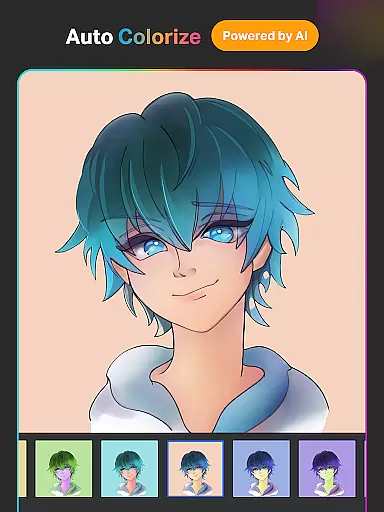
In addition to its AI capabilities, SketchPro boasts a comprehensive suite of drawing features. Users can access customizable brushes, a layer system with unlimited layers, smart shapes, gradient tools, and an extensive shapes library. The app also supports professional text tools, a full color wheel, and essential utilities like the smudge tool and fill bucket. With functionalities like cloud syncing, automatic saving, and time-lapse playback, SketchPro ensures that artists can focus on their work without worrying about losing progress.
Designed for both tablets and phones, SketchPro is ideal for creating detailed illustrations, comics, manga, and other forms of digital art. Its intuitive interface and robust feature set make it suitable for professional projects, enabling artists to bring their visions to life with precision and ease.
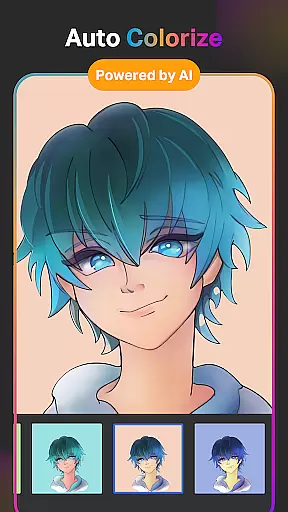
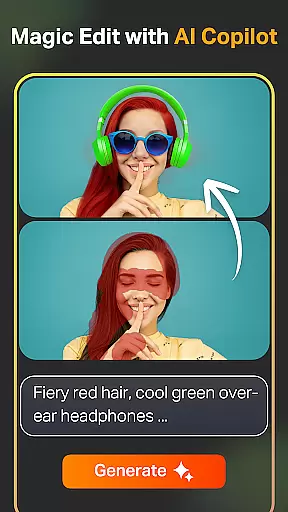
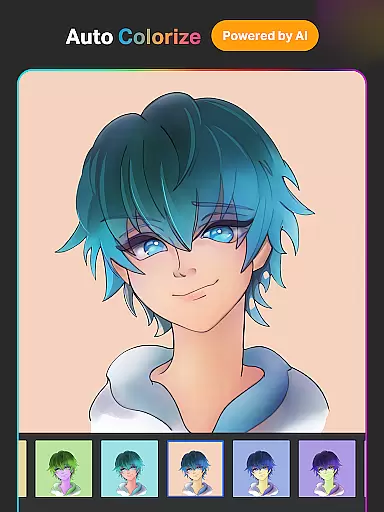
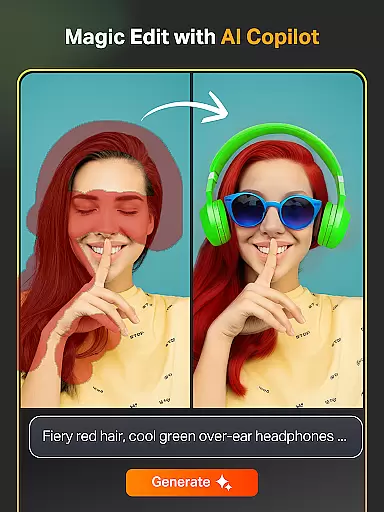
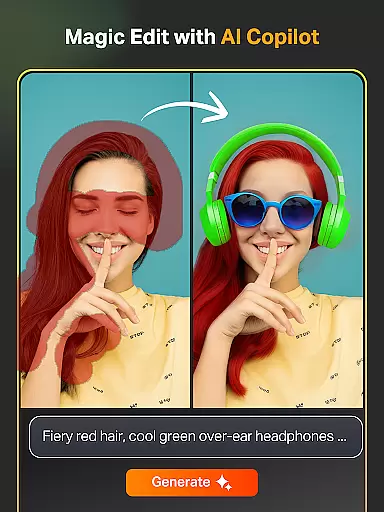
SketchPro stands out with its innovative AI-driven tools designed to accelerate the creative process. The Text to Image AI tool allows artists to generate artwork from simple text prompts, while the Sketch to Image AI transforms hand-drawn sketches into polished images. The Magic Edit AI tool enables users to modify colors, textures, and objects within their artwork using straightforward prompts, streamlining the editing process significantly.
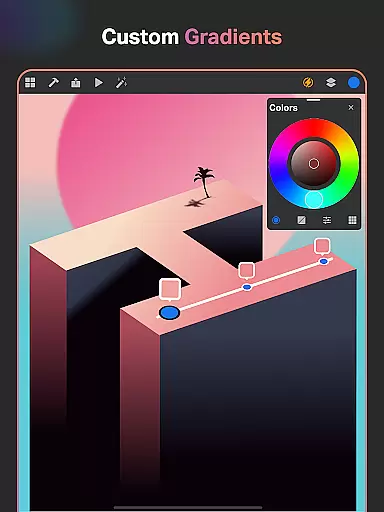
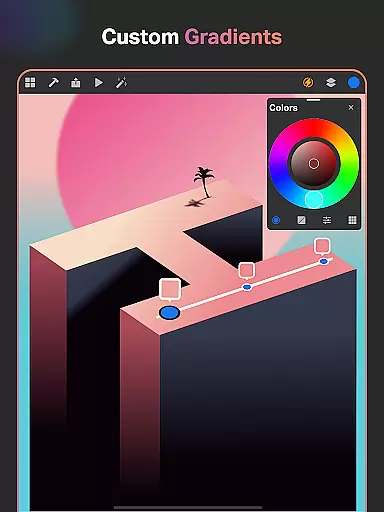
Beyond AI, SketchPro provides a rich array of traditional drawing tools. It includes customizable brushes, a sophisticated layer system, and smart shapes for instant shape drawing. The gradient tool offers linear and radial options, and the assisted drawing feature helps maintain accuracy. Additionally, the app's extensive shapes library and professional text tools cater to diverse design needs, ensuring that users have everything required for high-quality digital art creation.
SketchPro's organizational features further enhance its utility. Artists can save their work automatically, store projects methodically, and sync creations via the cloud. Time-lapse playback allows users to review their artistic journey, while dark mode offers a comfortable viewing experience. These features collectively ensure that SketchPro not only meets but exceeds the expectations of professional digital artists seeking a versatile and powerful creative platform.
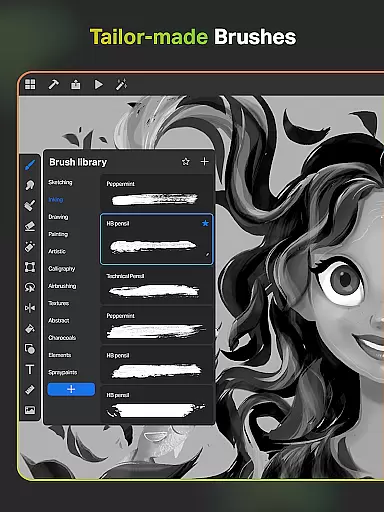
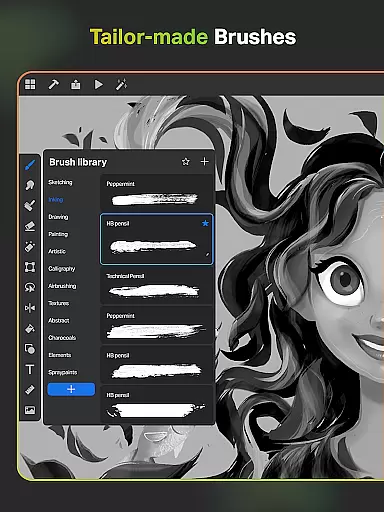
SketchPro offers an extensive suite of creative tools that cater to the needs of professional digital artists. The app includes customizable brushes for sketching, painting, and illustrating, allowing users to tailor their tools to specific project requirements.
Advanced AI drawing tools further enhance the creative process. Features like Text to Image AI and Sketch to Image AI enable effortless artwork creation through simple prompts. Magic Edit AI allows users to revamp colors and textures or modify objects within images using straightforward AI prompts.
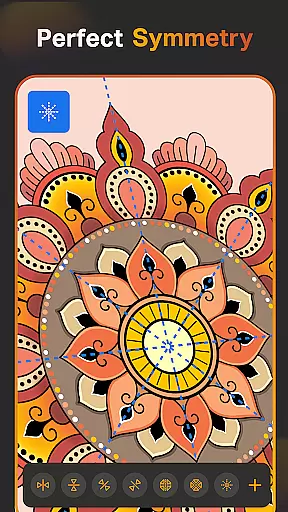
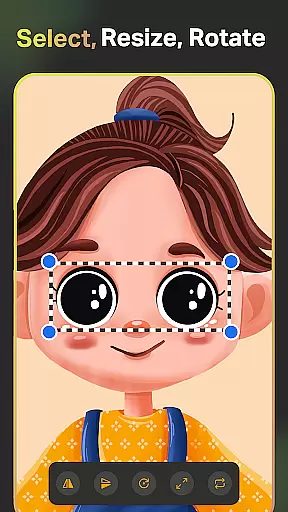
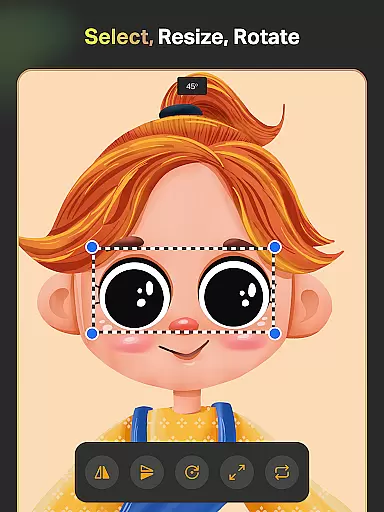
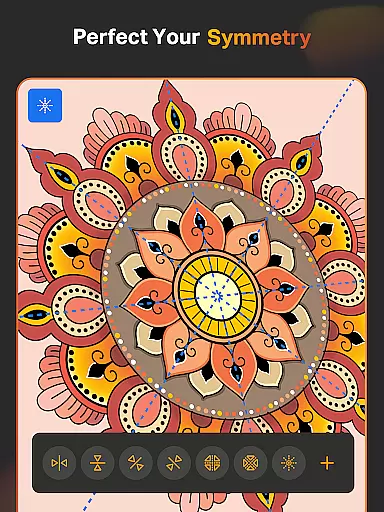
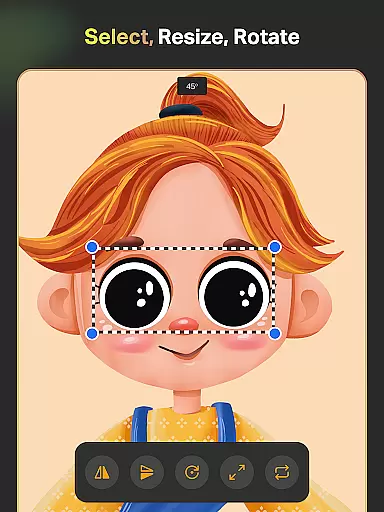
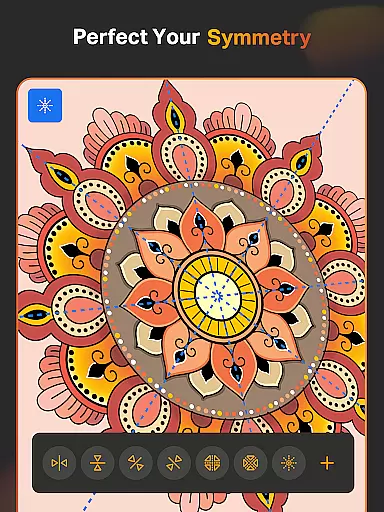
The inclusion of smart shapes, symmetry tools, gradient options, and layer transform capabilities provides additional support for complex projects. These features collectively ensure that digital artists have all necessary resources at their disposal.
With its comprehensive toolkit, SketchPro empowers artists to execute their visions without limitations, making it an ideal choice for professionals seeking a complete digital art solution.
SketchPro excels in providing flexible canvas and format options that adapt to various artistic needs. Users can create custom canvases tailored to specific projects, ensuring optimal workspace dimensions for each piece.
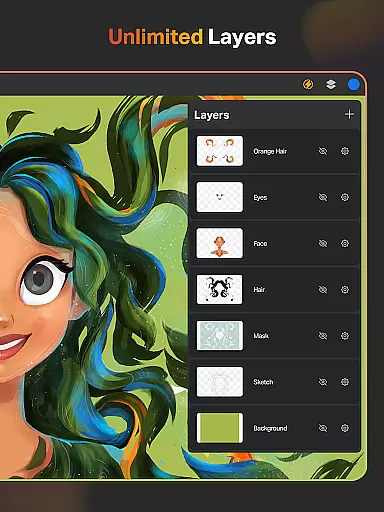
The app supports unlimited layers with advanced manipulation options including rasterization, duplication, merging, and locking features. This layer system enables artists to work on complex compositions while maintaining precise control over individual elements.
Additional flexibility comes from the ability to import colors from photos, create themed color palettes, and utilize an extensive shapes library with over 15 categories of design elements. These features allow seamless integration of external resources into digital artwork.
Furthermore, SketchPro's expand artwork AI tool enables canvas extension without quality reduction, while maintaining original content integrity. This ensures that artists can modify their workspace dimensions as projects evolve, providing unmatched adaptability in digital art creation.
User-friendly interface
Advanced AI tools
Customizable brushes
Unlimited layers
Cloud syncing
High learning curve
Premium pricing
Resource-intensive
Limited free features
Occasional bugs

Vidu is an AI video generator made for creators and aspiring makers.
 3.30
3.30
Digital Drawing: Draw & Paint
4.10
Draw on screen: FP sDraw is a simple and lightweight drawing app
4.70
Design unique, funny and adorable cat stickers that reflect your own style!
3.80
Powerful home decoration & house design that allows you to design dream home.
3.80
Art of Combination Wear OS Watch Faces
3.30
Experience next-gen icons with a modern liquid glass look.
3.60
Video AI: Revolutionize Your Content Creation with Advanced Video Generation
4.50
Unleash your inner artist! Sketchar: AR Drawing for Limitless Creativity
4.40
Learn how to draw with step-by-step tutorials, fun lessons & multiplayer drawing
4.70
Draw, make movies & animate cartoons easily with our 2D animation maker app
4.40
Sketch and paint on your device with the feel and freedom of drawing on paper
4.00
Design your dream room with AI. Get decor ideas & plan home interiors
3.90
Art of Combination Wear OS Watch faces (for Wear OS 5+ devices)
3.90
AI Art Generator transforms your words into AI generated art & paintings.
3.70
Your homescreen as an elegant glass with customized blur, lighting, and visuals.
3.70
Meet the magic aı 3d photo generator and smart AI video generator app.
3.20
Your Essential Color Theory Guide: Red, Yellow, Blue (RYB)
4.1
Art of Combination Wear OS Watch faces
4.1


User Reviews