
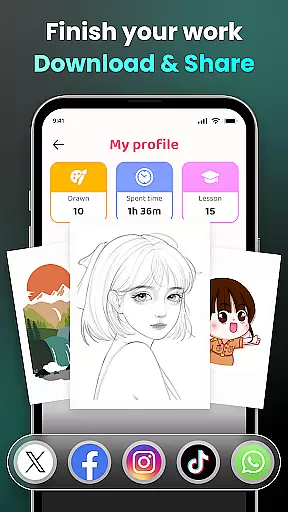
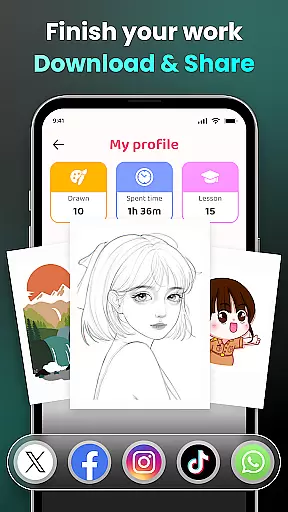
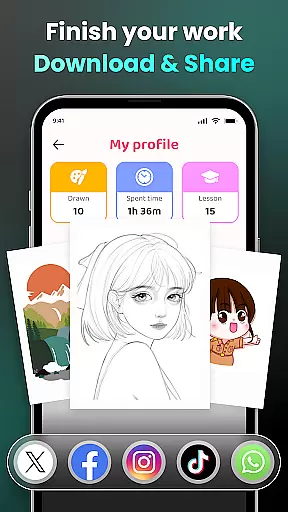
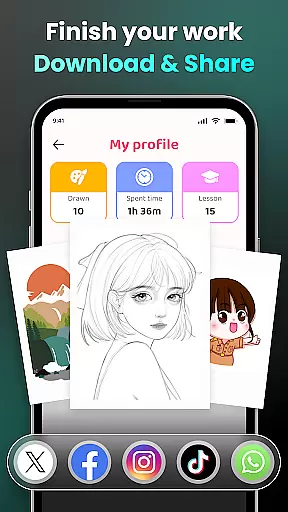
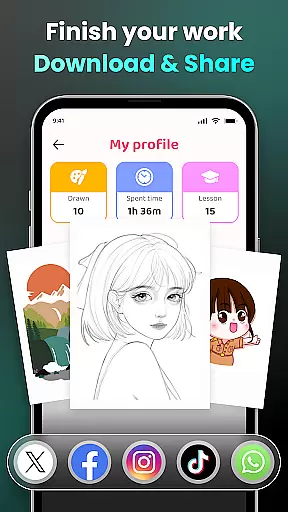
AR Drawing - Sketchar App is a revolutionary tool in the Art & Design category that combines augmented reality with creative expression. This app allows users to transform their real-world environment into a canvas for drawing and sketching, merging physical spaces with virtual art elements.
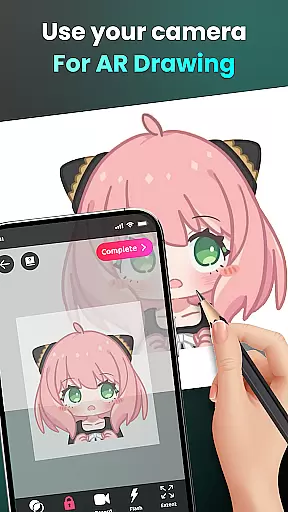
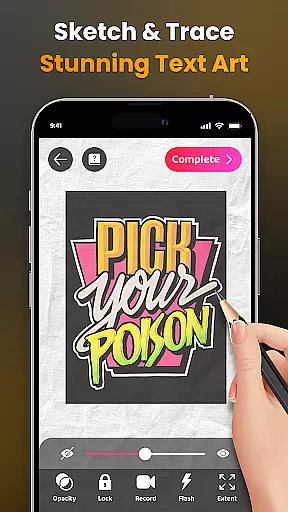
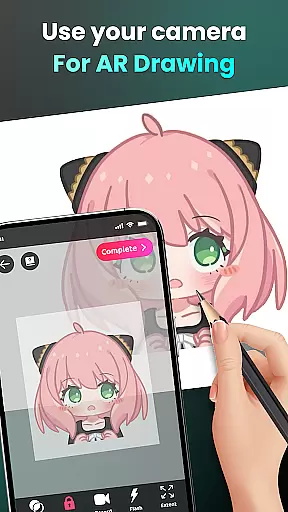
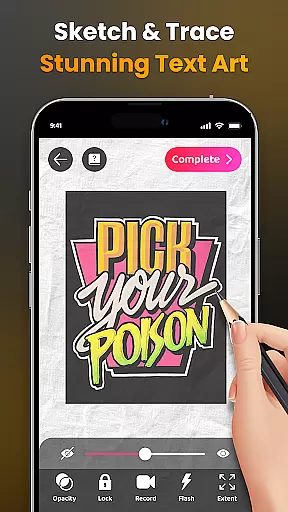
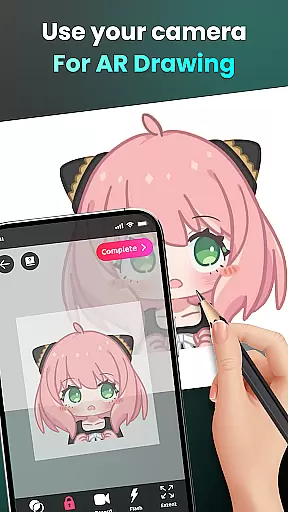
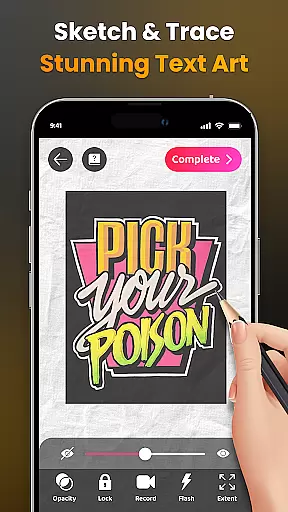
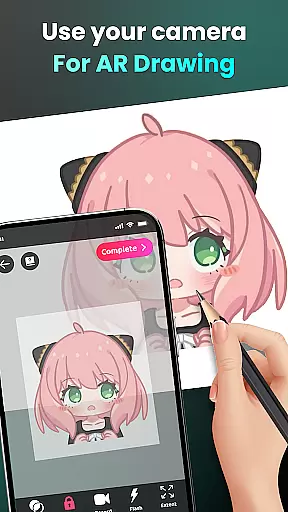
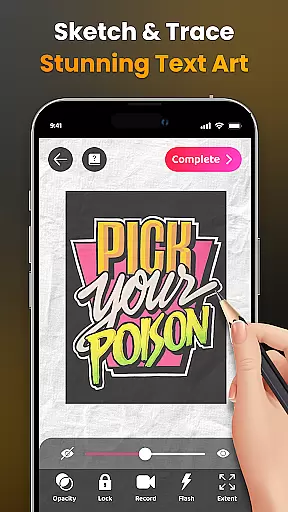
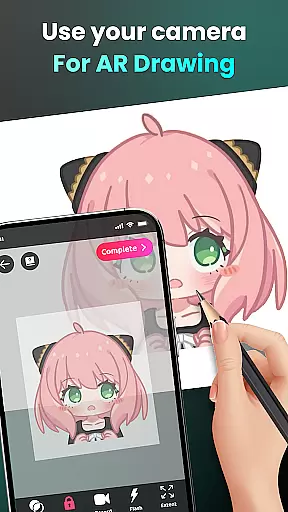
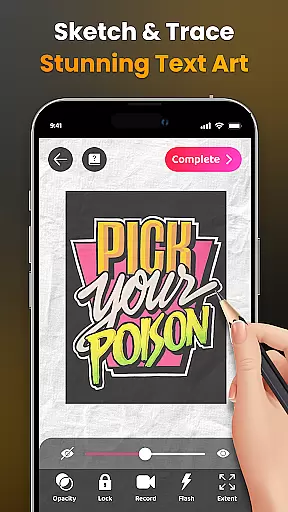
The core functionality includes camera-based drawing, where users can sketch anything they see through their phone's camera. Whether it's characters like Hello Kitty or Pikachu, or complex scenes from daily life, the app makes it possible to draw them all. Additionally, AR Drawing offers features such as tracing outlines from photos, adjusting opacity, recording videos of the drawing process, and accessing personalized content tailored to individual skill levels.
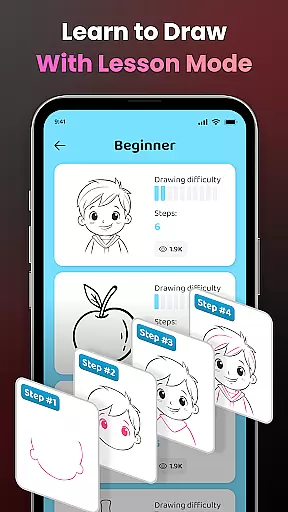
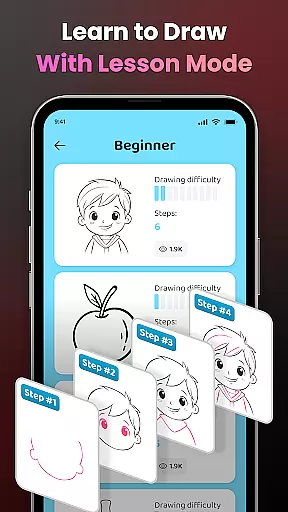
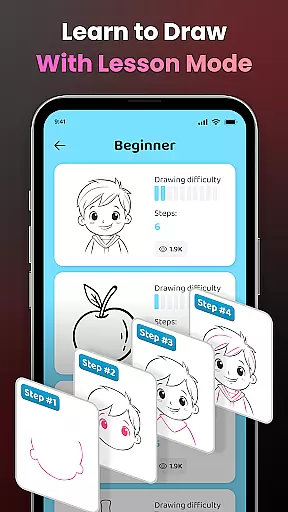
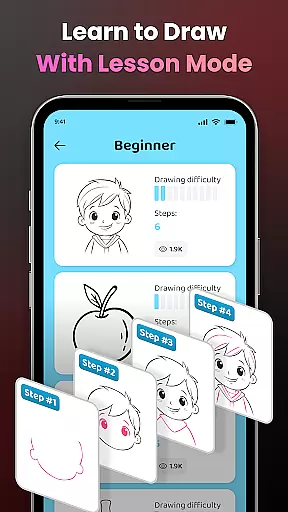
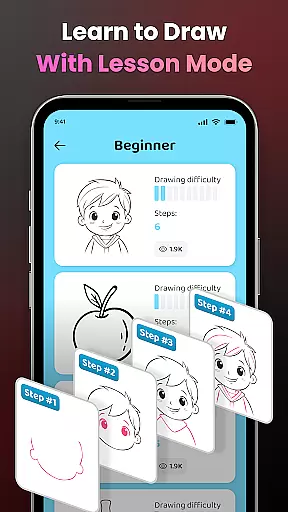
This app is particularly useful for both beginners who want to learn how to draw and experienced artists looking to experiment with AR technology. By offering an extensive library of samples and lessons, AR Drawing supports users in honing their skills while encouraging creativity and self-expression.
AR Drawing - Sketchar App stands out due to its innovative use of augmented reality technology. The app provides a unique platform where users can draw directly on their surroundings using the phone's camera. This feature opens up endless possibilities for creativity, allowing users to engage with their environment in new ways.
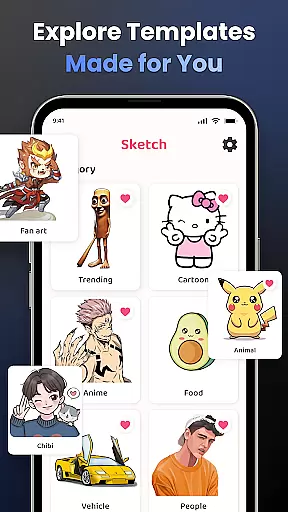
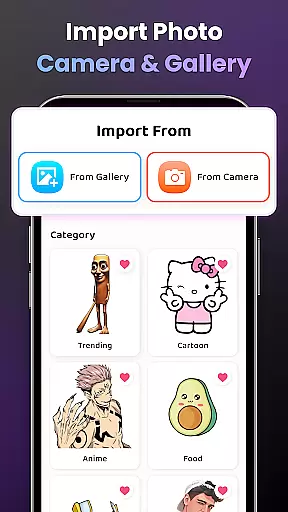
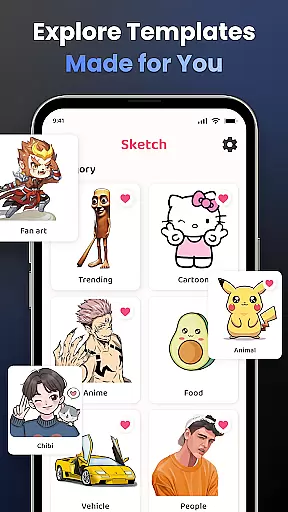
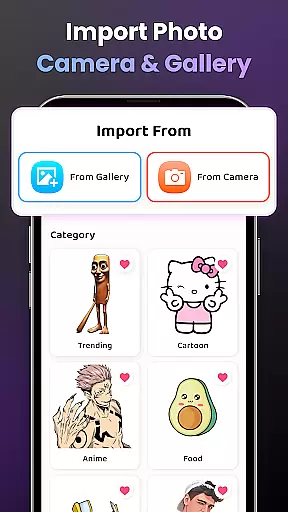
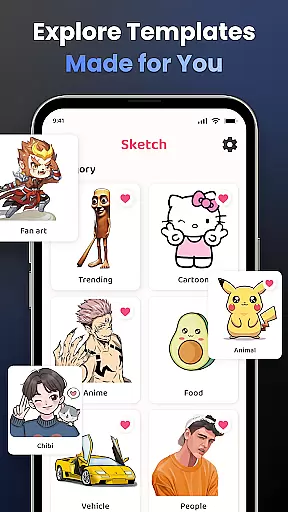
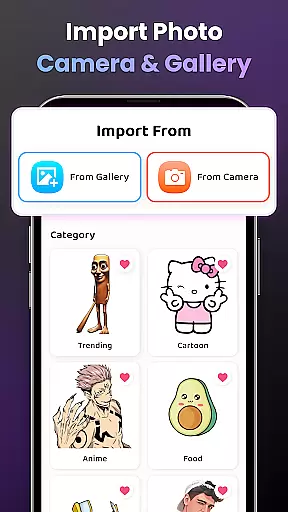
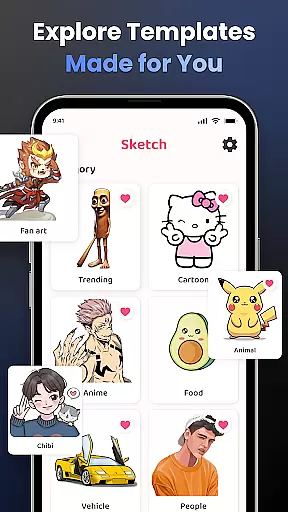
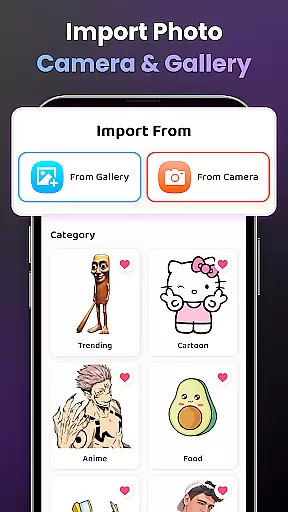
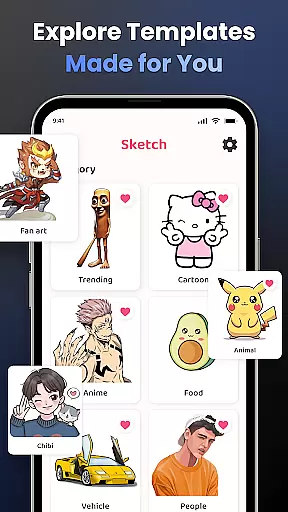
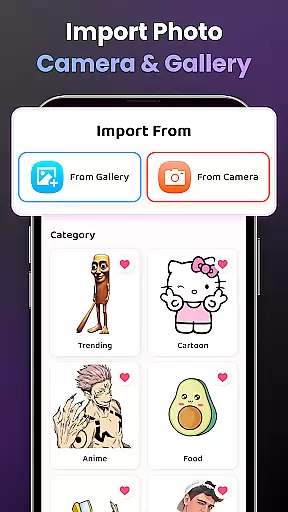
One of the key aspects is the ability to trace images easily. Users can convert complex photos into simple outlines, making it easier to practice drawing techniques. With three difficulty levels available, the app caters to everyone from novices to professionals. Furthermore, users have access to an extensive library of samples covering various themes such as Anime, Cartoon, Animals, and more.
Additional features include advanced options like adjusting opacity, zooming in and out, turning the flash on or off, and extending drawings. These tools enhance the overall experience by giving users greater control over their creations. Moreover, detailed video tutorials help beginners get started quickly, ensuring that even those without prior experience can enjoy the benefits of this powerful application.
In the realm of digital art, having access to comprehensive creative tools is essential for unleashing an artist's full potential. AR Drawing - Sketchar App positions itself as a pivotal platform in this regard, offering a wide array of features that cater to both novice and experienced artists.
One of the standout offerings of AR Drawing is its advanced Augmented Reality (AR) technology, which allows users to transform any real-world surface into a canvas. This feature is complemented by the ability to draw through the camera, effectively enabling artists to sketch anything from sample photos to entire scenes with ease. The app also provides a diverse range of lessons and exercises tailored to different skill levels, ensuring that learning to draw is accessible to everyone.
Furthermore, the app enhances creativity with options such as adjusting opacity, recording the drawing process, zooming in and out, and toggling the flash on or off. These functionalities ensure that artists have all they need to explore their creativity without limitations. With personalized content and detailed video tutorials available, AR Drawing supports users in honing their skills and tracking their improvement over time.
The true value of AR Drawing - Sketchar App lies in its ability to democratize art creation, making it possible for anyone to create unique artwork that combines reality and virtual elements. By providing these robust tools, the app empowers users to push the boundaries of their artistic expression.
Flexibility in canvas and format options is crucial for artists who wish to explore various dimensions and styles in their work. AR Drawing - Sketchar App addresses this need by offering unparalleled adaptability in how users can approach their art projects.
With AR Drawing, users are not confined to traditional canvas sizes or formats. Instead, they can utilize augmented reality to turn any real-world surface into their canvas. This innovative approach breaks down physical constraints and opens up new possibilities for creative expression. Artists can easily draw unlimited characters and objects, ranging from beloved icons like Hello Kitty and Pikachu to complex scenes from Anime or Fanart.
The app further supports this flexibility by allowing users to import photos from their galleries and adjust them with advanced options. Features such as zooming in and out, adjusting opacity, and toggling the flash provide additional control over the drawing process. Moreover, the ability to record videos of the drawing process adds another layer of versatility, enabling artists to share their work dynamically.
By prioritizing canvas and format flexibility, AR Drawing - Sketchar App ensures that artists can fully express their visions without being hindered by technical limitations. This adaptability not only enhances the user experience but also encourages more people to engage with art in a meaningful way.
User-friendly interface
Augmented reality features
Variety of drawing tools
Personalized content
Active community support
Limited free features
Requires good lighting
Occasional bugs
Subscription costs
Learning curve for beginners

Image/ Text to Video Generator
 4.40
4.40
Remove Background, Magic Eraser, Photo Enhancer, Story Templates, Collage Maker
4.30
Paint with oils and sketch with natural tools on a realistic virtual canvas.
3.80
Create stunning video, photo & magic from text with FlixAI GPT video generator.
3.10
Create stunning art with AI.
4.80
Design unique, funny and adorable cat stickers that reflect your own style!
3.80
Draw Trace image sketch by, AR art projector app, Easy to trace any image.
4.50
Create and Design Custom Logos in Seconds with AI-Powered Tools!
4.40
AI Tattoo Generator: Create Tattoo Designs & Get Ideas! Ink & Stencil Maker
4.50
2D animation studio for Android tablets - unlimited layers, infinite timeline
4.70
Logo Generator powered by AI: Create stunning logos effortlessly!
4.70
Castle is social media for creating and playing games!
4.60
Draw anime & manga drawing, art with templates to create stunning picture!
4.50
Create neon drawing with magic doodle and fun doodle art effects!
4.50
Design your dream room with AI. Get decor ideas & plan home interiors
3.90
Art of Combination Wear OS Watch faces (for Wear OS 5+ devices)
3.90
Powerful home decoration & house design that allows you to design dream home.
3.80
Resize photos and print photos in exact size with our powerful photo printer!
3.80
Pose and morph realistic male and female models! 3D poser app
3.00


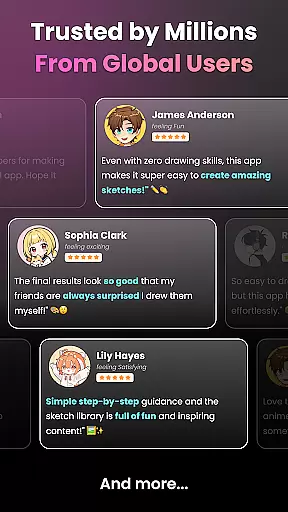
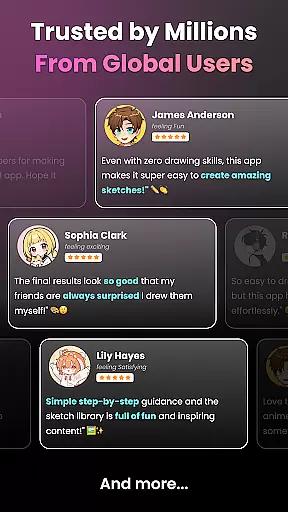
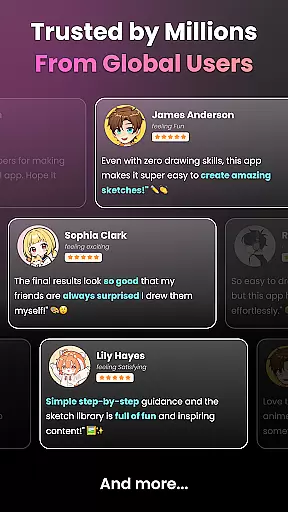
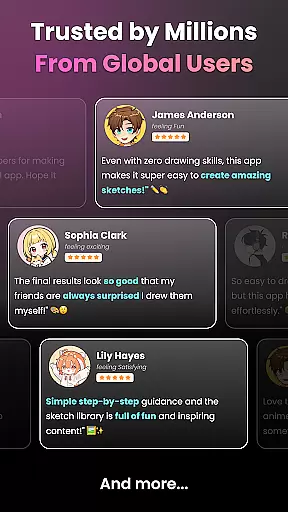
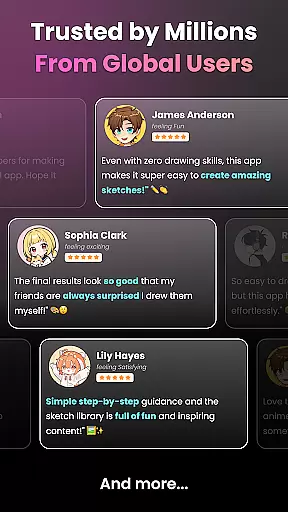
User Reviews