
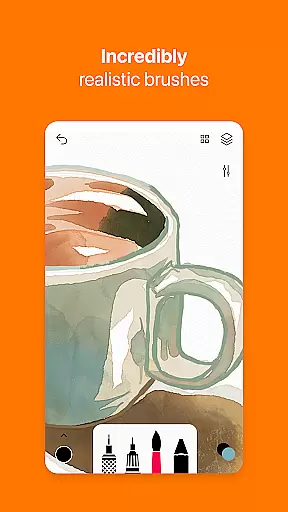
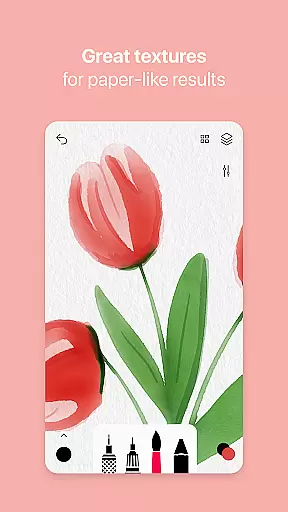
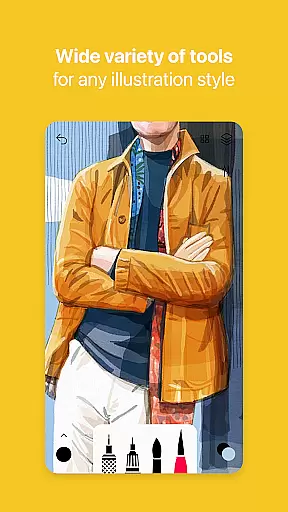
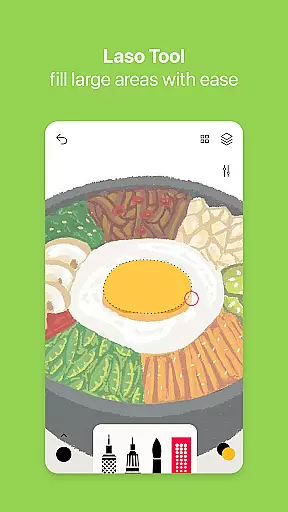
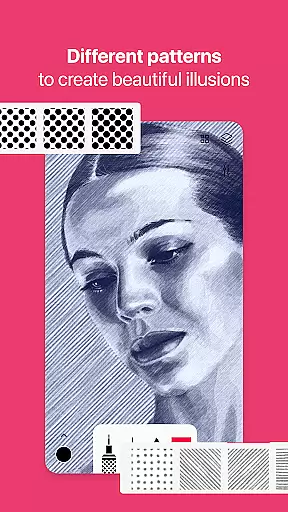
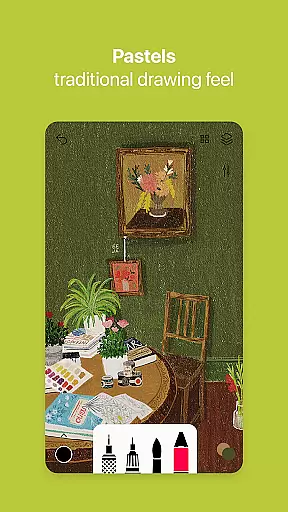
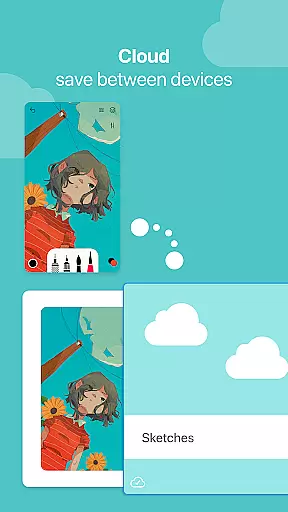

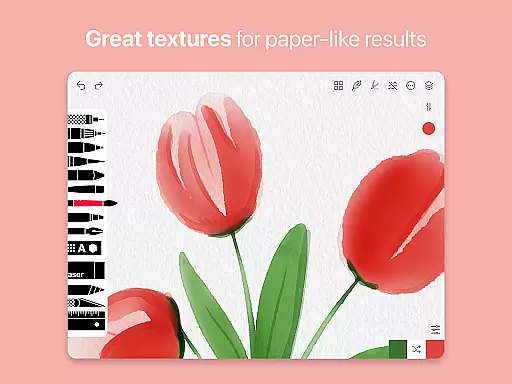
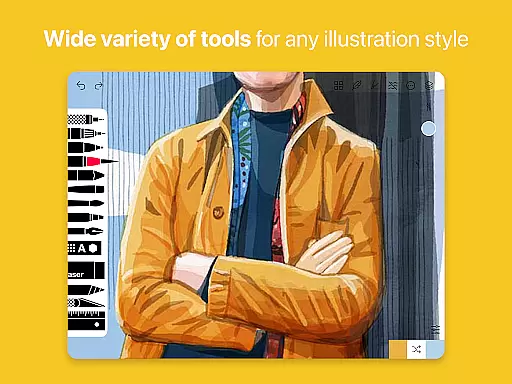
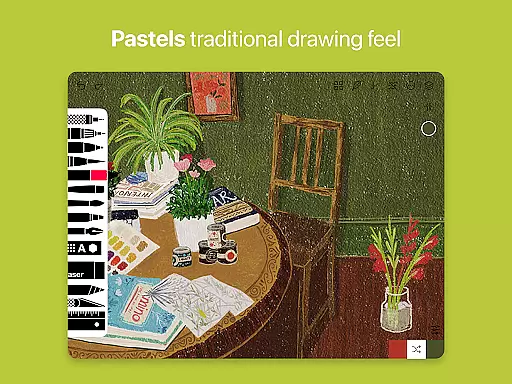
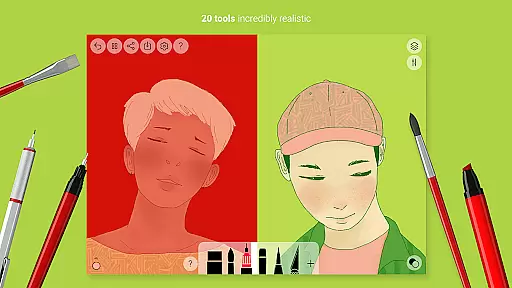
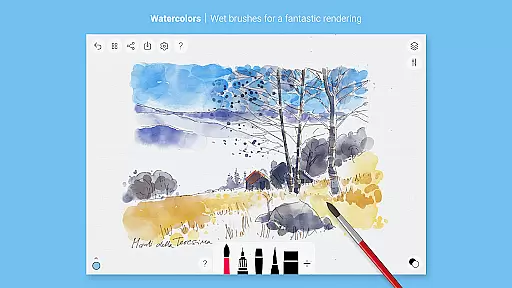
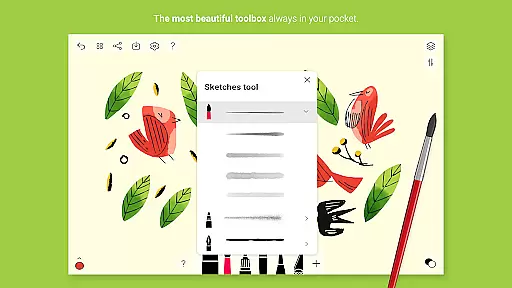
Tayasui Sketches is a premier drawing application designed for artists and creatives who value precision and beauty in their work. The app offers an impressive selection of over 20 ultra-realistic tools, each meticulously crafted to mimic the behavior of traditional art mediums. These include various brushes such as watercolor, acrylic, and oil pastel, alongside other tools like the pen, felt pen, and airbrush.
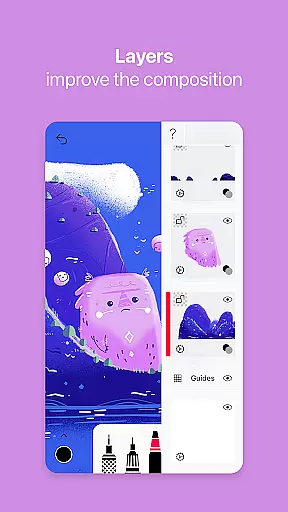
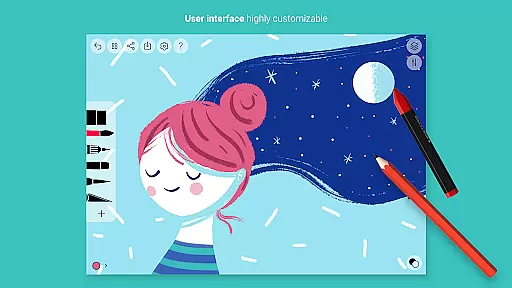
One of the standout features of Tayasui Sketches is its ability to adapt brush strokes based on pressure, angle, and width, providing a truly lifelike drawing experience. The minimalist and intuitive interface further enhances usability, making it accessible for both beginners and professionals. Additionally, advanced functions such as layers, importing photos, and a brush editor offer users extensive creative control.
Available with Pro options, this app caters to those looking to elevate their digital art with many tool variants and dozens of additional features. Whether you're sketching a quick draft or working on a detailed masterpiece, Tayasui Sketches provides the tools necessary to bring your artistic vision to life.
Tayasui Sketches boasts a comprehensive suite of features that cater to a wide range of artistic needs. With over 20 ultra-realistic tools, users can explore different artistic styles and techniques. The watercolor wet brush, for instance, offers an incredibly realistic painting experience, while the smudge tool allows for blending and texture creation. Each tool has been designed to behave vividly and responsively, adapting to the user's movements with precision.
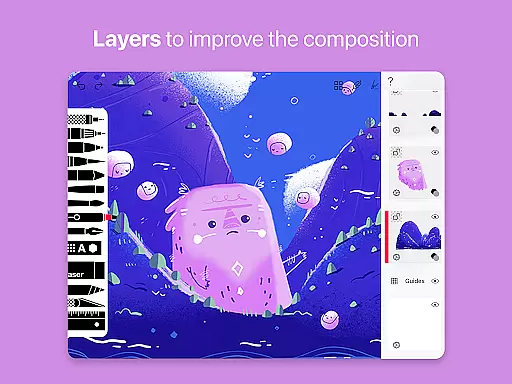
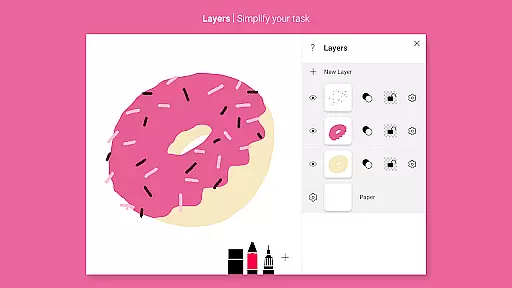
The app also supports layers, which simplifies complex tasks and allows for non-destructive editing. Artists can import photos to incorporate into their artwork or use the color eyedropper to select precise shades. Advanced sharing and export functions make it easy to distribute finished pieces or collaborate with others. Furthermore, stylus support ensures compatibility with various drawing devices, enhancing the overall user experience.
For those seeking even more functionality, Tayasui Sketches offers Pro options including additional tool variants and features. Subscriptions are available on a weekly or yearly basis, with free trials offered on selected plans. This flexibility allows users to choose a plan that best suits their needs, ensuring they have access to premium features without compromising on quality or performance.
In the realm of digital art, having a comprehensive set of creative tools is paramount. Tayasui Sketches offers over 20 ultra-realistic tools, each designed to mimic their real-world counterparts with impressive accuracy. From pens and brushes to advanced features like layers and an intuitive Brushes Editor, this app provides artists with everything needed to bring their visions to life.
The application stands out by offering specialized tools such as the Rotring, Felt Pen, and incredibly realistic watercolor brushes that adapt to the user's movements. This level of detail ensures that whether you're sketching, painting, or adding finishing touches, every stroke behaves vividly and truly like a brush on paper.
By subscribing to premium features, users gain access to even more sophisticated options including dozens of additional features which enhance creativity and productivity. With these professional-grade instruments at your disposal, Tayasui Sketches empowers artists to push the boundaries of their digital artwork.
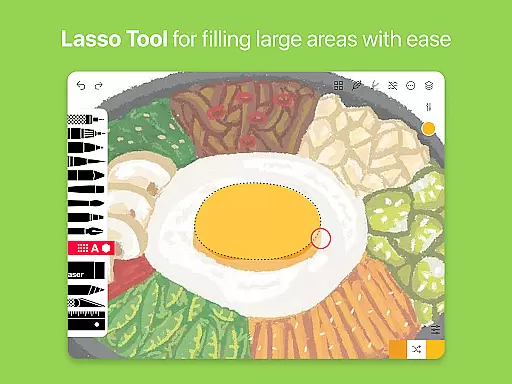
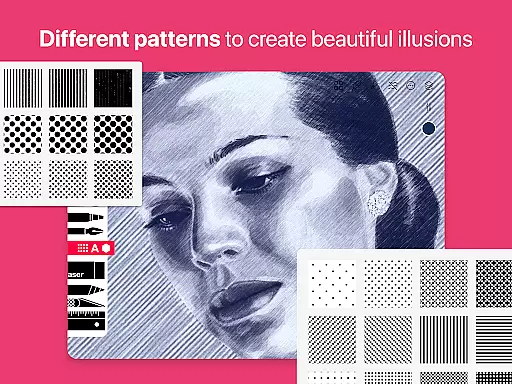
A versatile canvas is essential for any artist seeking to explore different formats and dimensions in their work. Tayasui Sketches excels in this area by providing a flexible workspace where creators can import photos, use layers to simplify tasks, and experiment with various shapes and patterns without constraints.
The app supports stylus input, allowing for precise control over every line and curve drawn on its digital canvas. Whether working on detailed illustrations or expansive designs, users will appreciate how smoothly they can transition between different tools and adjust settings such as pressure sensitivity and brush width.
Moreover, advanced sharing and export functions make it easy to showcase finished pieces across multiple platforms or integrate them into other projects seamlessly. By prioritizing both functionality and ease-of-use, Tayasui Sketches ensures that artists have all the freedom they need to express themselves fully within its adaptable environment.
User-friendly interface
Realistic brush tools
Extensive layer support
Advanced customization options
Compatibility with stylus devices
Subscription required for full access
Limited free trial availability
Some features only available on iPad
No refunds for unused subscription periods
Auto-renewal by default

Stylish letters, Stylish Keyboard, Symbols, Emojis, Cool nickname
 4.40
4.40
Digital, Abstract, Classic - all types of color wheels in one app!
4.60
Draw Trace image sketch by, AR art projector app, Easy to trace any image.
4.50
Your AI soulmate — meaningful chats, and unique emotional moments
4.70
Turn your drawings into flipbook-style animations with simple creative tools
4.60
Powerful home decoration & house design that allows you to design dream home.
3.80
2D animation studio for Android tablets - unlimited layers, infinite timeline
4.70
Unleash the artist in you with our AR drawing and tracing tool for photo drawing
4.10
Explore future self face age filter & remove background image for a unique look.
3.50
Draw on screen: FP sDraw is a simple and lightweight drawing app
4.70
Convert image to JPG PNG HEIC PDF, support almost all kinds of image formats
4.70
Minecraft & Roblox Clothes
4.70
Draw, fidget, and spin glow art! Relax and express your creativity with a finger
4.60
Digital illustration drawing & painting pad app to paint Anime and Manga art
4.50
Get creative and make art with your Sesame Friends!
4.00
Design unique, funny and adorable cat stickers that reflect your own style!
3.80
AI Art Generator transforms your words into AI generated art & paintings.
3.70
Sketch, trace and master AR drawing with awesome anime art!
3.30
Art of Combination Wear OS Watch Faces
3.30


User Reviews