

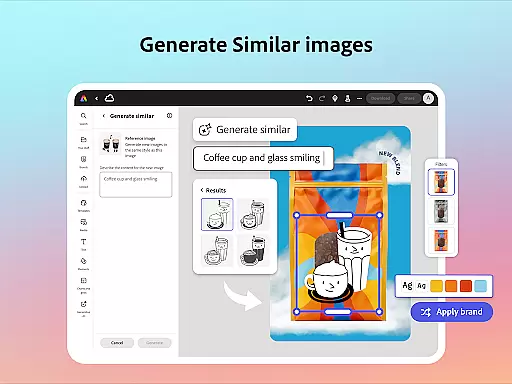
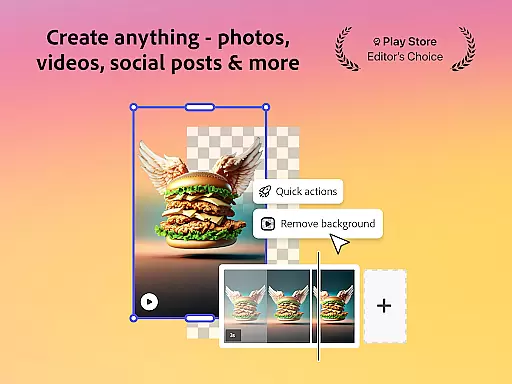
Adobe Express is a versatile design application that empowers users to create professional-quality marketing materials while maintaining brand consistency. The app offers an array of features including video editing, photo enhancement, background removal, and QR code generation, all within a user-friendly interface.
Whether you are a beginner or an experienced designer, Adobe Express provides customizable templates and intuitive tools that simplify the creative process. From trimming videos to applying Photoshop-powered filters on photos, the app ensures your content stands out across various platforms.
This application is particularly beneficial for businesses aiming to produce impactful visual content without needing extensive design expertise. With functionalities like brand kits and PDF editing, it streamlines workflows and enhances productivity.
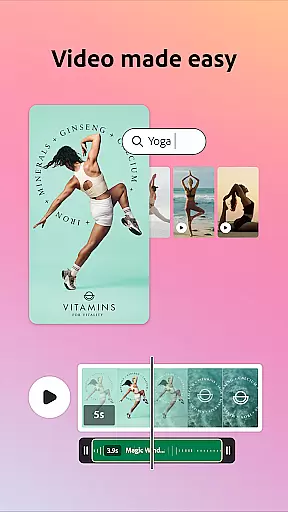
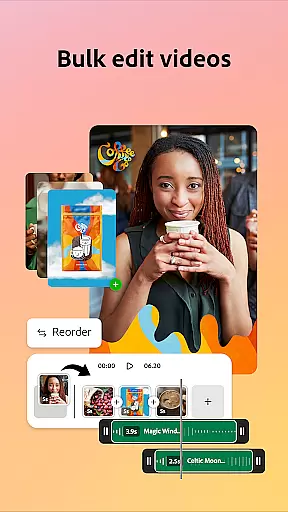
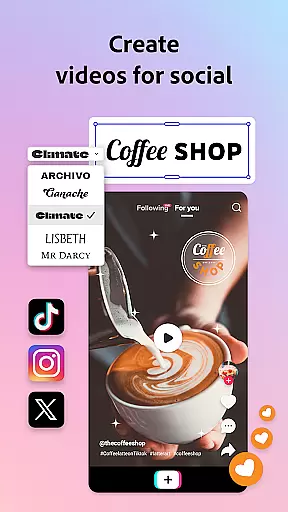
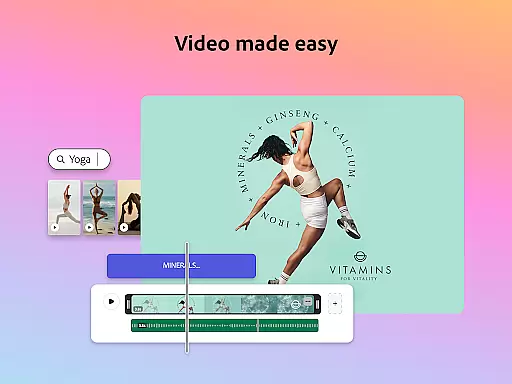
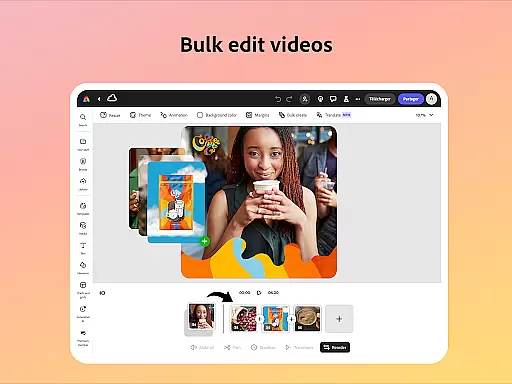
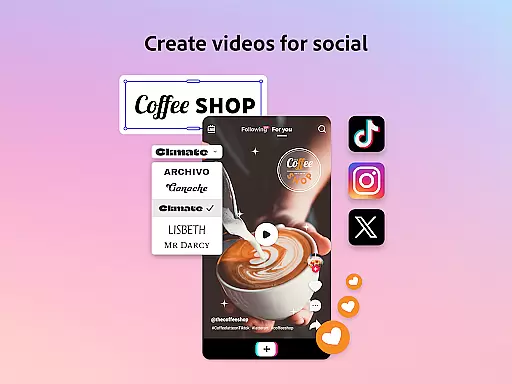
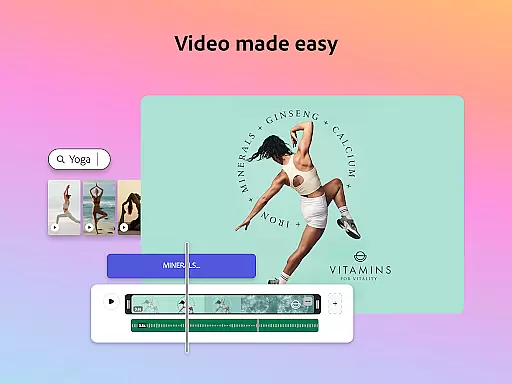
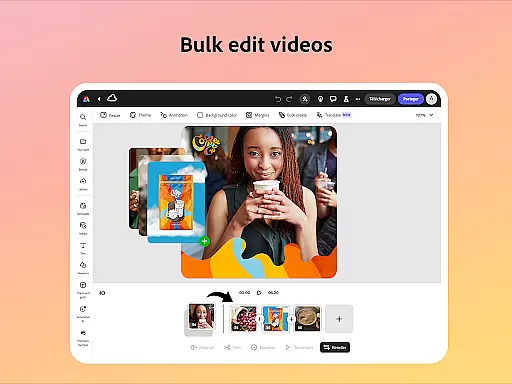
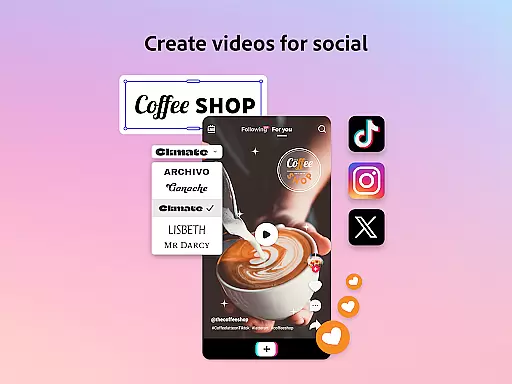
Adobe Express boasts a comprehensive suite of features designed to cater to diverse creative needs. One standout feature is its video editing capability, which allows users to trim footage, add text and music, and automatically generate captions. This makes it an ideal tool for creating engaging social media content.
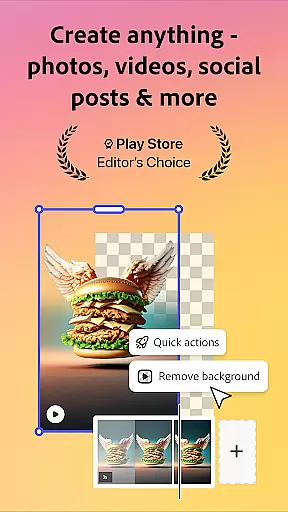
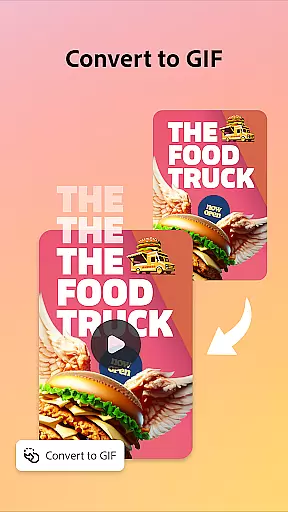
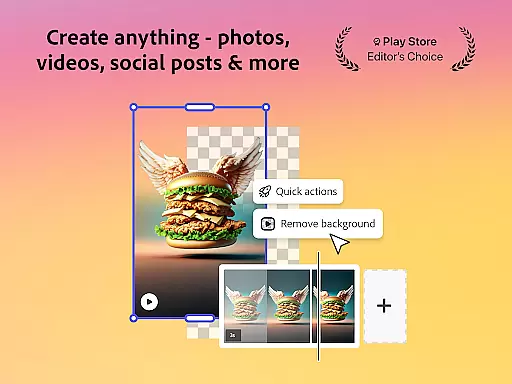
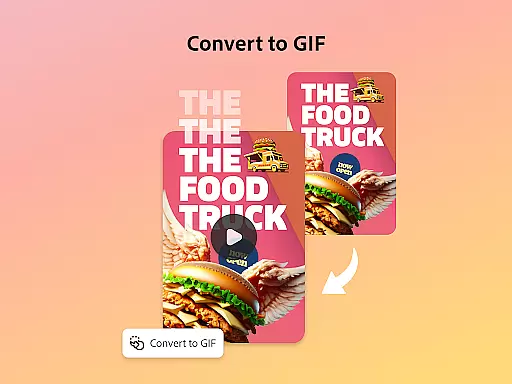
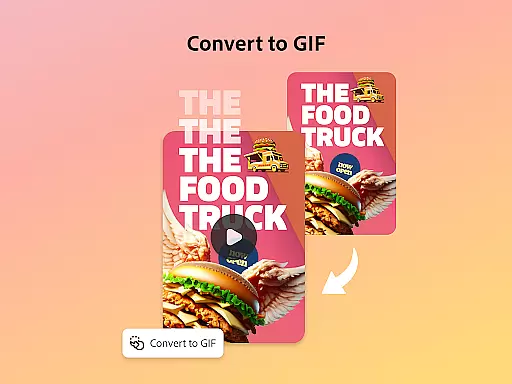
The app also excels in photo editing with AI-driven tools that enable object addition or removal and apply sophisticated filters. Additionally, Quick Actions facilitate tasks such as removing backgrounds from images and converting files to GIFs effortlessly.
For branding purposes, Adobe Express offers stylish QR code generation and robust brand kit functionalities. Users can maintain consistent fonts, colors, and logos throughout their designs, ensuring cohesive brand representation across all materials.
Adobe Express offers a comprehensive suite of creative tools that cater to both beginners and seasoned creators. The application provides an array of features such as customizable video templates, photo editing capabilities powered by Photoshop, and the ability to remove backgrounds effortlessly.
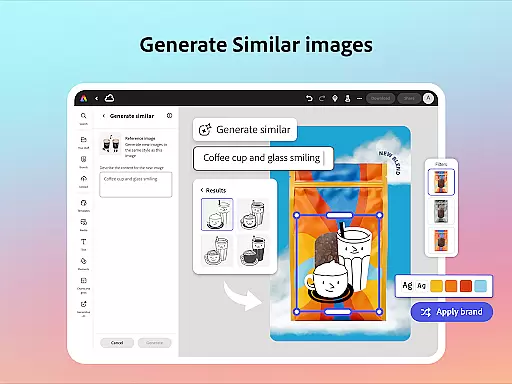
Users can take advantage of AI-driven functionalities like adding or removing objects in photos, applying sophisticated filters, and generating photo art instantly. These tools ensure that even those without prior design experience can produce high-quality marketing materials while maintaining brand consistency.
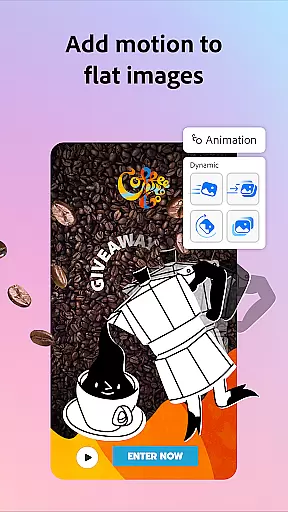
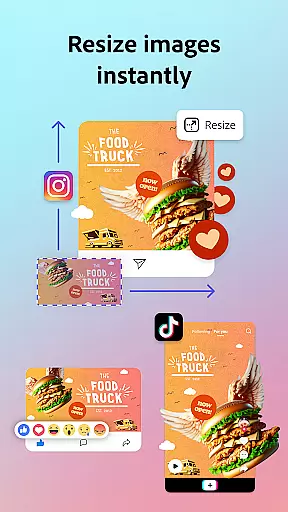
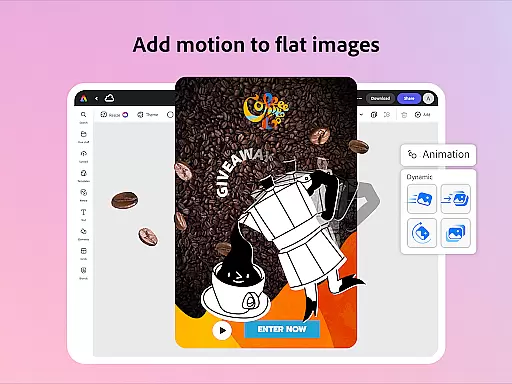
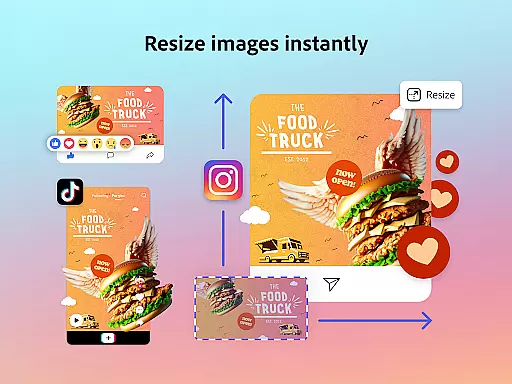
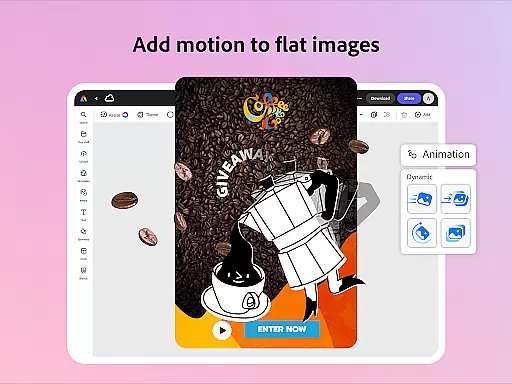
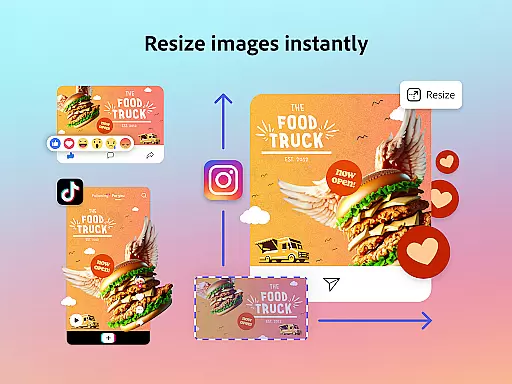
In addition to its robust editing features, Adobe Express also includes Quick Actions that simplify tasks such as trimming and resizing designs for various channels, converting images to GIFs, and animating characters using voice commands. This versatility makes it an indispensable tool for creating engaging content across different platforms.
The availability of brand kits further enhances the creative process by allowing users to store their fonts, colors, and logos, ready to be incorporated into any design with a simple tap. Such features not only streamline workflows but also ensure that all outputs align perfectly with the user's branding guidelines.
With Adobe Express, users enjoy remarkable flexibility in terms of canvas and format options. Whether you need to create content for social media, print, or digital displays, the app provides adaptable solutions that fit various requirements. Its intuitive interface allows for easy adjustments to project dimensions and orientations.
The platform supports a wide range of file types and conversions, enabling seamless transitions between formats. For instance, users can convert files to PDF or export PDFs for sharing with teams or audiences instantly. This ensures compatibility and ease of use regardless of the intended output medium.
Moreover, Adobe Express facilitates resizing content for multiple channels through one-click operations. This feature is particularly beneficial for businesses looking to maintain a consistent presence across diverse platforms without investing excessive time in manual adjustments.
Overall, this level of canvas and format flexibility empowers users to focus on creativity rather than technical constraints, resulting in more dynamic and versatile content creation experiences.
User-friendly interface
Comprehensive design tools
Brand consistency features
Versatile file support
AI-powered enhancements
Premium features locked behind paywall
Some functions not available on all devices
Occasional bugs reported by users
Limited offline functionality
Subscription cost may deter some users

Vidu is an AI video generator made for creators and aspiring makers.
 3.30
3.30
AI generated images & photos, turn your words into drawing, painting & pictures.
4.30
Logo Generator powered by AI: Create stunning logos effortlessly!
4.70
Nano Banana AI Image Generator, Anime Filter, AI Portrait, AI Photo Generator
4.30
OneUI 8.5 icons ✨ Smooth, modern & based on the latest Play Store design ??
4.10
Experience next-gen icons with a modern liquid glass look.
3.60
Everything you need to create hand drawn animation, anywhere you go!
4.40
Multiplayer Drawing game, Coloring, Painting・Sketch, Handwriting・Paint, draw
4.30
Unleash your inner artist! Sketchar: AR Drawing for Limitless Creativity
4.40
Passport size photo maker, create ID photo and visa photo in seconds
4.80
Your AI soulmate — meaningful chats, and unique emotional moments
4.70
The ultimate tool for creating animations
4.60
Photo editor for art, avatars, filters & fun transformations.
4.60
Create neon drawing with magic doodle and fun doodle art effects!
4.50
800+ Drawing, Painting Lessons App to Practice, Sketch & Paint Art.
4.30
Create stylish invitation cards using templates for weddings, birthdays & RSVP.
4.20
Design your dream room with AI. Get decor ideas & plan home interiors
3.90
AI Face Swap, Video Effects Editor, Realtime Morph, Funny Video FX,AI Filters
3.70
Transform photos into amazing monochrome dither art with professional algorithms
4.4


User Reviews