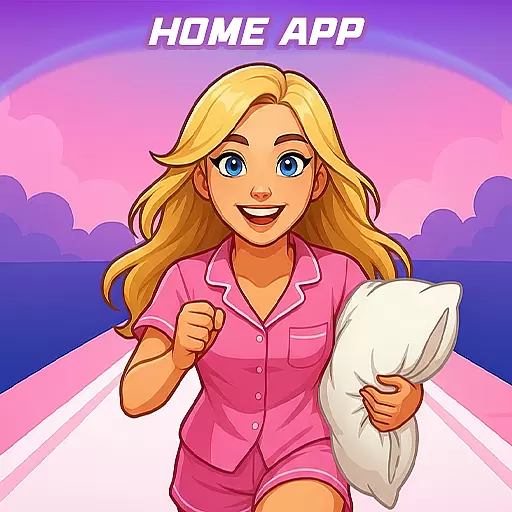
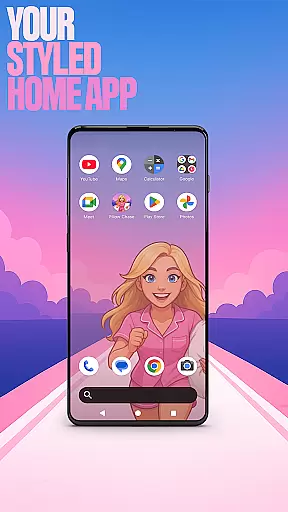

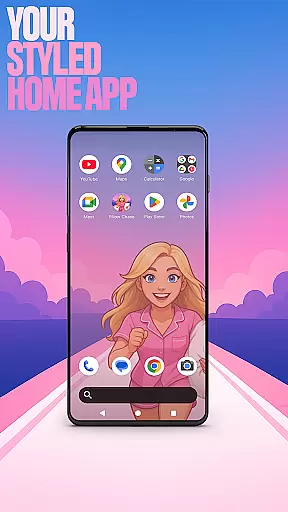

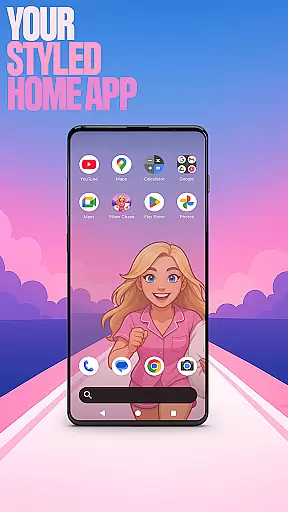

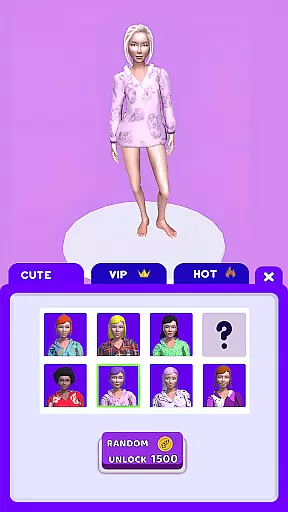
Pillow Chase Home App is a launcher app that allows users to create a personalized home screen. With this app, you can fully customize the layout of your home screen, create folders, and choose colors. It offers a fresh style that keeps things exciting from the moment you start using it.
One of the key features of Pillow Chase Home App is the ability to pick it as the default choice via the 'Default home app' setting, allowing you to use it as your day-to-day launcher. You can switch back to your previous launcher anytime you choose. This flexibility ensures that you have complete control over your home screen experience.
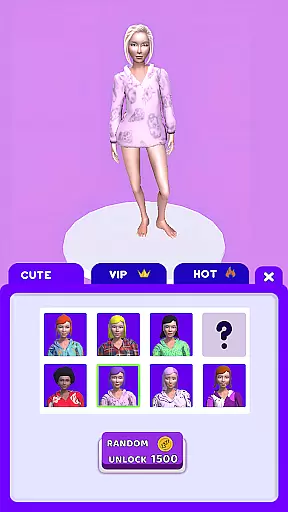
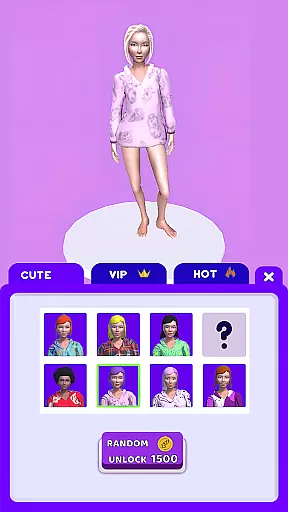
In addition to its customization capabilities, Pillow Chase Home App also includes a built-in game called Pillow Chase. This game adds an element of fun to your launcher experience, allowing you to collect pillows, leap over alarm clocks, and avoid coffee cups that slow you down. It's fast, funny, and full of surprises, making it the perfect game for quick breaks and endless entertainment.
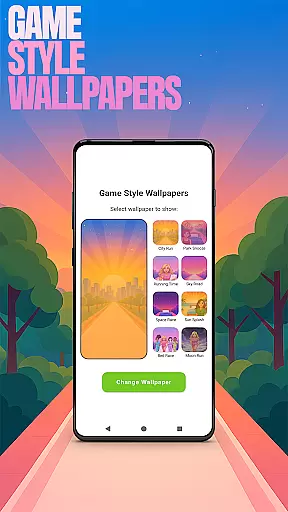
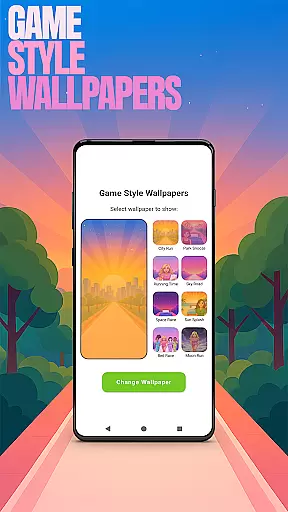
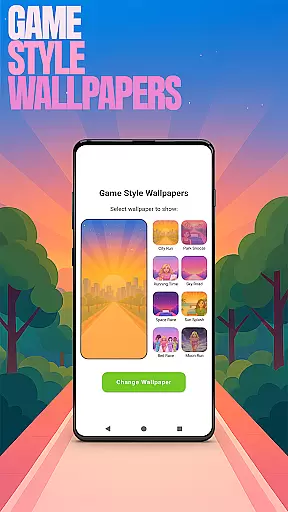
Pillow Chase Home App offers a range of features that enhance the personalization and functionality of your home screen. One notable feature is the Game Style Wallpapers, which allows you to add unique wallpapers inspired by the Pillow Chase game. By long-pressing on the home screen and selecting 'Game Style Wallpapers', you can give your device a playful and distinctive look.
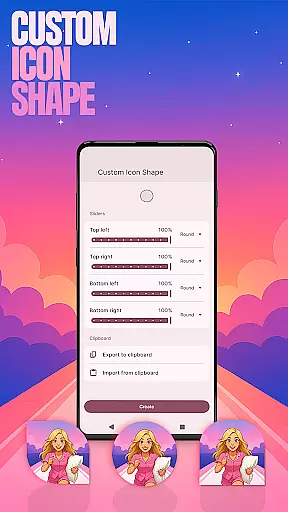
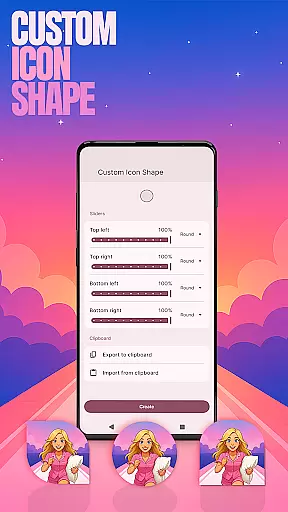
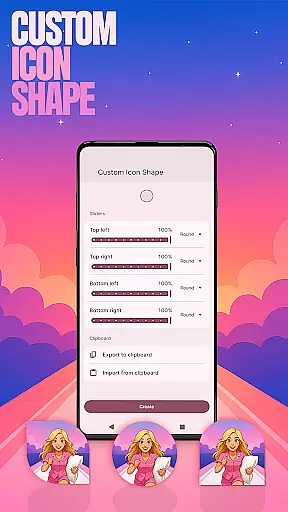
Another standout feature is the Custom Icon Shape option. With this feature, you can personalize your device with fun icon shapes and custom icon looks. Simply long-press on the home screen, click 'Custom Icon Shape', and let your creativity shine.
Pillow Chase Home App also offers Custom Gestures, allowing you to swipe or tap to quickly open an app, settings, or app drawer. This feature can be accessed by long-pressing on the home screen, clicking 'Home settings', and navigating to 'Gestures'. It provides a convenient and efficient way to navigate your device.
For those concerned about privacy, Pillow Chase Home App includes a Hide Apps feature. This feature allows you to keep your private apps invisible while still maintaining full control. To access this feature, long-press on the home screen, click 'Home settings', go to 'App drawer', and select 'Hidden apps'. It's a great way to protect your sensitive information.
Lastly, Pillow Chase Home App offers Accent Color customization. You can personalize your home app colors by using presets or creating your own device style. To adjust the accent color, long-press on the home screen, click 'Home settings', navigate to 'General', and select 'Accent color'. This feature adds a touch of individuality to your home screen.
Customization is at the heart of Pillow Chase Home App, offering users a wide array of personalization options to truly make their device their own. With features like Game Style Wallpapers and Custom Icon Shapes, users can tailor their home screen aesthetics to match their unique style.
The app allows for the creation of custom gestures, enabling swift access to frequently used apps or settings with simple swipes or taps. This level of customization not only enhances user convenience but also streamlines the navigation experience on mobile devices.
For those who value privacy, the Hide Apps feature provides an added layer of security by allowing certain apps to be concealed from view while maintaining full control over them. Such comprehensive customization options ensure that each user's home screen is as individual as they are.
Pillow Chase Home App excels in theme compatibility, ensuring that all visual modifications, from accent colors to icon shapes, integrate seamlessly across the user interface. Users have the freedom to choose from preset themes or craft their own, guaranteeing a cohesive look that resonates with their personal preferences.
By adjusting the Accent Color within the Home settings, users can establish a color scheme that permeates throughout the app, tying together the visual elements of their device. This attention to detail in theming compatibility elevates the overall user experience.
Whether opting for playful designs inspired by the Pillow Chase game or sleek, professional looks, the app maintains uniformity and harmony in its appearance. This dedication to theme compatibility ensures that every customization feels native to the operating system.
Highly customizable
Unique game integration
Variety of features
User-friendly interface
Flexible layout options
May change existing layout
Limited wallpaper choices
Occasional performance issues
Not suitable for all devices
Requires manual updates

Classic analogue watch face. For wear os devices.
 4.60
4.60
Prank your friends with realistic broken screen and cracked HD effects!
4.2
A launcher for Samsung Good Lock and Good Guardians modules without ads
4.70
Unique Fonts, typefaces and stylish text. Fonts for Instagram, Whatsapp & others
4.20
Design your screen with unique, vibrant clocks
3.80
Your home screen, just the way you like it.
4.30
Enjoy a variety of amazing live wallpapers and colorful EDGE lighting borders!
4.80
Create stunning widgets with Widget 2026: Aesthetic Widgets for Android!
4.60
Cool custom fonts & keyboard themes! Symbols & font changer for Instagram
4.50
One 8 icons glass color version
4.80
Add cute Shimeji pets to screen, interact with them and relax with cute motions
4.60
Embrace the Night. Unleash the power of darkness with Raven Dark Icon Pack
4.60
Try creating your own keyboard with "Keyboard theme for android" app now!
4.50
Customizable screen pets that play, climb, and keep you company.
4.50
Transform your device in a game console
4.40
Transform your phone with stunning video wallpapers and a unique, personal touch
3.80
Customize glowing edges, wallpapers, and caller screen with EdgeAura.
3.50 3.50
3.50
Adorable pets roam and play right on your phone screen!
3.30


User Reviews