
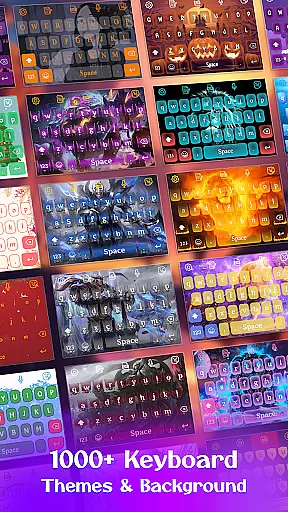
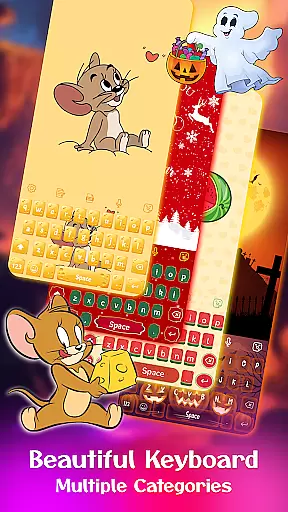
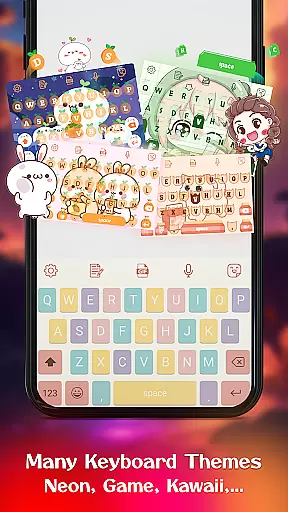
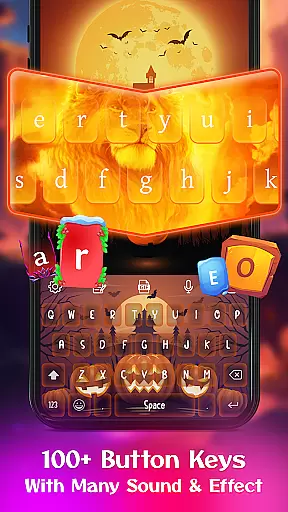
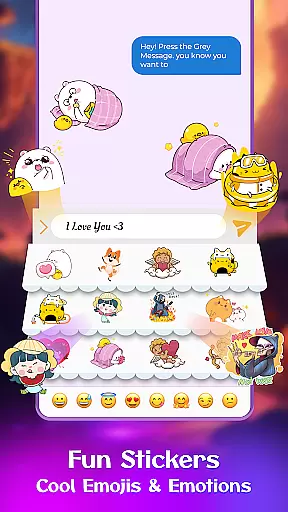
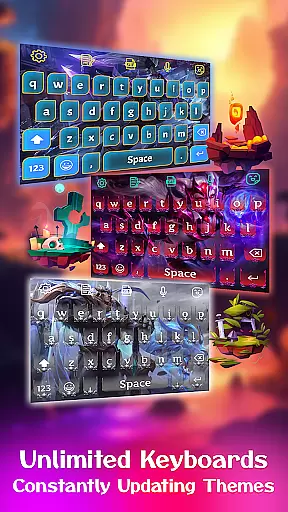
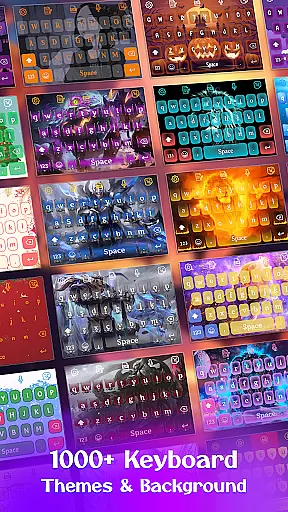
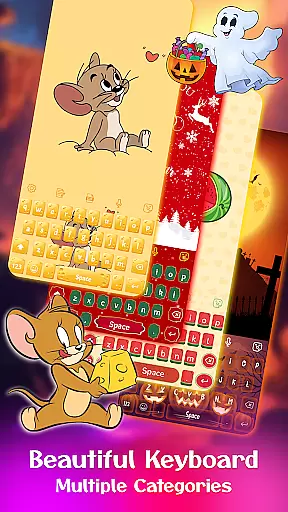
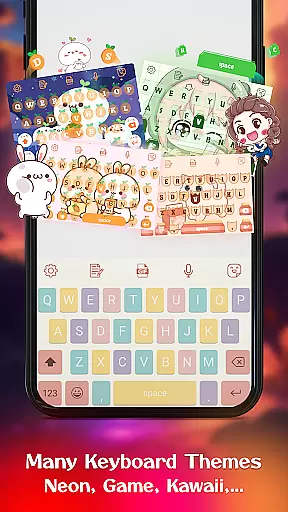
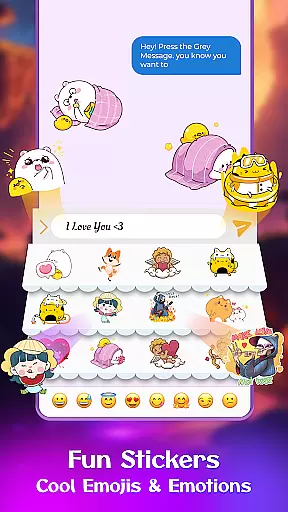
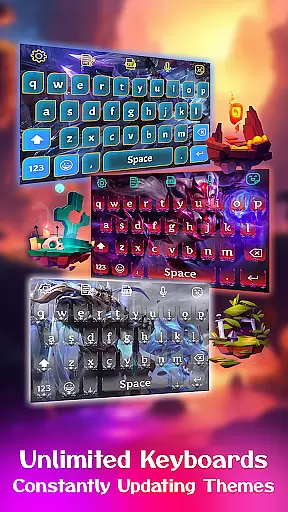
Keyboard Maker is a feature-rich keyboard application designed to enhance your typing experience on Android devices. This app offers a wide range of customization options, including free keyboard themes, wallpapers, and backgrounds. Users can choose from various themes such as iOS, LED, Neon, RGB, Emoji, Black, and Kawaii keyboards. The app also supports multiple languages, including Hindi, English, and Russian.
In addition to its aesthetic features, Keyboard Maker provides practical functionalities like fast typing, personalized keyboard creation, and an array of stickers, emojis, and GIFs for sharing. It includes smart autocorrect, word prediction, voice input, and gesture typing, making it versatile for different user needs. Whether you want a simple or colorful keyboard, Keyboard Maker allows you to tailor your typing interface with ease.
This app is ideal for users who seek both functionality and personalization in their mobile keyboard. With support for 150+ languages and customizable features like fonts, effects, and sounds, Keyboard Maker ensures a unique and efficient typing experience tailored to individual preferences.
Keyboard Maker stands out with its extensive set of features designed to cater to diverse user preferences. One of the key highlights is the ability to customize your keyboard extensively. You can choose from over 500 free keyboard themes, including Led, Neon, photo, and anime themes. These themes are categorized into simple, colorful, cute, love, and custom themes, allowing users to personalize their typing experience according to their mood or style.
Beyond themes, the app offers practical features that improve typing efficiency. Smart autocorrect and word prediction help reduce errors and speed up typing by predicting words after typing just a few letters. Voice input allows for hands-free typing, while gesture typing enables swift text input. The app also supports multiple languages, making it accessible to a global audience. Clipboard functionality facilitates quick copy-paste actions, enhancing productivity.
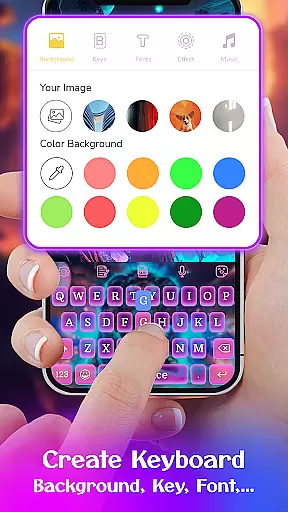
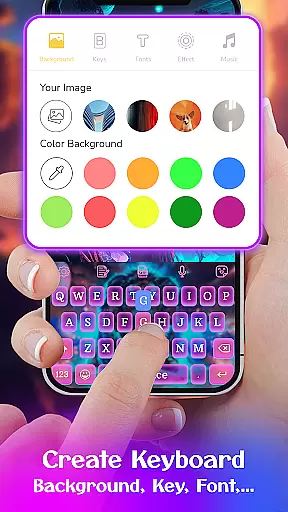
Another innovative feature is the DIY keyboard option, where users can design their own keyboard layout using personal photos from their gallery. This level of customization extends to various keyboard layouts, number rows, resizing options, and additional settings like vibration feedback and auto-capitalization. With these comprehensive features, Keyboard Maker not only enhances aesthetics but also boosts typing efficiency and user satisfaction.
Customization is at the heart of Keyboard Maker, allowing users to tailor their typing experience extensively. The app offers a vast selection of themes, ranging from simple and colorful designs to specialized options like LED, Neon, and Anime themes. This diversity ensures that users can find a style that resonates with their personal preferences or mood.
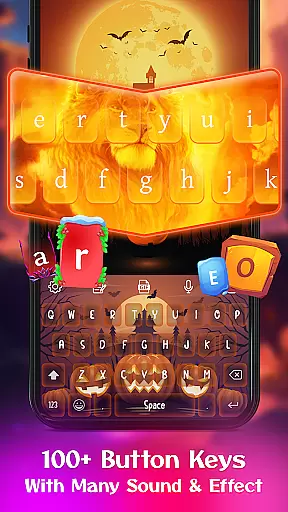
Beyond themes, Keyboard Maker provides extensive customization features including adjustable keyboard layouts, font styles, and sound effects. Users can modify the keyboard's appearance by uploading personal images, creating a truly unique interface. These customization capabilities empower users to craft a typing environment that feels intuitive and enjoyable.
The app also supports over 150 languages, making it versatile for a global audience. Whether you're looking for Hindi, English, or Russian keyboards, this app caters to various linguistic needs while maintaining its customization prowess. Such inclusivity enhances user engagement and satisfaction.
Ultimately, Keyboard Maker transforms the standard typing experience into something far more personal and engaging. With thousands of emojis, GIFs, and stickers at your disposal, every message can carry a piece of your personality. This level of customization not only improves usability but also makes communication more expressive and fun.
Theme compatibility in Keyboard Maker ensures that all chosen themes integrate seamlessly with the app's core functionalities. Regardless of whether you select an iOS-inspired design, a vibrant Neon theme, or a cute anime layout, each option maintains full functionality without compromising performance.
This compatibility extends to custom photo backgrounds, where users can upload images from their gallery to personalize their keyboard further. The app optimizes these photos for perfect fit and resolution, ensuring that text remains legible and visually appealing against any backdrop.
Moreover, Keyboard Maker's adaptive technology guarantees consistent behavior across different devices and screen sizes. Whether you're using a smartphone or tablet, the selected theme will adjust accordingly, providing uniform aesthetics and operational efficiency. This adaptability enhances user convenience significantly.
By prioritizing theme compatibility, Keyboard Maker delivers a cohesive user experience that blends visual appeal with practical utility. Users enjoy uninterrupted access to advanced features like autocorrect, word prediction, and voice input within beautifully customized interfaces. This harmonious blend of form and function sets Keyboard Maker apart as a leader in personalized keyboard solutions.
Highly customizable
Supports 150+ languages
Smart autocorrect
Voice input feature
DIY keyboard option
May use significant memory
Some features may require permissions
Potential learning curve
Limited iOS compatibility
Ads in free version

Stunningly Different look with Line Icons and Neon Colors
 4.60
4.60
Only for Wear OS devices!
4.90
Personalize your phone with stunning HD and 4K wallpapers!
4.70
Aesthetic Widgets, HD Wallpapers, Themes in Mico Widget for Home and Lock Screen
4.50
Vibrant Adaptive Icons with Material You and Enhanced Monet Colors.
4.50
Choose your keyboard with RGB colors effect, themes, fonts, emojis.
4.60
Adorable pets roam and play right on your phone screen!
3.30
350+ widgets with a premium glass-style finish, perfect for home & lock screens.
4.70
A minimalist productivity launcher. One-hand-friendly. Zero ads.
4.70
Enjoy a variety of amazing live wallpapers and colorful EDGE lighting borders!
4.80
Wallpaper HD 4K Live - Thousands of high-quality Anime backgrounds for you.
4.80
Shimeji adds cute animated characters to your screen, lively and fun.
4.70
Handcrafted pixel art icons, widgets & wallpapers
4.60
Color phone with cool effects for call screen, flash alert & ringtones music
4.50
Launcher OS™ Pro without ads help make your phone simple and pretty
4.30
Crystal-clear, square icon provides a sleek and sophisticated visual upgrade
4.00
Emoji Maker app - Design custom emojis and effortlessly blend them with Mixer
3.80
Turn your lock screen into fun with smile live wallpapers & animated wallpapers!
2.50
Struggling to find apps? Use this app to locate and open any app on your phone!
2.20


User Reviews