
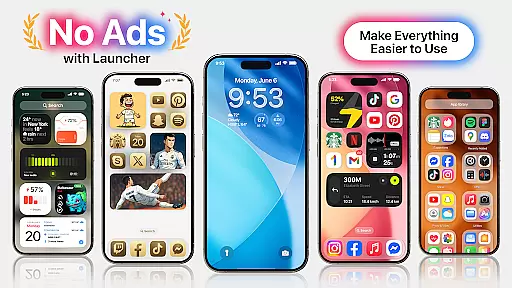
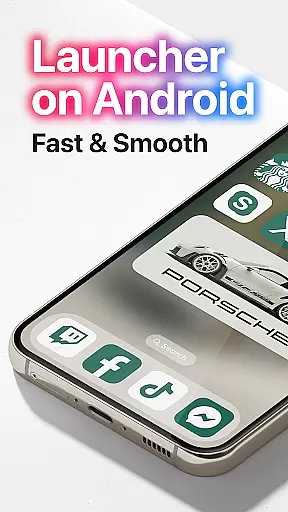
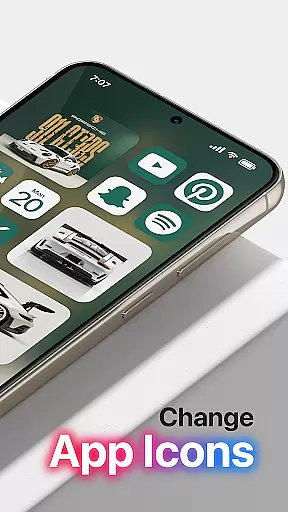
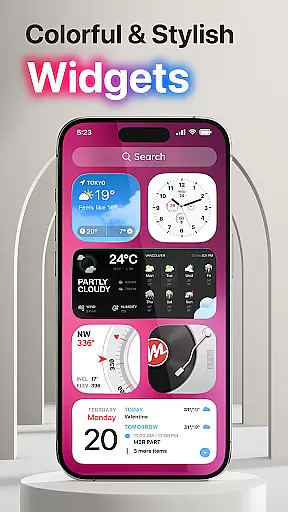
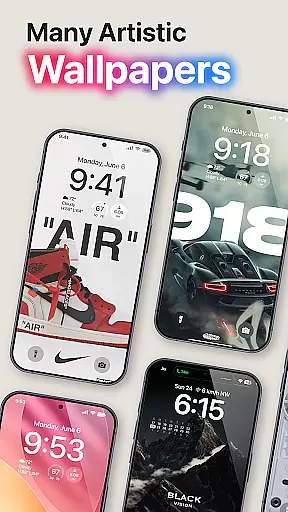
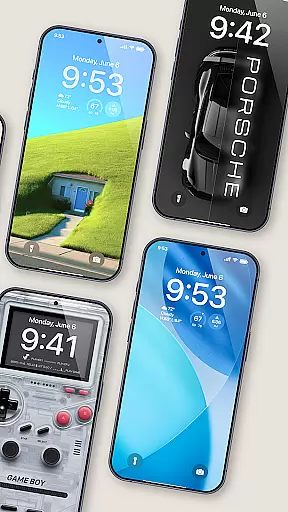
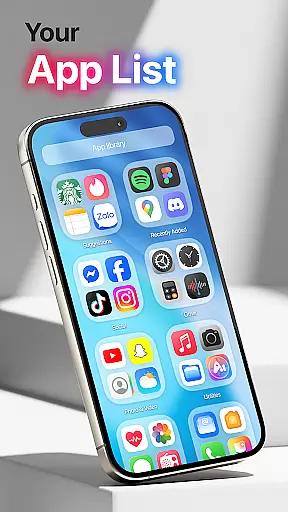
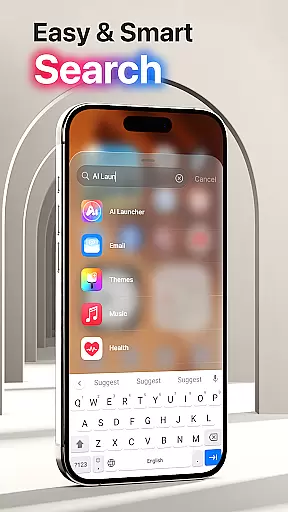
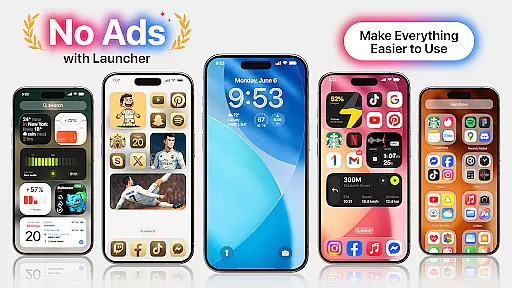
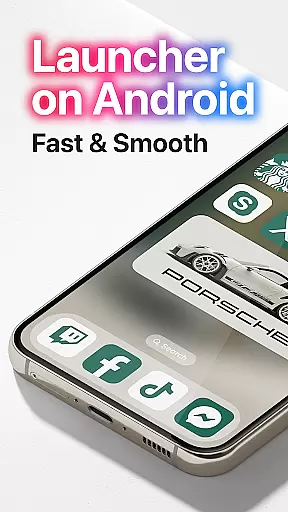
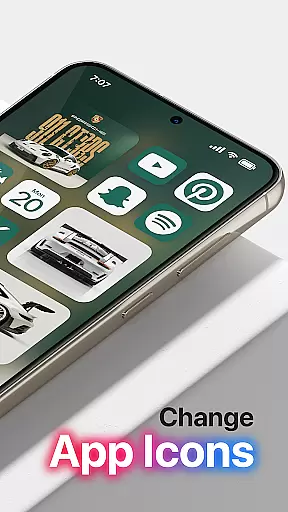

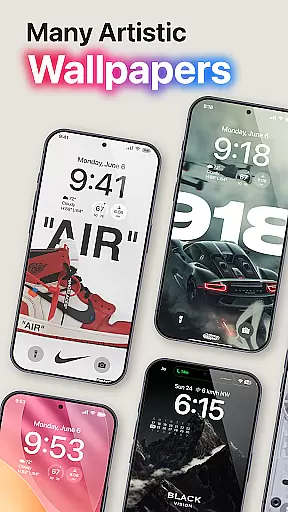
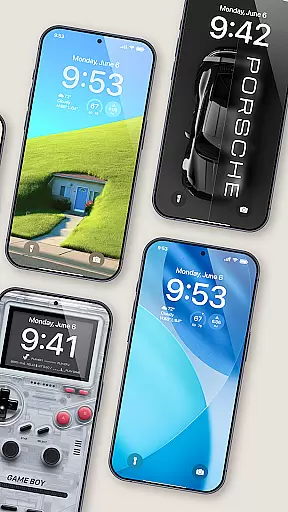
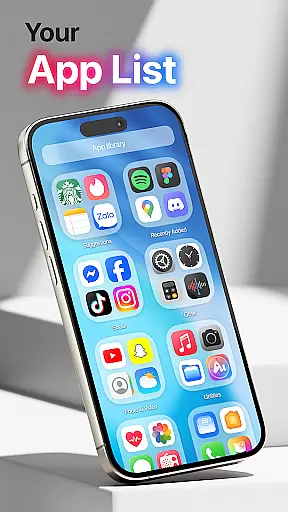
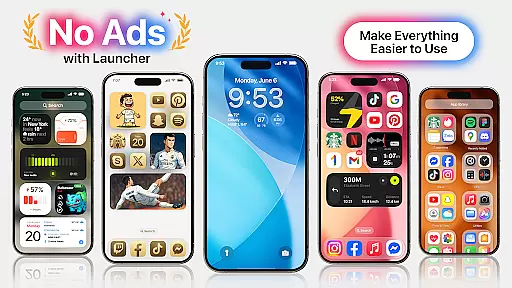
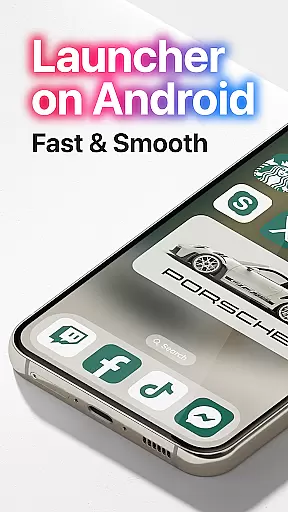
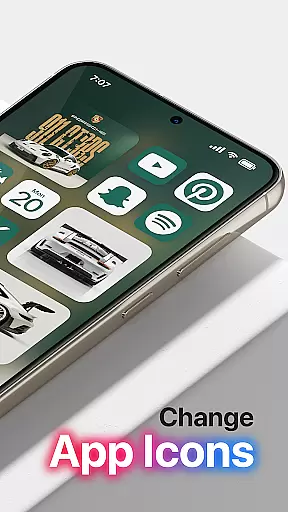
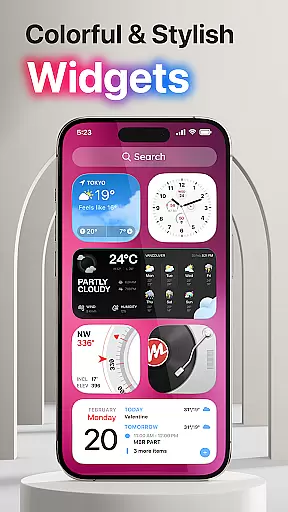
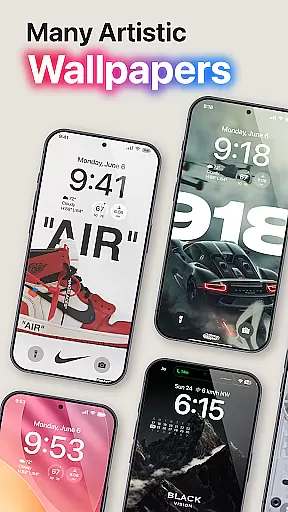
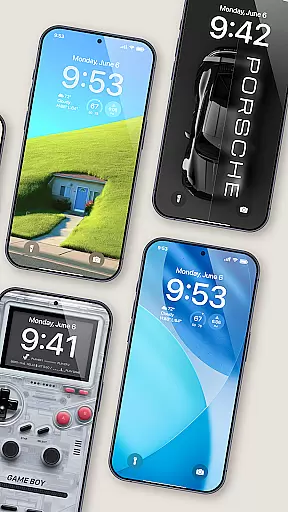
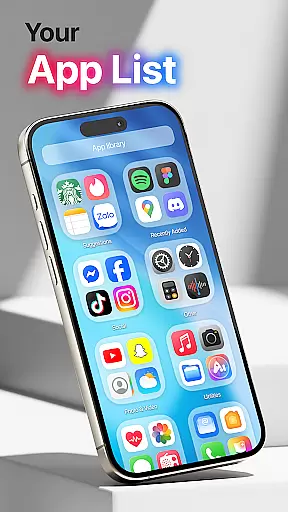
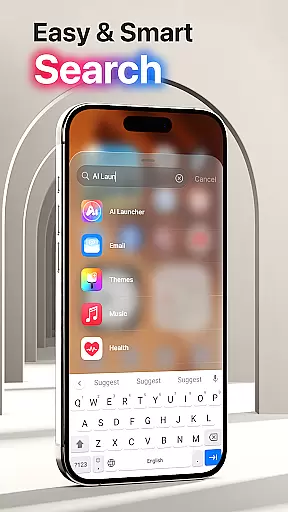
Launcher OS Pro is a premium Android launcher app that redefines the mobile operating experience with its sleek design and powerful customization features. The app offers an ad-free interface, ensuring a pure and clean user experience while providing over 50 unique wallpapers and multiple color widgets that support both light and dark modes.
One of the standout features of Launcher OS Pro is its highly customizable interface. Users can personalize their lock screens, widgets, and gestures to quickly access apps, settings, and other functions. These advanced personalization options make it more than just a launcher; it's a complete operating environment tailored to individual preferences.
The app is ideal for users who want to elevate their smartphone experience by adding intelligent features and personalized touches. Whether you're looking to streamline your daily tasks or simply enjoy a more visually appealing interface, Launcher OS Pro delivers exceptional value by combining aesthetics with functionality.
Launcher OS Pro stands out with its comprehensive feature set designed to enhance the Android experience. One of its key features is the ability to customize nearly every aspect of the user interface, including lock screens, widgets, and icon layouts. This level of personalization ensures that each user can tailor their device to match their unique style and needs.
In addition to its customization capabilities, Launcher OS Pro includes advanced gesture controls that allow users to access apps, contacts, settings, and search functions with simple swipes. The app also supports over 50 unique wallpapers and various color themes, catering to both light mode and dark mode preferences. These features collectively create a seamless and enjoyable user experience.
Another notable feature is the app's focus on performance optimization. By removing ads and unnecessary clutter, Launcher OS Pro provides a smoother and more efficient operating environment. This makes it an excellent choice for users seeking both style and substance in their mobile experience.
Launcher OS Pro offers an extensive range of customization options, allowing users to tailor their device's interface to their personal preferences. With over 50 unique wallpapers and a variety of color widgets and themes that support both light and dark modes, the app ensures a personalized experience for every user.
The app's friendly user interface is inspired by row and column icon elements, providing a familiar yet fresh look. Users can customize their lock screen and widgets, ensuring that their device not only functions according to their needs but also reflects their style and personality.
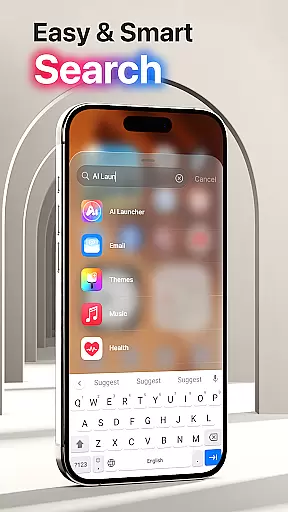
Moreover, Launcher OS Pro introduces more gestures for quick access to apps, contacts, settings, and search functionalities. This intuitive approach to navigation enhances user interaction, making daily tasks simpler and more efficient while maintaining a sleek and modern aesthetic.
Theme compatibility is at the heart of Launcher OS Pro's design philosophy. The app supports a seamless integration of various themes, ensuring that users can switch between light and dark modes effortlessly. This adaptability not only caters to user preference but also optimizes battery life and readability in different lighting conditions.
In addition to theme versatility, Launcher OS Pro provides a consistent visual experience across the board. Whether you're using the lock screen or interacting with widgets, the chosen theme's elements are uniformly applied, creating a cohesive and polished appearance throughout the device.
By prioritizing theme compatibility, Launcher OS Pro guarantees that all visual components work harmoniously together. This attention to detail elevates the overall user experience, offering a sophisticated and unified interface that stands out in the realm of personalized mobile operating systems.
Ad-free interface
Highly customizable
Unique wallpapers
Advanced gestures
Light and dark modes
Paid version only
Requires permissions
Complex for beginners
Limited widget options
No iOS compatibility

Classic analogue watch face. For wear os devices.
 4.60
4.60
Vertically oriented rectangular icons
4.70
Capture moments that pass like a storm, second by second.
4.1
Fingerprint Lock Screen & Live Animations with 4K Wallpapers as Live Wallpaper
4.40
Dark icon pack based on One 8
4.80
Want to make your phone more special than ever?
4.60
Adaptive Dot Style IconPack with Light & Dark Theme.
3.70
Magic fluids wallpaper 4D: Relax with stunning fluid simulation wallpaper app
4.20
Cool custom fonts & keyboard themes! Symbols & font changer for Instagram
4.50
Sparkle your screen with Glitter Wallpapers For Girls and Cute Backgrounds!
4.80
100+ Stylish Fonts, Emojis, Symbols keyboard for Instagram & TikTok!
4.80
Shimeji adds cute animated characters to your screen, lively and fun.
4.70
Aesthetic Widgets, HD Wallpapers, Themes in Mico Widget for Home and Lock Screen
4.50 4.50
4.50
Vibrant Adaptive Icons with Material You and Enhanced Monet Colors.
4.50
200+ Material Inspired Widgets
4.50
Art & Emoji Keyboard with Cool Fonts, Cute Themes and Custom Designs.
4.40
Emoji Maker app - Design custom emojis and effortlessly blend them with Mixer
3.80
Struggling to find apps? Use this app to locate and open any app on your phone!
2.20


User Reviews