
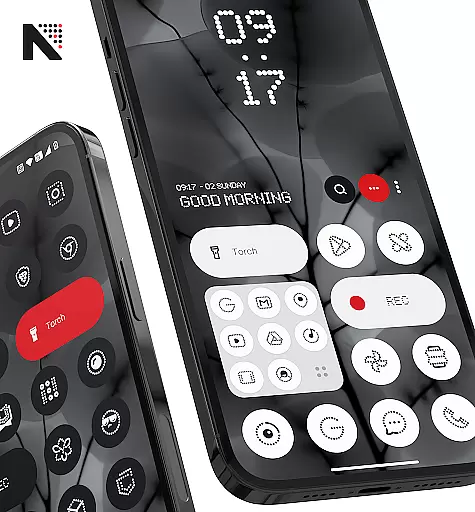
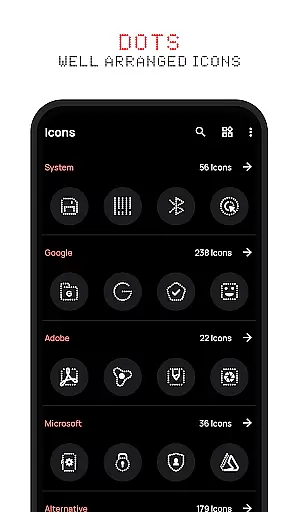
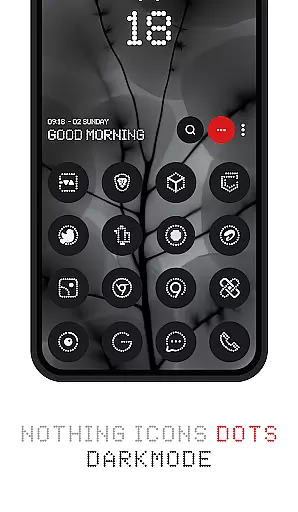
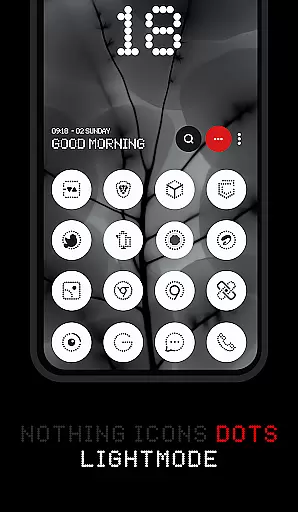


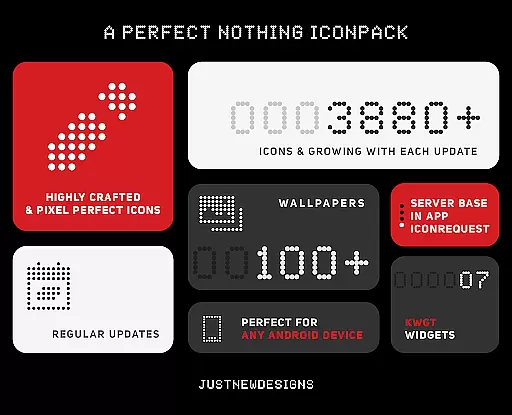
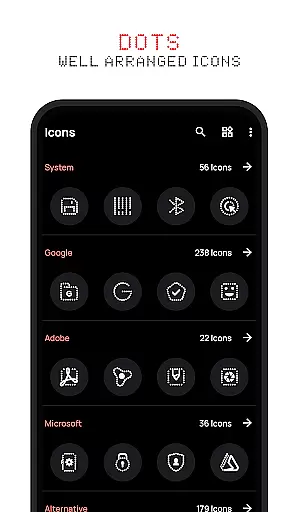


Dots : Adaptive Icon pack is a premium icon pack designed for users who appreciate minimalist and adaptive design. This icon pack delivers over 3000 beautifully crafted icons that adapt their color based on the original app icon, combined with a white theme inspired by the Nothing Brand. The primary feature of this pack is its adaptive nature, which allows it to seamlessly integrate with your device's current theme, whether dark or light.
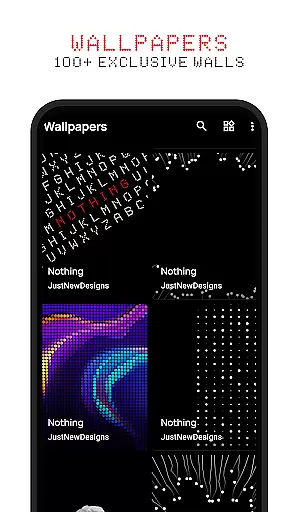
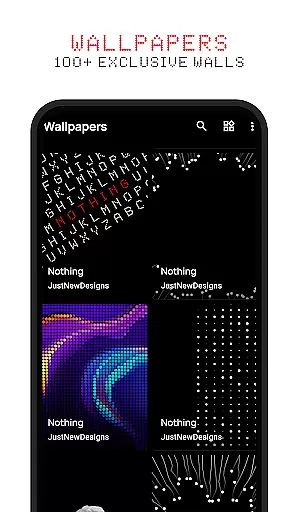
In addition to the extensive icon library, Dots offers 100+ matching wallpapers, ensuring a cohesive look across your entire device. With support for various launcher apps, this icon pack provides flexibility in customizing your home screen. Whether you're an AMOLED screen enthusiast or simply love sleek, modern aesthetics, Dots is the perfect choice for personalizing your device while maintaining a professional appearance.
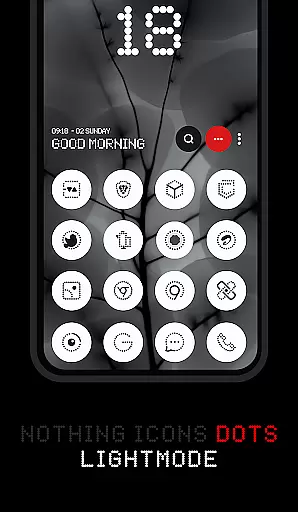
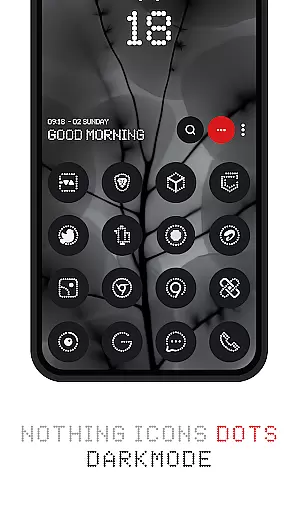
The standout feature of Dots : Adaptive Icon pack is its ability to automatically adjust icon colors based on the device's theme settings. When using a dark mode, the icons will adopt darker tones, while switching to light mode transforms them into lighter shades. This dynamic adaptation ensures visual consistency regardless of your preferred display setting.
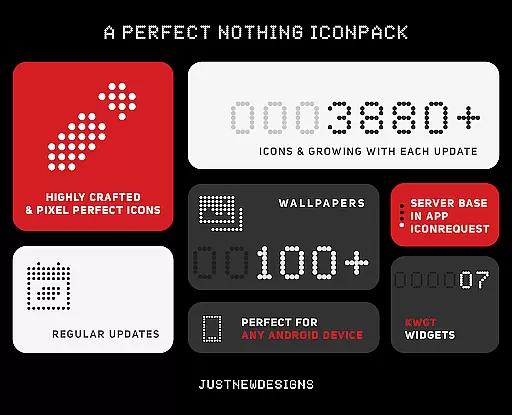
Beyond its adaptive capabilities, Dots includes over 3000 unique icons covering popular apps, along with regular updates to expand its coverage. The pack also features 100+ custom-designed wallpapers that complement the icon set perfectly. Furthermore, compatibility with most launchers' shape theming options allows users to customize icon shapes according to their preferences, providing even more personalization possibilities.
Customization is at the heart of Dots: Adaptive Icon Pack, offering users a versatile way to personalize their device's appearance. With over 3000 themed icons and support for both dark and light themes, this icon pack adapts its colors based on your deviceu2019s settings.
The adaptive icon shapes feature allows users to change the shape of the icons according to their launcher preferences. This flexibility ensures that your home screen remains uniquely yours, regardless of the launcher you choose to use.
In addition to the extensive icon library, the pack includes 100+ matching wallpapers, providing a cohesive look that enhances the overall aesthetic. These customization options empower users to create a personalized and visually appealing interface that reflects their style.
Dots: Adaptive Icon Pack excels in theme compatibility, ensuring that its icons seamlessly integrate with various device themes. Whether your device is set to a dark or light theme, the icons adjust their colors accordingly, maintaining visual harmony across your interface.
This level of compatibility extends to different launchers, as most support icon shape theming. Users can enjoy consistent aesthetics without worrying about mismatched elements disrupting their carefully curated home screens.
Furthermore, the inclusion of custom-created wallpapers enhances the compatibility with the icon packu2019s design language. This thoughtful integration of icons and wallpapers results in a unified appearance that elevates the user experience, making it an ideal choice for those seeking a polished and professional look.
Extensive icon coverage
Adaptive color technology
Regular content updates
Matching wallpapers included
Wide launcher compatibility
Limited niche appeal
No free trial option
Requires compatible launcher
Some icons may be missing
Premium price point

Stunningly Different look with Line Icons and Neon Colors
 4.60
4.60
Vertically oriented rectangular icons
4.70
Winter's Journey: digital watch face for Galaxy Watch & Wear OS
4.80
A launcher for Samsung Good Lock and Good Guardians modules without ads
4.70
Art & Emoji Keyboard with Cool Fonts, Cute Themes and Custom Designs.
4.40
Design your screen with unique, vibrant clocks
3.80
Embrace the Night. Unleash the power of darkness with Raven Dark Icon Pack
4.60
300+ Beautifully crafted widgets inspired by OneUI.
4.60
Emoji Maker app - Design custom emojis and effortlessly blend them with Mixer
3.80
Only for Wear OS devices!
4.90
Customizable Glass widgets. Over 360+ stunning widgets and more!
4.70
Shimeji adds cute animated characters to your screen, lively and fun.
4.70
400+ Beautifully crafted widgets inspired by NOTHING.
4.70
300+ widgets inspired by Material You and Material 3 expressive design.
4.60
Ultra realistic gold analog watch face with lots of customization options.
4.50
Run multiple accounts of the same app on a single device
4.10 4.10
4.10
Transform your phone with stunning video wallpapers and a unique, personal touch
3.80
HappyLighting is a Bluetooth lamp control software.
3.40


User Reviews