
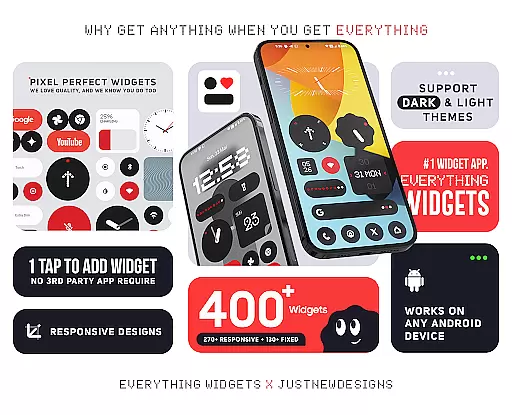
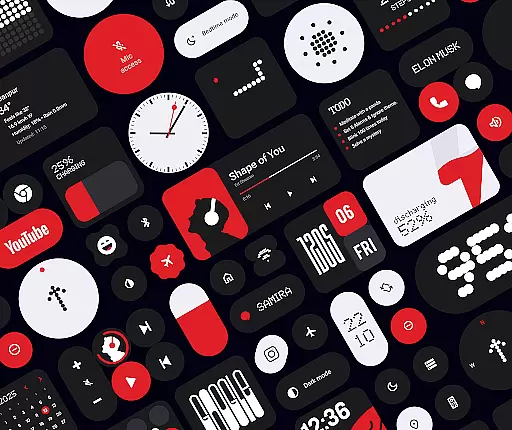
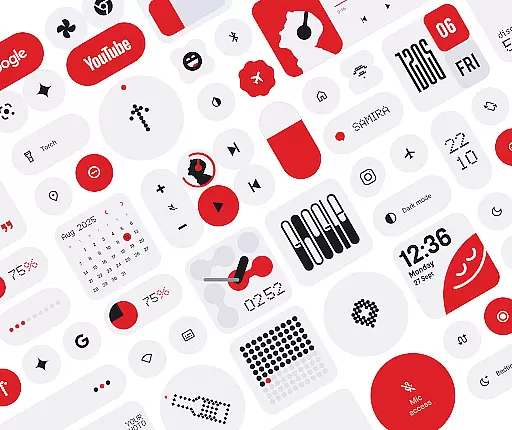
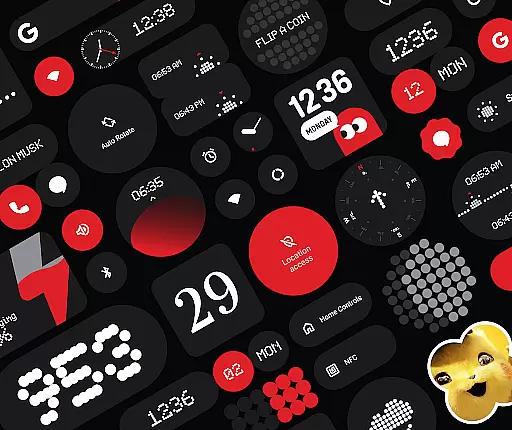
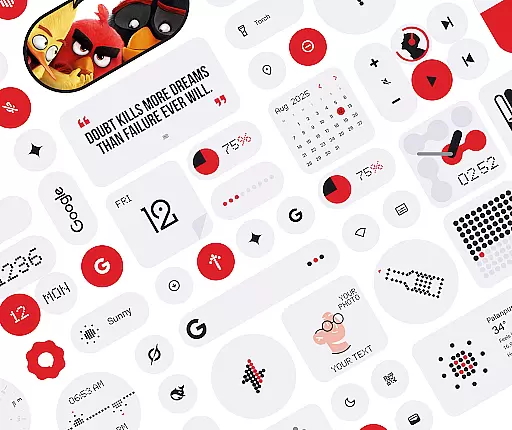
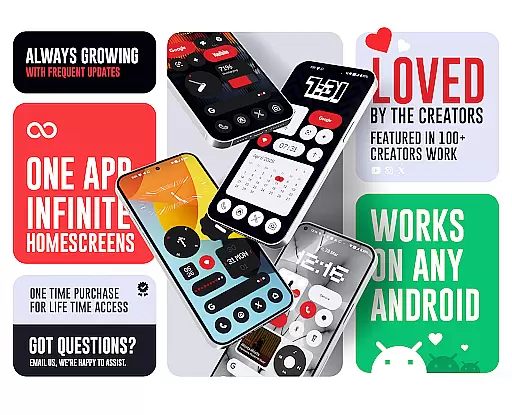
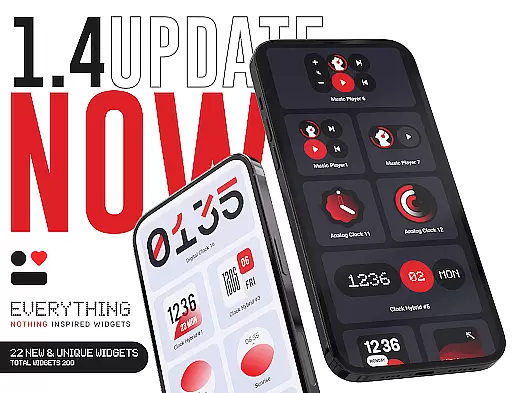
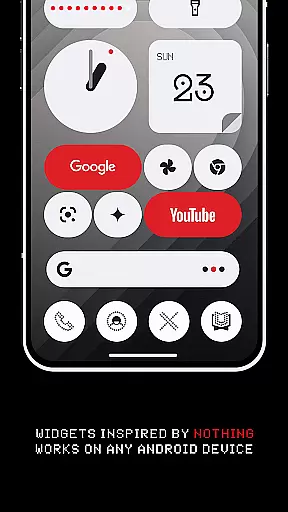
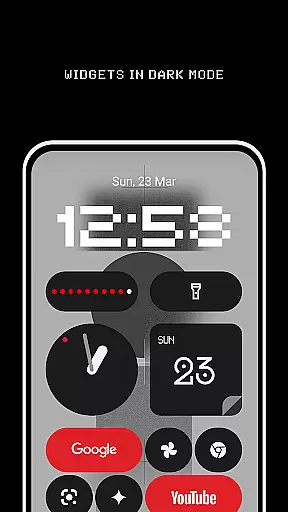
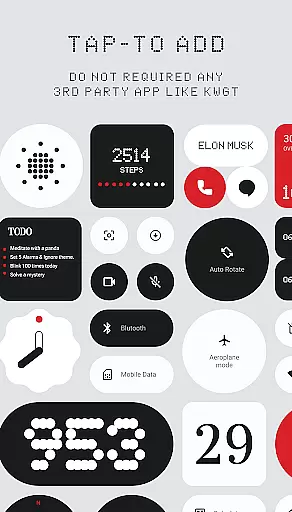
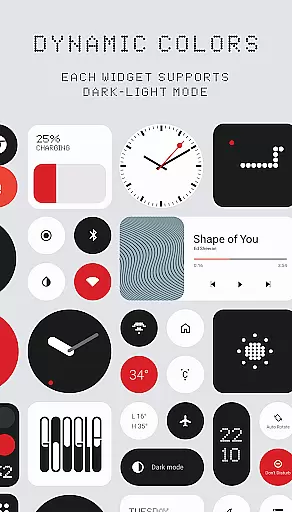
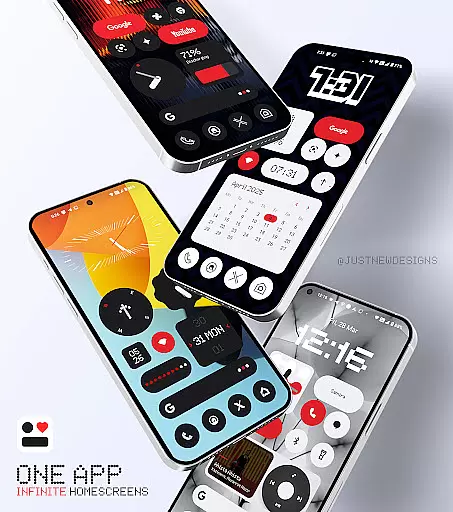
Everything Widgets is a comprehensive widget pack designed to enhance your Android home screen with over 400 beautifully crafted widgets. Inspired by the Nothing OS aesthetic, it offers a wide range of functional and stylish options without requiring any third-party apps.
The app includes resizable clock, calendar, battery, weather, and quick settings widgets, along with unique Google app integrations and productivity tools. These widgets allow users to monitor device status, control settings, and access essential information at a glance.
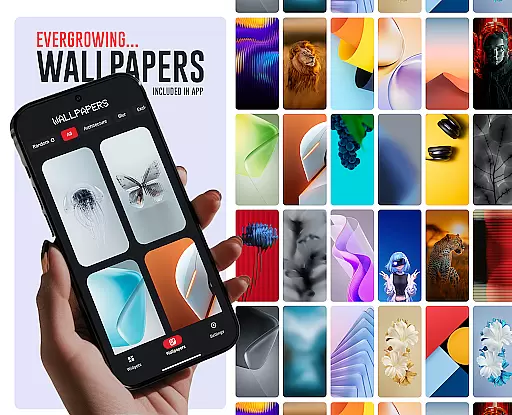
Perfect for customization enthusiasts, Everything Widgets also provides matching wallpapers and regular updates. This makes it an ideal choice for users seeking both aesthetics and functionality in their mobile experience.
Everything Widgets stands out with its native functionality, eliminating the need for additional apps like KWGT. The pack offers over 400 fully resizable widgets that adapt seamlessly to any home screen layout.
Key features include elegant clock and calendar displays, minimalist battery indicators, detailed weather forecasts, and quick setting toggles. Unique additions like game widgets and pedometer functionality provide both entertainment and utility.
The inclusion of 100+ matching wallpapers and exclusive designs ensures a cohesive look. With quality-focused updates and responsive customer support, the app maintains high standards while continuously expanding its widget library.
Customization is at the heart of Everything Widgets, offering users an extensive array of options to truly personalize their device's home screen. With over 400 widgets available, this app provides a rich diversity of customization choices that cater to various preferences and needs.
The app includes clock and calendar widgets, battery indicators, weather forecasts, quick settings toggles, contact shortcuts, photo displays, Google app integrations, utility tools, productivity enhancers, and even game widgets. This vast selection ensures that users can find exactly what they need to tailor their smartphone experience precisely to their liking.
Users benefit from the ability to mix and match different widget types, creating a home screen that not only looks unique but also enhances daily tasks. Whether itu2019s for aesthetic appeal or functional efficiency, Everything Widgets empowers users to craft a personalized interface that reflects their individuality and streamlines their digital life.
Everything Widgets ensures seamless theme compatibility, allowing users to maintain a cohesive look across their entire home screen. The app's design philosophy aligns with the Nothing OS aesthetic, providing a consistent visual language that complements the overall smartphone interface.
Each widget is crafted to be visually harmonious, ensuring that whether you choose minimalist designs or vibrant themes, the widgets will blend effortlessly into your chosen style. This attention to detail extends to the included wallpapers, which further enhance the thematic consistency of your device.
By prioritizing theme compatibility, Everything Widgets guarantees that users enjoy a unified and polished appearance on their home screens. This feature not only elevates the visual appeal but also contributes to a more intuitive and enjoyable user experience, making daily interactions with your device a delight.
User-friendly interface
Wide widget variety
Regular updates
No extra apps needed
Stylish design
Limited iOS support
Some widgets basic
Occasional bugs
Premium price
Learning curve

Sparkle your screen with Glitter Wallpapers For Girls and Cute Backgrounds!
 4.80
4.80
Adult video chat, dating, making friends, random matching
4.20
Unique Android Launcher
4.60 4.50
4.50 3.50
3.50
Launcher OS™ Pro without ads help make your phone simple and pretty
4.30
One 8 icons glass color version
4.80
300+ widgets inspired by Material You and Material 3 expressive design.
4.60
Enjoy a variety of amazing live wallpapers and colorful EDGE lighting borders!
4.80
Customizable Glass widgets. Over 360+ stunning widgets and more!
4.70
Want to make your phone more special than ever?
4.60
Ultimate Gallery Lock App - Hide Pictures, Videos and Lock Apps Instantly!
4.60
AI-powered Copilot. Personalized keyboard with gifs, stickers & themes
4.40
Themes - Widget & Wallpaper: Customize home screen, icon changer w unique themes
4.30
Your home screen, just the way you like it.
4.30
Unleash Your Creativity and Connect with Loved Ones with Lockscreen Drawing!
4.20
Design your screen with unique, vibrant clocks
3.80
Transform your phone with stunning video wallpapers and a unique, personal touch
3.80
Modern Glass Icon Pack with glossy icons, clean minimal theme & aesthetic style
4.4


User Reviews