
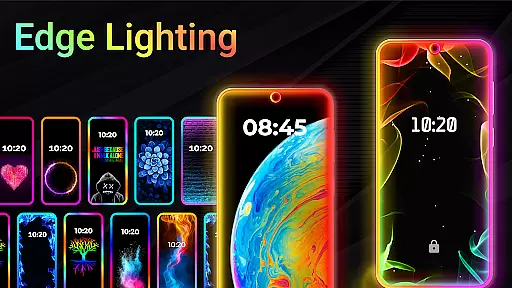
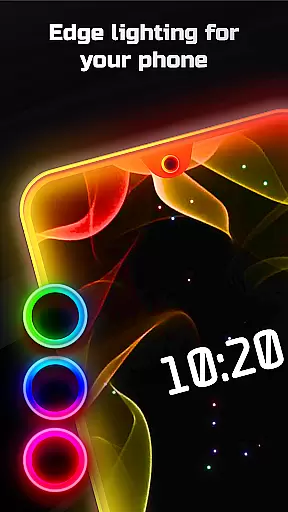
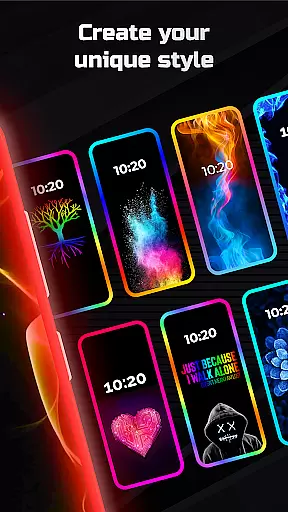
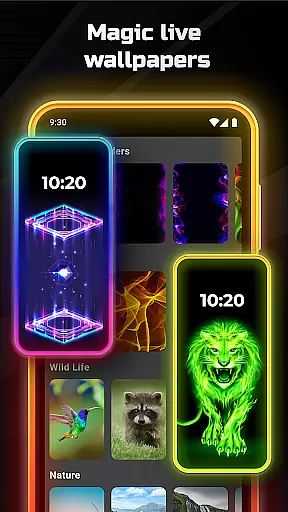
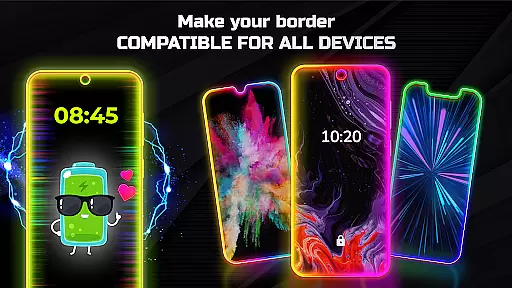
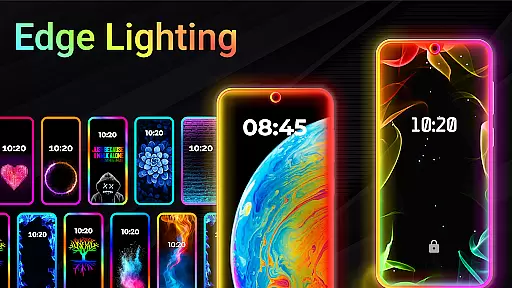
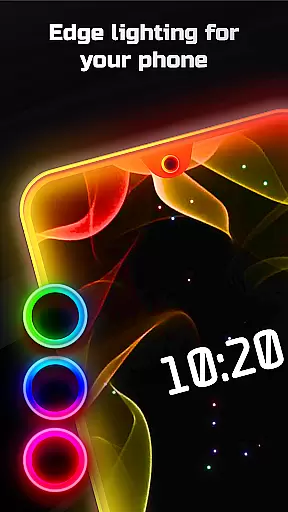
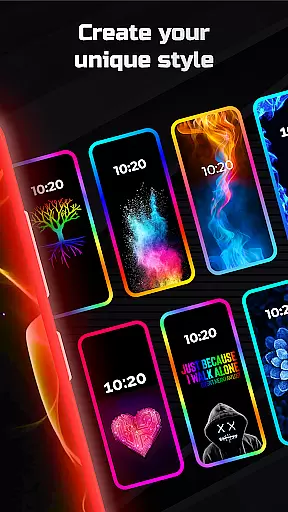
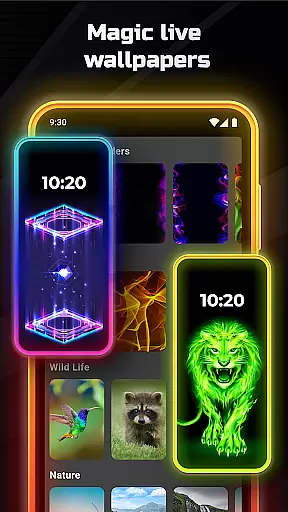
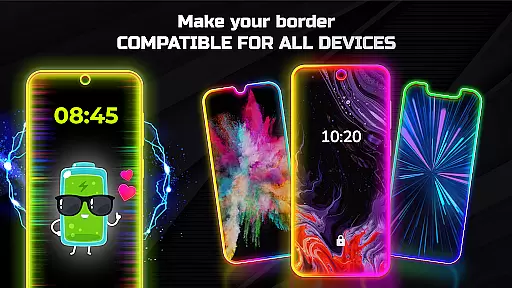

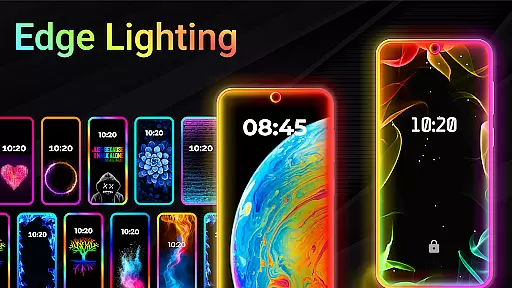
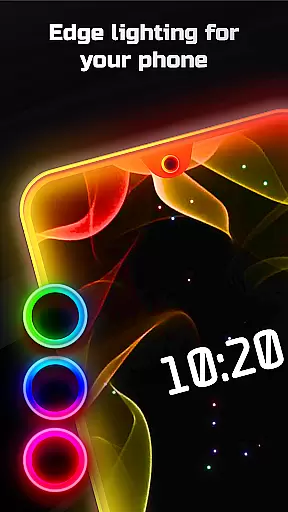
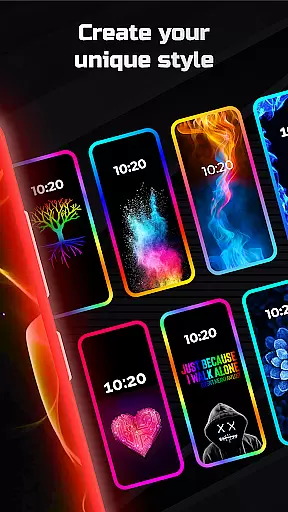
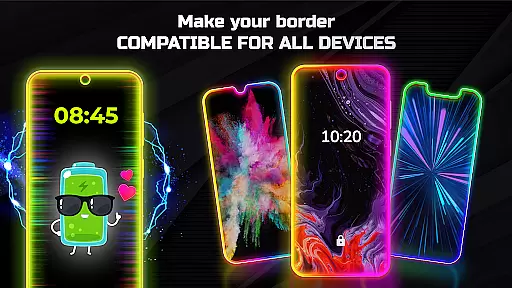
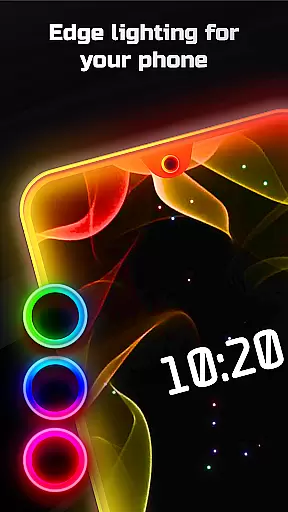
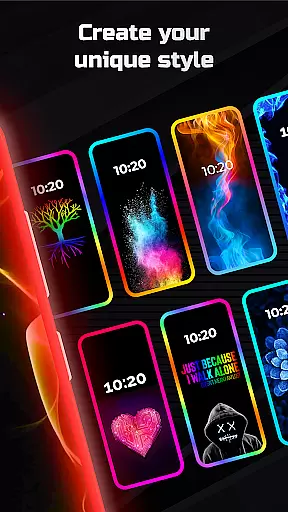
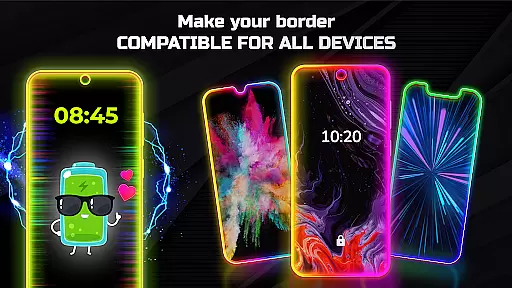
Edge Lighting is a versatile personalization app designed to enhance the visual appeal of Android devices. This application allows users to add stunning curved edge lighting effects to both their home screen and lock screen, creating an aesthetically pleasing interface. With support for all types of screens including Infinity displays and notches, it ensures compatibility across various devices such as Samsung Galaxy, OnePlus, Xiaomi, and more.
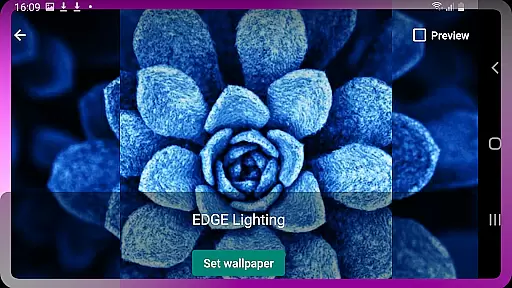
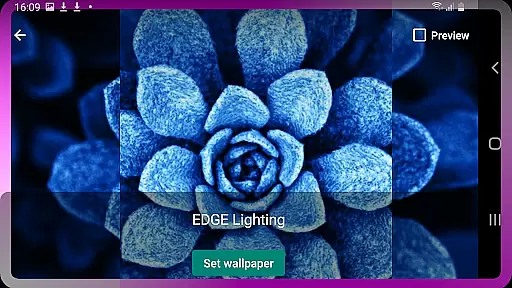
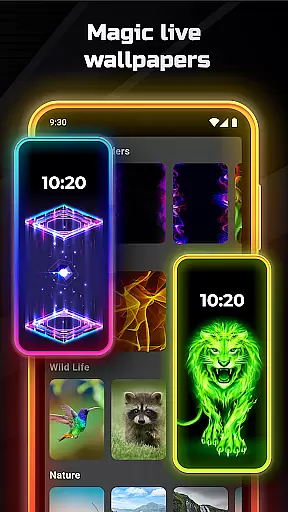
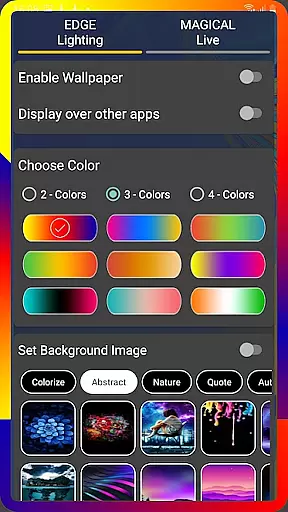
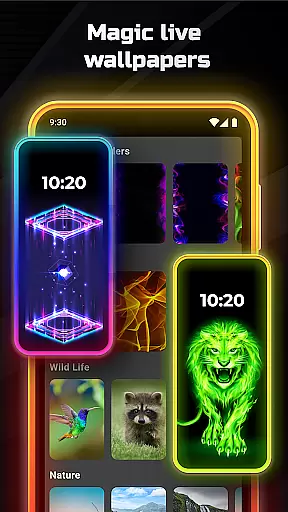
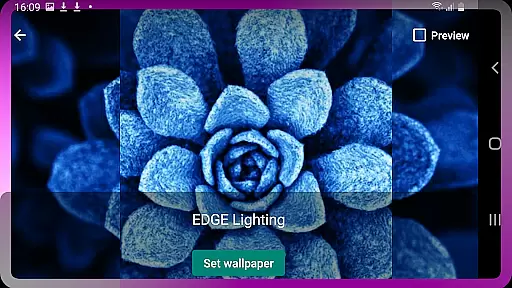
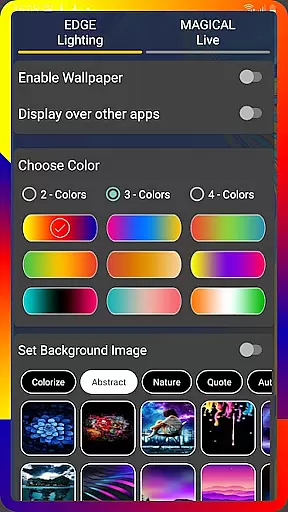
The true power of Edge Lighting lies in its extensive customization options. Users can modify colors, adjust the width, and choose from over 15 border types like hearts, birds, or suns. The app also supports setting live wallpapers, 4K backgrounds, and even personal photos within the edge lighting frame. Whether you're looking to personalize your device with colorful RGB edge lighting or magical effects in multiple colors, Edge Lighting offers a comprehensive solution for making your smartphone truly unique.
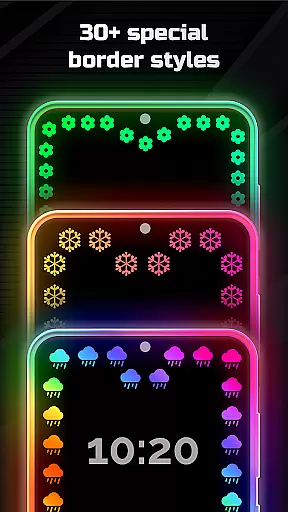
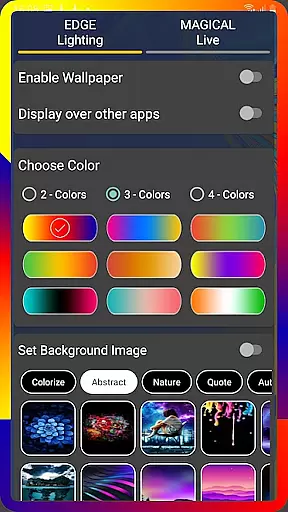
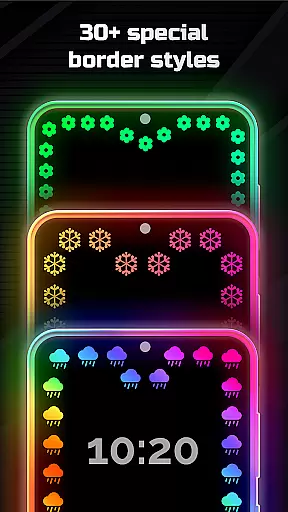
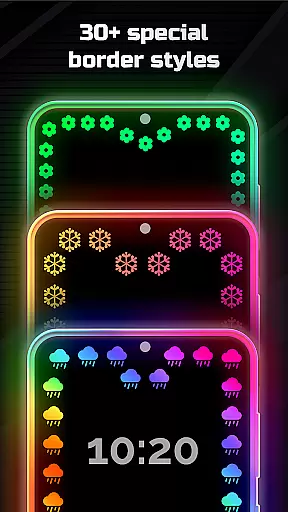
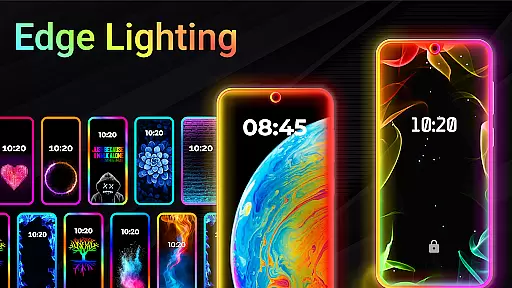
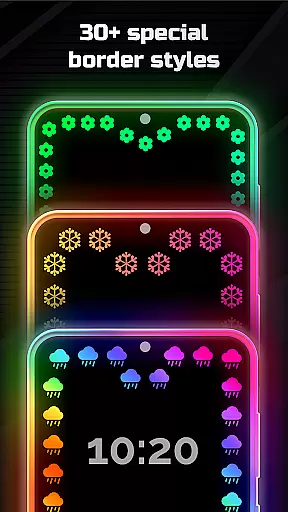
Edge Lighting stands out through its diverse feature set tailored for personalization enthusiasts. One of the key highlights is the ability to customize every aspect of the edge lighting effect. Users can change color schemes, control animation speed, and fine-tune details like curve radius and notch dimensions to perfectly match their device's specifications. The app provides over 30 magical edge lighting effects that can be applied to both home and lock screens with just one click.
In addition to edge customization, the app includes advanced display options. Users can enable edge lighting to appear over other applications, ensuring a consistent visual experience throughout their device usage. The inclusion of high-quality 4K wallpapers and the option to use personal photos further enhances the personalization possibilities. These features collectively create a dynamic and visually captivating experience that transforms standard smartphone displays into personalized works of art.
EDGE Lighting offers an extensive range of customization options, allowing users to tailor their mobile experience precisely to their liking. With over 15 types of borders available, including unique designs like Heart, Bird, Sun, and Lotus, users can select the perfect aesthetic match for their device.
In addition to border types, the app provides adjustable animation speed, width, and curve radius settings. This ensures that each user can fine-tune the appearance and behavior of the EDGE lighting to complement their phone's specific display notch and screen type.
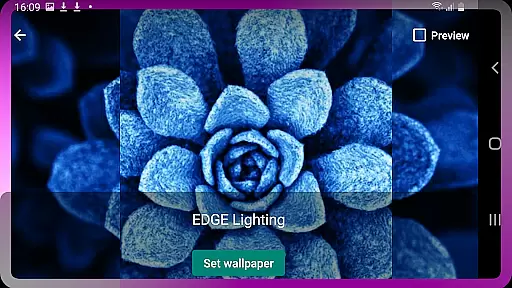
The ability to set personal photos as wallpapers within the EDGE lighting feature adds a layer of personalization. Users can enjoy both aesthetic appeal and personal significance on their home and lock screens, making every device uniquely theirs.
Theme compatibility is a crucial aspect of EDGE Lighting, ensuring that its features work seamlessly across different Android devices and screen types. Whether it's Samsung Galaxy models or devices from OnePlus, Xiaomi, or Nokia, this app maintains visual consistency and functionality.
Support for various screen designs such as Infinity U, Infinity V, and New Infinity displays demonstrates the app's adaptability. Regardless of the device's specifications, EDGE Lighting adjusts accordingly, providing a uniform look and feel without compromising performance or visual quality.
By offering more than 30 types of Magical EDGE Lighting options compatible with both home and lock screens, the app guarantees a cohesive thematic experience. Users can switch between themes effortlessly, knowing that each selection will integrate smoothly into their deviceu2019s existing interface.
User-friendly interface
Wide device compatibility
Extensive customization options
Vibrant color choices
Unique border designs
May impact battery life
Some features require premium
Occasional performance lags
Complex for beginners
Limited iOS support

Customizable Glass widgets. Over 360+ stunning widgets and more!
 4.70
4.70
Customizable flower power digital watch face for Wear OS watches.
4.00
A launcher for Samsung Good Lock and Good Guardians modules without ads
4.70
Gun Chase - Let the chase begin.
4.80 4.50
4.50 4.50
4.50
Color phone with cool effects for call screen, flash alert & ringtones music
4.50
400+ Beautifully crafted widgets inspired by NOTHING.
4.70
Customize phone with anime themes, 3D icons, aesthetic widgets & wallpapers
4.80
Sparkle your screen with Glitter Wallpapers For Girls and Cute Backgrounds!
4.80
Customize your home screen with stunning themes, blur, widgets & icons.
4.60
Icons made of colorful linear lines
4.60
Try creating your own keyboard with "Keyboard theme for android" app now!
4.50
Aesthetic Widgets, HD Wallpapers, Themes in Mico Widget for Home and Lock Screen
4.50
Turn text & photos into stunning AI videos, art, and creative visual stories.
4.50 4.50
4.50
Organize and manage your photos and videos effortlessly with Photo Gallery
4.20
Prank your friends with realistic broken screen and cracked HD effects!
4.5
⭐ OneUI inspired Fluffy Icon Pack – Soft. Stylish. Standout. ⭐
4.0


User Reviews