
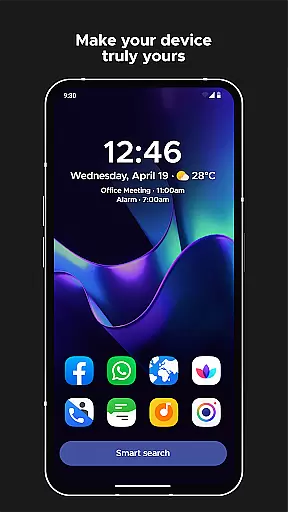
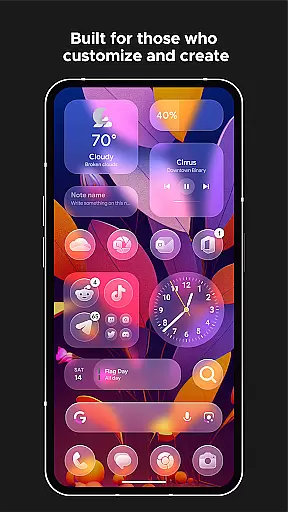
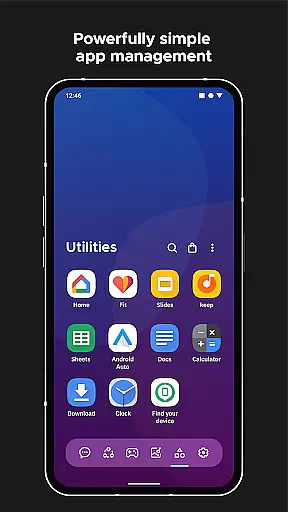
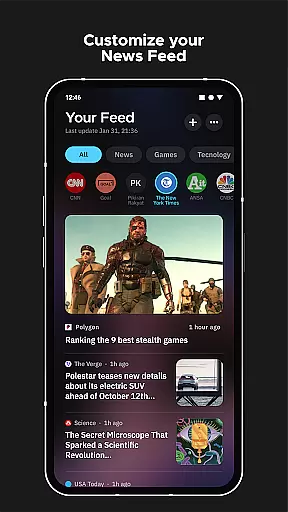
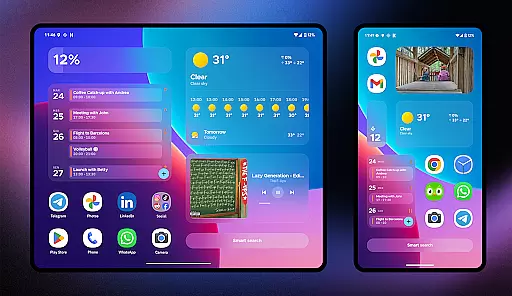
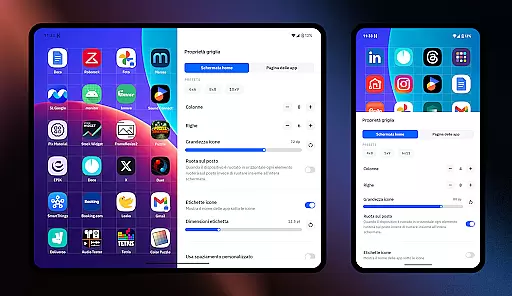
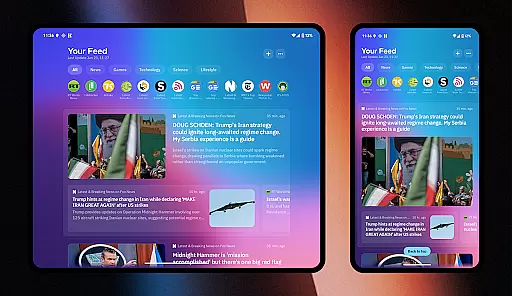
Smart Launcher 6 is a cutting-edge home screen replacement app designed to enhance the Android experience. It introduces an innovative interface that automatically sorts apps into categories, saving users the hassle of manual organization. The app's adaptive design ensures optimal usability with one hand, while its ambient theme dynamically matches wallpaper colors.
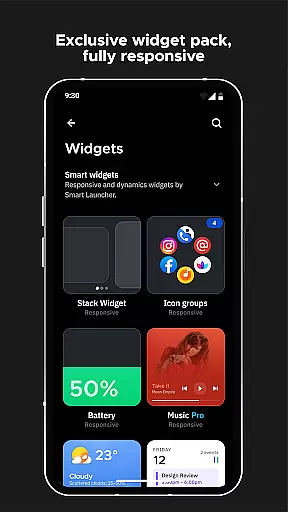
The launcher features a powerful search engine, responsive widgets, and extensive customization options. Users can modify theme colors, change fonts, and personalize nearly every visual element. With support for adaptive icons, gestures, and on-screen notifications, Smart Launcher 6 offers a comprehensive and efficient home screen solution that maximizes productivity and aesthetics.
Smart Launcher 6 distinguishes itself through several key features. The automatic app sorting eliminates the need for manual icon management by intelligently categorizing applications. Its ambient theme system revolutionizes visual consistency by automatically adjusting color schemes to match your chosen wallpaper.
The launcher's smart search functionality enables quick access to apps, contacts, and even web searches through a simple interface. Customization reaches new heights with support for thousands of Google Fonts and infinite color combinations. Advanced features include gesture controls, notification indicators, and an ultra-immersive mode that hides navigation elements for maximum screen real estate.
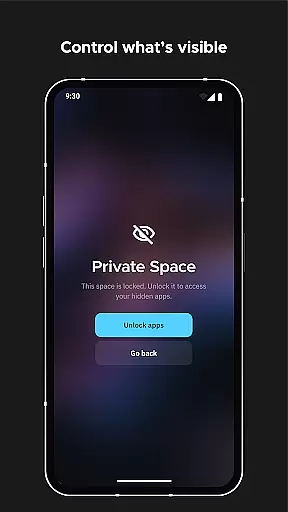
Security-conscious users will appreciate the ability to hide and PIN-protect sensitive applications. The built-in wallpaper picker provides diverse image sources, while the responsive widget system delivers essential information at a glance. These features collectively create a highly personalized and efficient home screen experience.
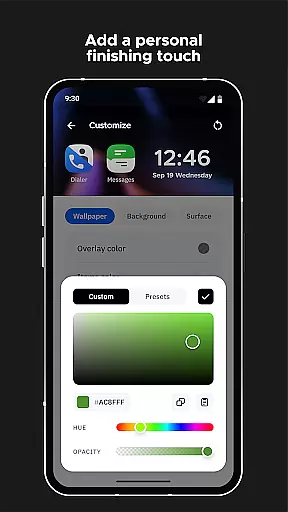
Smart Launcher 6 offers an extensive range of customization options that allow users to tailor their home screen experience to their personal preferences. With the ability to modify every single color within the theme, users can unlock infinite possibilities for color combinations, ensuring a unique and personalized interface.
In addition to color customization, Smart Launcher provides access to thousands of fonts from Google Fonts, enabling users to change the typography on their home screen. This level of detail in font selection ensures that text readability and aesthetic appeal go hand-in-hand with the user's style.
The launcher also supports adaptive icons, which means customizable shapes and sizes are available for any Android device, not just those running Android 8.0 Oreo or later. This feature enhances visual consistency across different apps while allowing for individual expression through iconography.
Overall, these comprehensive customization features empower users to create a home screen environment that is both functional and expressive, significantly contributing to a more engaging and satisfying mobile experience.
Theme compatibility in Smart Launcher 6 ensures that your chosen design elements are seamlessly integrated across your entire home screen. The Ambient Theme feature automatically adjusts the colors of your interface to match your current wallpaper, creating a cohesive look that evolves with your preferences.
This dynamic theming extends beyond mere color matching; it encompasses all visual aspects of the launcher, including widgets and icons. As you switch wallpapers, Smart Launcher intelligently adapts its appearance, maintaining visual harmony without manual intervention.
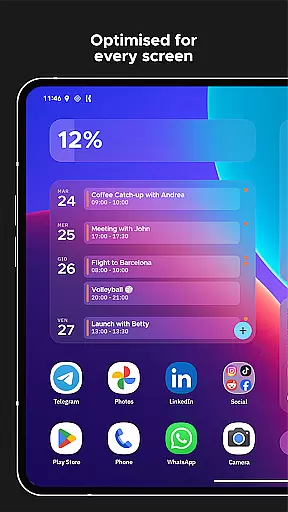
Furthermore, the responsive build-in widgets included with Smart Launcher are designed to be fully compatible with various themes. These widgets provide essential information at a glance while adhering to the overall aesthetic dictated by your selected theme and wallpaper combination.
By prioritizing theme compatibility, Smart Launcher 6 delivers an unparalleled level of visual integration and personalization, making daily interactions with your device more enjoyable and visually pleasing.
Automatic app sorting
Ambient theme matching
One-handed optimization
Extensive customization
Powerful search engine
Premium version costly
Feature learning curve
Occasional bugs
Device compatibility
Ads in free version

Ultra realistic high quality analog watch face for Wear OS.
 4.60
4.60
Wear Os Watch Face - Seasonal - Animated Snow Effect - 9 Animals
4.20
Make your phone look simple & luxury, like iDevice
4.60
Themes - Widget & Wallpaper: Customize home screen, icon changer w unique themes
4.30
Gun Chase - Let the chase begin.
4.80
Add cute Shimeji pets to screen, interact with them and relax with cute motions
4.60
More than 3000+ themes and 9000+ wallpapers for everybody!
4.10
Run multiple accounts of the same app on a single device
4.10
Embrace the Night. Unleash the power of darkness with Raven Dark Icon Pack
4.60
Sparkle your screen with Glitter Wallpapers For Girls and Cute Backgrounds!
4.80
Classic analogue watch face. For wear os devices.
4.60
Beautiful realistic hybrid watch face with numerous customization options.
4.50
Transform your phone with Launcher iOS 26 - Smooth & elegant iOS experience
4.50 4.50
4.50
200+ Material Inspired Widgets
4.50
Art & Emoji Keyboard with Cool Fonts, Cute Themes and Custom Designs.
4.40
Romantic Kiss Stickers App. Start romantic messaging now!
4.30
Realistic animated snow on your wrist, with 10 images landscapes to choose from
4.00
HappyLighting is a Bluetooth lamp control software.
3.40


User Reviews