
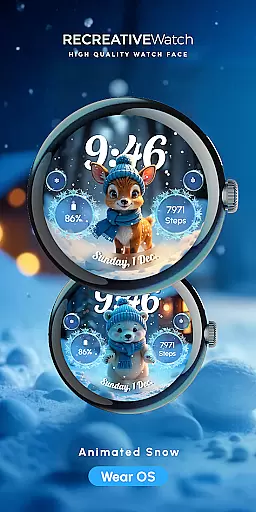
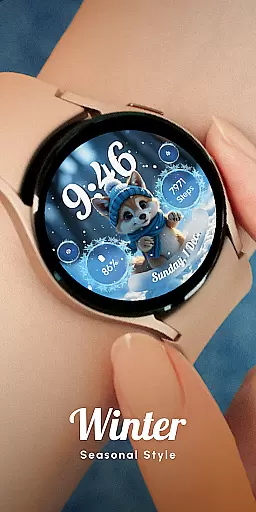
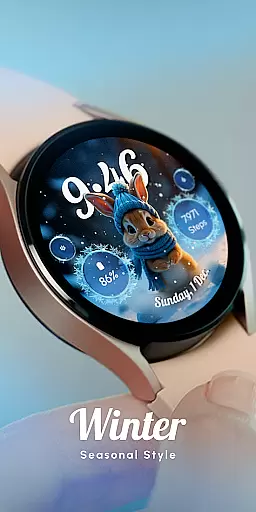
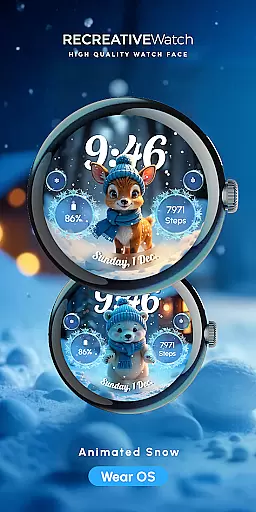
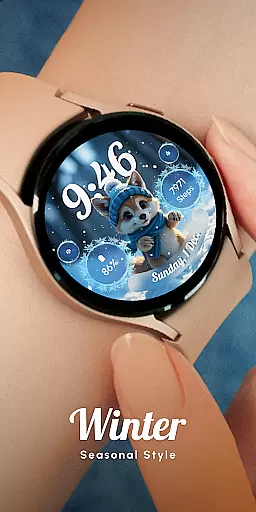
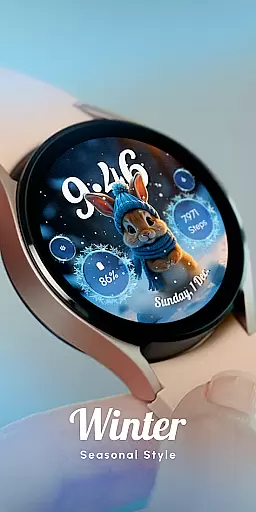
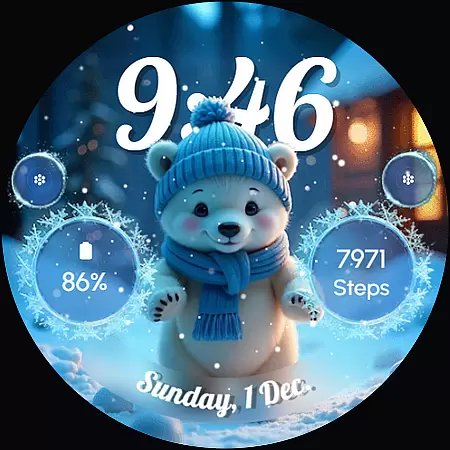
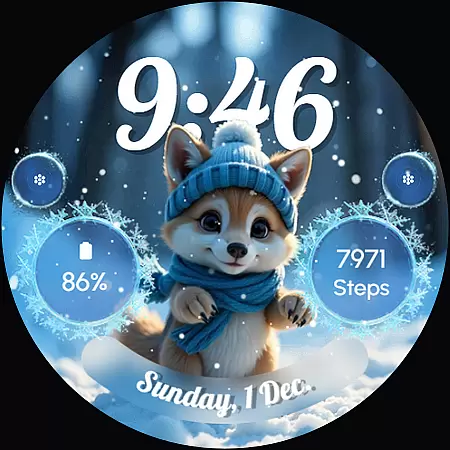
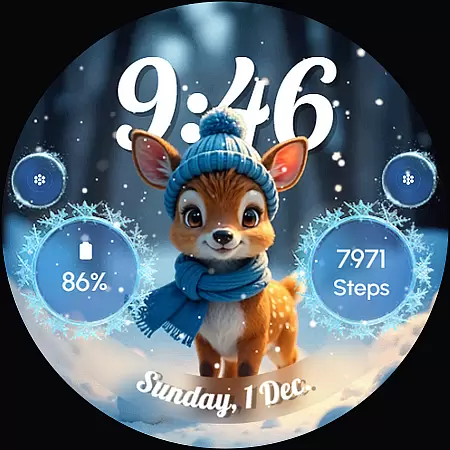
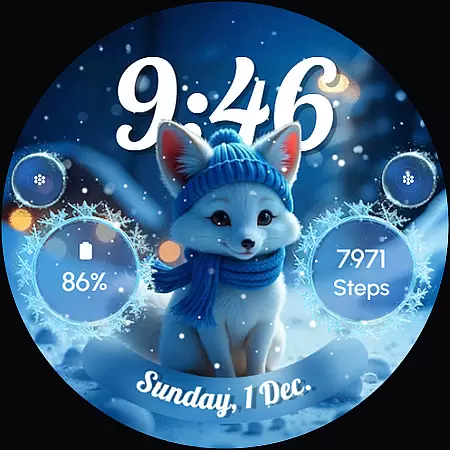
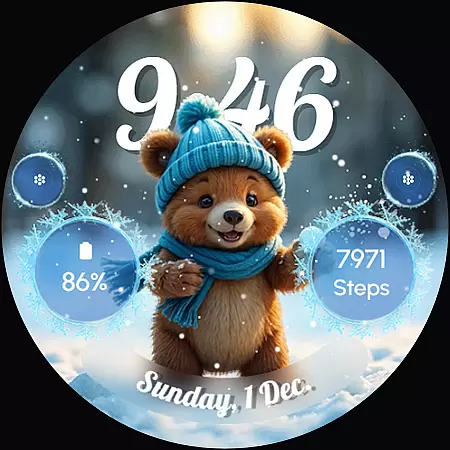
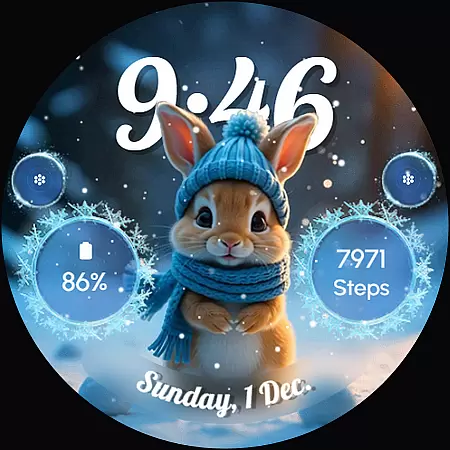
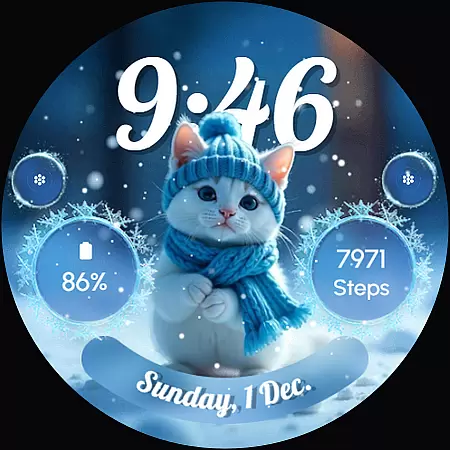
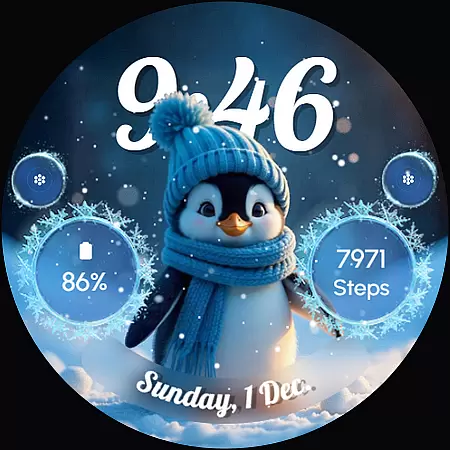
ReS58 - Winter Cute Animals is a charming watch face that brings the magic of winter to your wrist. Featuring adorable animals such as a polar bear, puppy, baby reindeer, fox, kitten, and penguin, this watch face creates a cozy winter scene perfect for the holiday season. The design combines functionality with festive cheer, making it an ideal choice for those who want both utility and personality in their wearable tech.
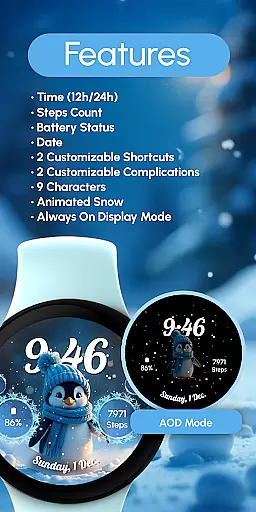
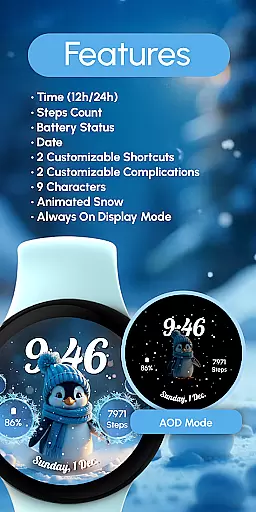
This watch face offers essential features like digital time display, date, battery status, and step count. It also includes customizable complications and shortcuts, allowing users to tailor the interface to their needs. With animated snow effects and an always-on display option, ReS58 ensures both practicality and visual appeal. Compatible with API level 33+ devices, including Google Pixel and Galaxy Watch models, this watch face delivers a delightful user experience.
ReS58 - Winter Cute Animals stands out with its unique combination of aesthetics and functionality. The watch face showcases a frozen winter scene animated with falling snow, creating a visually captivating experience. Users can enjoy a variety of features, including a 12/24-hour digital time display, date, battery indicator, and step counter. These elements are seamlessly integrated into the design, ensuring that the watch face is not only beautiful but also highly practical.
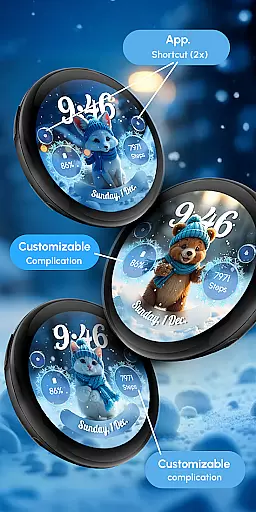
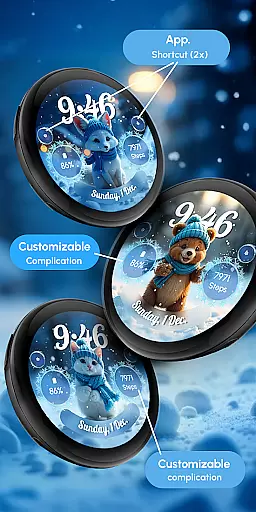
Customization is at the heart of this watch face. With two customizable complications and shortcuts, users can personalize their watch face to display the information most relevant to them. Whether it's weather updates, fitness stats, or notifications, the possibilities are endless. Additionally, the always-on display feature allows for quick glances without sacrificing battery life when managed properly. This thoughtful design makes ReS58 - Winter Cute Animals a versatile and user-friendly choice for any smartwatch wearer.
Customization is at the heart of ReS58 - Winter Cute Animals, offering users a delightful way to personalize their smartwatch faces. This feature allows you to tailor your watch face with adorable winter-themed animals and various display elements, ensuring that your wearable tech truly reflects your personal style.
The app provides an intuitive customization process. By simply touching and holding the display, users can access the 'Customize' option. From there, they can modify two complications and two shortcuts, allowing for a personalized experience that suits individual preferences and needs.
With nine unique characters to choose from, including a polar bear, puppy, baby reindeer, fox, kitten, and penguin, users can enjoy a charming winter scene on their wrists. These characters, combined with animated snow effects, bring warmth and personality to your device, making it not just a gadget but a fashion statement.
Ultimately, the customization options in ReS58 - Winter Cute Animals enhance user engagement by providing both aesthetic pleasure and functional utility. Whether it's adjusting the always-on display settings or choosing which cute animal appears on your watch face, this app ensures that every user can create a look that's uniquely theirs.
Theme compatibility is a crucial aspect of ReS58 - Winter Cute Animals, ensuring that its delightful winter scenes and adorable animal characters are accessible across a wide range of devices. This compatibility extends to API level 33+ Google Pixel, Galaxy Watch 4, 5, 6, 7, and other Wear OS models, making it versatile for many users.
The app supports various features like 12/24hr digital time, date, battery status, and step count, all seamlessly integrated into the winter theme. This ensures that while enjoying the visual charm of cute animals and animated snow, users do not miss out on essential functionalities that keep them informed throughout the day.
Moreover, the theme's design considers performance optimization. For better battery life, users are advised to disable the 'Always On Display' mode. This thoughtful approach underlines the balance between maintaining an engaging appearance and ensuring practical usability without compromising device performance.
In summary, ReS58 - Winter Cute Animals excels in theme compatibility, delivering a cohesive and enjoyable experience across different devices. Its ability to blend fun, customization, and functionality makes it a standout choice for those looking to add a touch of winter magic to their smartwatches.
Cute winter theme
Customizable features
Animated snow effect
Always ON Display
Compatible with Wear OS
Battery drain on AOD
Limited to Wear OS
Fewer customization slots
No analog clock option
Seasonal design only

Vertically oriented rectangular icons
 4.70
4.70
Beautiful realistic hybrid watch face with numerous customization options.
4.50
Over 28,000 high quality icons to bring color & homogeneity to your phone.
4.60
Dark icon pack based on One 8
4.80 4.10
4.10
One 8 icons glass color version
4.80
400+ Beautifully crafted widgets inspired by NOTHING.
4.70
Transform your device in a game console
4.40
Fast SMS & group chat - use GIFs and emojis from your home screen launcher.
4.50
Sparkle your screen with Glitter Wallpapers For Girls and Cute Backgrounds!
4.80
A Colorful and Minimal icon pack in an Outline Style - Over 13,600 icons!
4.70
350+ widgets with a premium glass-style finish, perfect for home & lock screens.
4.70
Icons made of colorful linear lines
4.60
Transform your phone with Launcher iOS 26 - Smooth & elegant iOS experience
4.50
Color phone with cool effects for call screen, flash alert & ringtones music
4.50
Art & Emoji Keyboard with Cool Fonts, Cute Themes and Custom Designs.
4.40
Unique Fonts, typefaces and stylish text. Fonts for Instagram, Whatsapp & others
4.20
Interactive Miniature Painting Catalogue
3.30
Custom edge gestures for volume control, brightness, apps, and shortcuts.
4.1


User Reviews