
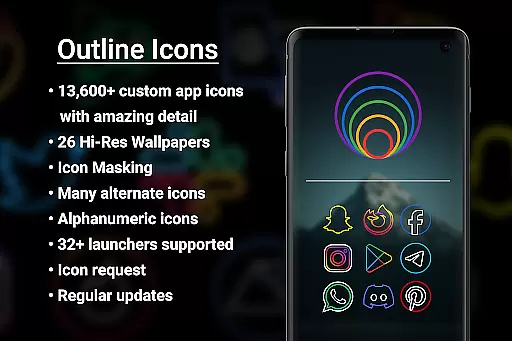

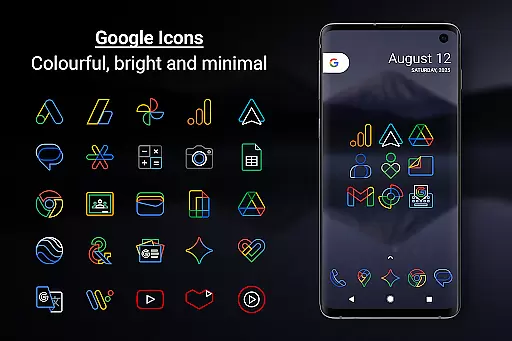
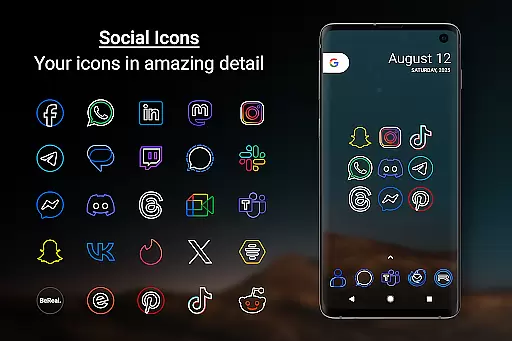
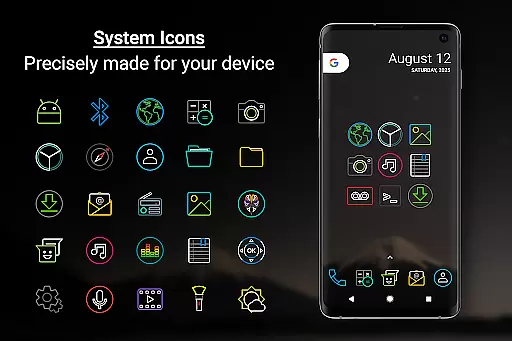
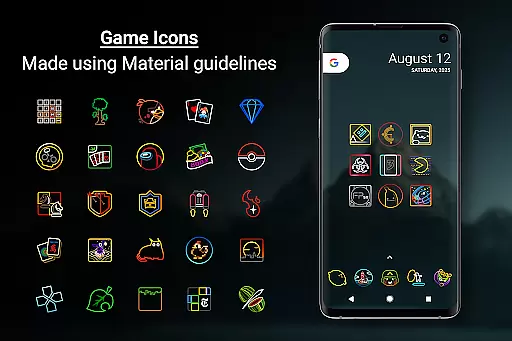
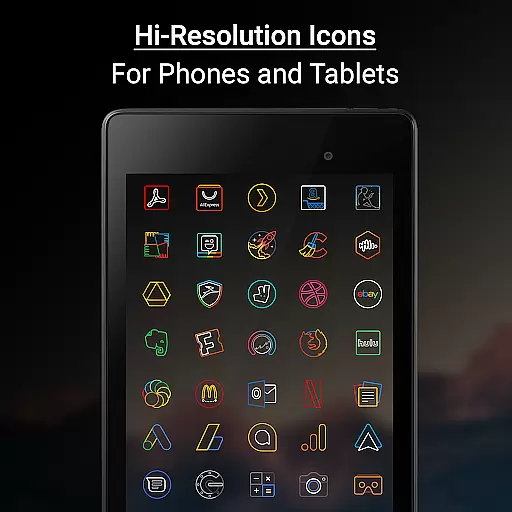

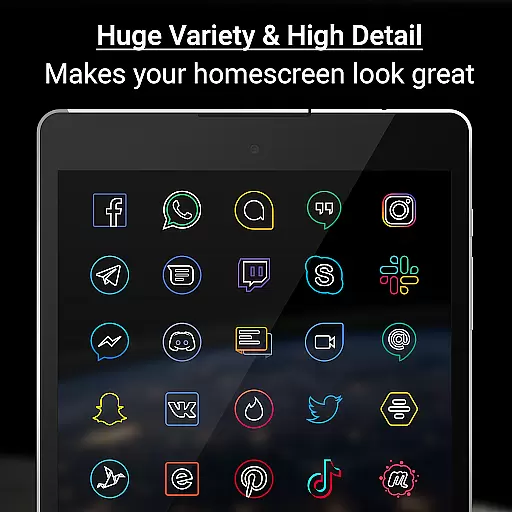
Outline Icons is a premium icon pack that transforms your home screen with an innovative outline design. Featuring over 13,600 handcrafted HD icons in bright colors and precise material design standards, these icons look stunning on any device.
The pack includes dynamic calendar support, icon masking for unthemed apps, and 26 high-resolution wallpapers that complement the minimal style. With compatibility across 32+ launchers and regular updates, it offers extensive customization options for personalizing your Android experience.
This icon pack stands out with its unique outline style design at xxxhdpi resolution (192x192 pixels). Each icon is meticulously crafted by hand, ensuring sharp details on all screen types. The pack includes essential features like icon masking, category folders in various colors, and alphanumeric icons in 10 color options.
Users benefit from practical functionality including dynamic calendar support for multiple calendar apps, alternate color system icons, and a robust icon request system. The inclusion of high-quality wallpapers and compatibility with Samsung Theme Park makes it versatile for both phones and tablets.
Outline Icons offers an extensive range of customization options that cater to personal preferences and device aesthetics. With over 13,600 hand-crafted HD icons, users can transform their home screens into a visually cohesive space. The icon pack supports more than 32 launchers, ensuring compatibility across various devices and operating systems.
The inclusion of features such as Icon Masking for unthemed icons and Dynamic Calendar support provides additional layers of personalization. Users can enjoy not only static but also dynamic changes to their interface, keeping it fresh and functional. Category folders in different colors and alphabet icons in ten color choices further enhance the ability to organize apps according to individual workflows or aesthetic sensibilities.
Moreover, Outline Icons does not stop at just icons; it also includes 26 high-resolution wallpapers that complement the minimalistic design language of the icons. This holistic approach ensures that both icons and background work in harmony, providing a seamless visual experience on any screen size, from phones to tablets.
Theme compatibility is a crucial aspect of Outline Icons, ensuring that the icon pack works seamlessly with a wide array of launchers. Whether you're using popular options like Nova Launcher or niche ones like ZenUI Launcher, this icon pack has got you covered. Its broad compatibility list spans across mainstream launchers including Lawnchair, Action Launcher, Apex, and even Samsung's One UI when paired with the Samsung Theme Park app.
For users who prefer less common launchers, Outline Icons still maintains functionality through manual application within launcher settings. This flexibility allows individuals to retain their preferred device interface while enjoying the distinctive outline style and bright colors of these meticulously designed icons.
Furthermore, specific instructions are provided for certain launcher users, such as those using Nova Launcher, where settings need to be adjusted for optimal display. By offering clear guidance and maintaining an updated list of supported launchers, Outline Icons ensures that all users can achieve a consistent look and feel across their devices regardless of the launcher they choose.
Extensive icon coverage
Vibrant color palette
Precise design quality
Regular content updates
No advertisements
Paid premium requests
Limited free wallpapers
Requires compatible launcher
No iOS support
Some features need manual setup

A retro cartoon style watch face and a punch right in the face of the copyright
 4.60
4.60
AI-powered Copilot. Personalized keyboard with gifs, stickers & themes
4.40
App Icon Changer & Shortcut Creator. Customize your icons without any watermarks
4.30
Zip lock screen with magic wallpaper to decorate your phone with fun zipper lock
4.60
Customize glowing edges, wallpapers, and caller screen with EdgeAura.
3.50 4.50
4.50
HappyLighting is a Bluetooth lamp control software.
3.40
Choose your keyboard with RGB colors effect, themes, fonts, emojis.
4.60
Cool custom fonts & keyboard themes! Symbols & font changer for Instagram
4.50
Customizable Glass widgets. Over 360+ stunning widgets and more!
4.70
400+ Beautifully crafted widgets inspired by NOTHING.
4.70
Make your phone look simple & luxury, like iDevice
4.60
Unique Android Launcher
4.60
Try creating your own keyboard with "Keyboard theme for android" app now!
4.50
Wear Os Watch Face - Seasonal - Animated Snow Effect - 9 Animals
4.20
Unique Fonts, typefaces and stylish text. Fonts for Instagram, Whatsapp & others
4.20
Transfer your live wallpapers from Windows to Android using Wallpaper Engine!
4.00
Design your screen with unique, vibrant clocks
3.80
Your go to Weather App & Home Screen. Get your weather at a swipe of a finger!
3.80


User Reviews