
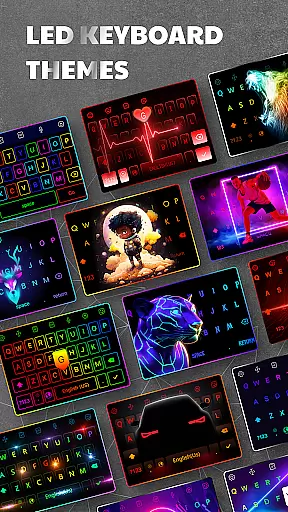
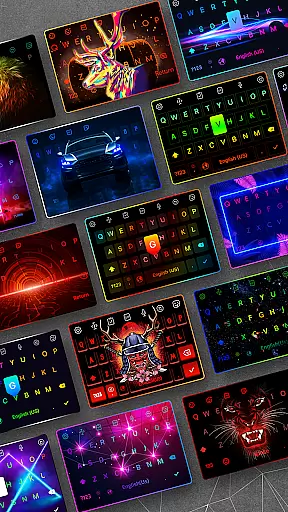
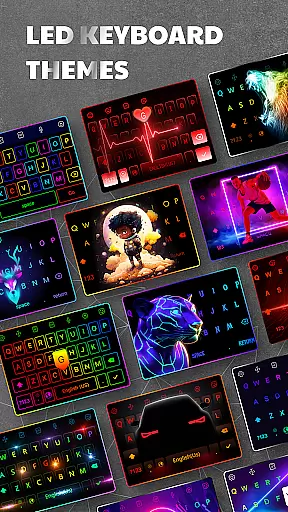
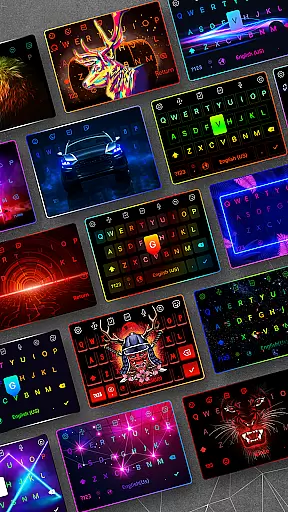
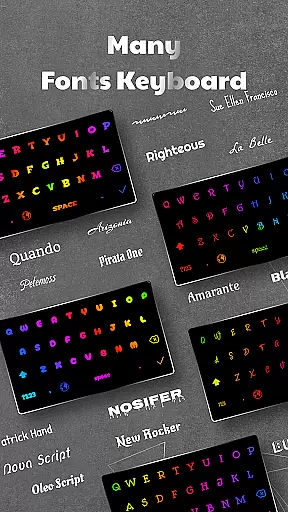
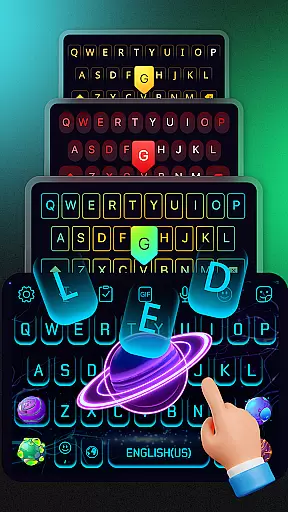
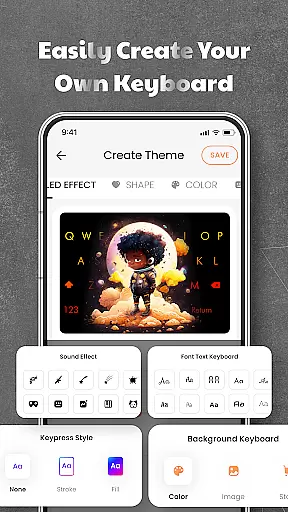

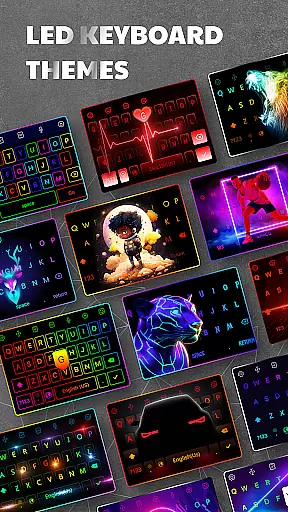
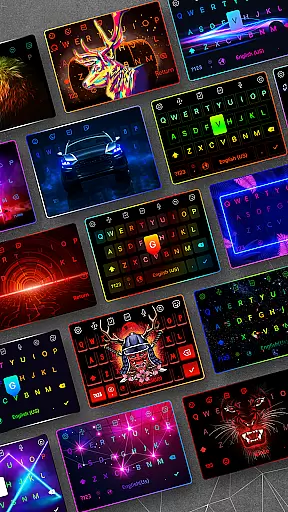
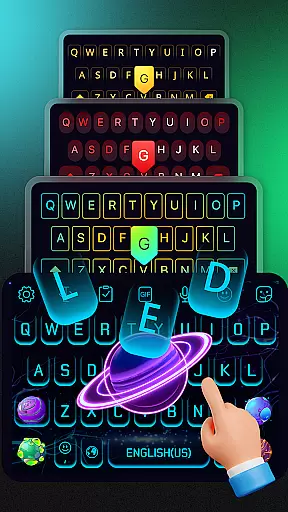
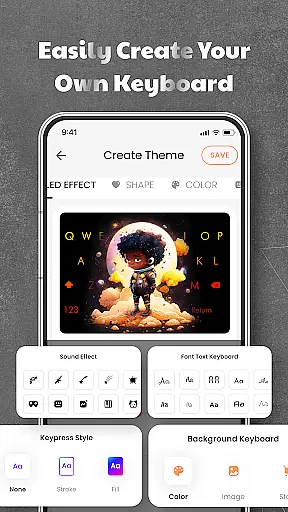
LED Keyboard is a feature-rich personalization app that transforms your Android typing experience with customizable RGB lighting effects and advanced keyboard functionalities. The app offers over 500 themes, including options to create personalized backgrounds using photos, along with vibrant RGB, neon, and gradient lighting animations.
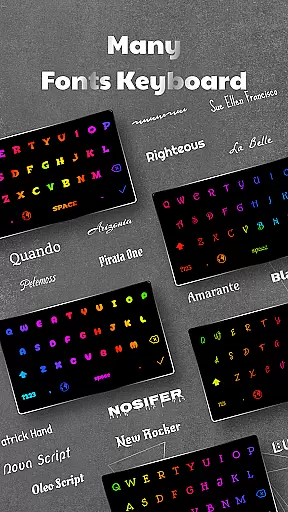
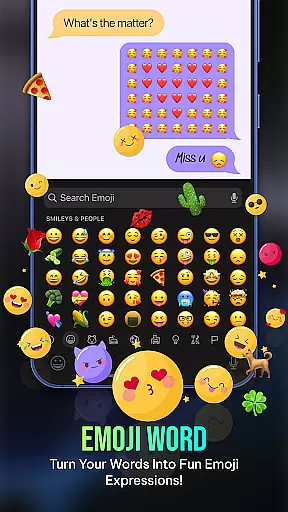
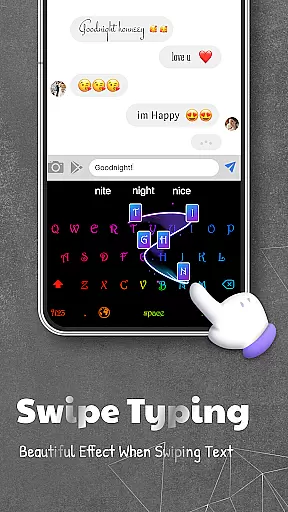
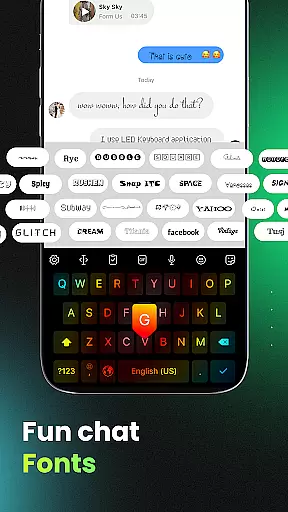
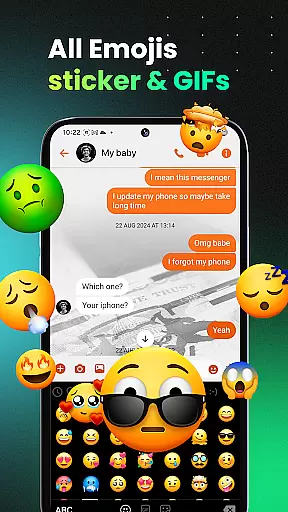
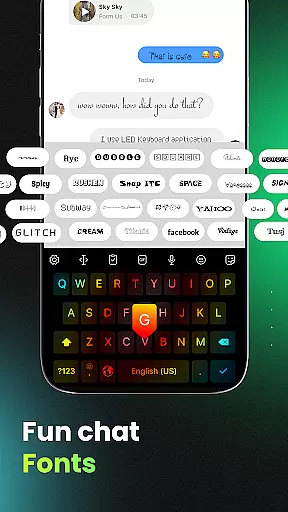
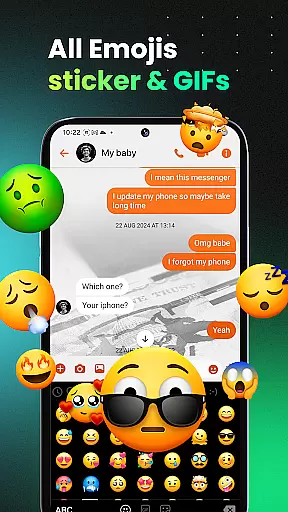
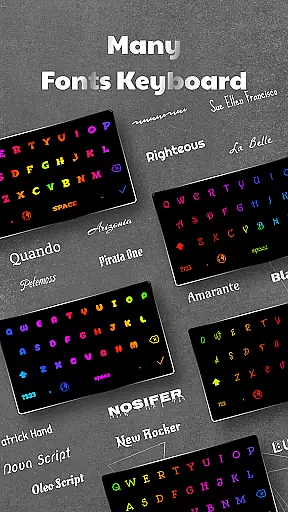
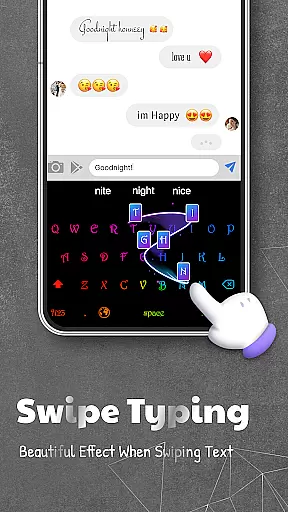
Beyond its stunning visual effects, LED Keyboard supports practical features like multiple keyboard layouts (QWERTY, AZERTY, QWERTZ), swipe typing, voice typing, and auto-correction. It also includes an extensive library of 3000+ emojis, various fonts, stickers, and GIFs, making it ideal for users who value both aesthetics and functionality in their typing experience.
This app is perfect for social media enthusiasts, content creators, and anyone looking to enhance their device's keyboard interface while enjoying smart typing tools such as word suggestions, clipboard management, and multi-language support.
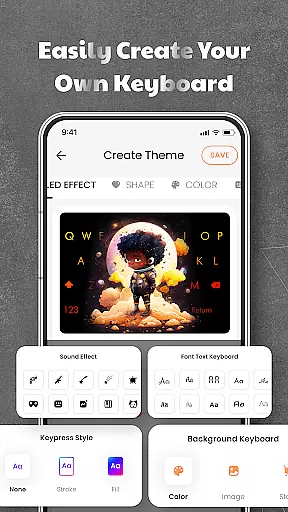
LED Keyboard stands out with its diverse customization capabilities. Users can choose from hundreds of pre-designed themes or upload their own images to personalize the keyboard background. The app provides dynamic RGB lighting effects, including neon and gradient animations, paired with unique typing sound options like mechanical keyboard clicks, piano notes, and water droplets.
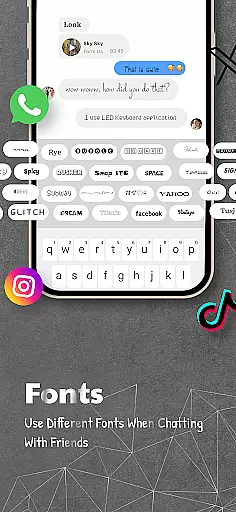
In addition to its visual appeal, the app incorporates intelligent typing features such as swipe typing, voice input, and auto-correction. It supports multiple languages and allows seamless switching between them during typing sessions. Advanced functionalities include adjustable keyboard size and position, emoji shortcuts, font styling for captions, and quick sharing options on platforms like WhatsApp, TikTok, and Messenger.
The app ensures privacy by not collecting sensitive information such as passwords or personal data, giving users peace of mind while enjoying a highly customizable typing experience.
LED Keyboard offers an extensive range of customization options that allow users to tailor their typing experience according to personal preferences. With over 500 themes available, the app provides a diverse selection of keyboard backgrounds, including photos and pre-designed themes. Users can choose from various lighting effects such as RGB, neon, gradient, and live typing animations, ensuring a visually dynamic interface.
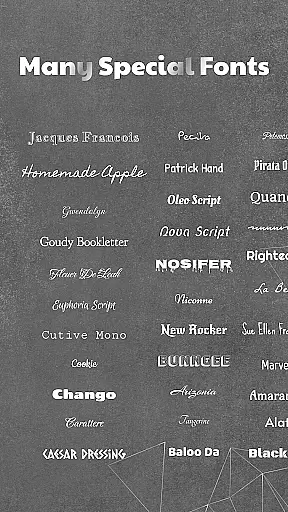
In addition to visual customizations, the app supports multiple typing sound options like mechanical keyboard, piano, and water sounds. This auditory personalization enhances user engagement by providing a multisensory typing experience. The inclusion of 3000+ emojis, symbols, and numerous fonts further expands the customization possibilities, allowing for unique expression in digital communication.
The practical value of these customization features lies in their ability to improve user comfort and satisfaction. By offering adjustable keyboard layouts including QWERTY, AZERTY, and QWERTZ, along with multi-language support, LED Keyboard caters to a global audience with varying typing preferences. These comprehensive customization options not only enhance aesthetic appeal but also contribute to a more efficient and enjoyable typing experience.
Theme compatibility is a crucial aspect of LED Keyboard's design philosophy, ensuring seamless integration across different devices and operating systems. The app's themes are meticulously crafted to maintain visual consistency regardless of screen size or resolution. This universal compatibility guarantees that users will enjoy the same high-quality visual experience whether they're using a smartphone or tablet.
The application's technical architecture supports real-time theme synchronization across devices, allowing users to maintain their preferred visual settings without manual adjustments. This feature is particularly valuable for individuals who use multiple Android devices throughout their day. Furthermore, the app's developers regularly update the theme library to ensure compatibility with the latest Android versions and device models.
From a user perspective, this robust theme compatibility translates into convenience and reliability. Users can switch between devices without losing their customized keyboard appearance, maintaining brand consistency in their digital communications. The app's commitment to compatibility extends to its support for various image formats, enabling users to create custom backgrounds from personal photos while maintaining optimal display quality.
Highly customizable themes
Vibrant RGB effects
Multi-language support
Smart typing features
Privacy-focused design
May drain battery
Occasional lags
Limited iOS features
Ads in free version
Large app size

Classic analogue watch face. For wear os devices.
 4.60
4.60
Themes - Widget & Wallpaper: Customize home screen, icon changer w unique themes
4.30
Dark icon pack based on One 8
4.80
Wallpaper HD 4K Live - Thousands of high-quality Anime backgrounds for you.
4.80
Zip lock screen with magic wallpaper to decorate your phone with fun zipper lock
4.60
⭐ OneUI inspired Fluffy Icon Pack – Soft. Stylish. Standout. ⭐
4.3
Customize your home screen with stunning themes, blur, widgets & icons.
4.60
Embrace the Night. Unleash the power of darkness with Raven Dark Icon Pack
4.60
Transform your device in a game console
4.40
Sparkle your screen with Glitter Wallpapers For Girls and Cute Backgrounds!
4.80
A Colorful and Minimal icon pack in an Outline Style - Over 13,600 icons!
4.70
Make your phone look simple & luxury, like iDevice
4.60
Unique Android Launcher
4.60
Bring adorable pets to life on your screen. Playful, interactive and full of fun
4.60
200+ Material Inspired Widgets
4.50
Unleash Your Creativity and Connect with Loved Ones with Lockscreen Drawing!
4.20
Customizable flower power digital watch face for Wear OS watches.
4.00
Adorable pets roam and play right on your phone screen!
3.30
Modern Glass Icon Pack with glossy icons, clean minimal theme & aesthetic style
4.5


User Reviews