
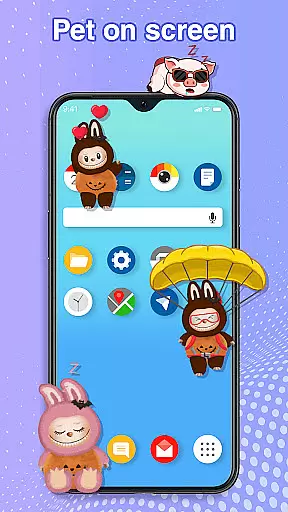
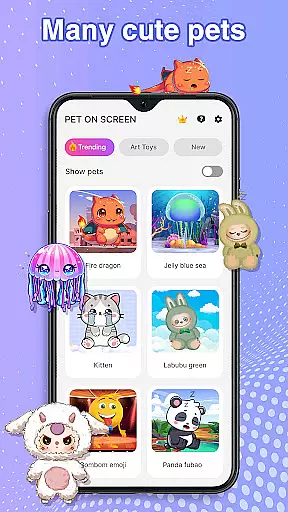
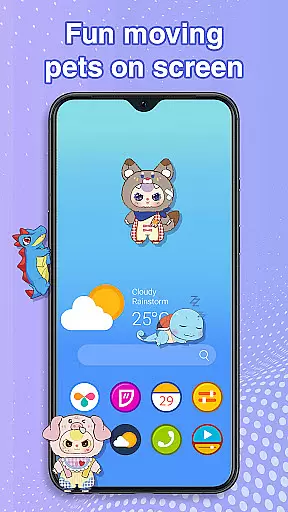
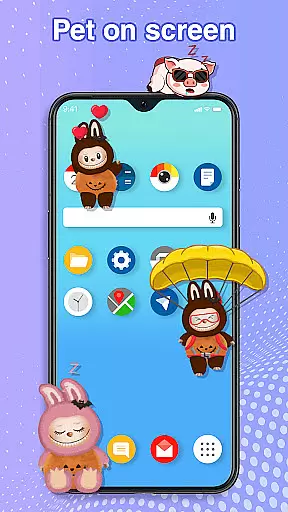
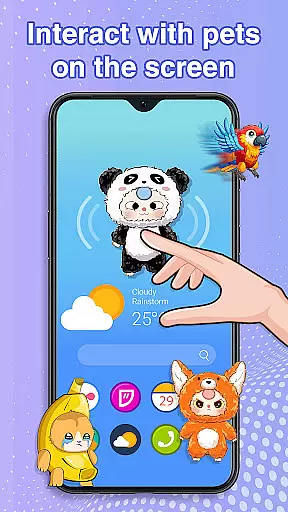
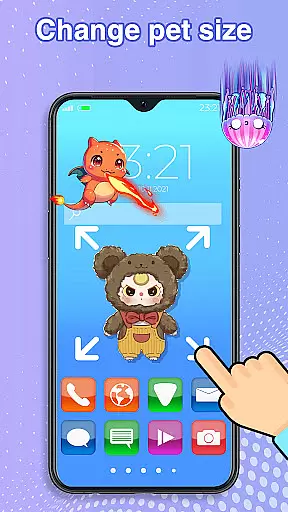
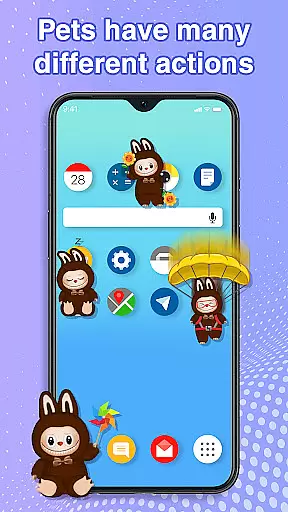
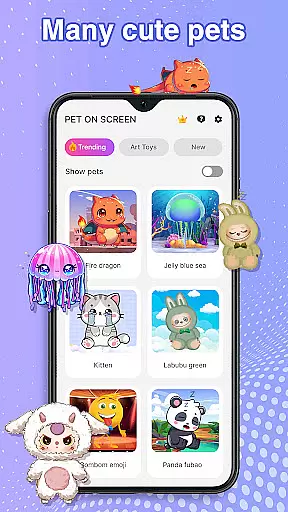
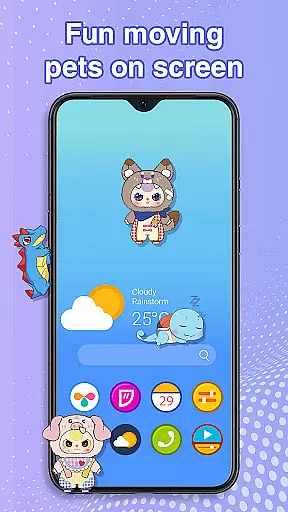
Pet On Screen - Desktop Pet is a delightful personalization app that brings charming virtual pets to your mobile device. With an extensive collection of unique and colorful creatures, this app allows users to customize their phone screens with playful companions such as Jellyfish, Fire Dragons, Labubu, Pandas, Turtles, and Parrots.
These interactive pets can be freely moved around the screen, respond to touch, and even exhibit random behaviors, creating an engaging and lively user experience. The app also offers customization options for size and movement speed, ensuring seamless integration with your daily activities while providing a fun way to personalize your device.
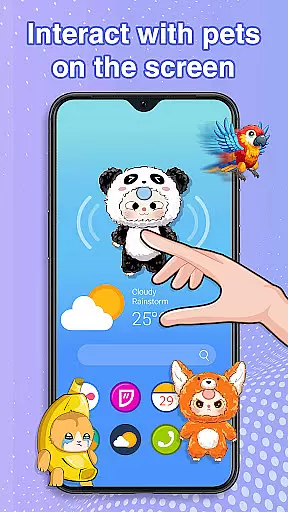
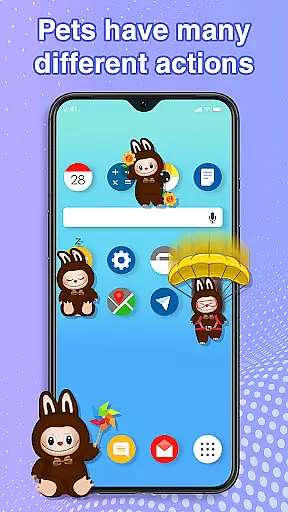
The standout feature of Pet On Screen - Desktop Pet is its diverse range of adorable and interactive pets. Each pet has unique animations and behaviors, from the soothing movements of Jellyfish to the energetic antics of Labubu. Users can tap on their pets to trigger cute reactions or drag them across the screen for personalized placement.
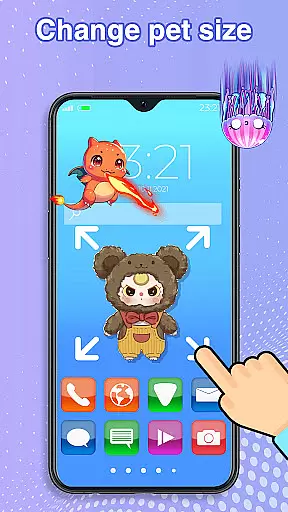
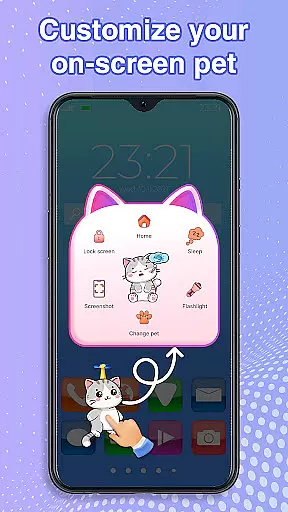
Customization is key, allowing users to adjust pet sizes and movement speeds according to their preferences. Additionally, the app ensures smooth performance without disrupting other tasks, making it perfect for both work and leisure. The ability to switch between different pets provides endless entertainment and variety, keeping the experience fresh and enjoyable.
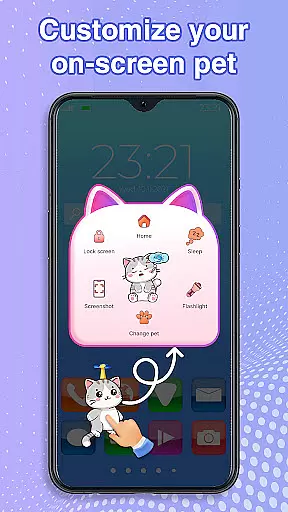
Customization is at the heart of Pet On Screen - Desktop Pet, allowing users to tailor their experience with a wide array of options. The app provides an extensive selection of pets, each with unique characteristics and animations, ensuring there's a perfect companion for every user.
Users can adjust their pets' size and movement speed, offering a personalized touch to how these digital companions interact within their mobile environment. This flexibility ensures that whether you're in the mood for a majestic Fire Dragon or a soothing Jellyfish, you can fine-tune their presence to match your personal preference.
Beyond selecting and adjusting individual pets, the app allows for easy switching between different pets anytime. This means users can regularly refresh their home screen dynamics without being tied down to a single pet, keeping the experience engaging and new.
The ability to customize extends to functional interactions as well; users can let their pets sleep during busy work hours or wake them up for playful sessions. This level of customization not only enhances user engagement but also seamlessly integrates these delightful creatures into daily life.
Pet On Screen - Desktop Pet excels in theme compatibility, ensuring that each pet feels naturally integrated into the user's mobile ecosystem. Regardless of your phone's current theme or wallpaper, these pets are designed to blend harmoniously, enhancing rather than clashing with your existing setup.
The pets come with vibrant animations and colors that adapt well across various themes, from dark mode to brightly colored backgrounds. This adaptability ensures that whether you prefer a sleek modern look or something more whimsical, your chosen pet will always appear visually appealing.
Moreover, the app supports smooth performance on the home screen and status bar without disrupting other tasks. This seamless integration is vital for maintaining usability while enjoying the aesthetic enhancements brought by your virtual pet.
By prioritizing theme compatibility, Pet On Screen - Desktop Pet guarantees that users enjoy a cohesive visual experience. This thoughtful design approach ensures that adding a digital pet to your device enriches its appearance without compromising functionality or visual consistency.
User-friendly interface
Wide variety of pets
Highly customizable
Fun and interactive
Smooth performance
Requires accessibility permission
Limited to Android devices
Potential battery drain
No multiplayer mode
Ads may appear

Classic analogue watch face. For wear os devices.
 4.60
4.60
Wear Os Watch Face - Seasonal - Animated Snow Effect - 9 Animals
4.20 4.50
4.50
Icons made of colorful linear lines
4.60
Stylish Pink Cute Hippo keyboard with 10000+ customized keyboard themes!
4.60
300+ Stunning and well-designed widgets inspired by NOTHING.
4.70
Modern Glass Icon Pack with glossy icons, clean minimal theme & aesthetic style
4.1
A minimalist productivity launcher. One-hand-friendly. Zero ads.
4.70
Customize phone with anime themes, 3D icons, aesthetic widgets & wallpapers
4.80
Make your phone look simple & luxury, like iDevice
4.60
Unique Android Launcher
4.60
Ultra realistic gold analog watch face with lots of customization options.
4.50
Transform your phone with Launcher iOS 26 - Smooth & elegant iOS experience
4.50
Try creating your own keyboard with "Keyboard theme for android" app now!
4.50
Fingerprint Lock Screen & Live Animations with 4K Wallpapers as Live Wallpaper
4.40
Launcher OS™ Pro without ads help make your phone simple and pretty
4.30
Run multiple accounts of the same app on a single device
4.10
Crystal-clear, square icon provides a sleek and sophisticated visual upgrade
4.00
Customize glowing edges, wallpapers, and caller screen with EdgeAura.
3.50


User Reviews