
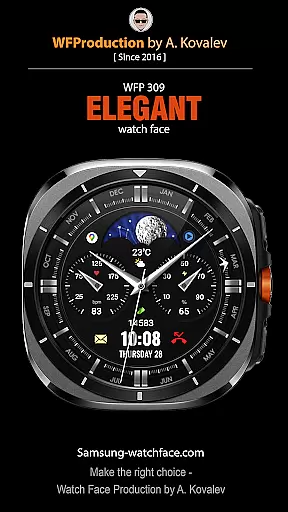

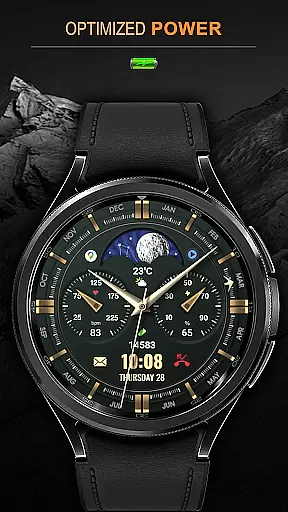
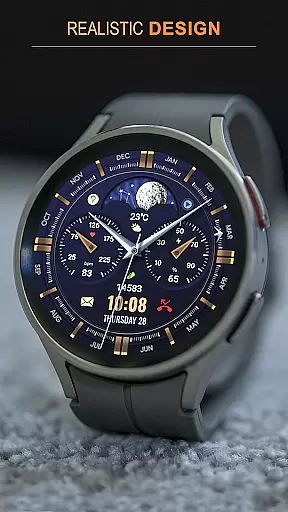
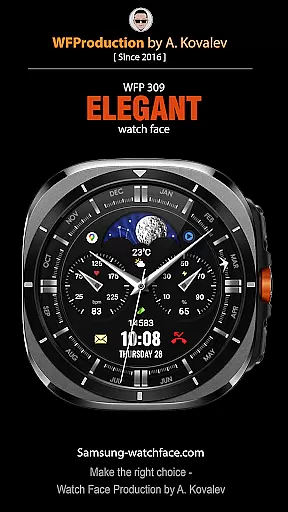

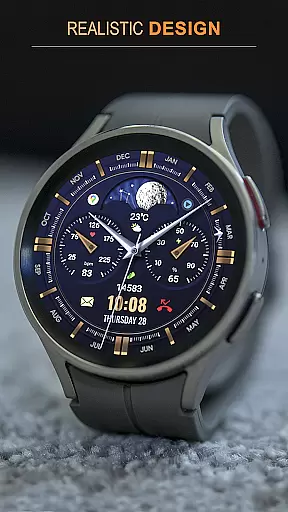
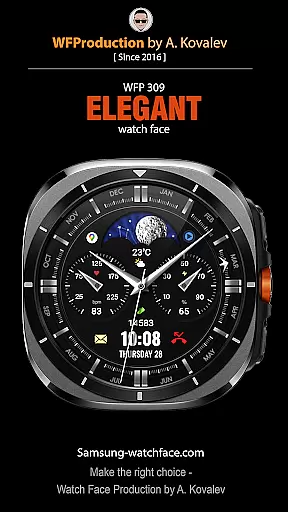
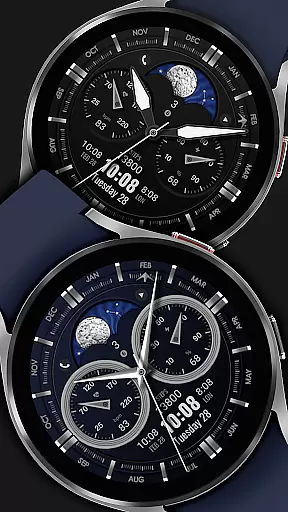
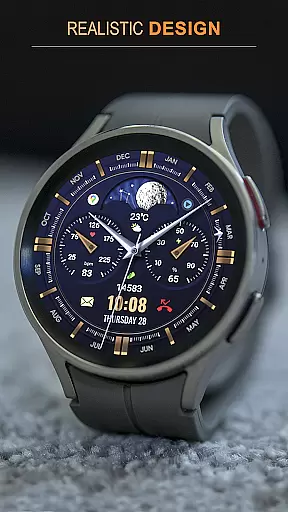
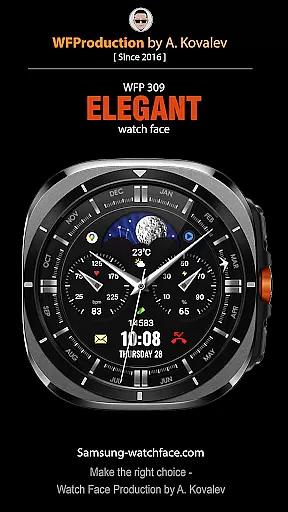
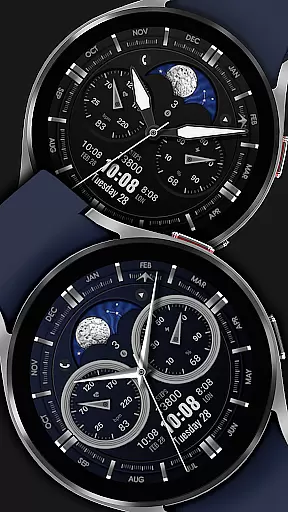
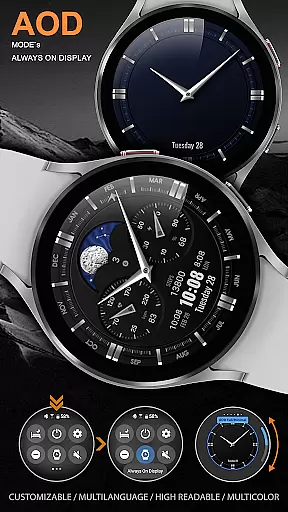
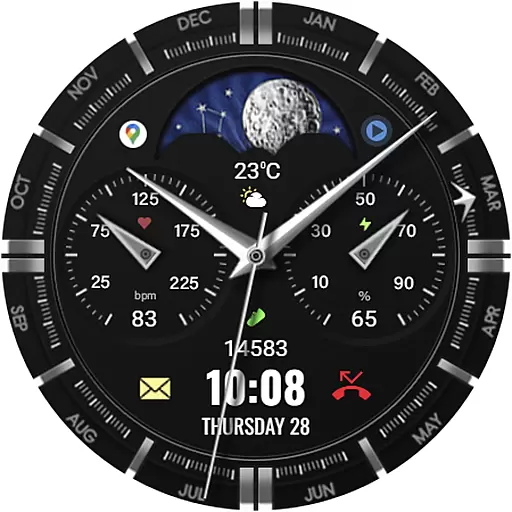
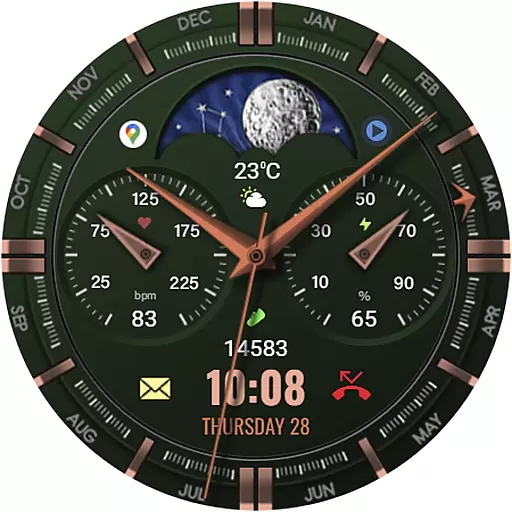
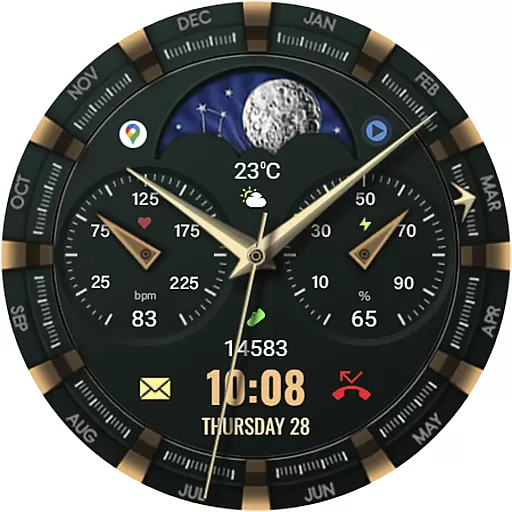
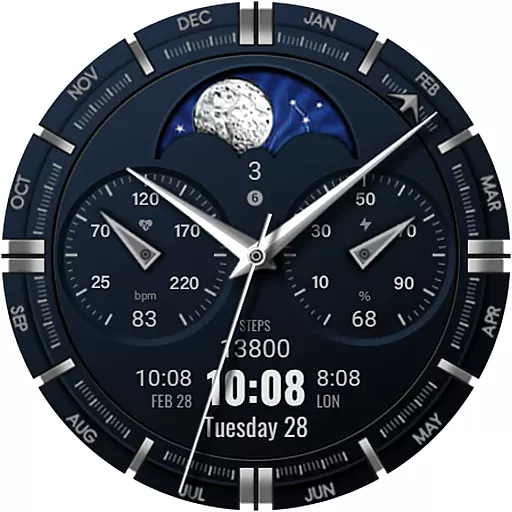
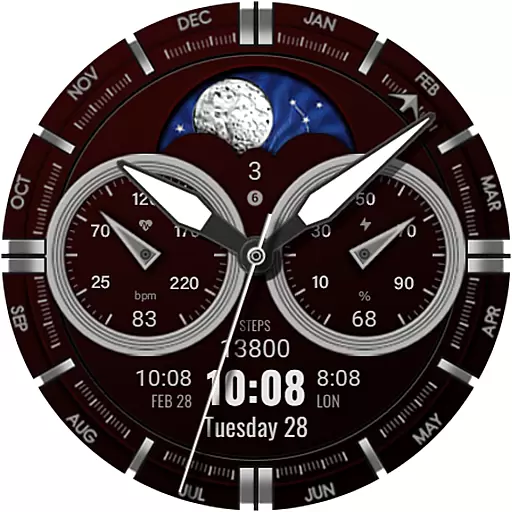
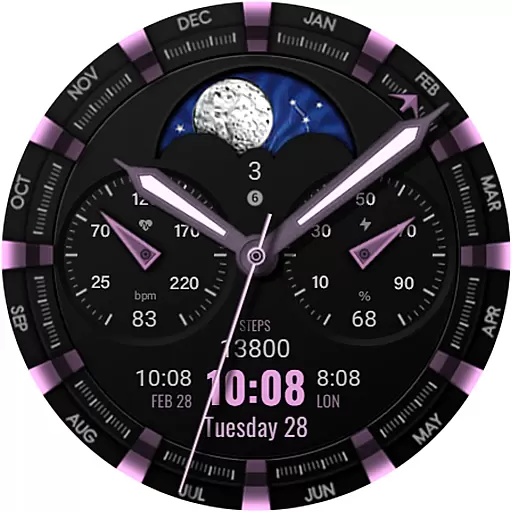
WFP 309 Elegant watch face is a sophisticated personalization tool designed for users of WearOS devices. This application offers an improved version of the classic watch face, featuring an animated tourbillon and supporting devices with WearOS 4, API Level 30+. It provides detailed installation instructions and additional settings for enhanced usability.
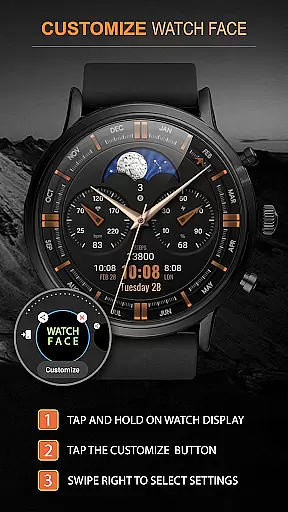
The watch face stands out with its elegant design and customizable features, including multilingual support, weather display in Fahrenheit or Celsius, and various color combinations. Whether you are looking to personalize your smartwatch's appearance or optimize its performance, WFP 309 delivers both aesthetic appeal and functional utility.
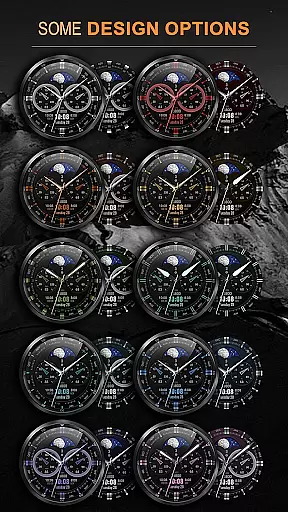
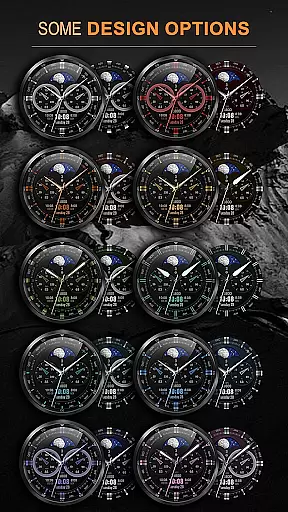
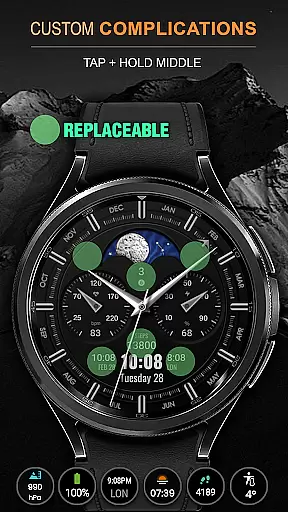
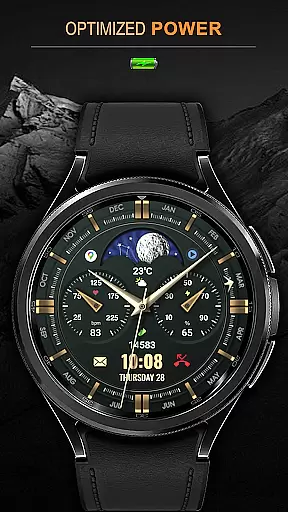
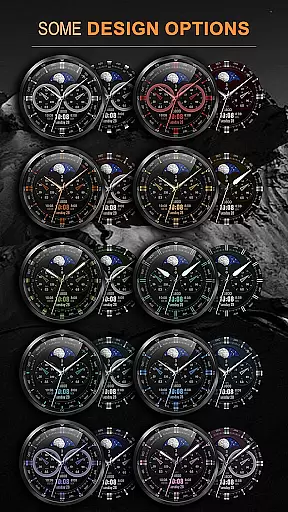
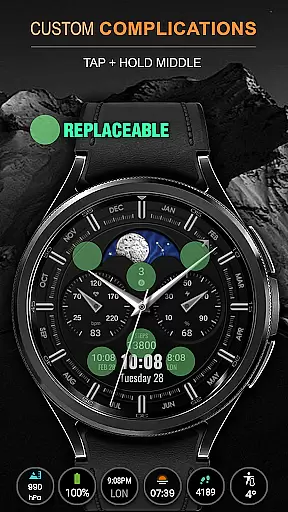
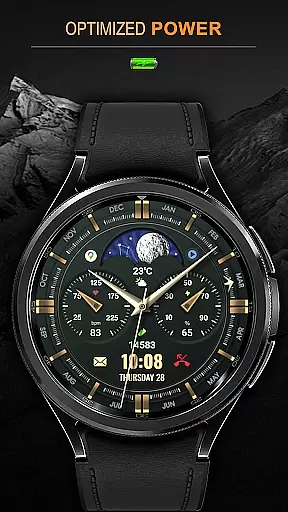
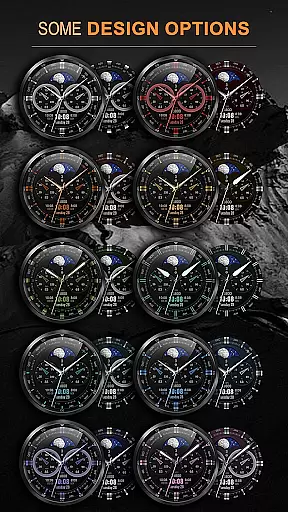
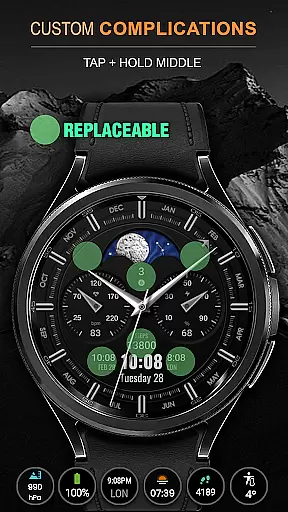
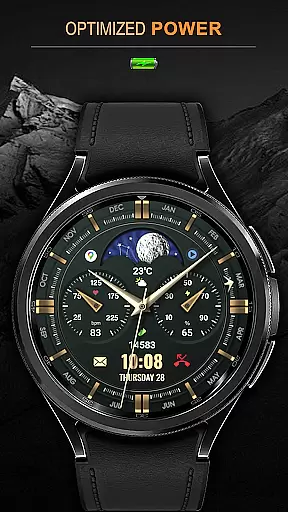
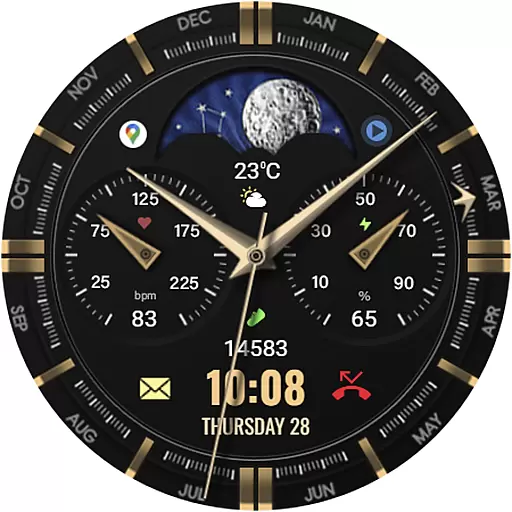
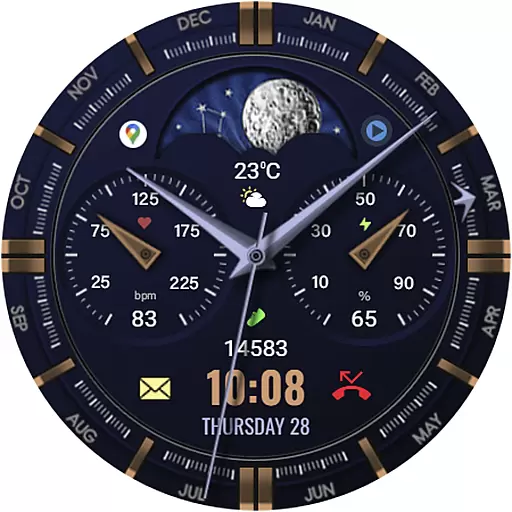
WFP 309 Elegant watch face boasts a wide array of features that cater to diverse user preferences. With 5 complications and widgets, 30 color combinations, and high-resolution graphics, this app ensures a personalized and visually pleasing experience. The high optimization and low battery consumption make it an ideal choice for users seeking efficiency without compromising on style.
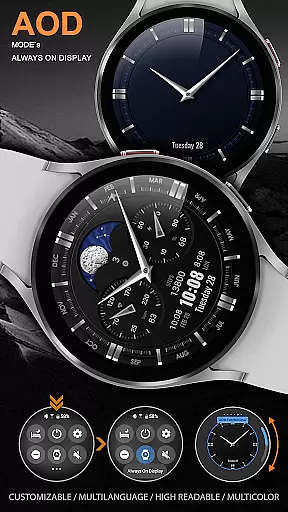
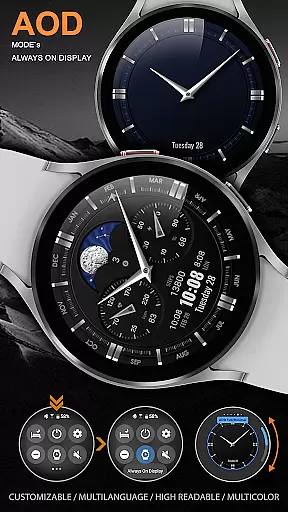
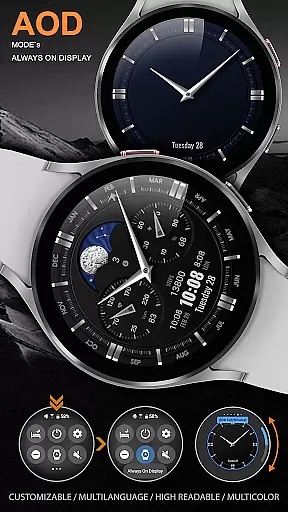
Additional functionalities include multilingual support, 12/24 hour time format options, weather display customization, and multiple choices for hands and bezel indexes. Users can also enjoy custom application shortcuts and a fully customizable Always-On Display (AOD) mode, offering both full and minimal settings to suit individual needs.
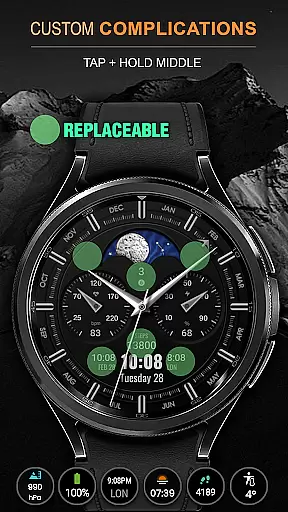
When it comes to personalizing your smartwatch, the WFP 309 Elegant watch face offers an impressive array of customization options. With support for 5 complications and widgets, users can tailor their watch face to display the information most important to them. Whether it's tracking fitness goals or staying updated with notifications, this versatility ensures that each user's experience is unique.
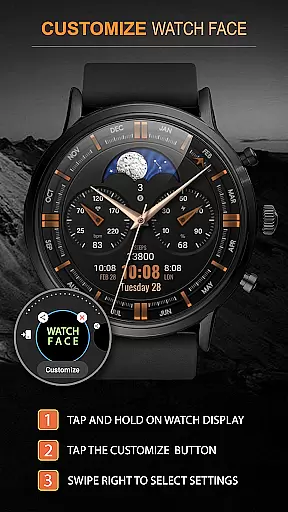
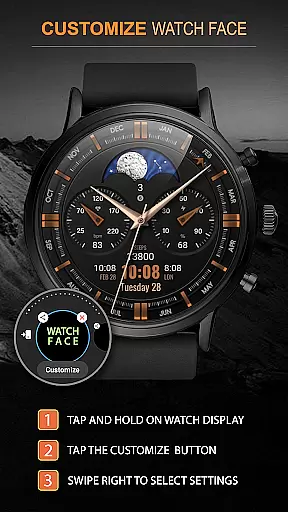
In addition to widget support, the watch face provides 30 color combinations, allowing for a personalized aesthetic that matches individual style preferences. High resolution and optimization ensure that these customizations look sharp and perform smoothly, while low battery consumption means you can enjoy a personalized experience without sacrificing device longevity.
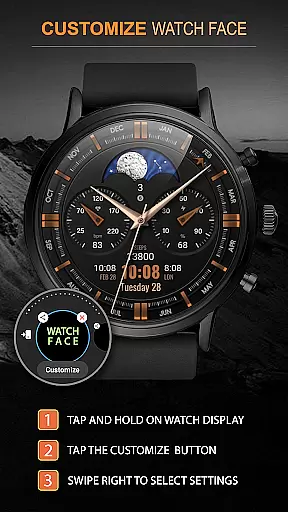
The level of detail extends to functional features such as time format selection, weather display in Fahrenheit or Celsius, and the choice between day/night indicators or moon phases. Users can also select from different hand styles and bezel indexes, further enhancing the ability to create a truly bespoke watch face that resonates with their personal taste.
Theme compatibility is crucial for ensuring a seamless visual experience across different devices and settings. The WFP 309 Elegant watch face excels in this area by offering extensive theme options that cater to various preferences and device capabilities. Its compatibility spans WearOS 4 and API Level 30+, making it accessible to a wide range of smartwatch users.
One of the standout features is the customizable Always-On Display (AOD) mode, which comes in both full and minimal versions. This flexibility allows users to maintain functionality and aesthetics even when the watch is in low-power mode. Additionally, multilingual support ensures that users from different regions can enjoy the watch face in their preferred language, enhancing accessibility and user engagement.
For those interested in further personalization, custom application shortcuts provide quick access to frequently used apps, streamlining daily interactions with the smartwatch. By focusing on these comprehensive compatibility features, the WFP 309 Elegant watch face guarantees a cohesive and adaptable user experience that aligns with modern wearable technology standards.
Highly customizable
Low battery usage
Visually appealing design
Multilingual support
Optimized performance
Limited device compatibility
No free version available
Complex setup process
Premium cost
Fewer widget options

Capture moments that pass like a storm, second by second.
 4.4
4.4
A retro cartoon style watch face and a punch right in the face of the copyright
4.60
Personalize your phone with stunning HD and 4K wallpapers!
4.70
Dark icon pack based on One 8
4.80
Turn text & photos into stunning AI videos, art, and creative visual stories.
4.50
Vibrant Adaptive Icons with Material You and Enhanced Monet Colors.
4.50
Custom edge gestures for volume control, brightness, apps, and shortcuts.
4.5
200+ Material Inspired Widgets
4.50
Magic fluids wallpaper 4D: Relax with stunning fluid simulation wallpaper app
4.20
Winter's Journey: digital watch face for Galaxy Watch & Wear OS
4.80
A minimalist productivity launcher. One-hand-friendly. Zero ads.
4.70
Want to make your phone more special than ever?
4.60
Customizable screen pets that play, climb, and keep you company.
4.50
Aesthetic Widgets, HD Wallpapers, Themes in Mico Widget for Home and Lock Screen
4.50
Unique Fonts, typefaces and stylish text. Fonts for Instagram, Whatsapp & others
4.20
Create unique, fun emojis with Funny Emoji Maker! Unlimited creativity!
4.00
Turn your lock screen into fun with smile live wallpapers & animated wallpapers!
2.50
Struggling to find apps? Use this app to locate and open any app on your phone!
2.20
Modern Glass Icon Pack with glossy icons, clean minimal theme & aesthetic style
4.1


User Reviews